I don´t know whats the reason, but currently my TrueNAS instance is no longer reachable with 100% CPU load (neither by console nor by ssh) after some time. It ran fine for years now. Recently I did an upgrade of TrueNAS CORE to TrueNAS-13.0-U6.8 and moved it from ESXi 7.x to Proxmox 9.1.2.
Sorry, screenshots are not allowed for me, so I have to tell:
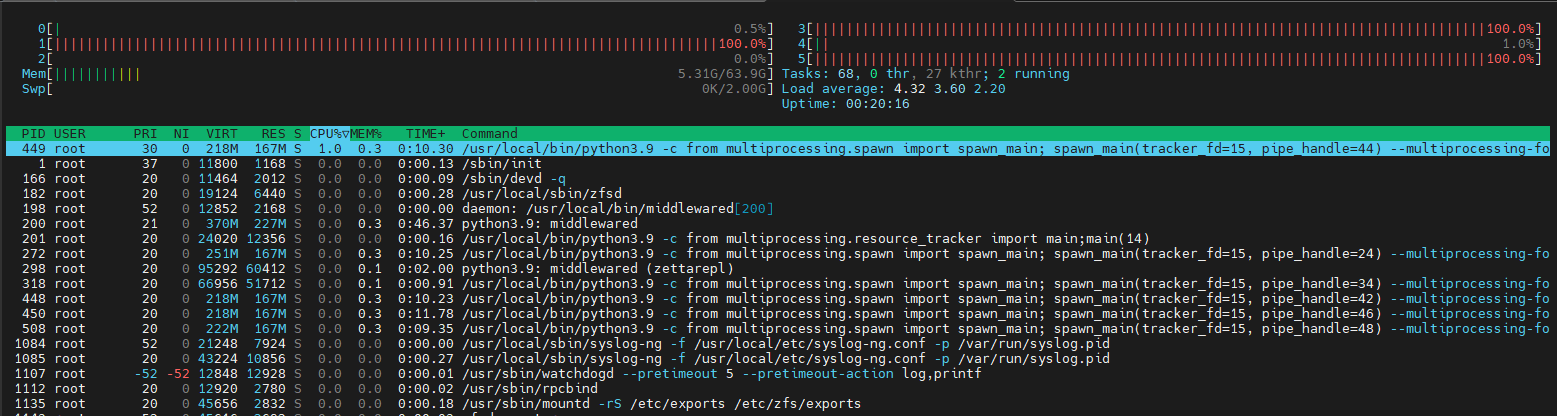
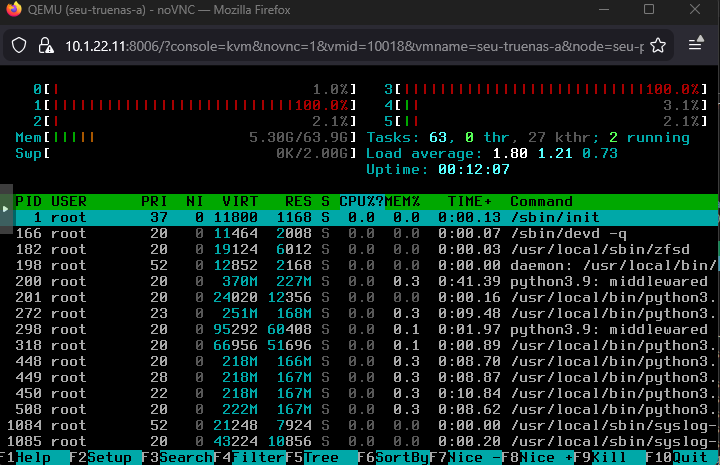
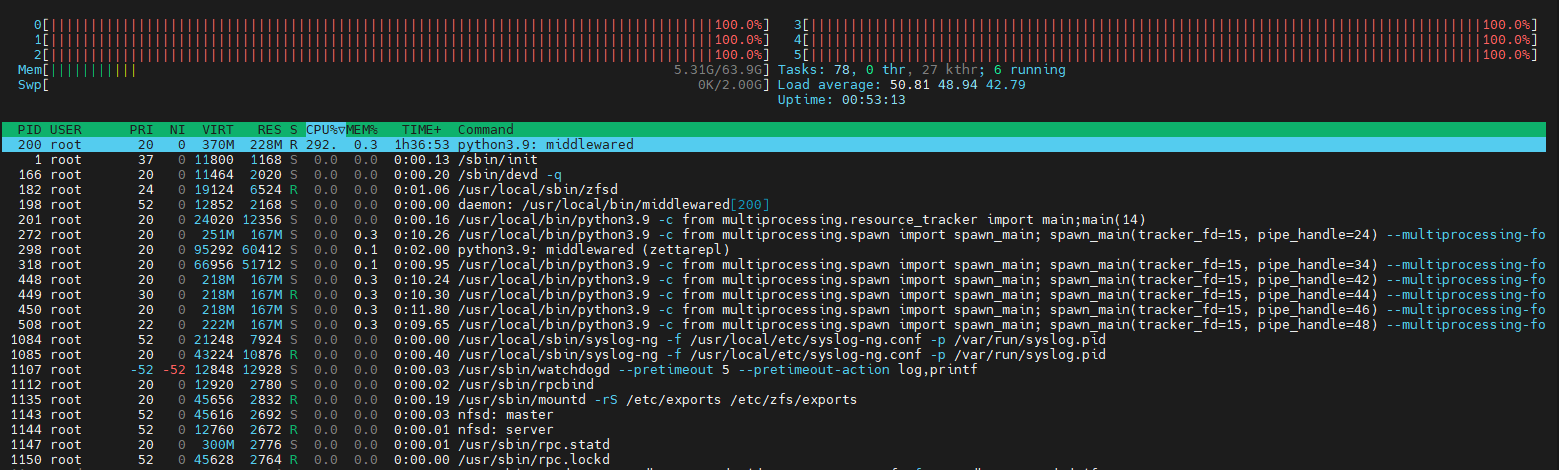
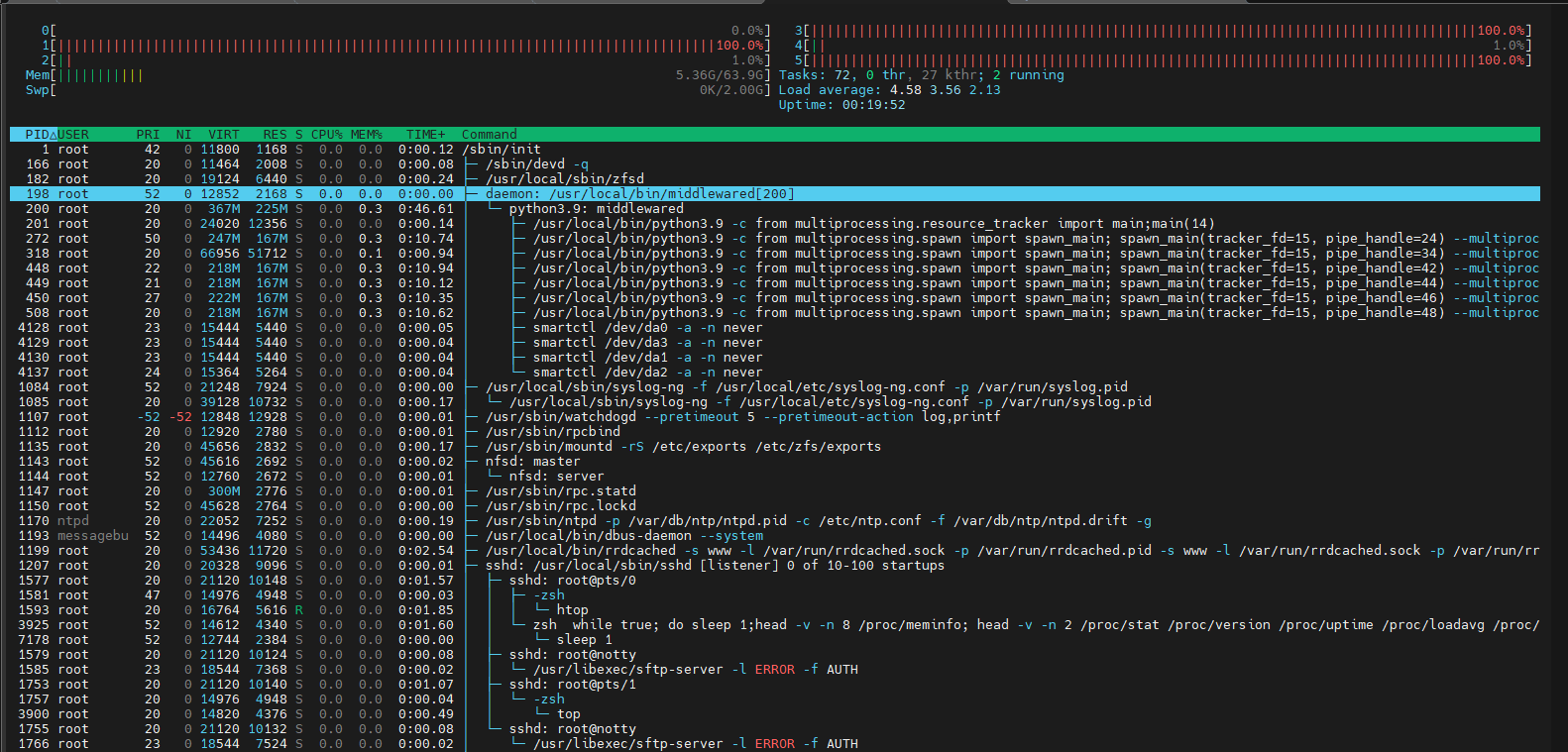
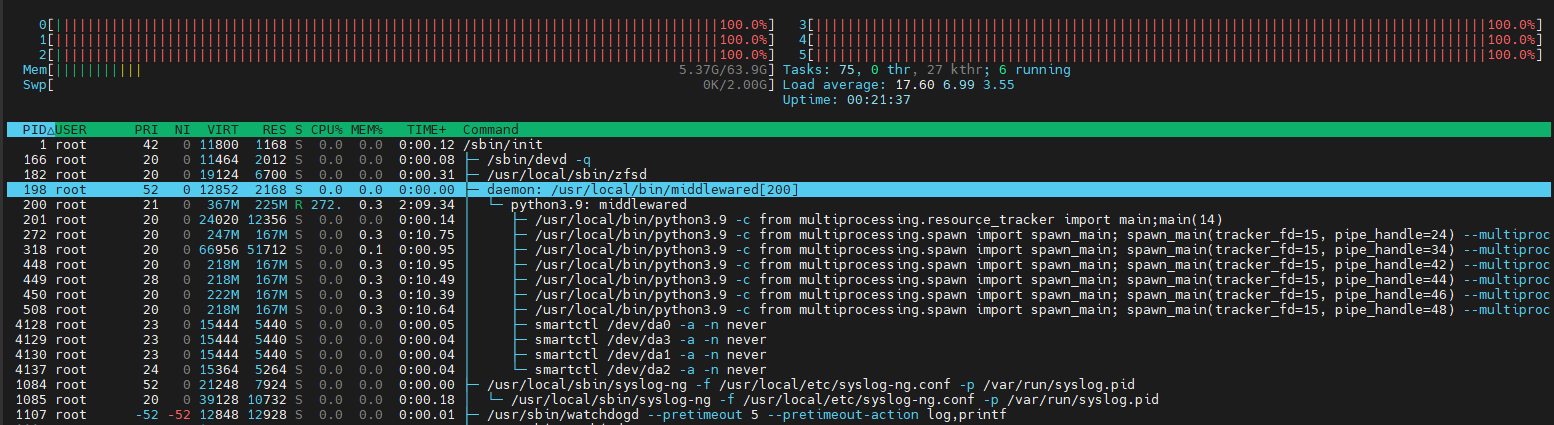
Screenshot of htop during increased load until disconnect shows that it´s “python3.9: middlewared” that causes 100% CPU load on all cores.
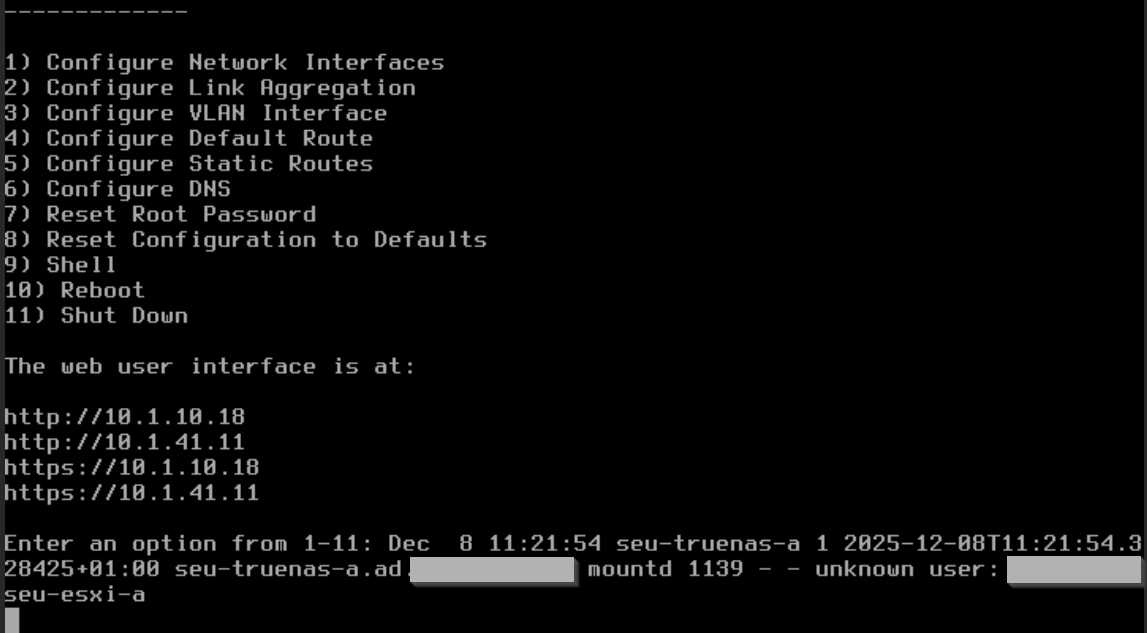
In console I can see a failed login of a no longer existing domain user, but I don´t think it has to do with the problem.
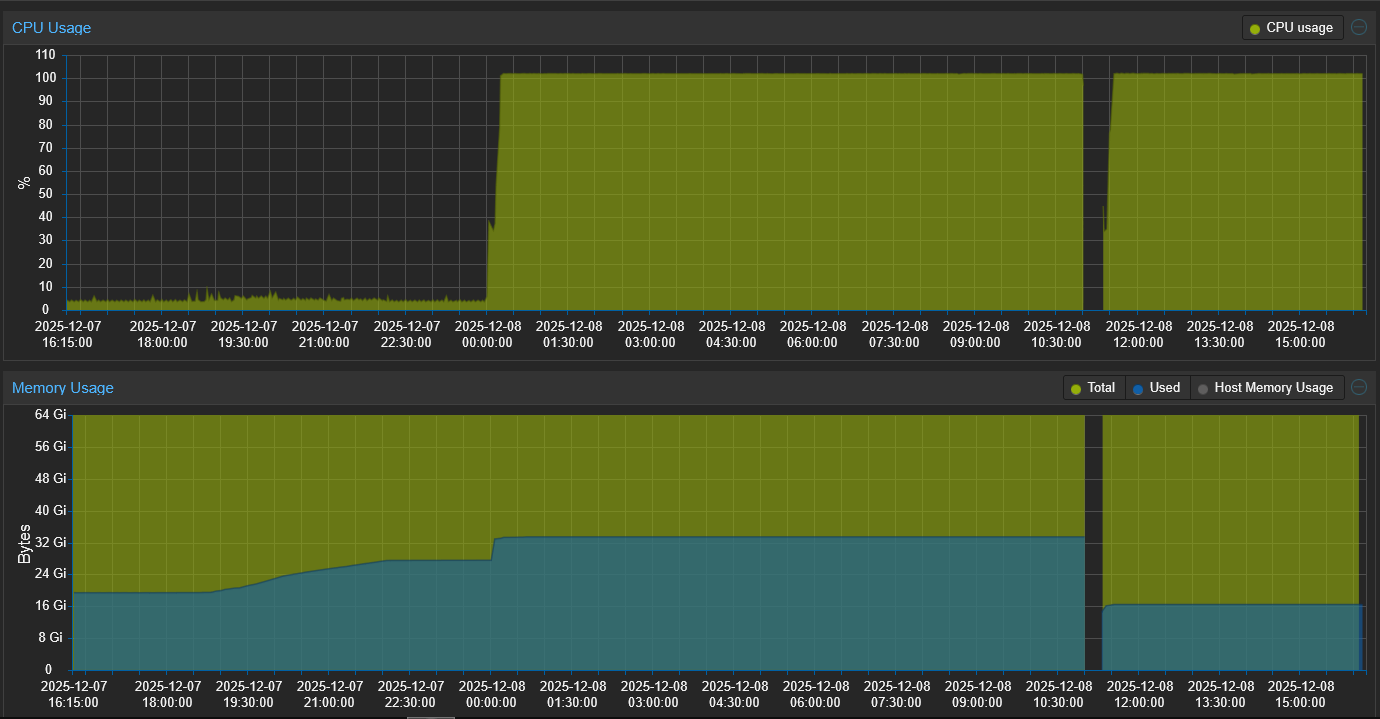
In Proxmox it has 102.25% on 4 CPUs and CPU usage stays at 100% for hours (until reboot).
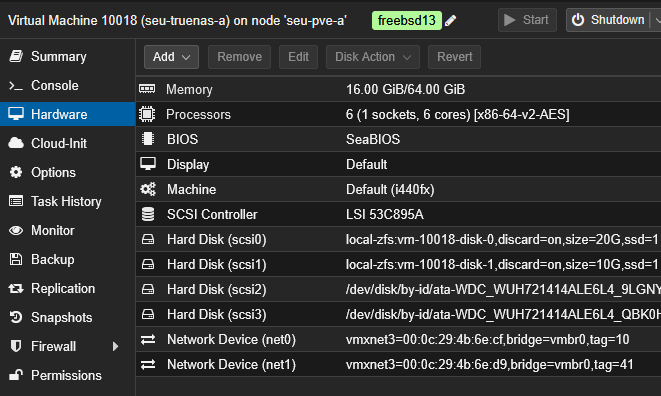
Guest agent is usually running but connection gets lost during high CPU load. I just incread from 4 to 6 cores.
Host is idling with 2x Xeon E5-2680v4 (56 threads).
Upgraded Hardware to 16 cores and changed to host CPU as I will not do live migrations. I guess it could have to do with encrypted pools and my x86 qemu CPU.
Just to add to HoneyBadger’s post, there is also a v3 option, but I am not aware of the differences off the top of my head. Iirc, it has less overhead. Also worth mentioning is that Proxmox displays “cores” as host CPU threads. So if you have a CPU installed on the host that is 4C & 8T, then you’ll need to pass 8 “cores” to the VM to give it access to all 4C on the host’s CPU.
It was default and was so during the first time I had the problem. Later I switched it to CPU type “host”.
I passed them through as I did before with ESXi RDM disks. Many years ago I passed through whole controller, but I thought this is no longer necessary. The LSI Controller in Proxmox is just virtual and states how it´s presented to the VM. Are there better possibiltites for TrueNAS?
I am aware of the potential risks of damaging the file system, but I did not know the multihost parameter, thank you very much!
I am aware of that and I think it´s at least debian default (56 threads at /proc/cpuinfo).
According to cpuinfo my CPU supports avx2 but no avx512, so I think v3 would be fine. This also matches to doc as x86-64-v3 is compatible with Haswell+ and E5-2680 is a Haswell CPU: QEMU/KVM Virtual Machines
But as I mentioned I use “host CPU type now, so this should be best, isn´t it? I won´t use live migrations as I have disks passed through.
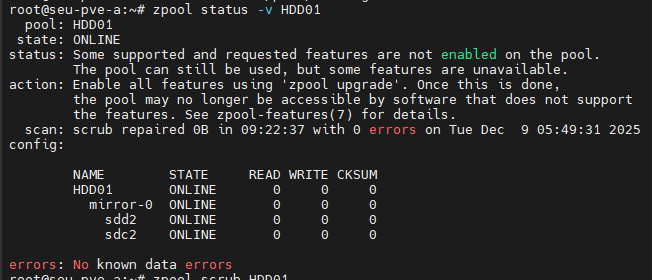
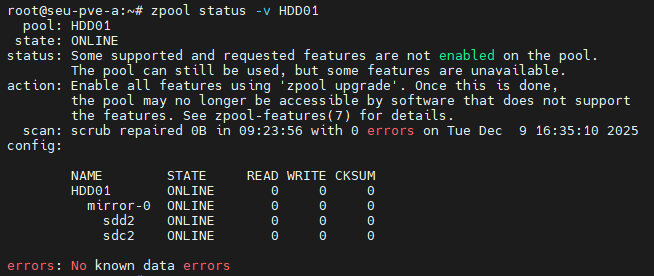
But I have no clue whats going on. I noticed that there´s a scrub running on truneas, so yesterday I detached my main 14TB mirror from truenas and imported it within Proxmox. And started scrub under Proxmox. At some time I started Truenas without those mirror. And after again some time load of host raised up to 65. I shutted down truenas again but load still raised, while scrubbing data rates were okay with 200mb/s. In the morning scrub finished without a single error byte. But load still growed up. Then I restarted the host, restarted the scrub and it ran fine with a load of 3-4.
What made you think that? Anything but PCIe pass through of an entire controller is strongly discouraged and prone to lead to loss of data. This has never changed and probably never will.
Not human mistake. Not giving TrueNAS and ZFS direct hardware access to the drives has a high probability of shredding your pool. It’s the only known to work reliably configuration for virtualised TrueNAS.
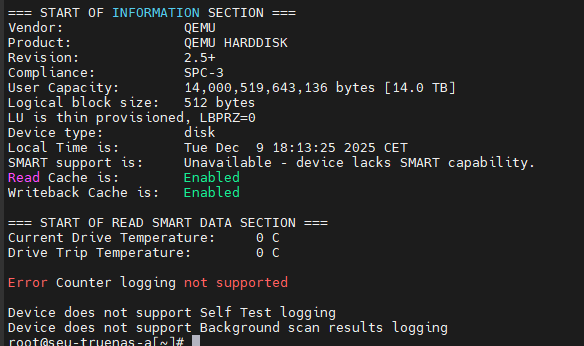
I just noticed that I have no hardware access to the passed through devices as I thought. In ESX with RDM I could see SMART values and so on. And I do not with Proxmox….
Well, then I will have to overthink where to attach those two Proxmox disks so that I can passthrough the whole controller again. I have one more HBA for this server, but every new controller will take more power