Hi,
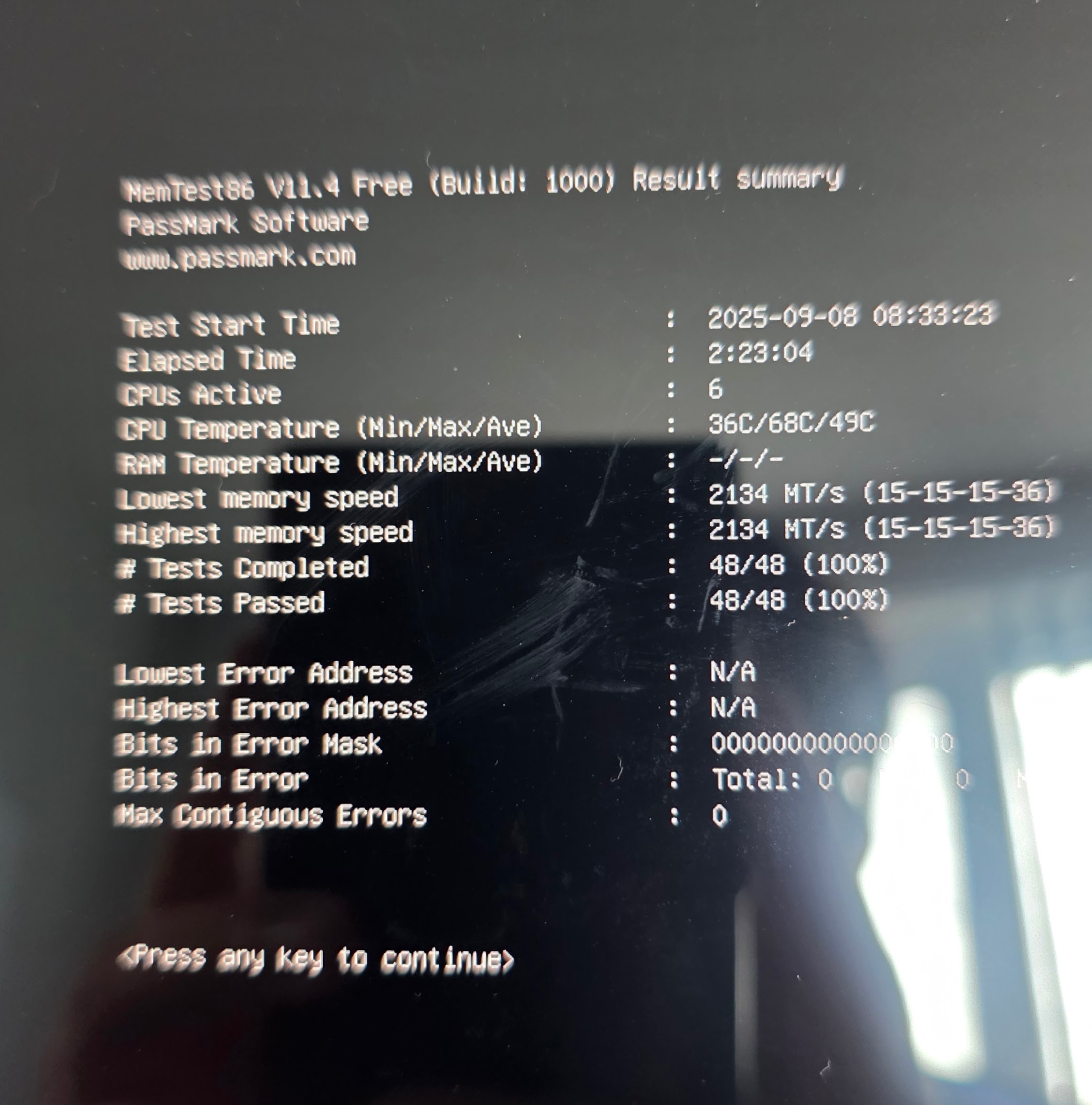
A couple of months ago my NAS went down, when I checked it, I noticed a kernel panic. After some troubleshooting (with some help from ChatGPT) I ran a memtest and found out one of my RAM sticks was bad. Replaced the faulty stick, re-ran memtest without errors and then reinstalled TrueNAS Scale and set everything up again. Was all fine until a couple days ago, when again I couldn’t reach my NAS. Important to note, at the time I was extracting 3x 50GB zip files on the NAS when it lost connection.
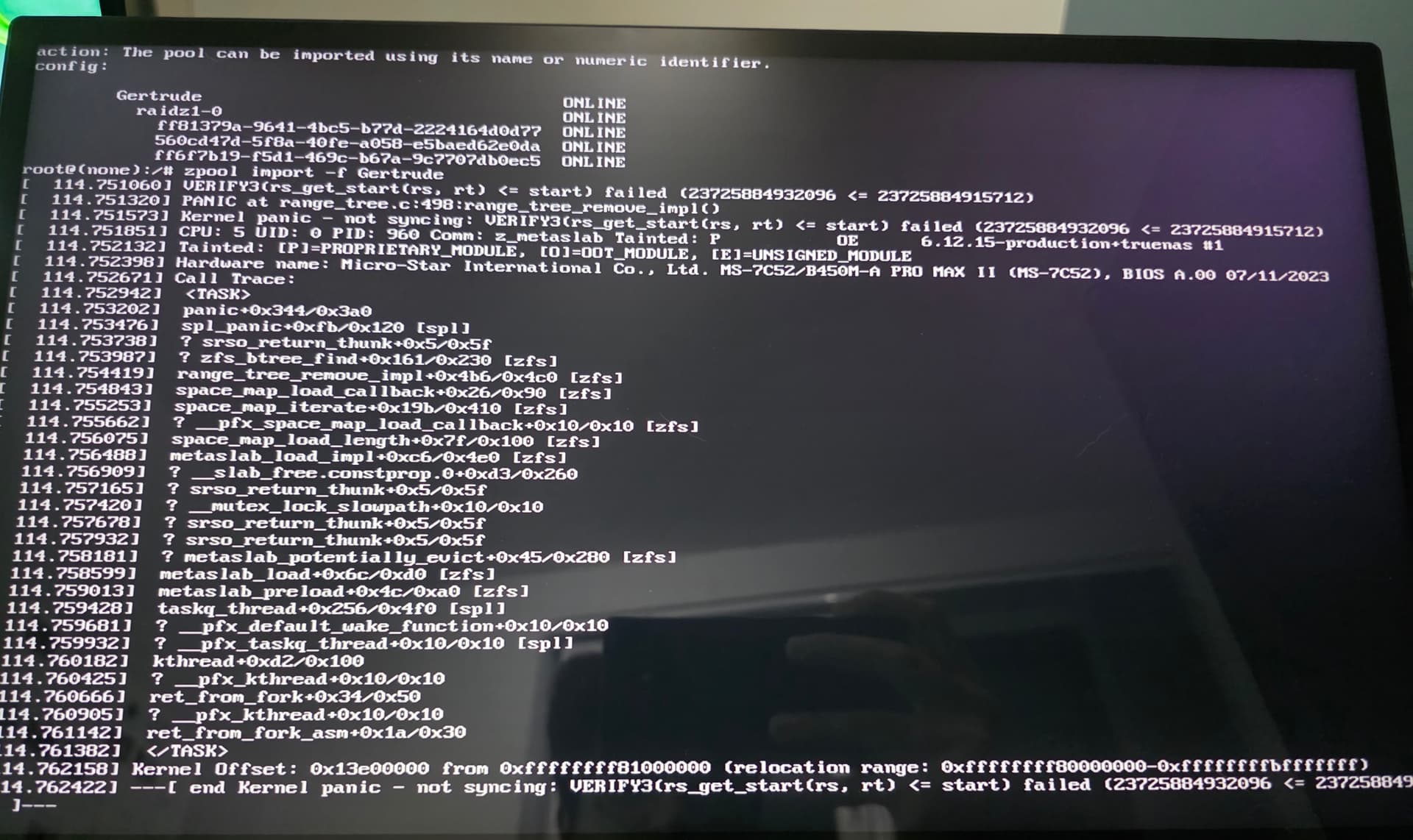
The message is
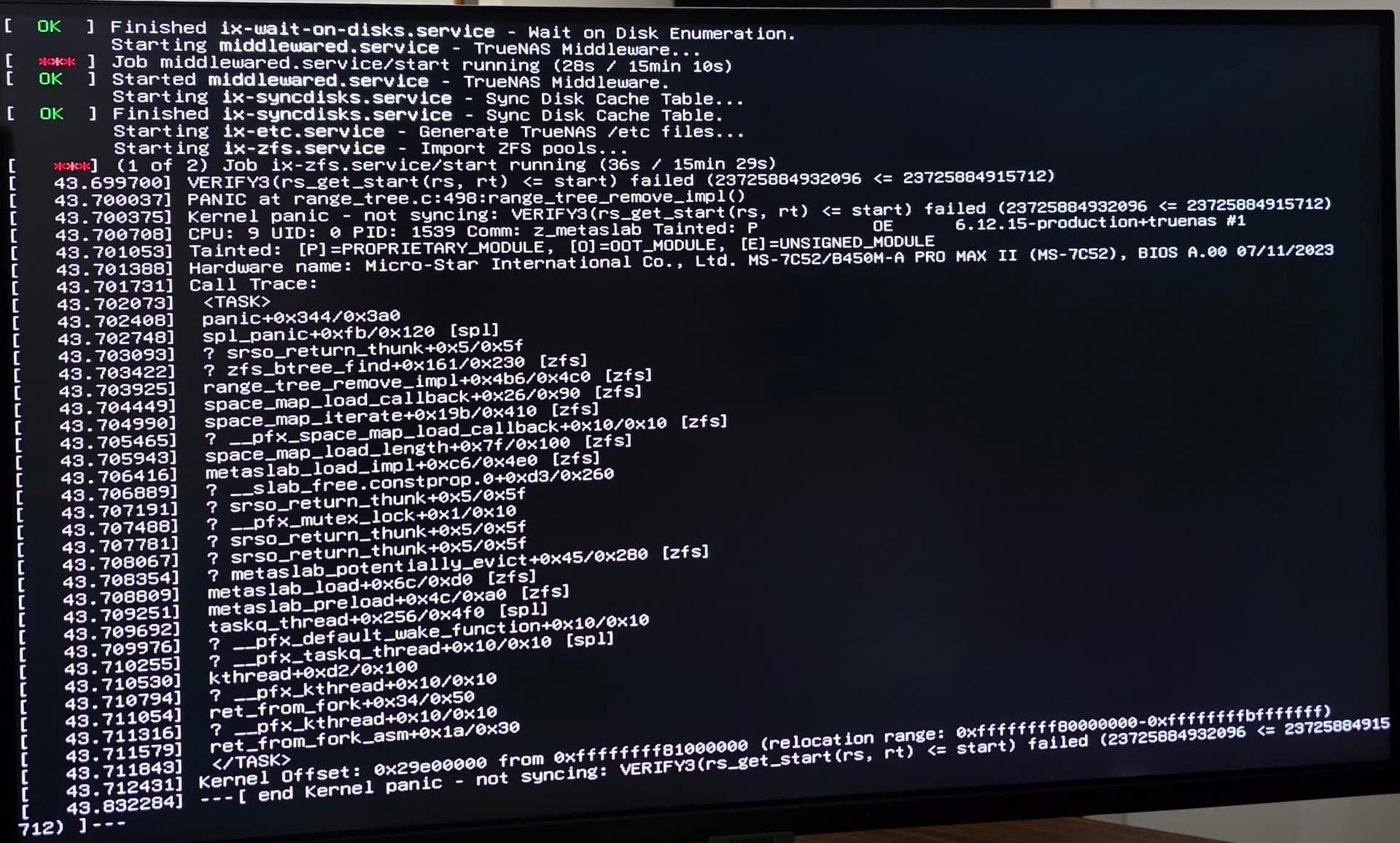
Kernal panic - not syncing: VERIFY3(rs_get_start(rs, rt) <= start) failed (23725884932096 <= 23725884915712)
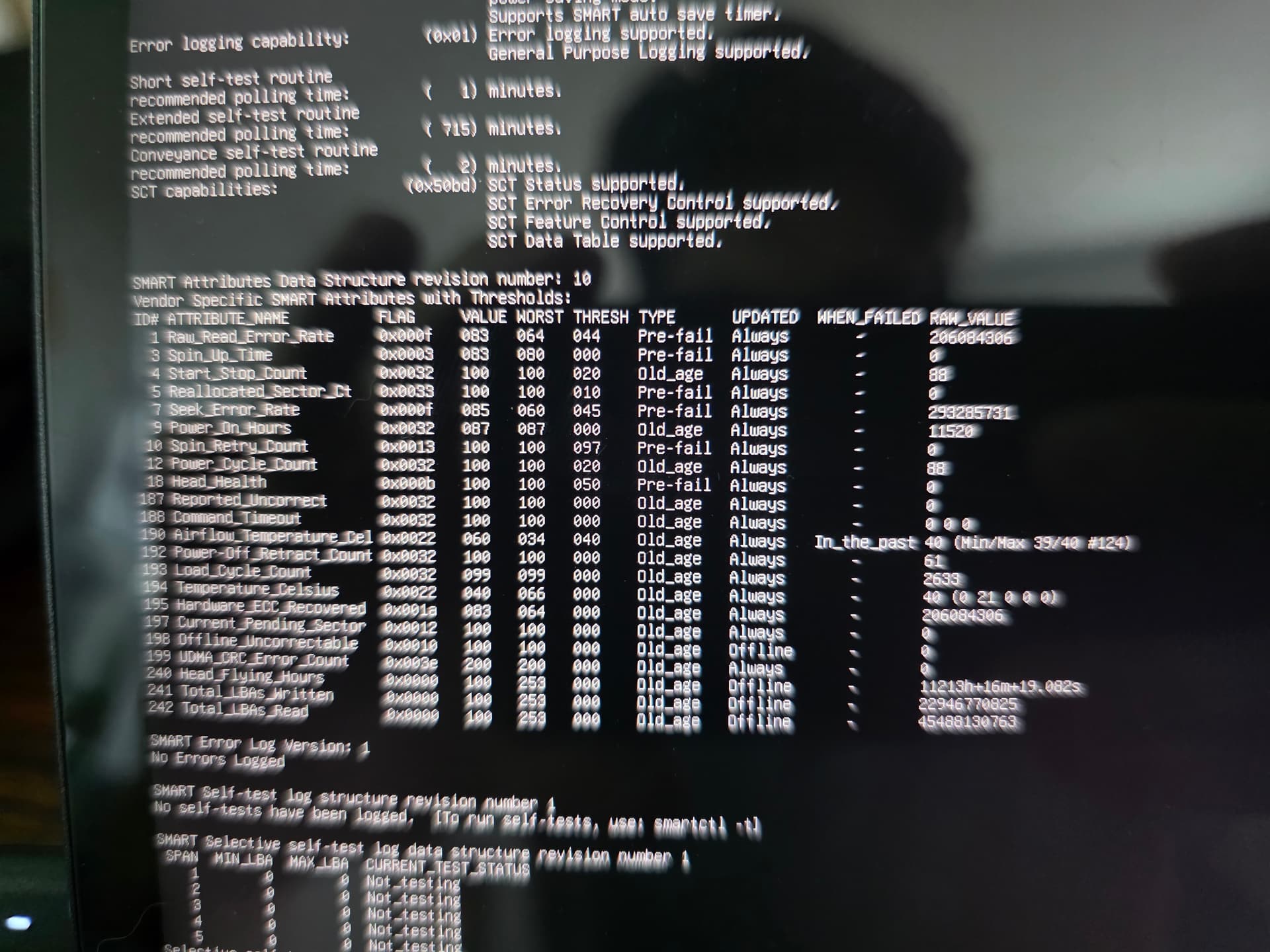
This time I’m unfortunately not able to locate the problem. I assumed RAM again, because the extracting would be a RAM intensive operation. Ran memtest again, which did 4 passes without errors. Did some tests on the disks as well, which showed no errors. It seems to fail while trying to import the pool.
I will add some screenshots (apology for the blurry pictures), and hopefully someone can help me with what I should do next.
Hardware:
MSI B450M-A PRO MAX II
AMD Ryzen 5 4600G processor
Seasonic G12 GC-550 PSU
Cooler Master Silencio S400
G.Skill DDR4 Aegis 2x8GB 3200MHz
3x Seagate Ironwolf 8TB ST8000VN004 3,5 HDD SATA3 7200RPM
Gigabyte 256GB M.2 SSD (Bootdrive)
TruaNAS scale version:
25.04.1
Kernel panic:
Memtest results:
Some disk data (Smartctl), similar for all 3 disks:
Some more disk data + pool status
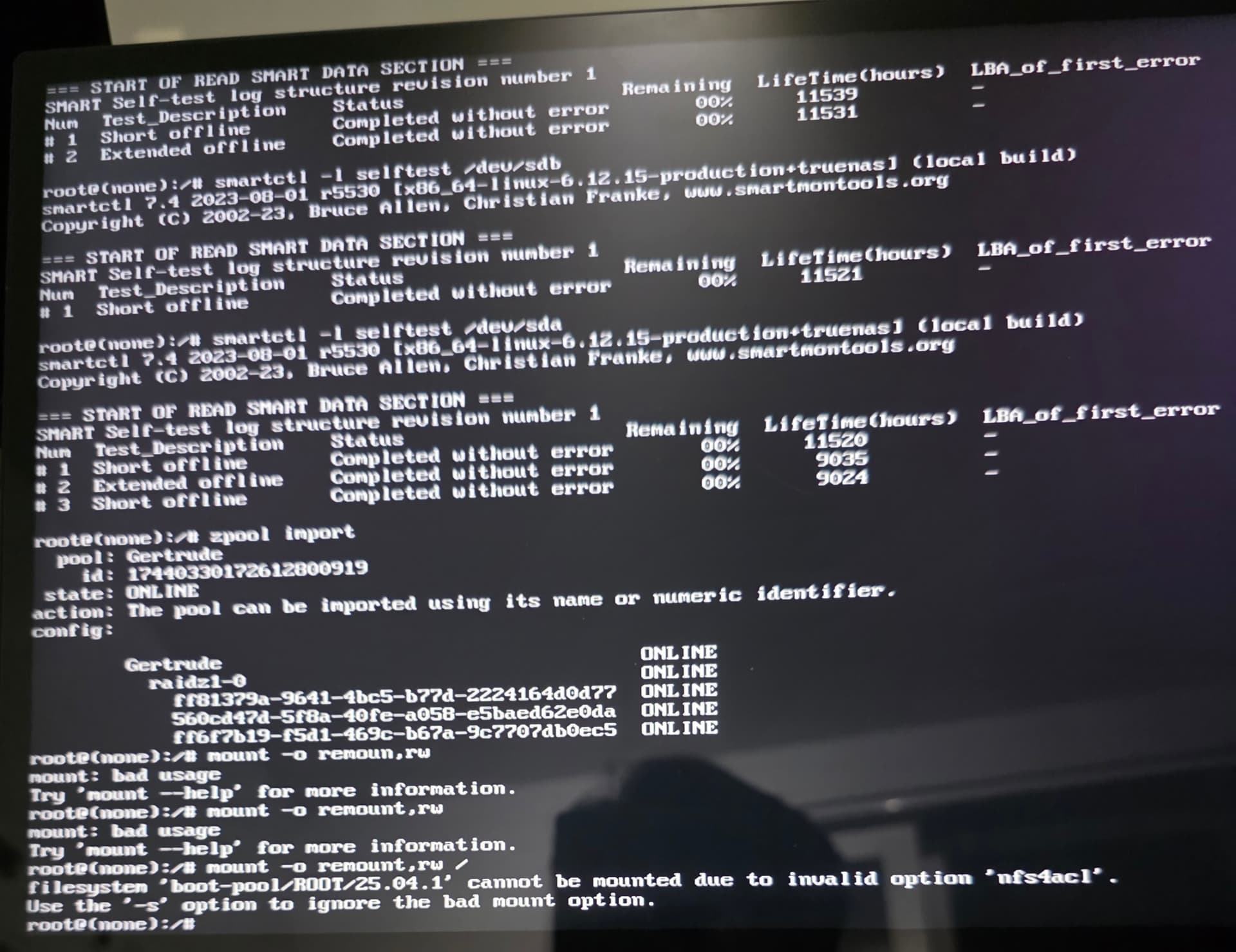
Tried to manually import pool: