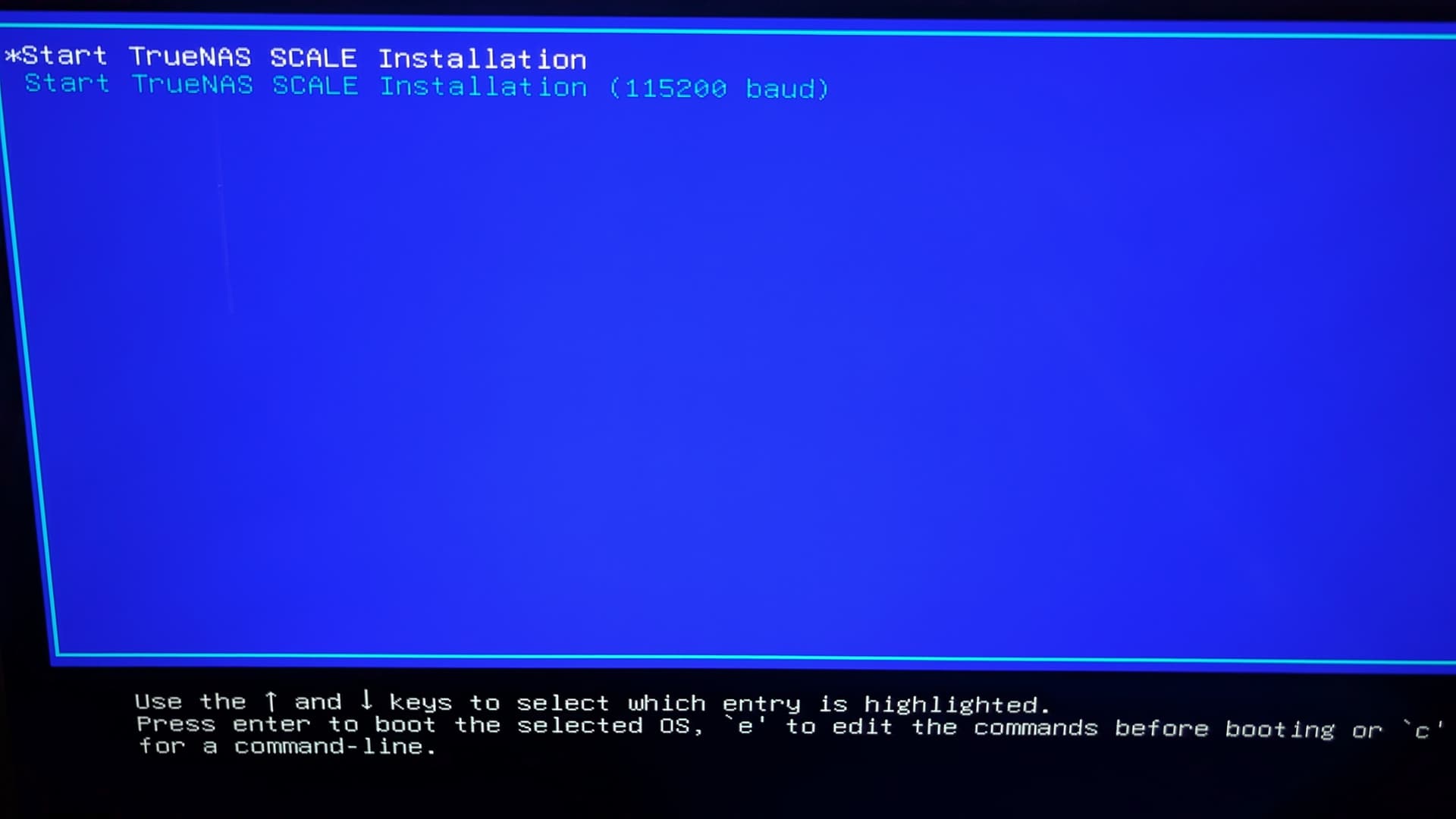
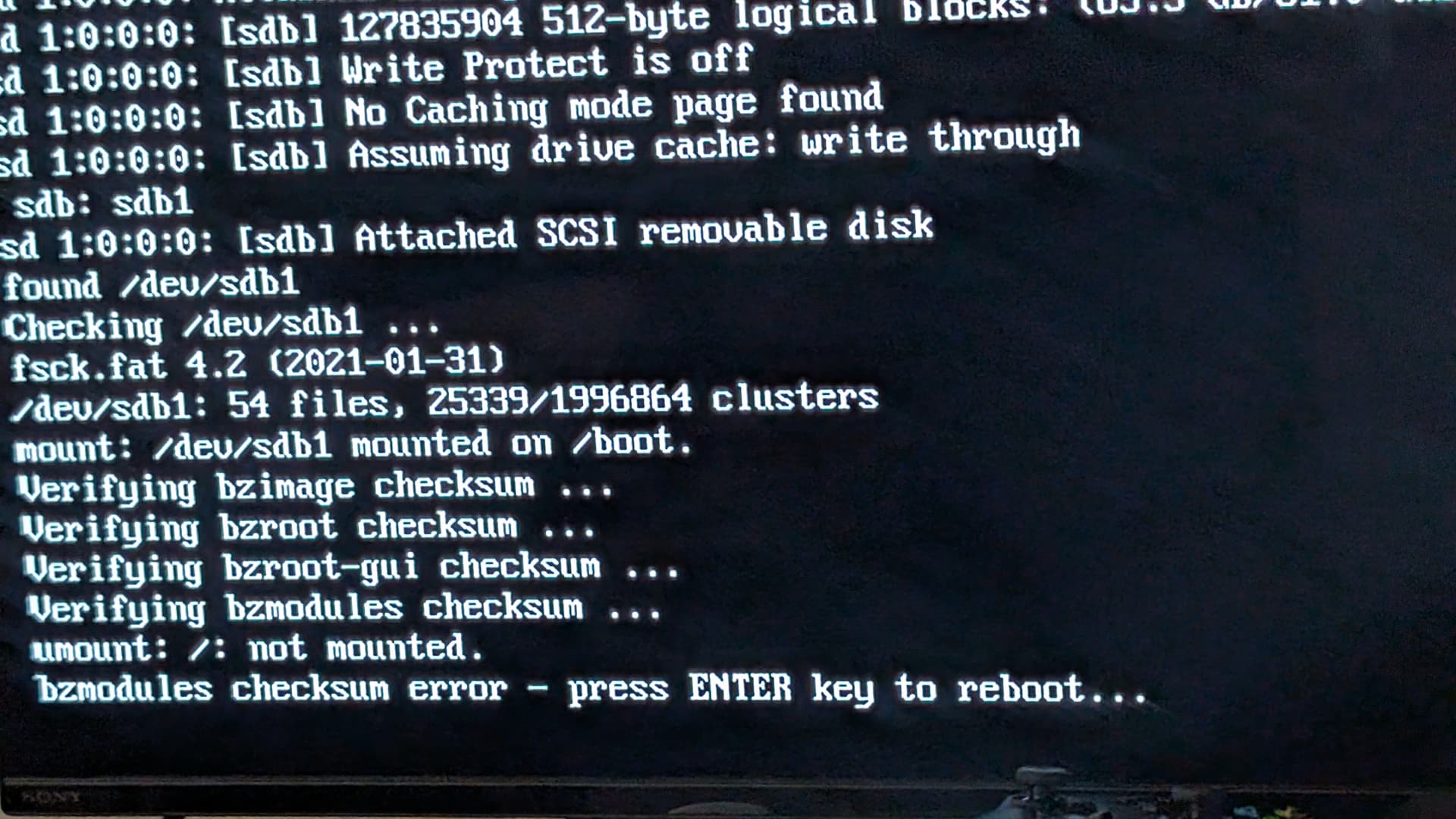
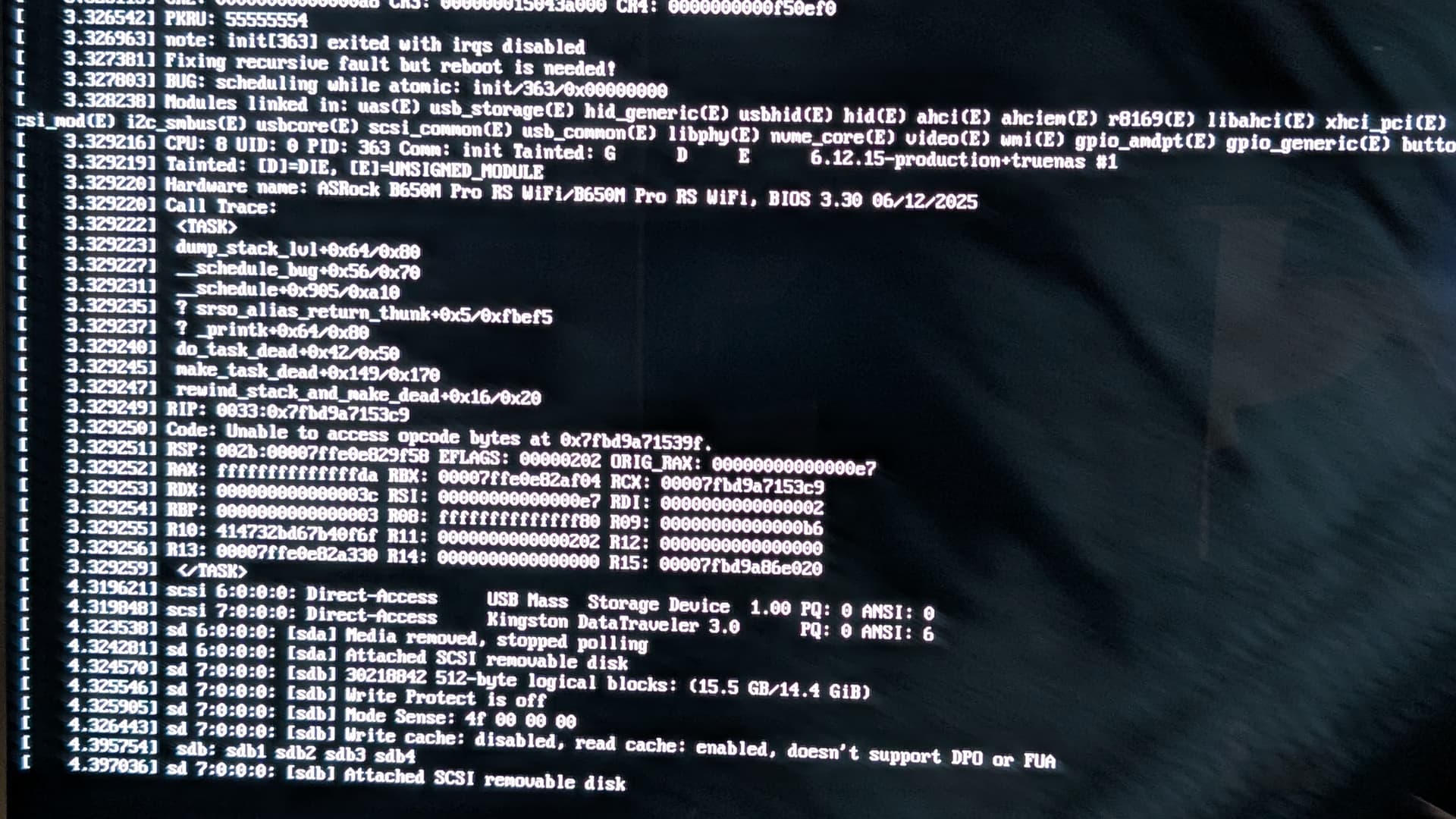
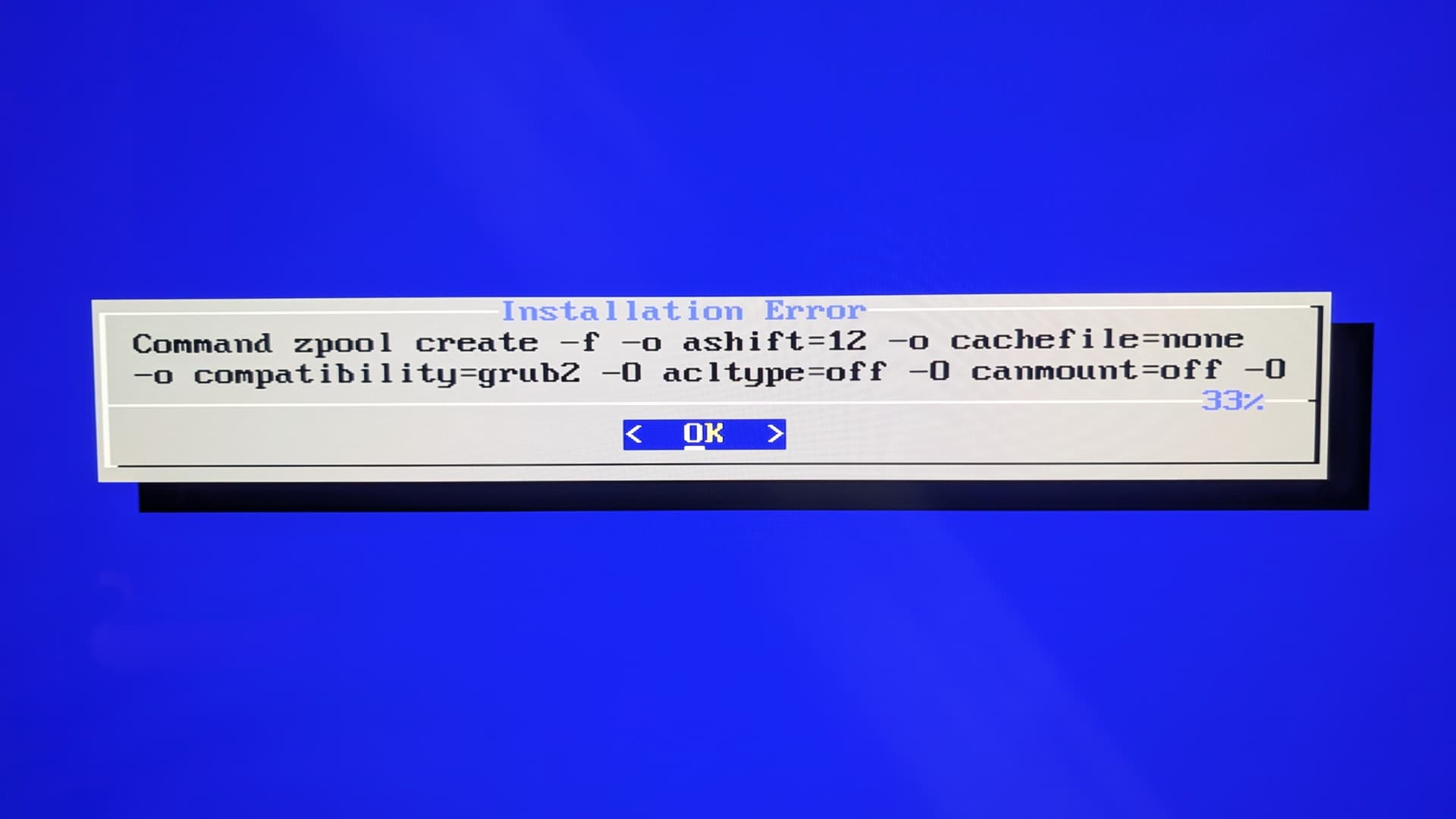
been trying for two days to install this damn thing, and its making me angry. I have done the following:
try install with everything in it (LSI in IT mode with all spinners connected)
removed the LSI PCI card
tried installing with a 16gb usb
tried installing with a 64gb usb
tried installing in different usb ports
have burned the iso with rufus and balena, no difference
tried installing v22.12 via balena, thats the last picture, error is even worse.
The bios sees all my drives and the lsi, but whats driving me crazy is that every boot/install attempt yields different errors. I have secure boot disabled, all features are pretty much default in my mobo.
My hardware is:
asrock pro rs wifi with latest bios fw
amd am5 8500
64gb ddr5
1x128gb nvme ssd (target boot drive)
2x2tb nvme ssd (cache)
lsi sas-sata pci in IT mode
5x10 tb 7200 rpm sata hdd
1x12 tb 7200 rpm sata hdd (yes I know all pools will go down to 10tb)
Corsair RM850x PSU
Should I try to install with only the 128gb installed and yank everything else out? Will the OS recogize the new hardware if i plug everything back in after initial install?
My issues are very similar to these (why can I not post links to this same forum or pictures?
/t/issues-installing-truenas-scale/14104
Hence me trying his attempt of installing an older version.
Yes, it is enabled. It boots from the usb drive, I select the option to install truenas (not the 115200 baud option). Very shortly after maybe 30 or so lines, i get the message. This is using balena to burn the ISO
—[end kernel panic - not syncing: attempted to kill the idle task! ]—
I’d try installing a recent Debian Linux distro. That is what TrueNAS SCALE, (aka Community Edition), is based on. So if Debian does not work, then TrueNAS will likely have the same problem. However, if a recent Debian does install, that gets us on data point closer to why.
Thanks to all for the suggestions. Went back to basics and yanked everything, ran the install every single successfully under these scenarios:
a single 16gb ram stick
two 16gb sticks
three…
four 16gb ram sticks
a single 128gb nvme (my original target install drive) in the third nvme slot (M2_3, Key M), supports type 2260/2280 PCIe Gen4x2)
added the 1st 2tb nvme stick in the first nvme slot (M2_1, Key M), supports type 2260/2280 PCIe Gen5x4)
So far, all good, can install it, and boot to the GUI login screen. Then
added the second 2TB nvme stick (M2_2, Key M), supports type 2260/2280 PCIe Gen4x4)
and I get a checksum verification error then the kernel panic attempted to kill the idle task message and it fails to go beyond that. I havent tried installing the LSI Sas card with the spinners.
So for whatever reason, truenas/debian does not like three NVMEs at the same time. Which sucks because I bought 2x2TB to mirror and use as l2arc, along with the 64gb of ram for ARC.
What do you guys suggest? I left the boot drive on the slowest nvme slot on purpose and the nvme itself is a gen3x4, the other two are gen4x4.
There is a AM5 PCIe/M.2 Bandwidth Table that showing different combinations of chipsets and cpu and what that means for the m2 / pcie slots.
If the combination with two nvme works, maybe try the other 2TB to check that it also works and use the other slot, just to be on the safe side it is just not a defective slot/nvme or incompability.
B650M with an 8500G. I am aware of the PCI Lane bandwidth issues with the phoenix/phoenix2 chips. Because I am using all 3 NVMEs, my secondary PCI Lane drops to 4x, which is fine because the LSI sas card is a native 4x.
I’m not using the pcie-16x for video (have integrated) and that one gets cut down to 8x, but again it doesnt matter because I wont use it.
I played musical chairs with all 3 nvme drives in all 3 slots, they all work except in the combination of slots 2 and 3 with one orico nvme, I think that stick maybe bad. smart test showed all good for what its worth.
Gonna replace it and then see what happens. Thanks for the suggestion.
I checked the qvls for ram and hard drive. I have crucial ct16, which is not explicitly mentioned on their list but they list the 8gb version, so Im safe there.
as far as the nvme, not even my crucial boot drive is listed, so shrug?
My spinners are only 5400 rpm, all 10tb. I figured i’d be better off putting l2arc to speed up things, a friend that is running enterprise san suggested i use it. it was cheap enough so why not?
yep, will do. I am running smart thru truenas (even though i ran it when i bough the drives individually), as soon as thats done tomorrow morning I’ll run memtest.
First, L2ARC vDevs can not be Mirrored or RAID-Zx’ed. L2ARC devices can be striped, if desired, but 4TBs of L2ARC is probably beyond a reasonable amount with only 64GB of RAM.
I agree with others, test without L2ARC / Cache and see ARC hit rates suggest adding a L2ARC device. L2ARC is one of the vDev types that can be added or removed easily. Further, even if data does not make a difference for L2ARC, perhaps Metadata only in the L2ARC may make a difference.
There is a Resource and discussion about L2ARC in the link below. I’ve set the link to the post that includes a calculator using various parameters.
Unfortunately the Resources discussion thread is a bit long, and does have off topic posts. Perhaps someday we will trim it down.