I am new to this “Apps” and docker thing so please bare with me.
Currently I want to run 2 apps which are my “Unifi network controller” and “Invoice ninja” apps.
So you know, the invoice ninja app is running fine with the IP address I’ve assigned.
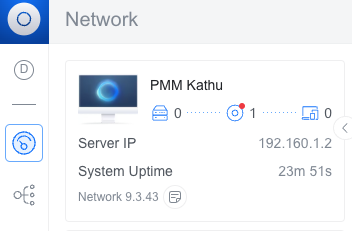
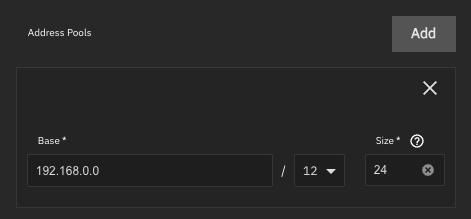
However the Unifi app is getting its IP address from the App settings “address pools” which I don’t intend to use.
So is there a way to set an IP address for my Unifi app that is in the same network as my TrueNAS server then?
I need the Server and all apps to be in the same subnet.
When I installed the app for the first time without even playing with the network settings, the server took its IP address from the address pool right out of the bat.
This is where I started digging into the network preferences and decided to add an alias to my TrueNAS network card and use that for the app after watching Lawrence Systems YT video.
So can you elaborate on where I can change those settings so I can get the TrueNAS IP as the main one?
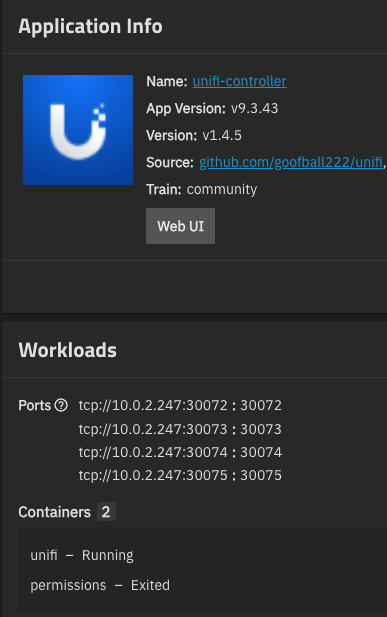
I understand that I need to access the WebUI of the app through a specific port.
Yes, that’s how docker works. The ports are forwarded from the TN IP address to the docker network one. You can reach the controller - all well, isn’t it?
Sorry but to me it doesn’t make sense.
It’s like having 2 different subnets on the same wire without using vlan IDs.
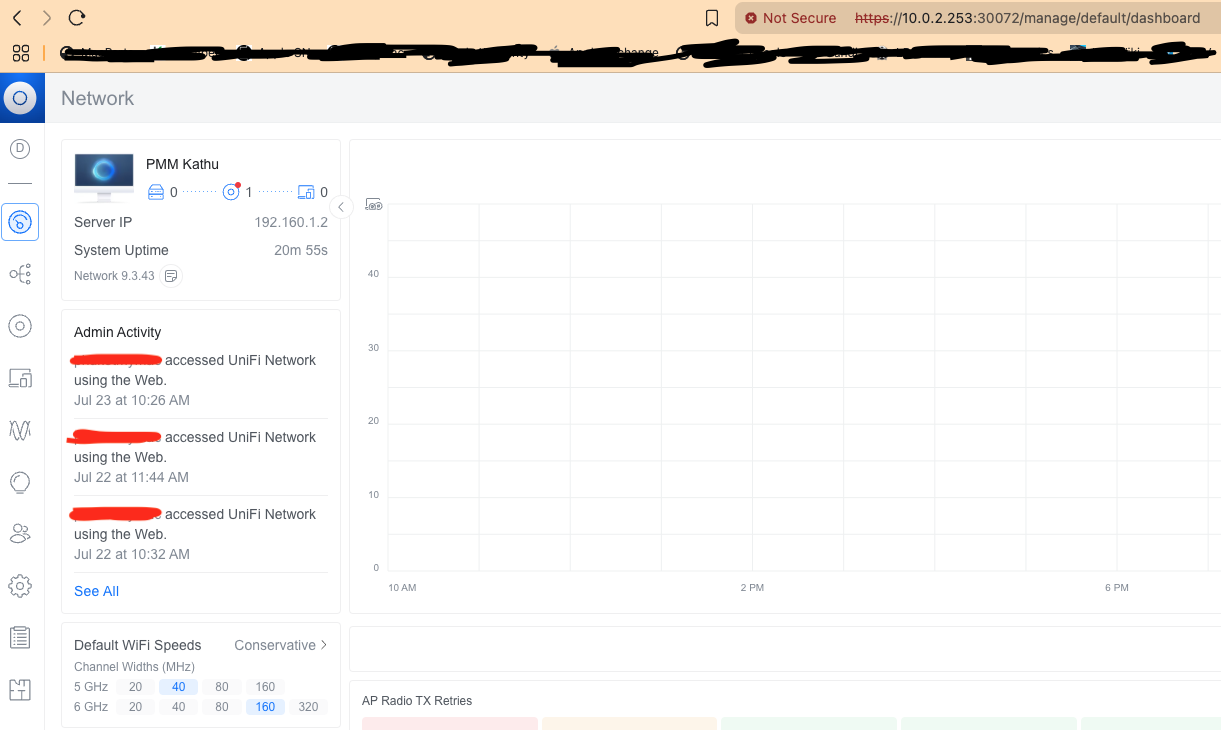
The TrueNAS server has the internal IP address 10.0.2.253/24.
The Unifi controller assigned IP is currently 192.168.1.2.
The Wi-Fi APs are on the 10.0.2.0/24 subnet, same as the TrueNAS server.
I would have to reconfigure each APs to be on the 192.168.1.0/24 network?!
There must be a way to set the Unifi controller IP on the 10.0.2.0/24 network somehow.
The controller is not on the same wire. It’s on a private network and ports are exposed via NAT port forwarding. Again: this is how docker networking works as far as I know.
You can create an e.g. Debian VM with an IP address on the same network via bridge and install the controller there. But then you lose the convenience of the “apps”.