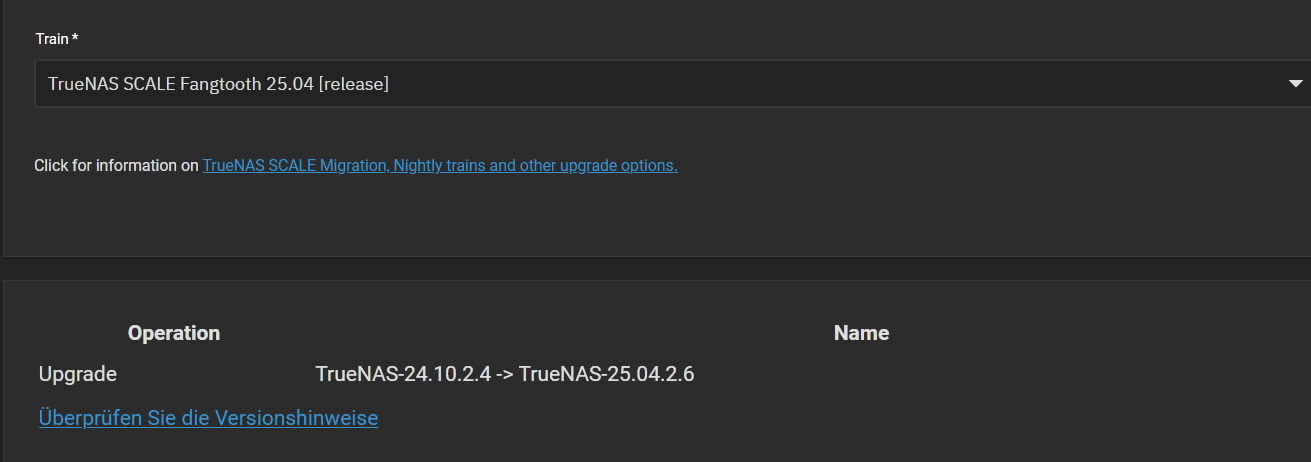
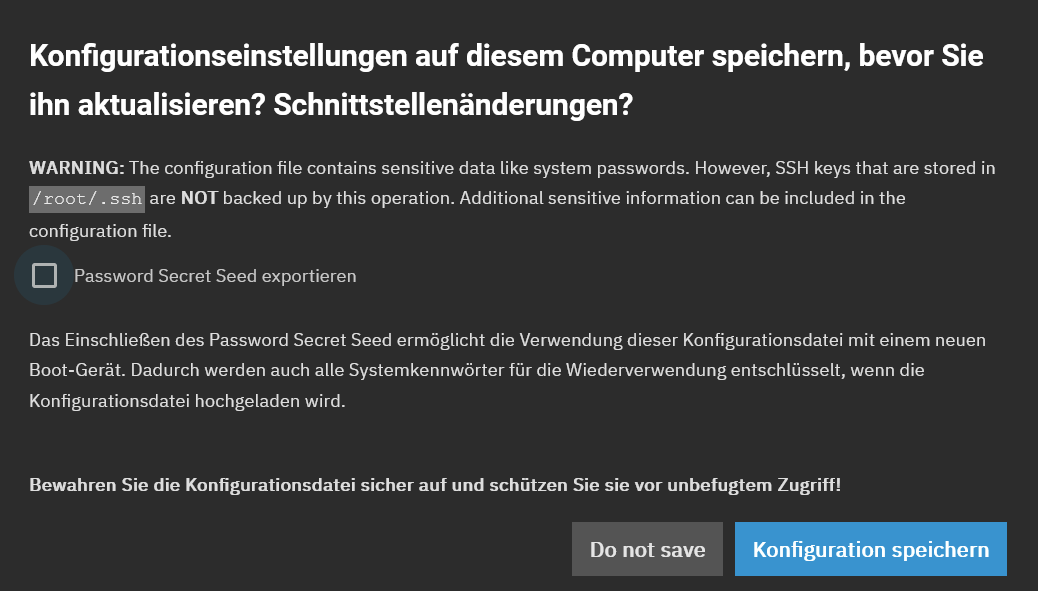
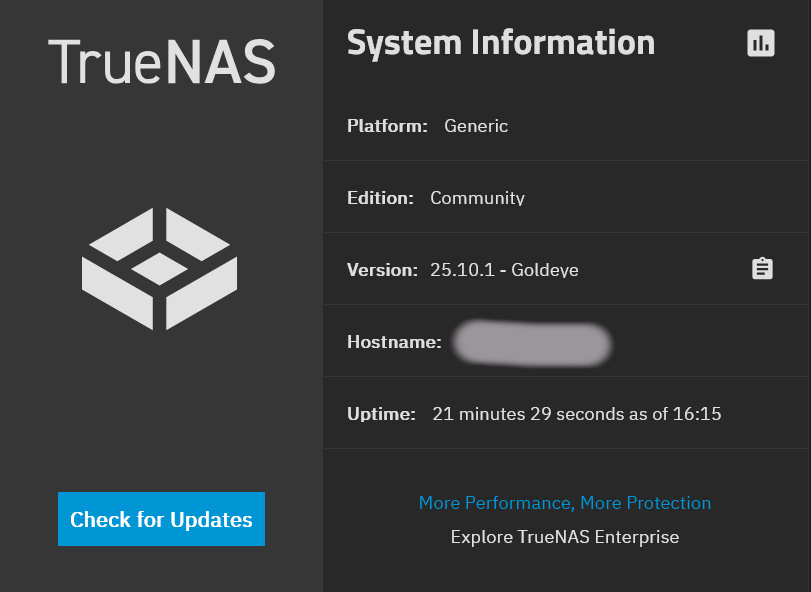
After a couple of months without looking at the “Updates Available” notification, I have tried to perform an actualization using the offered link as shown in the screenshot below:
Of course, I saved the configuration and continued to download the update and restart the machine (PC with TrueNAS Scale. Having ticked the box “apply update and restart”, I have downloaded the update. The update download was successful, but when attempting to restart, the PC freezes.
Is that detailed enough? Please let me know if I have to provide more (detailed) information. And how I can collect them, as I am not so familiar with that. Thanks in advance.
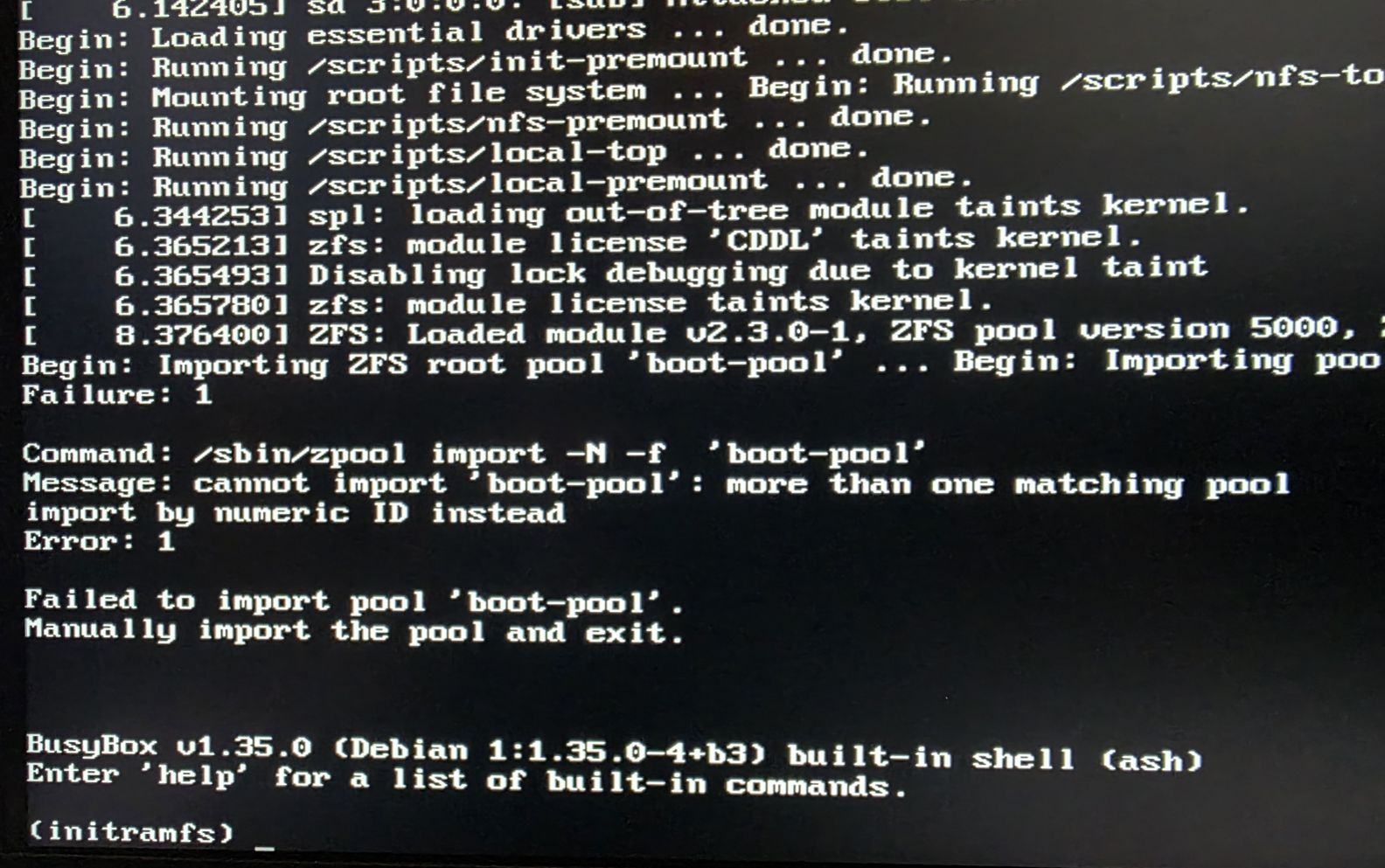
So connect a monitor to your server, then start the upgrade and see what happens. I expect errors there. Make a photo and upload it here so me/others can see whats going on.
This is the result after the update process has been executed.
I can read the message “failed …” and understand the instruction “manually import the pool and exit”, but I don’t know how to do this. Can you please advise?
That’s something! The error indicates that something went wrong in the past, I personally haven`t seen this specific error (more than one boot-pool) yet, but I have an idea how to proceed.
Backup your configuration (you have downloaded this already). This contains your own setup and settings of Truenas, then shutdown.
Disconnect all data drives just to make sure nothing bad happens.
Remove your boot disk and install another one if you have a spare. A small SSD would be just fine. If you don`t have another one, just wipe the current disk empty. I would put it inside a desktop PC and delete all partitions. Or boot up a USB stick with Linux, just wipe your boot disk clean.
Install the Truenas 24.10.2.4. It is just a clean, new install of Truenas.
After that, shutdown, connect back your data disks, boot up, and restore your configuration.
Try the upgrade again from 24.10.2.4 to 25.04.2.6
I recommend a clean install + config restore because that might be just simpler/faster to do instead of trying to fix the current boot-pool. Unless the other guys have a better idea, I would do it like this. After all Truenas itself is designed in a way that it supports this scenario (this is why the config is backed up).
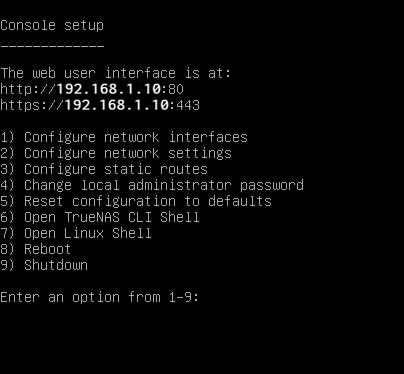
Having followed your recommendation, I was able to set up a clean TrueNAS system. I had a spare 512G SSD which I now use as new system SSD. During installation, some fault messages appear concerning the UEFI-BIOS and other things, but nothing seemed go be critical, as, finally, the console setup screen appeared.
I reconnected the hard drives and restored my latest configuration, and it works!