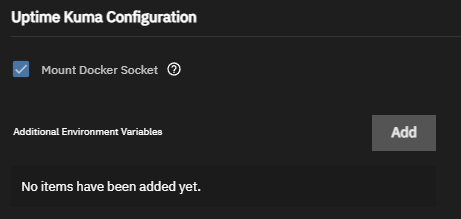
I’m using Uptime Kuma, and the version is as follows:
- TrueNAS Version: 25.10.0 - Goldeye
- App Version: 2.0.0-beta.4
- Version: 1.1.14
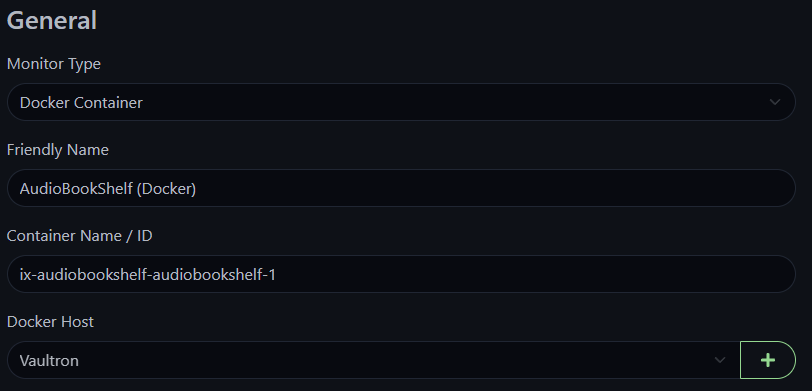
Uptime Kuma is running fine with DNS, HTTP, and Ping Monitoring. I thought I would give Docker monitoring, but I need to set up the Docker Host. This is the screen I’m getting:
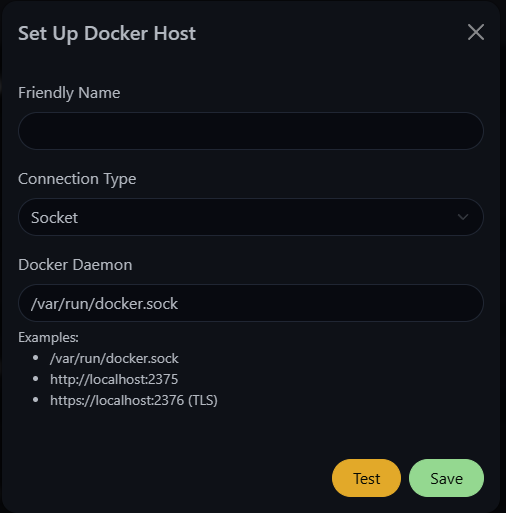
From Portainer, I thought the path would be /mnt/.ix-apps/docker , but I need to confirm since I probably need to create a “Additional Storage Path”. Am I on the right path?