Hi everyone,
I’m new to NAS systems and currently setting up TrueNAS on a TerraMaster F4-424 MAX, which I picked up on sale. Here’s what I’m working with:
- 2x NVMe SSDs 1TB each
- 96GB DDR5 RAM
- 2x 24TB WD Red Pro HDDs (leave 2 bays empty for future expansion)
I’ve read that installing TrueNAS on an external USB is not recommended, so I plan to install it on one of the NVMe drives. Correct me if I am wrong here?
My main question is: What’s the best use for the second NVMe drive?
I’ve ruled out L2ARC because of the large RAM, and I’ve read that using it for SLOG isn’t ideal either unless you have synchronous write-heavy workloads and PLP (which I don’t fully understand). I know my system is an overkill but I am futureproofing it.
For context:
- I have a separate Proxmox server for VMs and LXCs
- I plan to move Plex on this NAS to avoid network bottlenecks when streaming (current 1Gpbs network Deco Router)
- I might also run Nextcloud later on but rest i haven’t figured out.
Given this setup, what would be the optimal role for the second NVMe drive?
Appreciate any guidance!
You could use the 2 NVMe as a Mirror pair VDEV and pool for the Apps. I would get a small SSD and attach that in one of the bays for the OS / boot pool. 128GB is plenty. 1TB NVMe is just getting wasted for just boot_pool / OS.
If you want to stick with original plan, you could just use the single NVMe for the apps pool but I would have it replicated / backed up to the HD pool.
2 Likes
Oh thank you. That sounds like a great advice. so the small SSD for boot pool would be a SATA drive i suppose and goes in 3rd bay?
when you say “apps pool replicated / backed up to the HD pool.”, it means apps get copied/backed up to 24TB disks (mirror/raid). Can this be done by TrueNAS automatically? I have played bare minimum with TrueNAS on my proxmox as VM for testing.
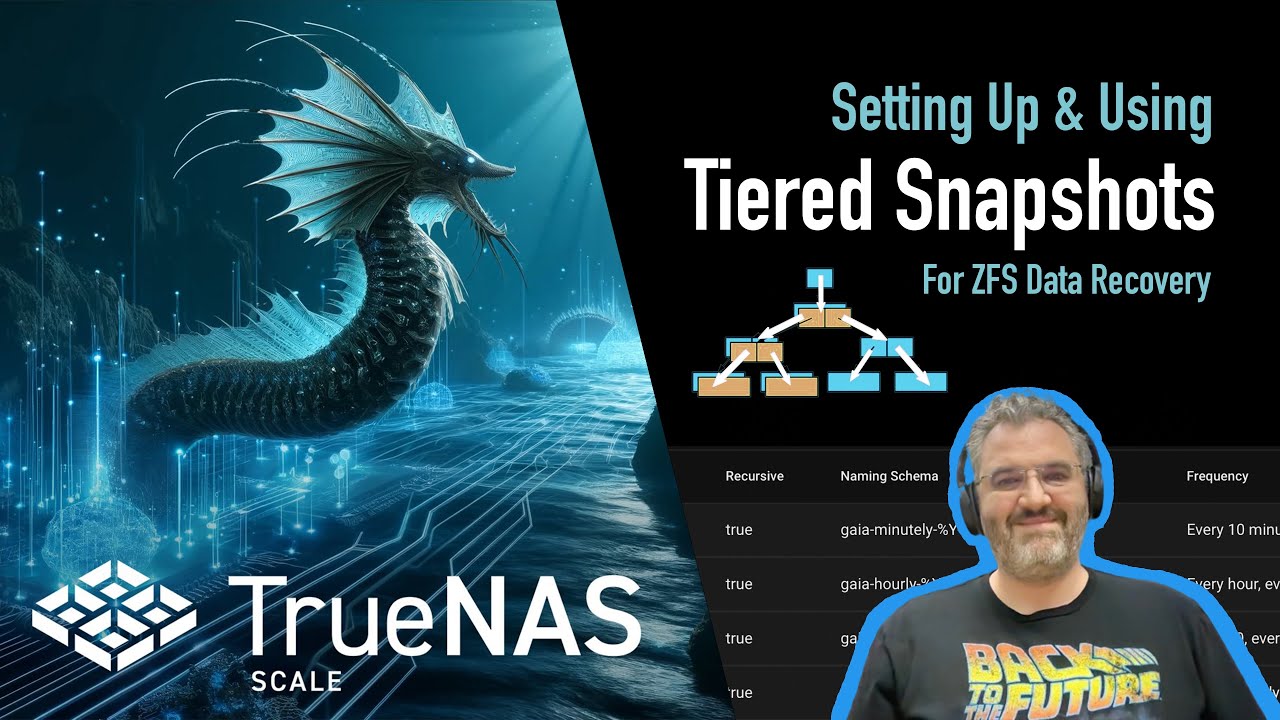
This video is a bit involved but you should be able to grasp the basic concept of snapshots and replication. If your apps pool goes down, you would have to set up all the apps again. Replicating it, manually or on a set schedule, to the HD pool would allow you to get it back. Other uses is to backup one ZFS server to another.
1 Like
Thank you. Now it is making more sense. having mirror pair for apps will fool proof and protect my setup for failure and avoid manual re-installation headache in case of single NVME failure right?
I also just read somewhere how to setup tasks for replication/backups but i didn’t see any video attached to your message.
Last question: If i install TrueNAS on SATA drive on 3rd bay, will I be sacrificing speed/snappiness of TrueScale in any sense? Wouldn’t it be much faster to have TrueNAS sit on NVME or it doesn’t matter?
Doh, I forgot to paste the video link.
As long as the OS is on a SSD it won’t matter. There isn’t much activity once it’s booted.
With the Mirror NVMe vdev for apps, you are protected from a single NVMe failure. Both NVMe would have to fail to lose the apps pool.
1 Like
Thank you so much for the advice and help! It makes a lot of sense now.