
Apologies if this is a noob issue.
I’ve installed ZeroTier (v1.3.47) on TrueNAS (v25.04.2.6) it seems to be working where my TrueNAS is statically set to IP 192.168.1.168/24 for my local network and 192.168.2.20/24 for my ZeroTier network.
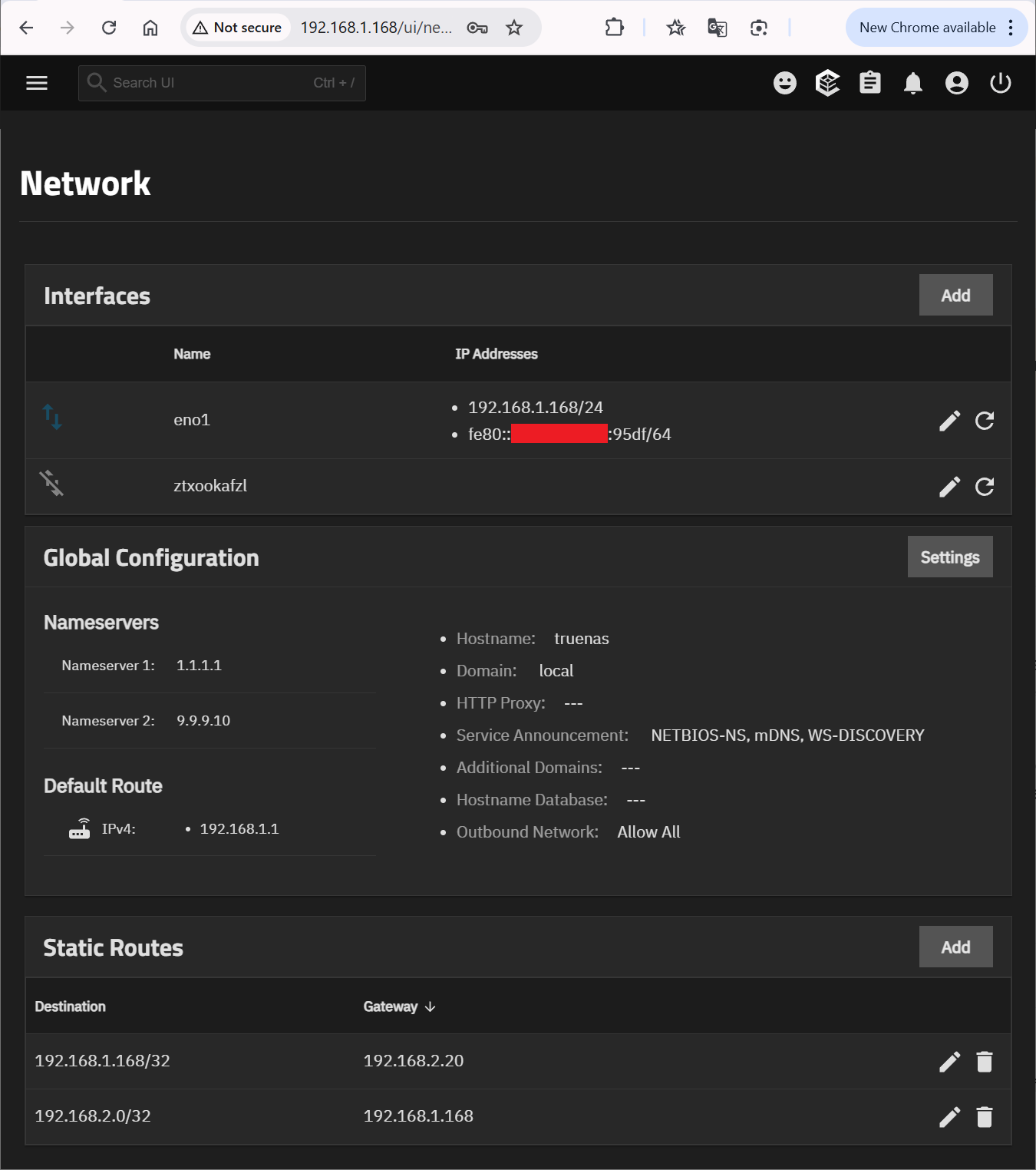

I want devices on both networks to be able to talk to each other (i.e. through the TrueNAS sever), however this doesn’t currently happen.
I’ve tried to read-up on this before posting, but seem to get conflicting information. Some people say to set a static route (which I have tried above, but doesn’t work). Others have said the bridge should just work without needing settings changed.
I also tried setting my ZeroTier network to the same IP range as my Local network (i.e. 192.168.1.20) and I could ping the TrueNAS on both of its IP addresses from the local network, but I could never ping anything past the TrueNAS (i.e. ping a device on the ZeroTier from the home network).
I assume whatever the solution is it also applies to the other popular VPNs (like TailScale). Has someone got any pointers on what I need to do for local devices and ZeroTier devices to talk?