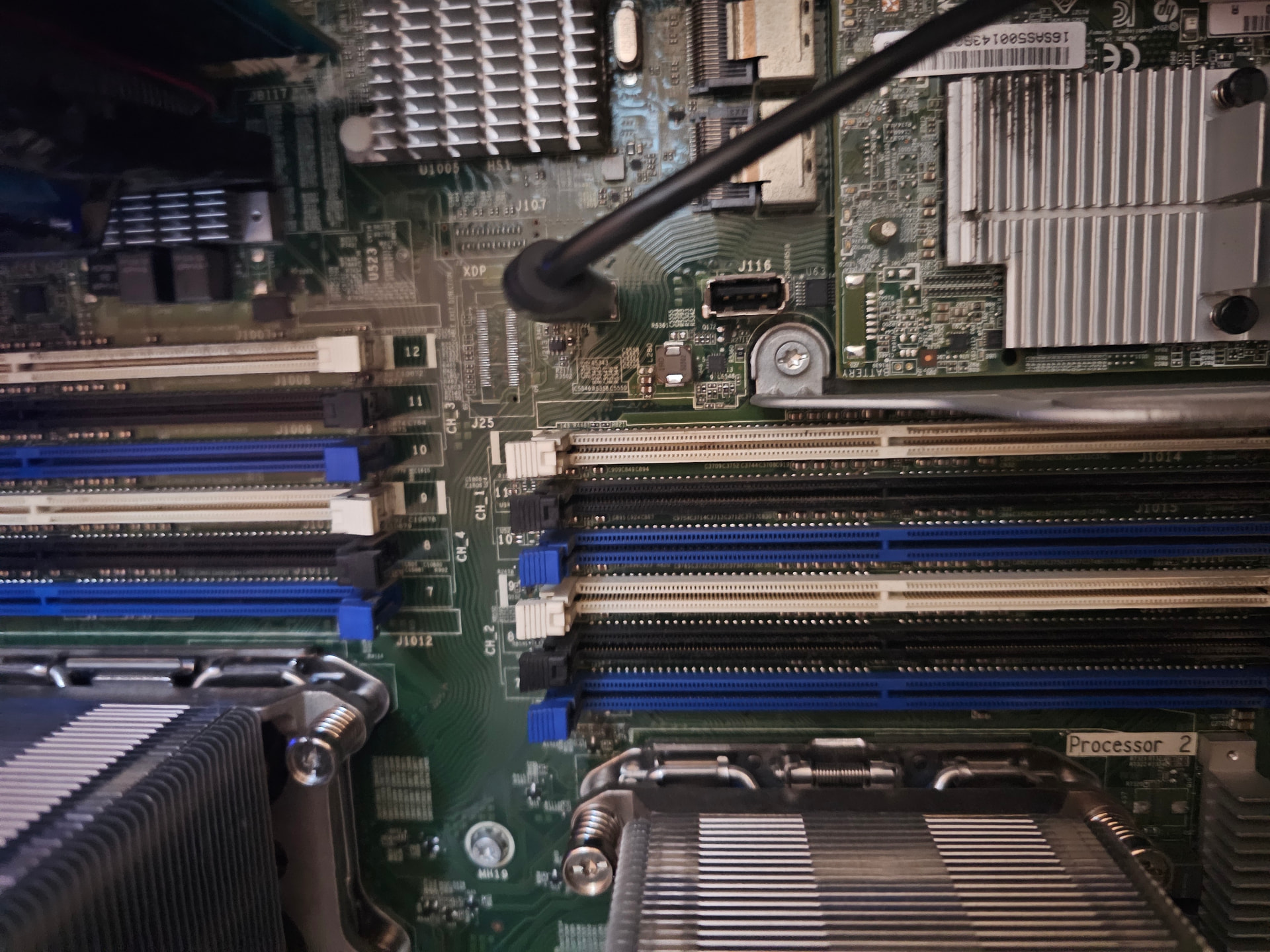
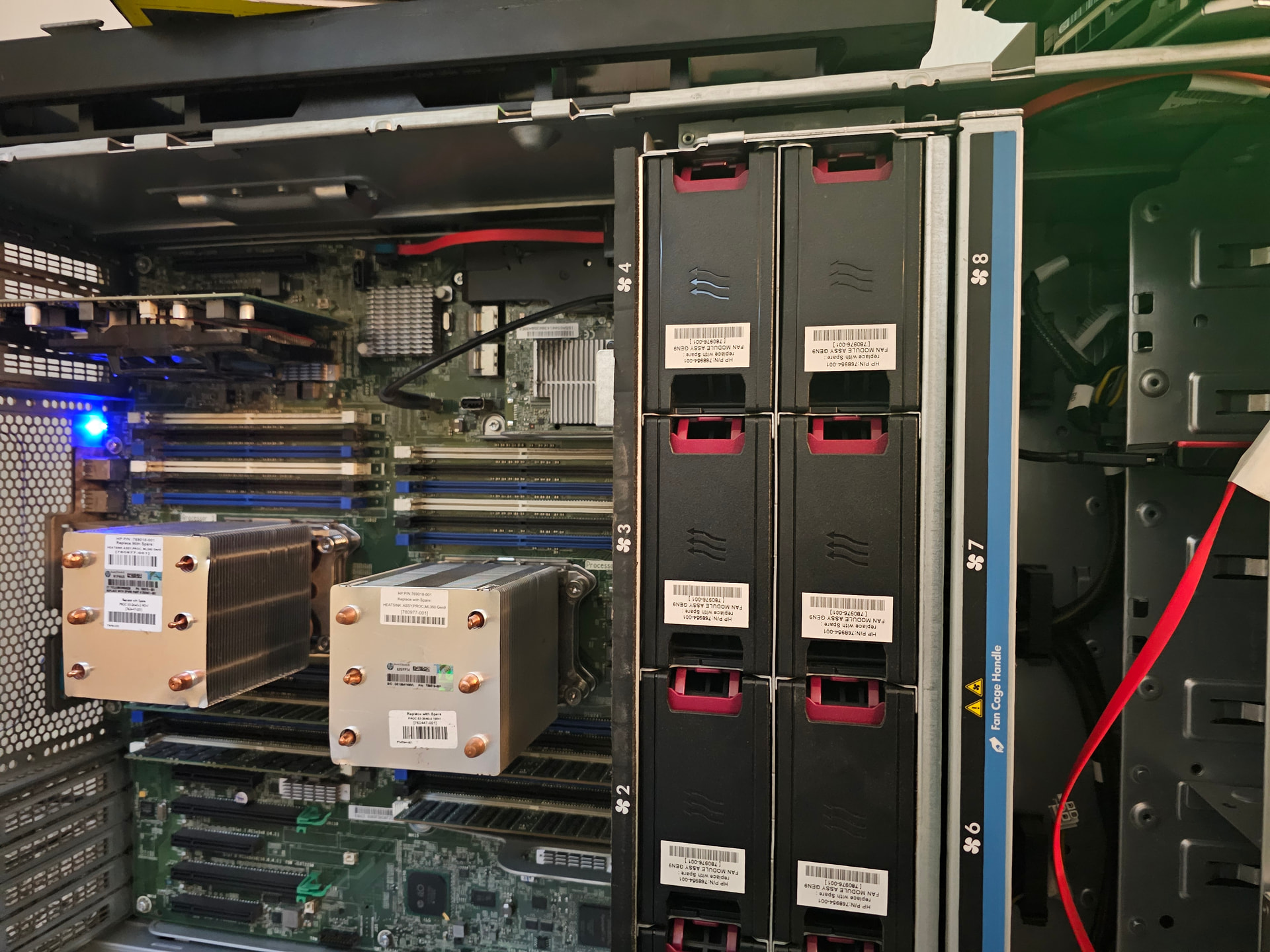
This sucks I can’t add links or images as I am stuck on what someone in the community was suggesting so it makes it that much harder to explain.
Background: I have a ProLiant ML350 Gen9 with 2 controllers; 8 SAS HDs, 1 Sata (Enclosed USB boot and truenas installation). We had several power outages in my area due to weather and now my boot drive does not boot. I get the infamous no drive detected. I have used the forum to find out a solution (boot-disk-fails-need-help-to-recover-config-truenas-core/63163/4) and @Winnielinnie suggested to recover the config files from the pool use zpool -N pool-name.
I am using CachyOS live to perform what winnielinnie suggests but I am getting the following:
Cannot import ‘storage’L pool was previously in use from another system. Last access blah blah blah. The pool can be imported, use ‘zpool import -f’ to import the pool.
Winnie doesn’t go into why to NOT mount everything and it is unclear to me if using “zpool import -f” will cause in issue to see if I can recover any files.
I am mad at myself because I don’t think I have backups but I am desperate to check. I don’t mind doing EVERYTHING over again, but that raises the question if I will lose my media data too.
I learned my lesson of not backing up properly, but just need some guidance on the next steps.
That is true. I don’t normally do that as practice for my own personal stuff. But I’m glad I did with this server. I’ve been meaning to turn my iMac and to a backup solution or the Mac mini.
I’m just going to take it as an opportunity for me to see how quick I can get it back up and running without using guys to set everything up. I guess this will test my memory retention of what I learned so far.
Also if possible, move the boot device off the USB and directly onto a sata port.
While booting off USB kinda works, its still not stable and can also cause booting problems.
Mini-PCs also are not really suitable for Truenas, because you will be relying on unstable USB connections for your drives. On the other hand, such a backup is better than no backup at all.
So This might be weird, but I believe I’m doing what you’re saying. Inside of the computer the motherboard has four ports I believe. The hard drive is enclosed but it’s sitting inside of the case plugged into one of the motherboard ports. I’ve just been too lazy to get a non-enclosure kit
Edit: If that hard drive is indeed dead I do have a replacement but I still need the cabling.
It might be because I’m new as I just created my account to post this topic but I can’t post pictures. Now I’m also thinking that it might be internal USB ports. I can crack it open later and post it but it’s going to be a few hour.
It will work of course, but performance wise it will be terrible compared to an SSD. I would just order some random, small , “el Cheapo” SDD off amazon.
Only if you wish to proceed with grabbing the “config” and “secret” files, you can combine parameters. The parameters -f -N can be used together. They’re not mutually exclusive. The reason for the warning is because the pool was not properly exported from a previous system before attempting to import it into a new system.
If it’s easier to just install TrueNAS from scratch and redo all your settings, then go with that route instead. Like @Farout said, make sure not to touch your data drives/pools during the installation process.
This is why it’s recommended to regularly export your config and secret files and save them somewhere safe.
If its on by default, then I guess. Outside of that I didn’t set anything like that. It was still a drawn out (but functioning) server. I was using it inhouse and working on other things. I did not wipe anything yet. Where is this “key”. Further context is needed.
If you enabled key encryption when you created the pool or datasets you would have been prompted to save the key. It’s also included in any full config backups you make.
It is fine. I spent some time yesterday and today and found out nothing is wrong with my drive besides having to unplug and plug it in. Even changing power management in my BIOS the drive turns off or can’t be read.
So my last steps was unpluging and plugging it back while in the bios to do a one time boot. Everything mounted and I am back in.
I am going to work on why if I reboot my server doesn’t see it’s drives. Right now it’s working and I am going to backup my configs properly. I am also going to do my own hunting on these keys.