Hi everyone, I’m hoping someone can help me out because I’m way out of my depth here.
I built my FreeNAS server about 10 years ago with a friend who really knew what he was doing, but I’ve since moved and no longer have anyone nearby who can help. I’ll need things explained as simply as possible because this is definitely not my area of expertise.
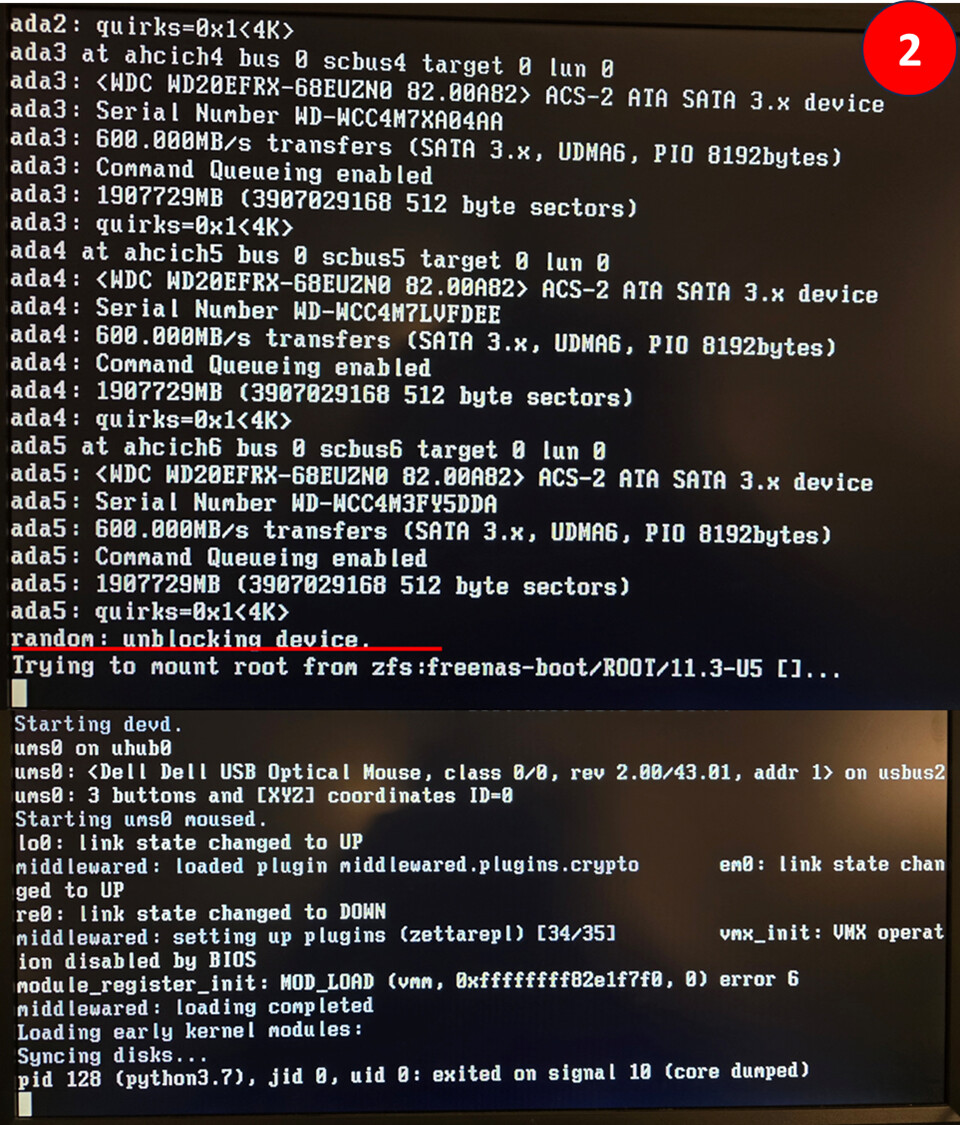
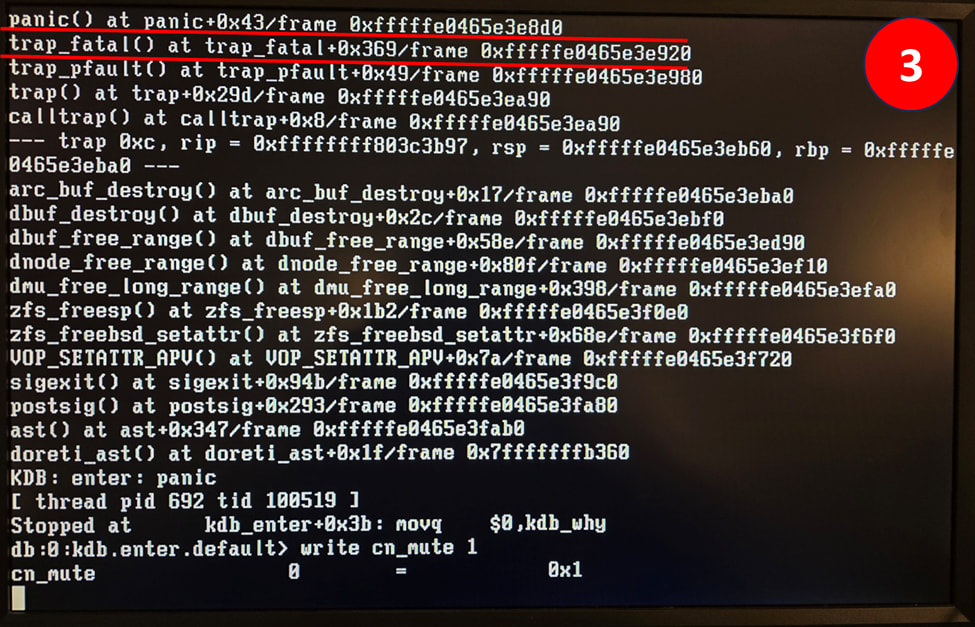
The problem: My FreeNAS system is stuck in a continuous reboot loop. It starts up, runs for a moment, then restarts over and over. I took screenshots during startup and underlined the part I think might be the issue, but honestly, I’m guessing.
I searched the TrueNAS forums and found similar problems, but most people were troubleshooting different goals than mine. From what I’ve read, it sounds like the most likely cause is a failed OS drive. If that’s true, the recommended fix seems to be reinstalling the OS onto a new USB/external drive and changing the boot order.
My big concern: Everything I’ve read says the installer will erase/reformat the drive you install the OS onto. That makes sense, but I want to be absolutely certain that ONLY the boot drive gets wiped and that my data on the WD Red NAS drives will remain untouched. I cannot risk losing any data. I recently moved and cannot find the external drive that had my backups, so the data on the NAS drives is all I have.
Additional complication: My backup configurations were saved on that missing external drive as well.
Questions I’m hoping someone can help with:
How can I confirm whether the OS drive has actually failed?
If I reinstall FreeNAS/TrueNAS on a new USB stick, will it leave my storage pool and data drives completely alone?
Is there any way to access a command line before the system reboots? If I could get into a shell, I might be able to copy files from my WD Red NAS drives to an external drive manually, but I assume I need the OS to load for that.
Any guidance would be hugely appreciated. I’m nervous about making the wrong move and losing irreplaceable data. Thanks in advance to anyone who can help me sort this out.
Hardware:
Motherboard make and model: Asus M4A88TD-M/USB3
CPU make and model: Intel Core i5-4690K (BX80646I54690K)
RAM quantity: 12GB
Hard drives: WD WD800AAJS 80GB HDD (for boot), 4x WD Red NAS WD20EFRX
Raid 1 Configuration (I think, I remember I mirrored it)
Easiest solution imo would be to unplug sata data/power from all non-future-boot-drives, have only boot drive connected + usb for the iso, install truenas successfully, power down, reconnect all drives, power on, import pool.
As long as nothing went horribly wrong with the hardware other than dead boot drive, should be very smooth.
Edit: ssd for boot is recommended now-a-days. Doesn’t neee to be particularly large, you could easily get away with 64GBs.
You also mentioned raid instead of raidz; I’m hoping that is just wrong use of terminology for zfs, otherwise this could get messy.
Link so you can find the matching TrueNAS or FreeNAS version for downloading, Refer to the documentation for instructions on install, etc. Select the version that you are installing.
Thank you and sounds good, that makes a lot of sense to unplug and replug up the drives. Also I was looking at a Samsung Evo870 ssd for my OS replacement and I most likely did setup the raidz, it just has been so long, I am not 100% sure.
Would you happen to have any idea how to tell if the OS hdd is what died or is it mostly just best guess since the system keeps rebooting?
Alright, I was able to setup a new OS drive (ssd this time) and was able to login. I attempted to import the pools, but the system goes right back into a continuous reboot state. I am unsure if this means anything, but in the BIOS it shows that the P6 Sata information is showing N/A even though there is a drive attached. Not sure if it means that drive is also dead and is the cause of the pool import > continuous reboot problem or not. Any thoughts?
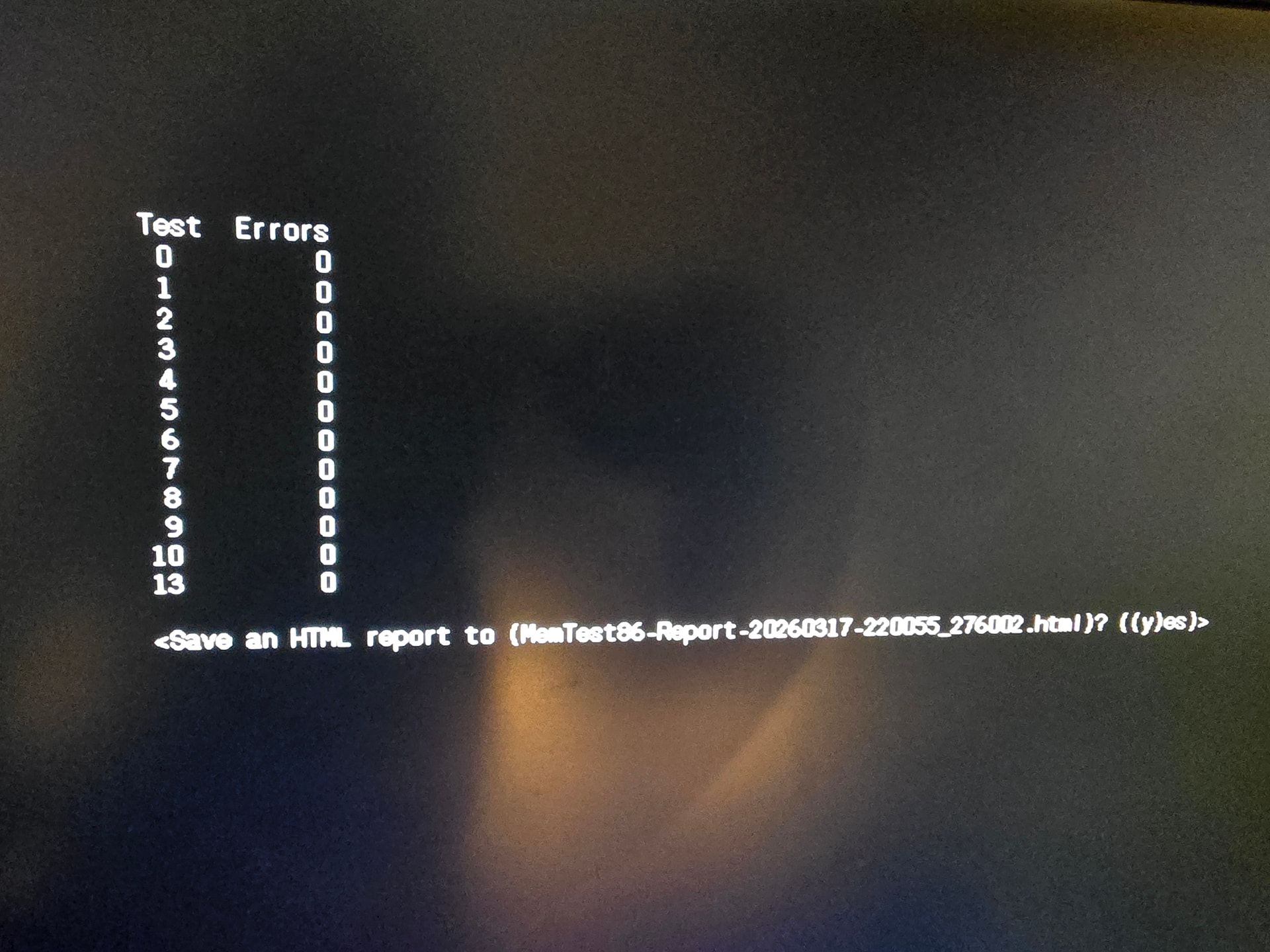
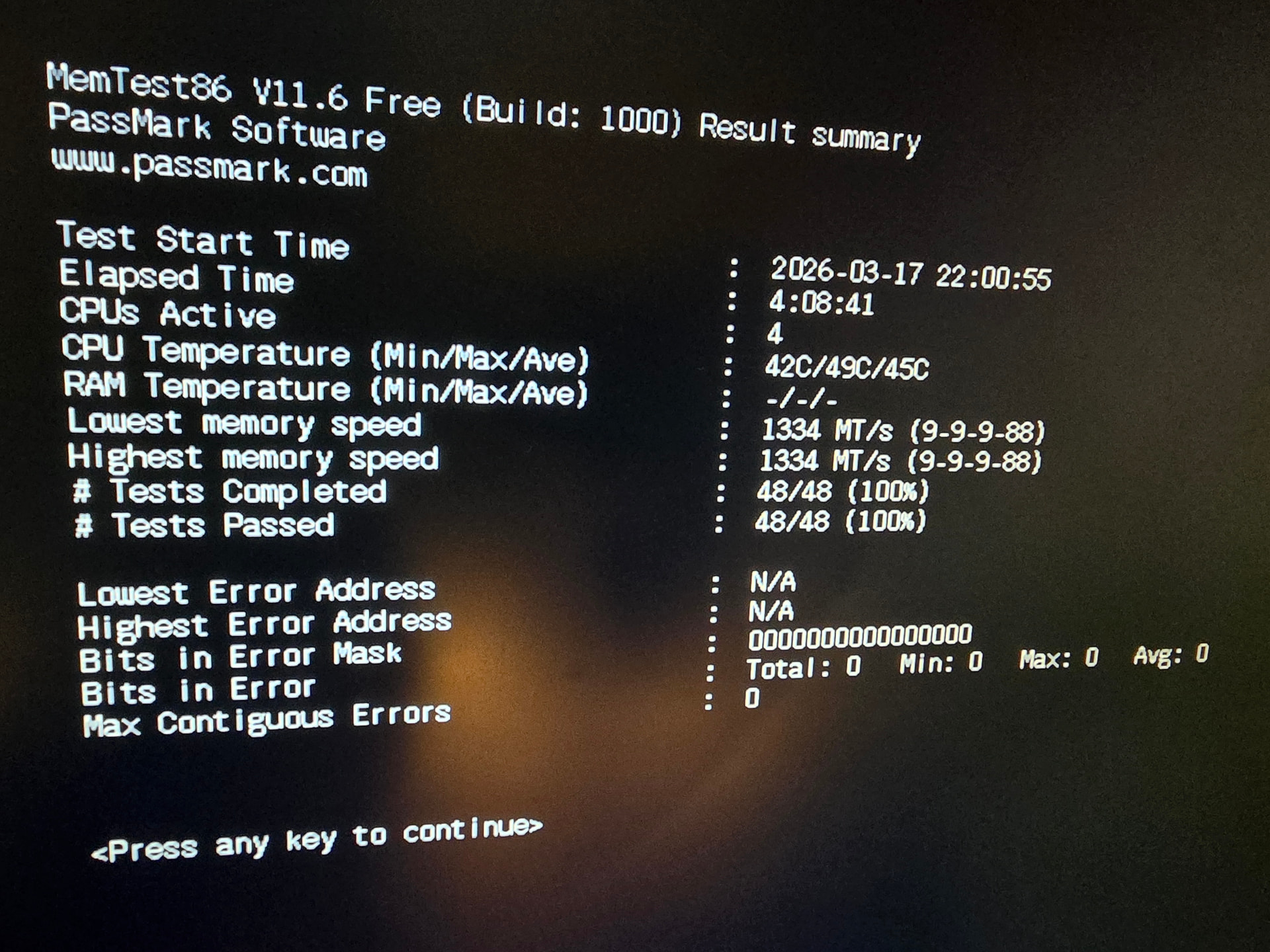
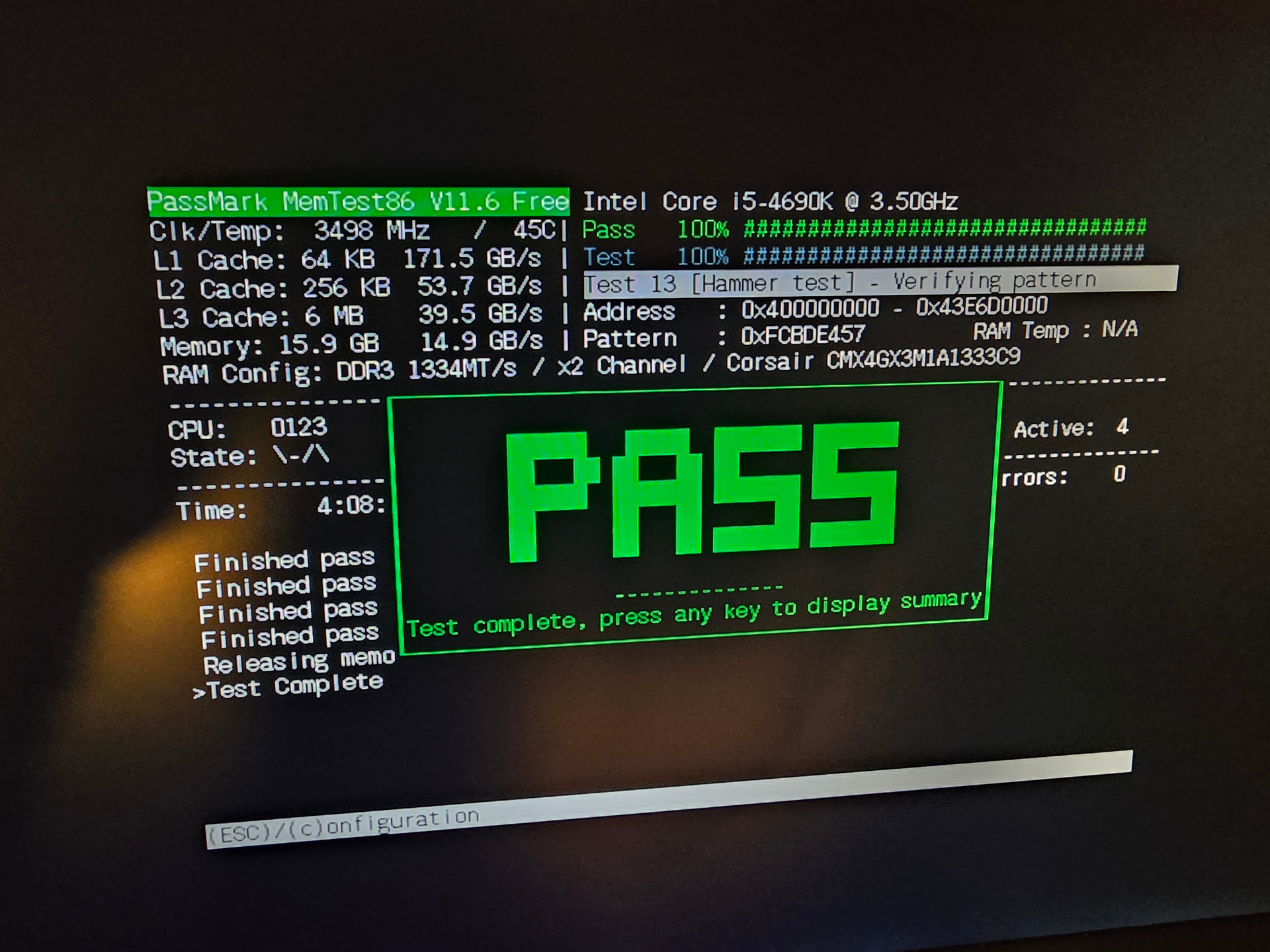
You should be keeping your data drives disconnected at this time. Boot up a live Live Linux and your run CPU stress tests and memtest86, at least 5 passes, to verify both are good and working.
Next would be connecting and running Long SMART tests on all your data drives and posting the results back.
I would suggest looking really hard for your backup at this point.
If you pass cpu, ram and smart tests, we can try to sort out what kind of pool you had and attempt at getting it imported. It may end up read only so you might need somewere else to back up the data.
A live Linux version could have GUI or command line versions. System-Rescue iso is one version. Just do an internet search for live linux cpu ram test and you should see some listings. memtest-86 is the name for the RAM one. I would think the tools would be on the major distros.
What OS version do you have installed on your system? I think you should try to run SMART Long tests on all your data drives and make sure they are okay by looking at the results at the end.
If the SMART Long tests are successful, then we should look at what the system thinks about importing your pool. The commands will all rely on what version of the OS you are running.