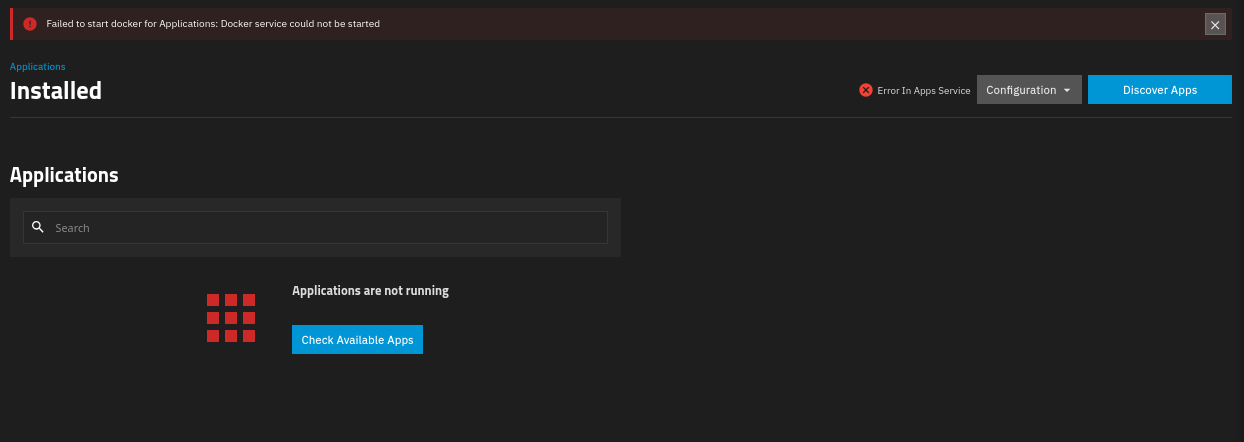
Apps service refuses to start no matter what after update

Since I upgraded my system to the latest version I am unable to get my apps to start at all.

Error message that I get is:
Failed to start docker for Applications: Docker service could not be started

I tried to unset and set the pool multiple times, with and without rebooting in-between.

I tried to set an empty pool (that did not run apps ever) which did not work either.

I disabled IPv6 on the host and inside apps settings as it was recommended in other posts, didn’t work either.

Also, I tried to change the DNS as that was suggested to be the issue in some posts, still nothing.

Currently, I’m at a loss, any help is appreciated.

Do things work if you boot back into your previous boot environment? This may just be a failed upgrade.

No sadly they don’t it worked for a short time after I upgraded to 26.0.0-BETA.1 after an upgrade to BETA.2 it didn’t work anymore, selecting BETA.1 and rebooting did not fix it.

What version did you have installed before you installed the beta versions?
Is that copy still available among your boot environments?

Yes but with that one it did not work either also I made the mistake of upgrading the pools on the beta version.

Upgraded the pools? Oh, that’s unfortunate.
It would still be valuable knowing what version you before you updated to the beta.

And, if this used to work once, what version was that?

Yes but with that one it did not work either also I made the mistake of upgrading the pools on the beta version.

It was 25.10.04

Why did you think running your only copy of your production data on a beta is a good idea?

It solved the apps issue I have for quite a while, and as I’m only semi good with docker yet idk how to migrate my whole stuff out of truenas.

I had tried the previous steps with no avail and then the only hope was to update more or less.

I am now able to start the apps service when choosing another pool.
But the pool where my apps reside is not possible to use.

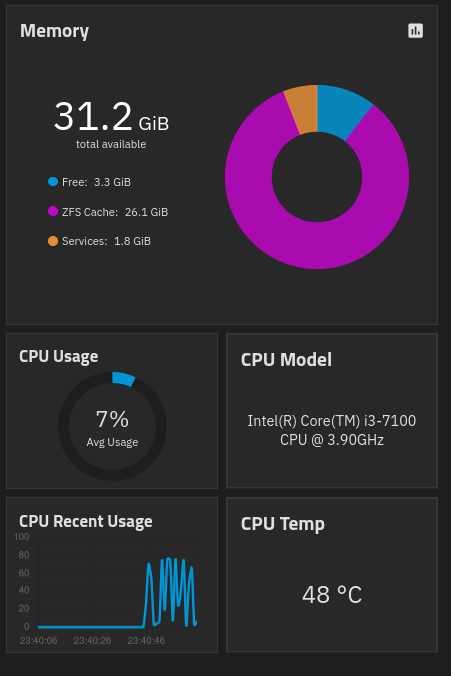
Post full details on your system hardware, OS version and the pool layout. Describe your current problem(s) in as much detail as possible. We can’t guess what is going on and can only go off posted info in the forum.

You can expand the signature in Samuel_Tai’s post to get an idea of the hardware details desired Click on the little triangle.

Not sure where to get the logs, if I knew where they are for the apps service would be great then I could debug myself a bit.

If someone knows how to delete the .ix-apps on a pool / how to make backups of the compose files would be a great way to get it back to work again.

the apps dataset is mounted under /mnt/.ix-apps, but if you didn’t use hostpaths you’d essentially delete all your apps and you would have to start from zero

I used host paths, but config for all apps is going to be a huge pain to re make manually.

app_configs seems to be intact, so coping, deleting, re initializing the pool, coping back the configs would be possible I assume?

it should be, but i can’t confirm because all my apps run inside an lxc with my own compose files so i have just very basic knowledge of how truenas stores the configs and if copy/pasting actually works…

Think that’s what I’ll move to after this.
I’ll try to fix it that way, thanks so far

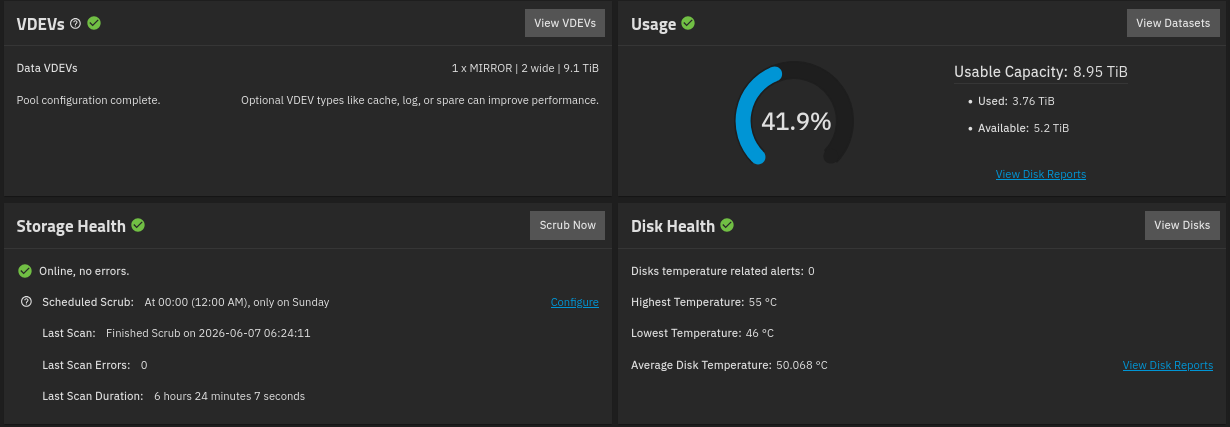
You show a single VDEV above in the screenshots. Do you only have one VDEV / one pool?

That’s the pool housing the hidden apps dataset.
I do have more.