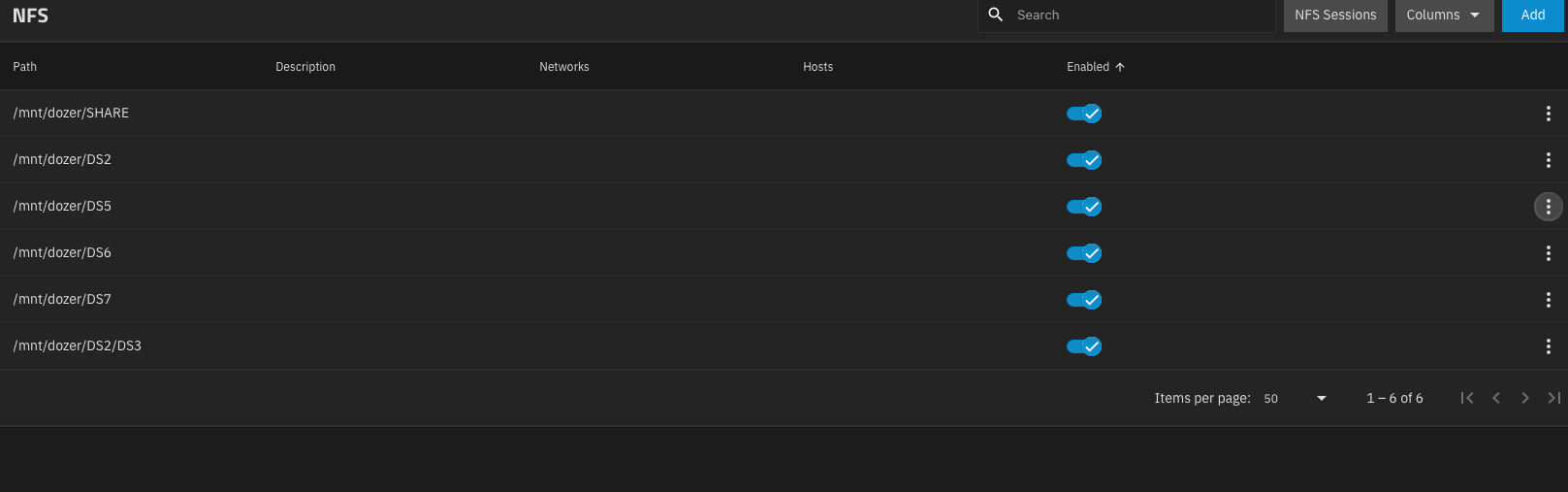
I am running TrueNAS SCALE 25.10 on a server that I am prototyping as a file server. I have about 10 NFS shares, each mapping to a different dataset for a specific group of users.
In the web GUI, when I go to Shares > UNIX (NFS) Shares, I am only able to see the first 4 shares. These shares have the “meatball” menu that I can click and “Edit”
However, when I click “View All”, I can see all the NFS shares but I can’t edit them.
How can I individually edit the other 6 shares?