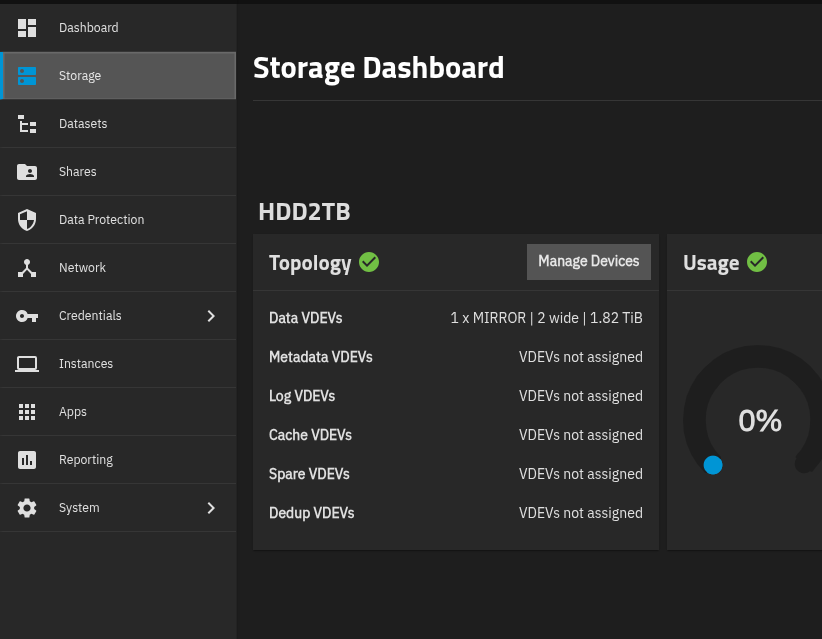
I’ve just installed TrueNas on my Home Server. Now I want to pull my data from my OMV via rsync, but it fails.
Error: Password: @ERROR: auth failed on module ******
rsync error: error starting client-server protocol (code 5) at main.c(1863) [Receiver=3.2.7]
I’m using the same user on TrueNAS and OMV, with the same password. Other than on the OMV, I can not enter a password for the rsync user in TrueNAS. I hoped it pulls the user password from the system, but it looks like it doesn’t. How can fix this?
Are you setting up an Rsync Task on TrueNAS that pulls from OMV, or a task on OVM that sends to TrueNAS?
How did you configure Rsync?
The “module authentication” has nothing to do with the system’s Unix users. A module’s authenticating user/password is arbitrarily made, and usually stored in a “secret” read-only file.
It is a task on TrueNAS pulling/pushing from OMV. It works between two OMV’s already, now moving to TrueNAS.
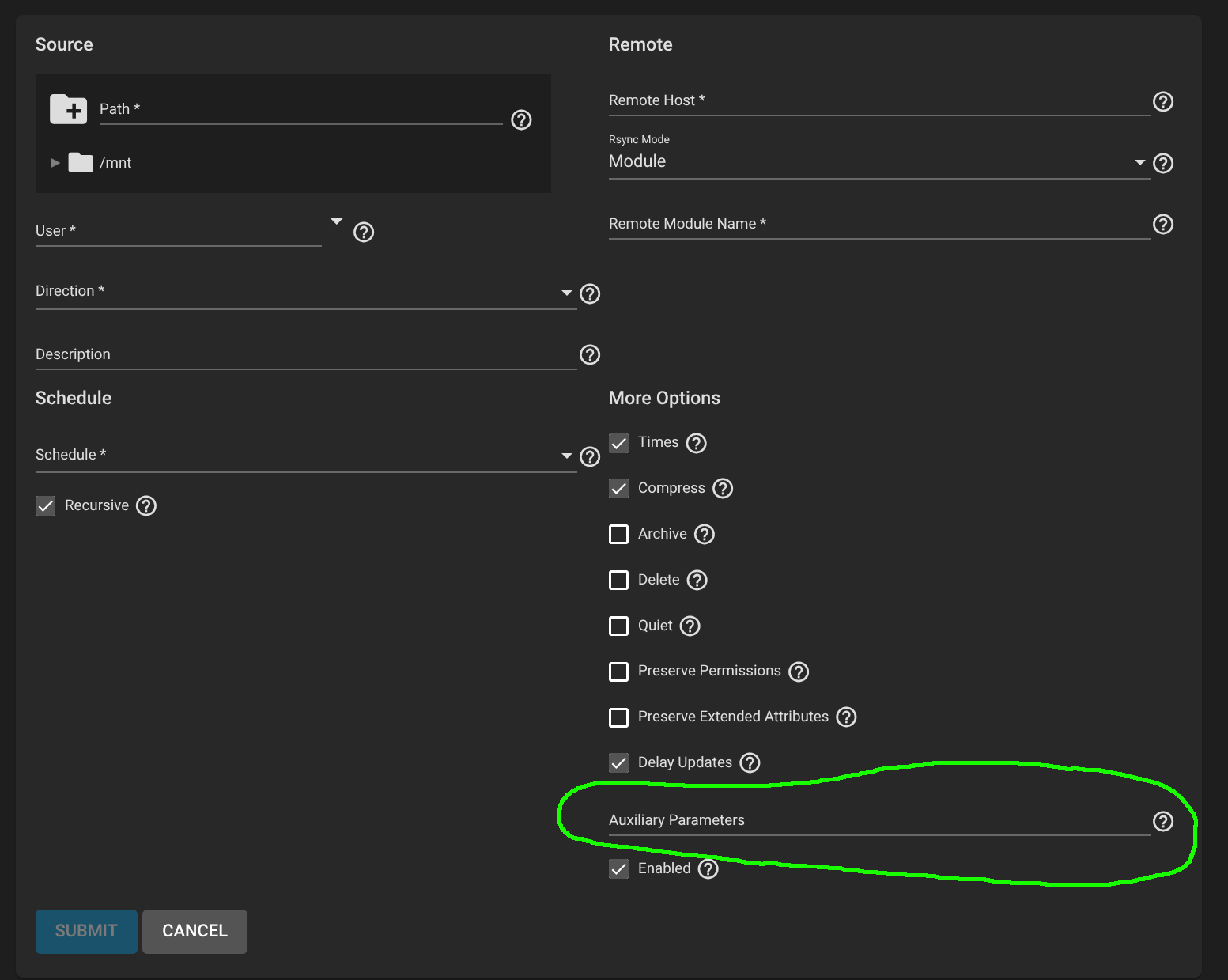
I have set up the rsync task in the TrueNAS GUI
On OMV I have set a user and password for the module. When creating a task on the second OMV, I can enter the user and password. On TrueNAS it is only the user to pick, but no field for password.
Because such an option is not exposed in the TrueNAS GUI.
You have to use the Auxiliary Parameters to specify the module authentication username/password or the location for a read-only “secret file” that contains the username/password.
So I need to create a textfile with the password in it and name it .secrets (or .something)
place it on truenas somewhere i.e. /conf/.secrets
and place the parameter --password-file="/conf/.secrets
right?
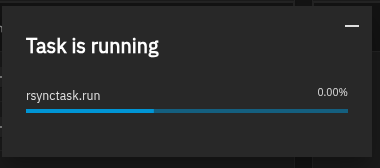
Thanks! I made it somehow. The task is running, the folders are already there but it looks like it is not transferring the files. After 5 Min still 0,00%
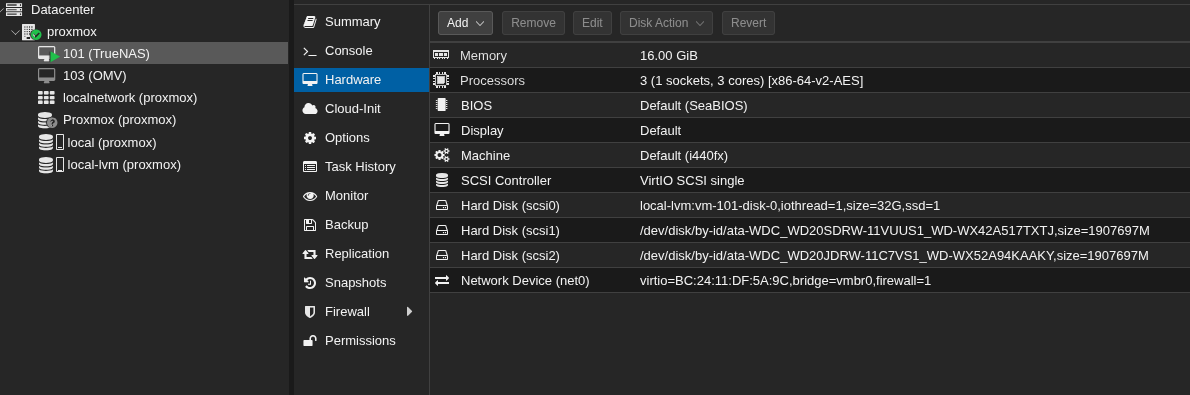
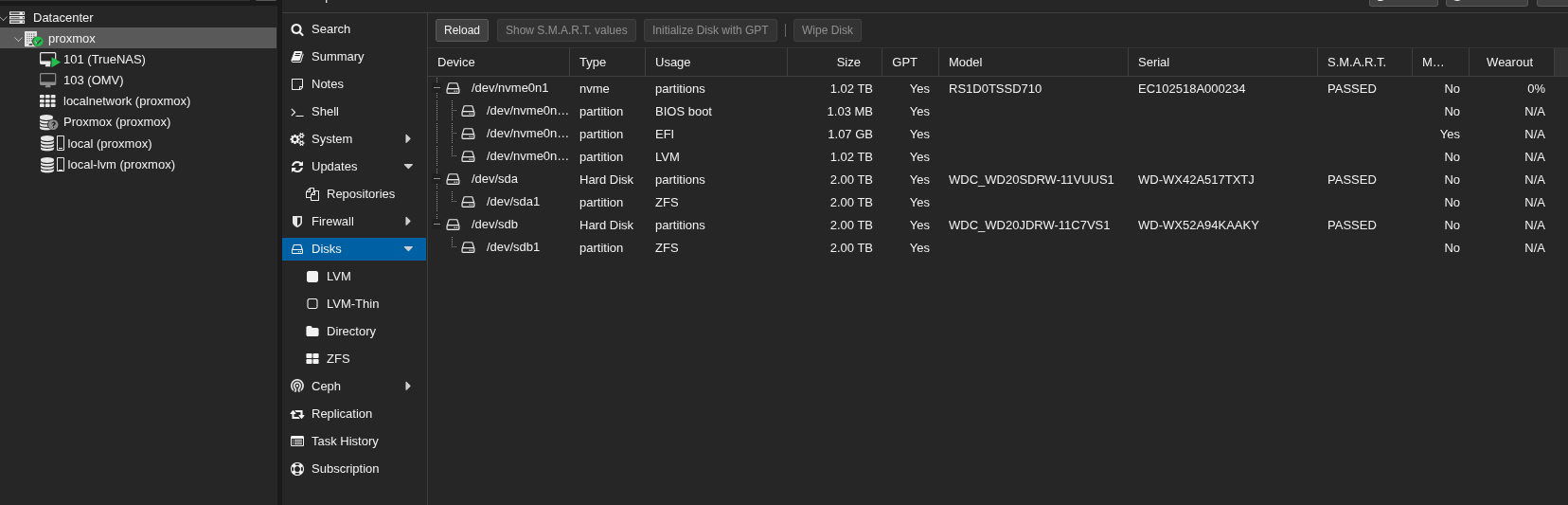
Did you pass through the HBA or controller for the drives? It may need to be blacklisted from Proxmox also. Proxmox can mount ZFS and cause problems like loss of data for the TrueNAS VM.
Thank you all for the support!
I’ve followed this tutorial (series).
I’m, looking for something stable and TrueNAS seams not to be what I’m looking for. I wanted proxmox because it is better for virtualization in general (what I’ve been told at least). So I can install different VM’s, including TrueNAS. Probably I will try with OMV on Proxmox, now it is running on a PI with two HDD, one syncing to the other. The same setup on a different location, with one HDD also syncing to Site A, as a additional source/backup.
Since I’m at the beginning, I can give TrueNAS a try directly on the Home Server (no proxmox) on Site A, and use it for virtualization too, but only if you guys are telling me, it is stable like OMV and it works with VM’s good.