
I know that with every update that TrueNAS issues, we are prompted to save the configuration prior to performing this update. This same screen can also be accessed by going to System → Advanced Settings → Manage Configuration → Download.
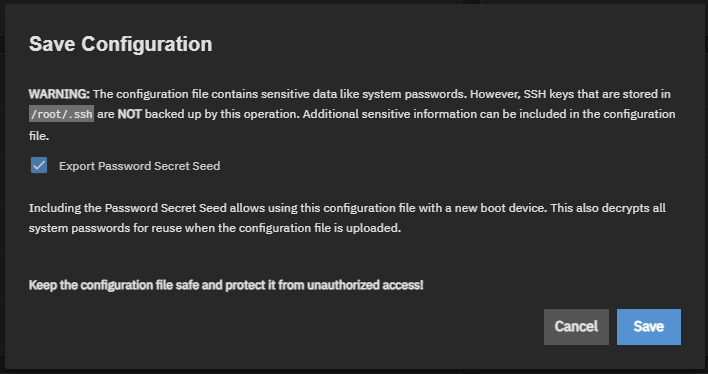
I usually save it to my backup share on my server which is then backed up to Backblaze, and should be an easy download. A couple of questions:
- How often does the configuration file change for TrueNAS? What about the password seed?
- Is there a CLI version of this tool, or is it GUI-only?
I figured that, after adding two NVMe drives this past weekend on my server, setting them up as a mirrored VDEV, then moving the system dataset from the HDDs to the NVMes, I should generate a new configuration file…. especially since my boot NVMe is now 9 years and 4 months old.