
I have a very strange networking problem accessing my Apps. Everything had been as good as gold until after I restarted one of my un-managed switches, and now Mozilla Firefox on any computer or tablet in the house (but interestingly not always Chrome or Edge on some computers) gives me a Connection Reset error
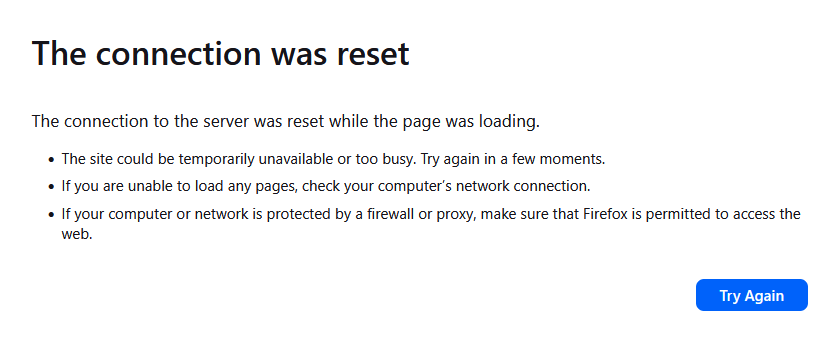
But this only happens when tryingg to access certain apps such as Deluge and Jellyfin, but things like Syncthing, Scrutiny and Crafty all work fine.
So, the following all work fine
https://truenas.local - ie, the main TrueNAS dashboard
http://truenas.local:30064/ - Dozzle
https://truenas.local:8443 - Crafty
The following don’t
http://truenas.local:8112/ - Deluge
http://truenas.local:30013 - Jellyfin
What I’ve found is if I go in via IPv4 - rather than local hostname (ie, 192.168.0.200 in my case as the IP for my TrueNAS Server) - then all the apps can be accessed. But if I go in via IPv6 ([fe80::b499:beff:fe45:ae3b] in my case as the IP for my TrueNAS server) then all apps aside from Deluge and Jellyfin can be accessed. And I get the same “Connection Reset” error just for these two apps.
I’m really confused as how can an IPv4 address work across the board for any app, yet an IPv6 address can’t, but for only two of the apps I’m running.
I’ve restarted everything from scratch, bringing up my internet first, then the switches, then router and mesh network, then Truenas server and still the same issue.
Am really befuddled. Any advice greatly appreciated.