I didn’t know whether to post this here or the apps section but it’s not an app already included. But whatever. I wish I had this when setting up my server. for those new to linux but just trust me.
Portable file server with accelerated resumable uploads, dedup, WebDAV, FTP, TFTP, zeroconf, media indexer, thumbnails++ all in one file, no deps
That is one crazy project. I’m actually impressed.
It seems a bit too much for a serious file server. I can only imagine what it’s doing behind the scenes in terms of permissions, file modifications, and who knows what else.
        for name, pwd in self.asrv.acct.items():
            for u, p in ((name, pwd), (pwd, "k")):
                lmhash = compute_lmhash(p)
                nthash = compute_nthash(p)
                srv.addCredential(u, 0, lmhash, nthash)
The only way you can compute an nthash on server startup is if you have stored the plain-text credentials. This is not a great sign.
I’ve taken a little editorial liberty with the title here @JuanS - it feels a little advertising on its face otherwise. I get that it’s been covered on HN/Reddit/etc and it’s kind of exploding right now, but the use-case of TrueNAS generally involves a smidgen more caution than “MUST try this ONE weird tip” kind of programs.
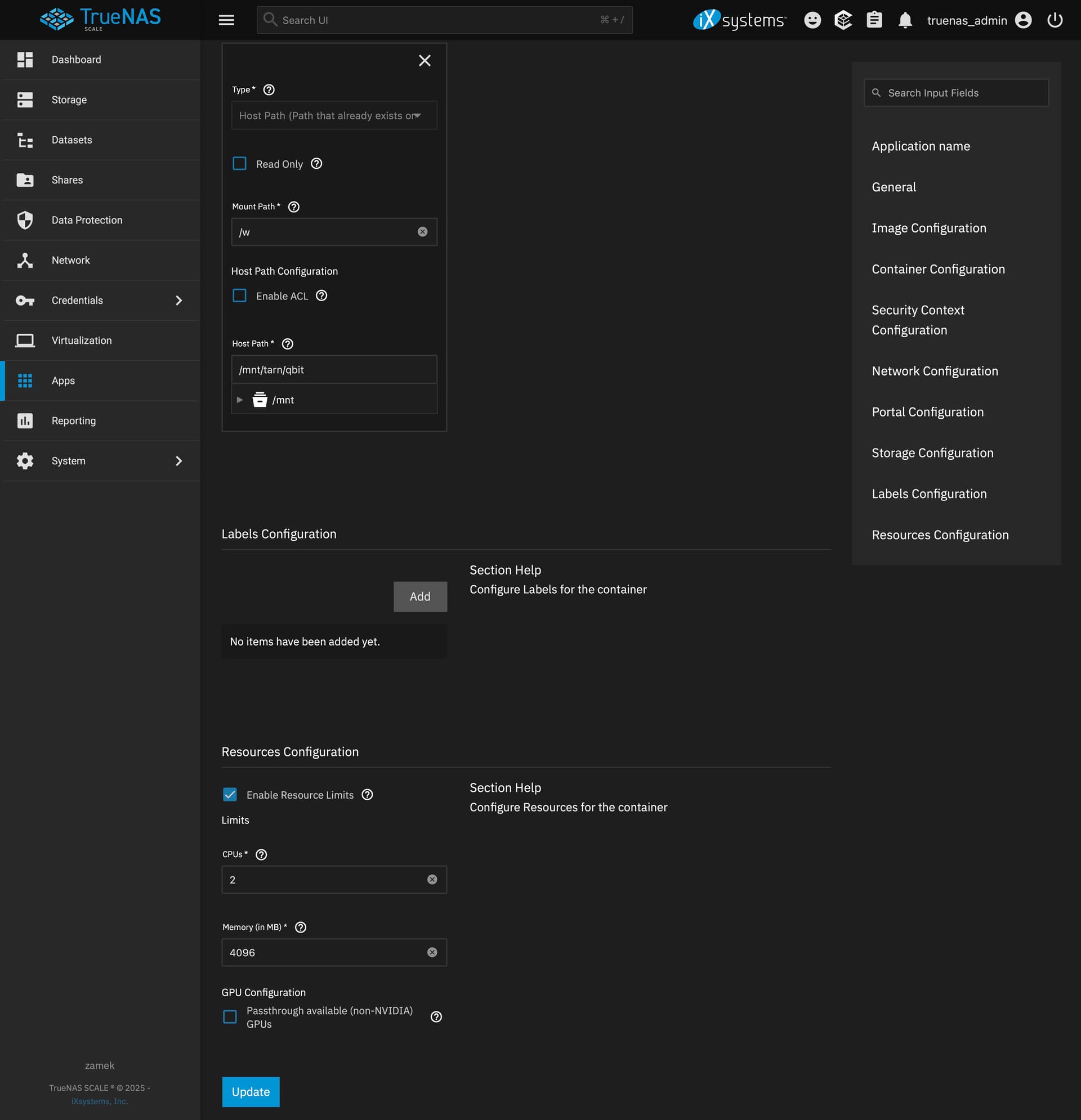
That said, we accept PRs to the Apps repo at GitHub - truenas/apps - this might be an interesting Community Apps option, or just launch it as a custom app. I’d definitely suggest not running the Python script directly on the TrueNAS box itself. Not suggesting that any software is perfect, but a “publicly accessable/internet-connected” file/media/everything-sharing app is a juicy target:
That’s totally fine with me. It was just something I came across that excited me. I’m really a Truenas newb. It’s definitely something I would run in a container.
The downside of putting it on TrueNAS SCALE (in a docker container, obviously) is that TrueNAS SCALE doesn’t lend itself well to this kind of app. Ideally you’d want to access your files with it, but in order to do that you’d have to map each dataset into it and give apps:apps permissions per dataset. That would be a security problem.
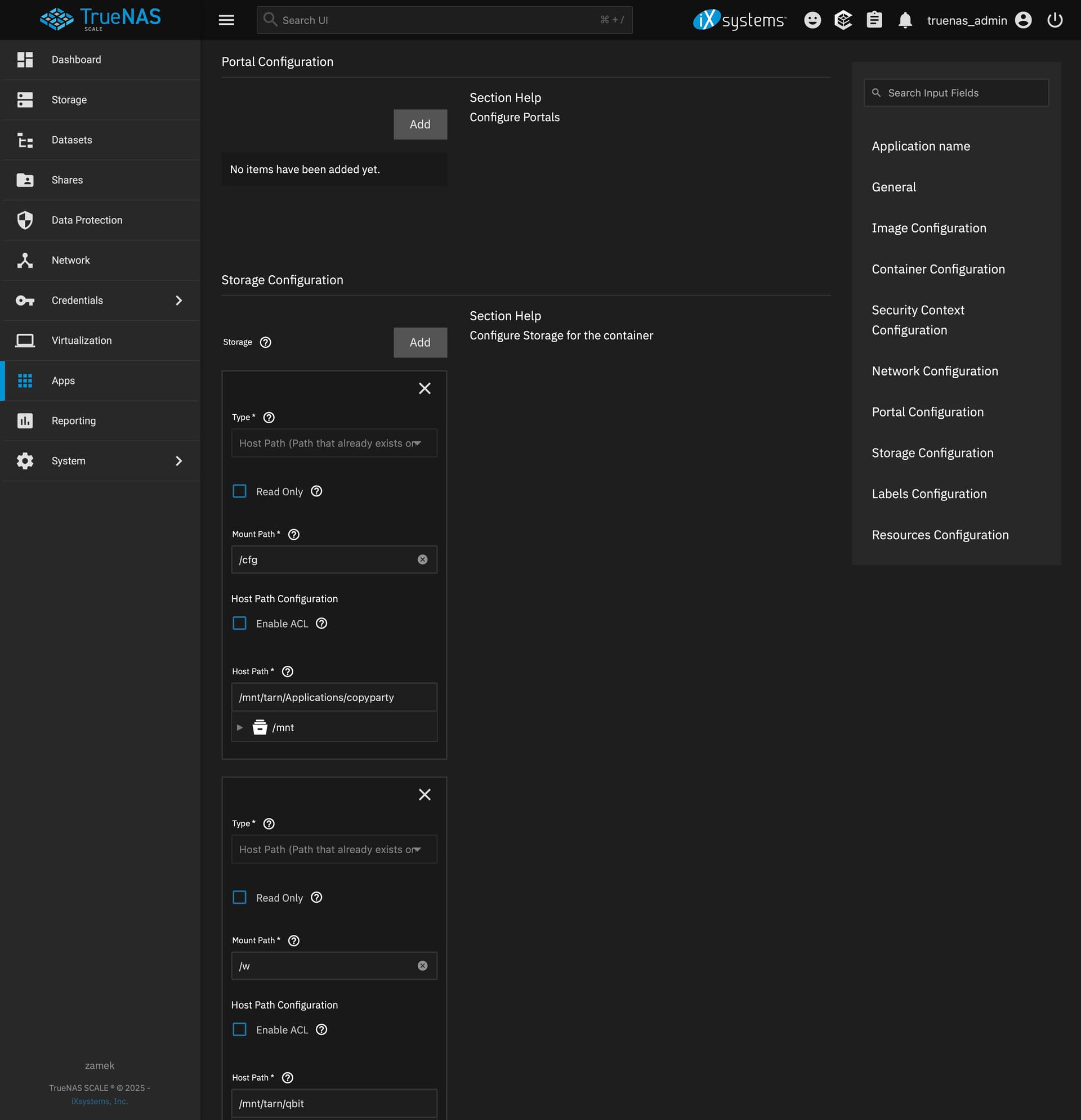
I think I’m going to create a separate dataset and folder structure for it and just use that. If you’re already running Jellyfin and Starr apps then using that dataset may be appropriate.
Passwords in plain text (they can be hashes too) not that big a deal if you follow the rule of always creating a separate random password for everything anyway.
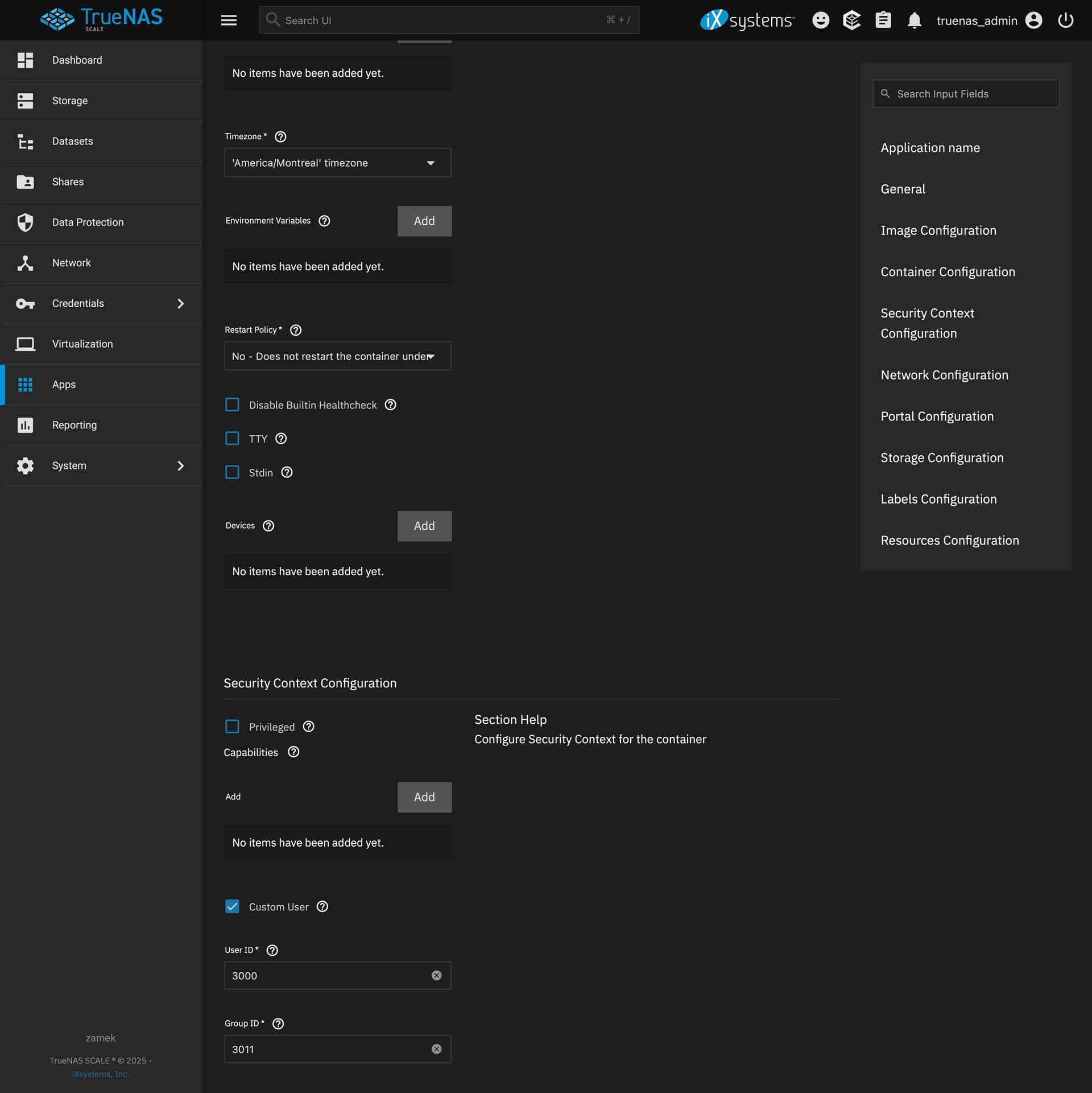
I’m a newb with Truenas. Can you make a separate user just for copyparty, run the container under that user and only give that user rights to your dataset? would that still be a security issue?
I have it running in a container to a dataset just for friends and myself but I’m thinking of running another container just for me to access under a separate account.
Can someone show me the best way to get this set up for me? I want to experiment with it on one specific dataset but I am newer to TrueNAS and I am not familiar with adding apps that aren’t in the built-in catalog.
thanks for pointing this out! Yes, it uses impacket for the SMB-server. And yes, this is why I did not mention SMB support in the video, and why none of the docker images have SMB support (none of them have impacket included), and why the readme and the helptext all mention that the SMB-server is terrible and should not be used
the SMB-server was added on request by a good friend, and he had a truly cursed usecase for which it actually makes sense, but I hope that he is the only user.