Docker compose permission denied

Your command looks correct. sudo shoudn’t be required here.

Your issue might be that you are executing the code to early. TrueNAS also does user synchronization on startup. Your command might be executed before TrueNAS does it’s user sync, in which case your changes would quickly get undone.

Try this as command:

  • sleep 120; usermod -aG docker vscode
1 Like

this worked thanks! i was able to shorten it to sleep 10 and all is fine.

1 Like

just logging this for future reference for myself or anyone. updated to the recent point release: 25.10.1 - Goldeye and it reset docker:

  • turned off the docker service that i have to manually turn on because its not being enabled via the apps pool config.
  • this either wiped the all the docker states or something because everything was considered stopped and all the networks and such were gone.

along with having to manually add users to the docker group because you cant do it in the frontend, this might not be sustainable.

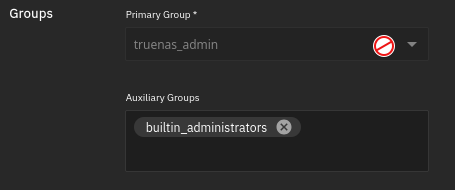
you can add in the UI (Scale 25.10.3), as long as you add it as the Primary group.

in 25.10.3.1 - Goldeye i dont see that as possible:

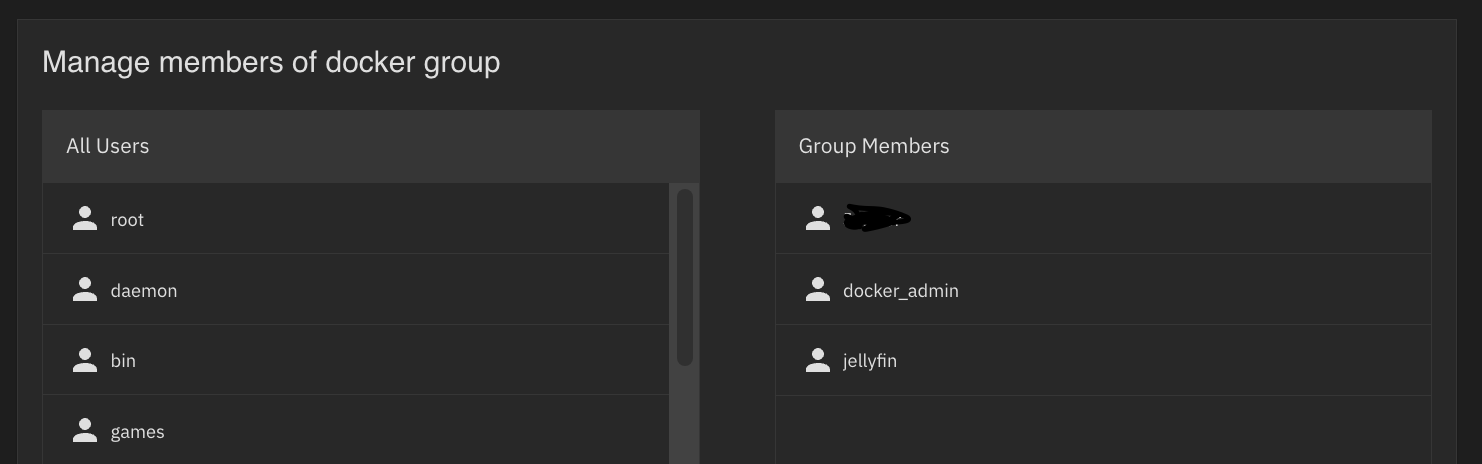
actually dont see anyone in the docker group even though they are being set via init script:

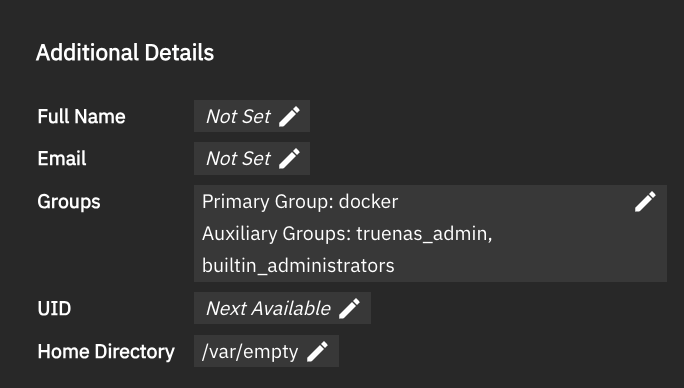
That is not what I see in mine: 25.10.3 - Goldeye

edit: I just updated to 25.10.3.1. No changes.

I just created a new user:

It was created normally.

1 Like

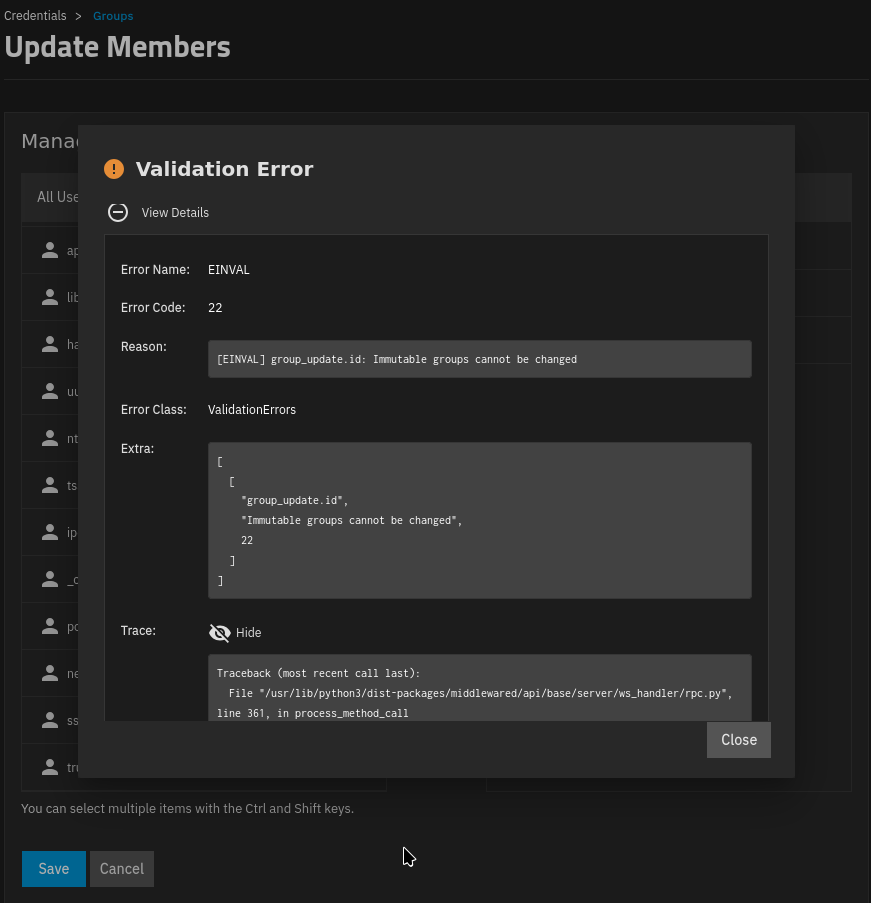
weird if i try to add members to the docker group using the group manager i get:

i clearly have users in the group, though, as im doing it via init scrips:

$ getent group docker
docker:x:999:truenas_admin,vscode

for some reason my users that i assign to the docker group via init script are being removed:

init scripts:

sleep 10; usermod -aG docker truenas_admin; usermod -aG docker vscode

and this for when truenas is updated and docker disables itself again:

systemctl enable docker; systemctl start docker

group check

truenas_admin@truenasty[~]$ groups
truenas_admin builtin_administrators

and i cant set it manually anymore:

truenas_admin@truenasty[~]$ sudo usermod -aG docker truenas_admin
[sss_cache] [confdb_init] (0x0010): Unable to open config database [/var/run/sssd-cache/db/config.ldb]
Could not open available domains

truenas_admin@truenasty[~]$ getent group docker
docker:x:999:truenas_admin

if i reboot, everything is back to normal :thinking: