
Hey everyone, I recently swapped some hardware in my machine, and I realized now that my boot drive is labeled ‘sdf’, and so sdf is now skipped over in my RAIDZ2 storage pool. This is such a minor thing, but is there anything I can do to make the boot drive either ‘sda’ or ‘sdg’, so that my RAIDZ2 pool drives go in sequential order?

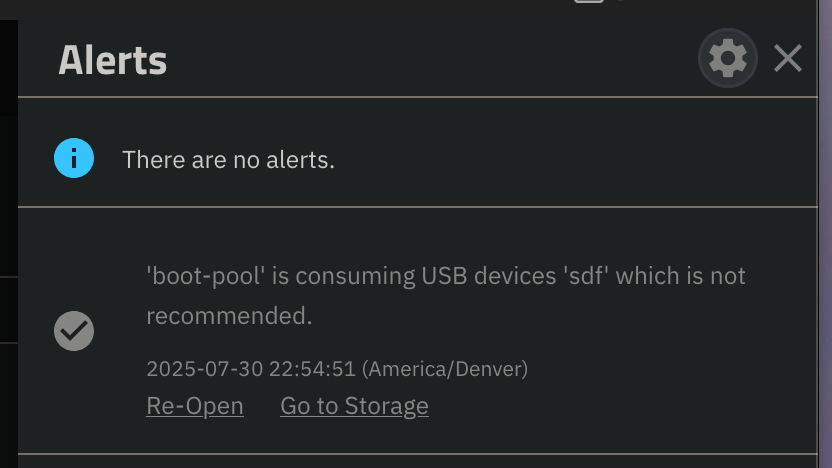
The drives can change position every time you boot. It is just the order that the system picks the up in.
2 Likes
The GUI is misleading.
Your vdevs are referencing PARTUUIDs.
Check with zpool status <poolname>
2 Likes
Simple answer is Nope.
A more complicated answer might be to try a few things…
- Power off the system.
- Power on the system, not the order the drives came up in. Is it what you wanted? If yes, then power down and power back up in an attempt to get the order correct.
- If the drives are not in the order you desire, Reboot (not power down) the system, see the order the drives come up in now.
Hopefully one of these will give you some joy, but it comes down to as @SmallBarky said, the system picks up the drives as it sees them ready. But to have a specific order, no method that I’m aware of.