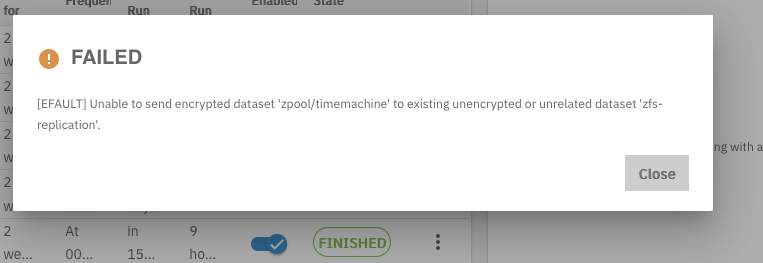
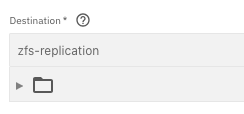
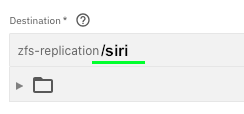
Do you want the destination dataset to be encrypted or unencrypted? If encrypted, do you want it to be with the same key/passphrase that the source requires?
It should be. If the source dataset is encrypted, then enabling “Include Dataset Properties” or “Full Filesystem Replication” will invoke a “raw stream”. This sends the data untouched: same properties, same compression, same encryption.
Five memtests before bed and two memtests in the morning. Doctor’s orders.
It can be tested in the UI or command-line without actually unlocking the dataset.
zfs load-key -n zfs-replication/siri
It’s sill good practice to occasionally check that the backup data is accessible, since you don’t want to be in an emergency where you cannot retrieve data that you thought could be relied on. (Don’t write or modify anything on the destination filesystem, since it will break future incremental replications.)