According to this post by @HoneyBadger there was a forum maintenance last Thursday. Ever since this maintenance I can no longer save changes to my signature. IIRC it worked the day before.
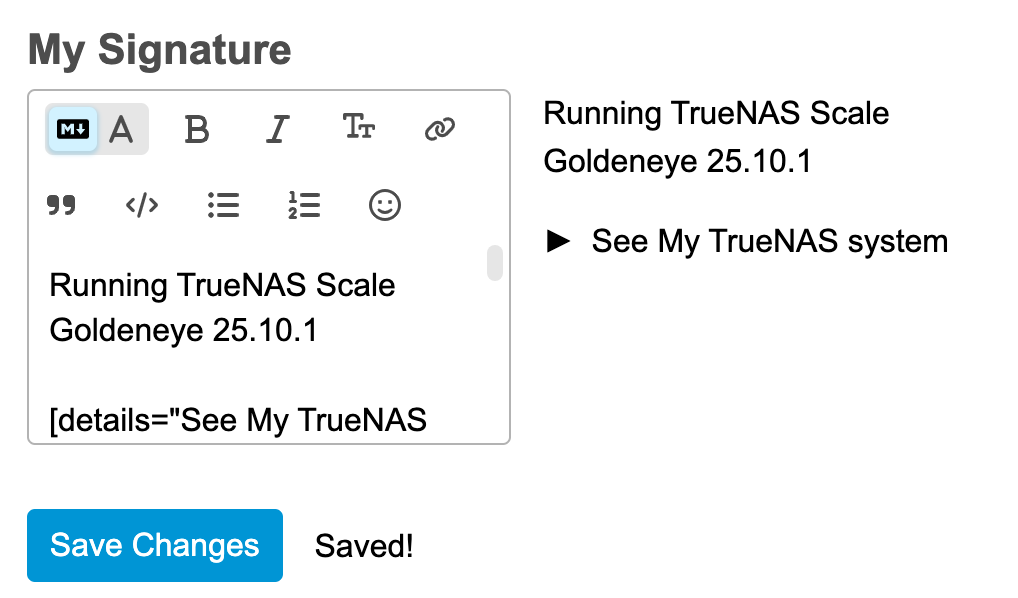
Whenever I edit my forum signature and save it, the system will respond with “Saved!”, but in actuality no changes will be saved. E.g. when I click on a category or the “Topics” menu item and then go back to my signature profile, the signature will shown the previous content. I tried different browsers and also cleared my browser cache, so it seems the problem is not on my side.
You’re quite right, it doesn’t seem to be working. Let me see if there’s something up in the Discourse notes or if someone else has raised this as a bug already.
FWIW, there is also weirdness in how the forum is interpreted on iOS (latest version, running Safari). The cursor will be in a different line, sometimes off by one or two lines. This comes up usually as part of editing a previously-submitted posting. So you have to position the cursor two lines lower than the text you’re trying to correct / amend. Saving changes may also not work.
I saw similar issues with mobile browsers on Discourse (here and other places) and even the old Xenforo so this didn’t surprise me. Chrome seemed to be “less awful” but I think I even saw it on desktop Firefox.
same. also the sig editor text box is squished over to the left for some reason even full screen on a 1080p display which makes it hard to actually see what you are doing without the preview which is quite annoying, however that isnt anything new.
It’s been driving me round the bend, trying to update my signature block, and I am relieved to find it isn’t me being stupid (this time). I hope the fix can be applied soon; my signature says I am on Electric Eel still!
Sigs are still an issue… also, I received notification that my trust level had been upgraded to level 2, but my visible profile still shows trust level 1.
Unfortunately that means we likely need to wait for them to backport it to a point release of the stable 3.5 or for the 3.6.0 release. Looking back at that forum category, it looks like 3.5 was in beta from February through August of last year, so it might be a bit.