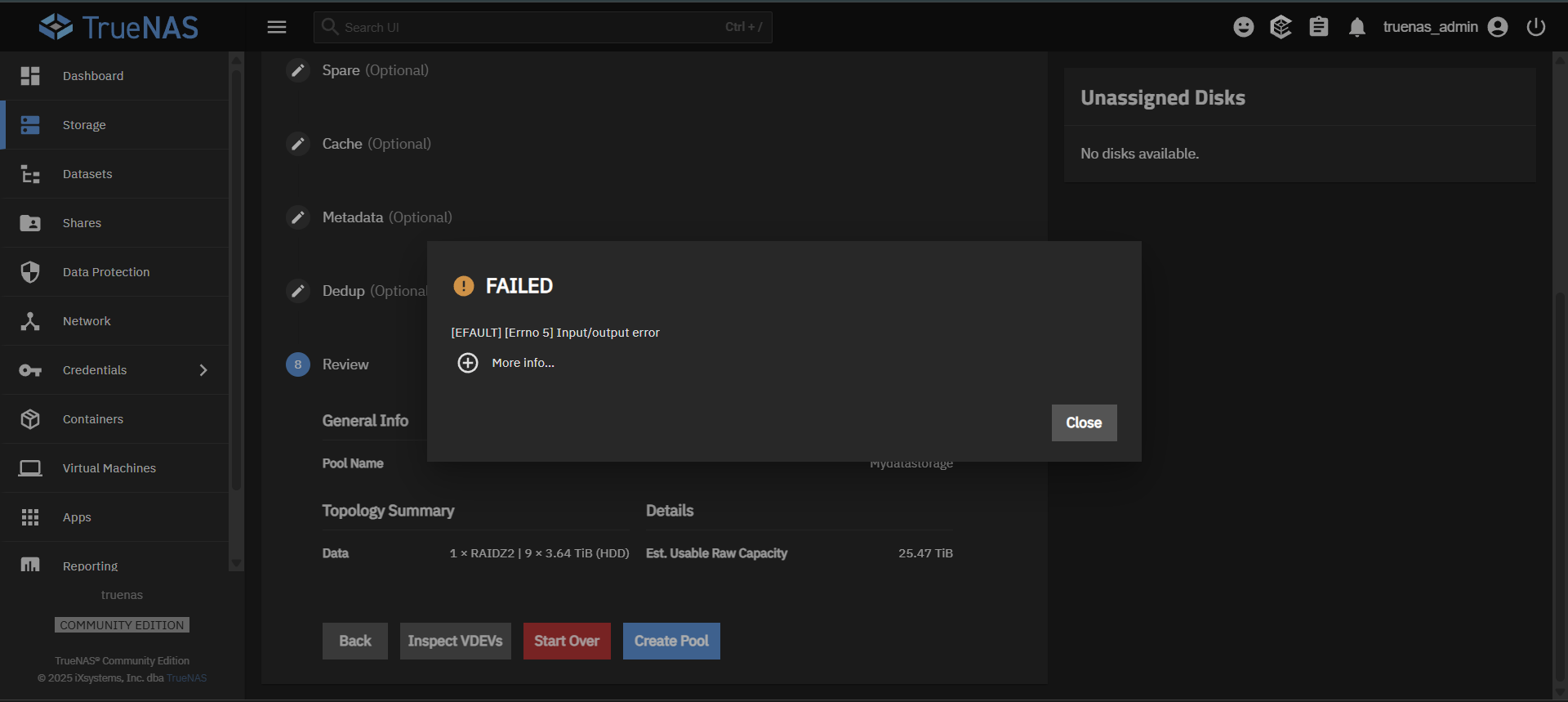
I am not sure what’s going on here. It will not allow me to create any pools, It’s also saying something like cannot connect to host I’m not sure what this is
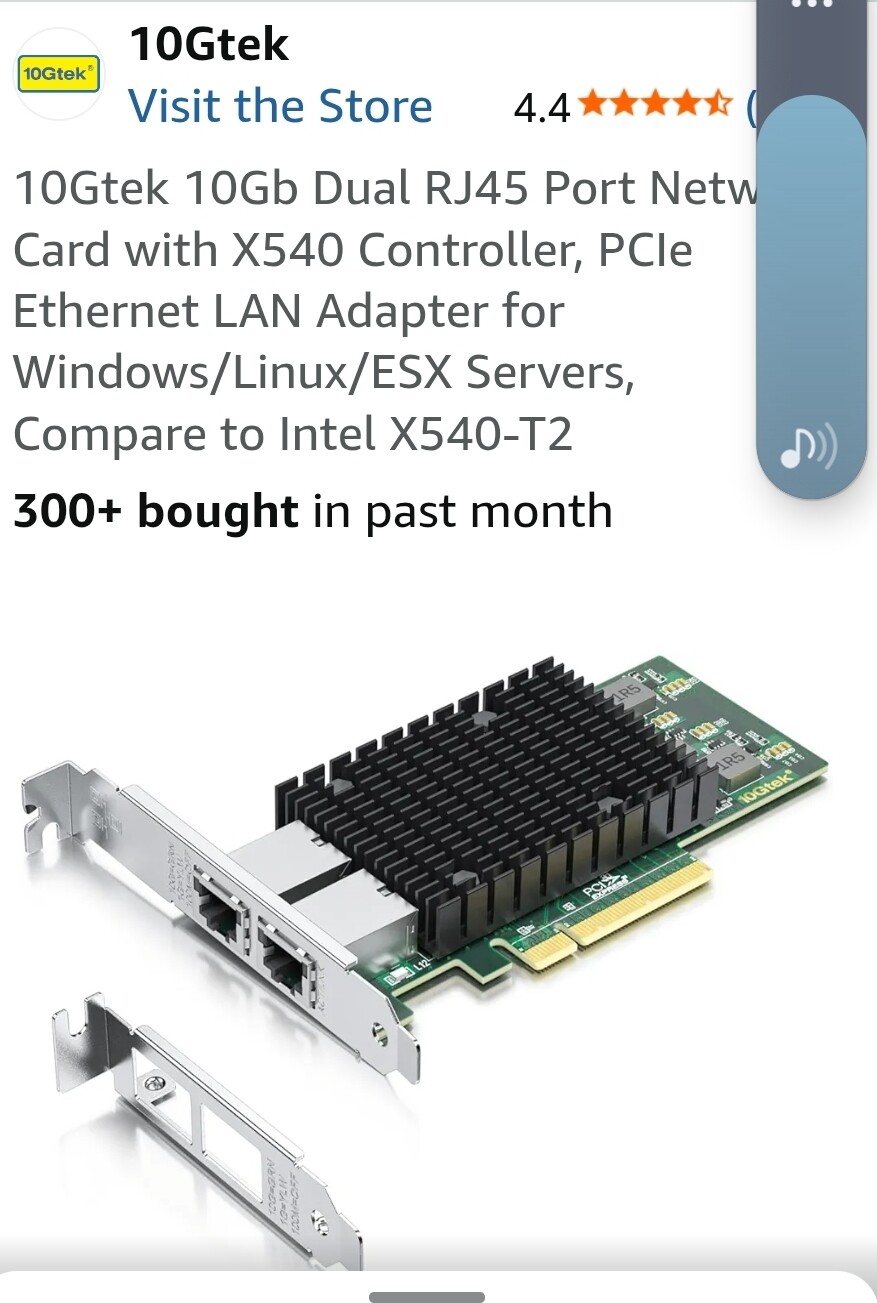
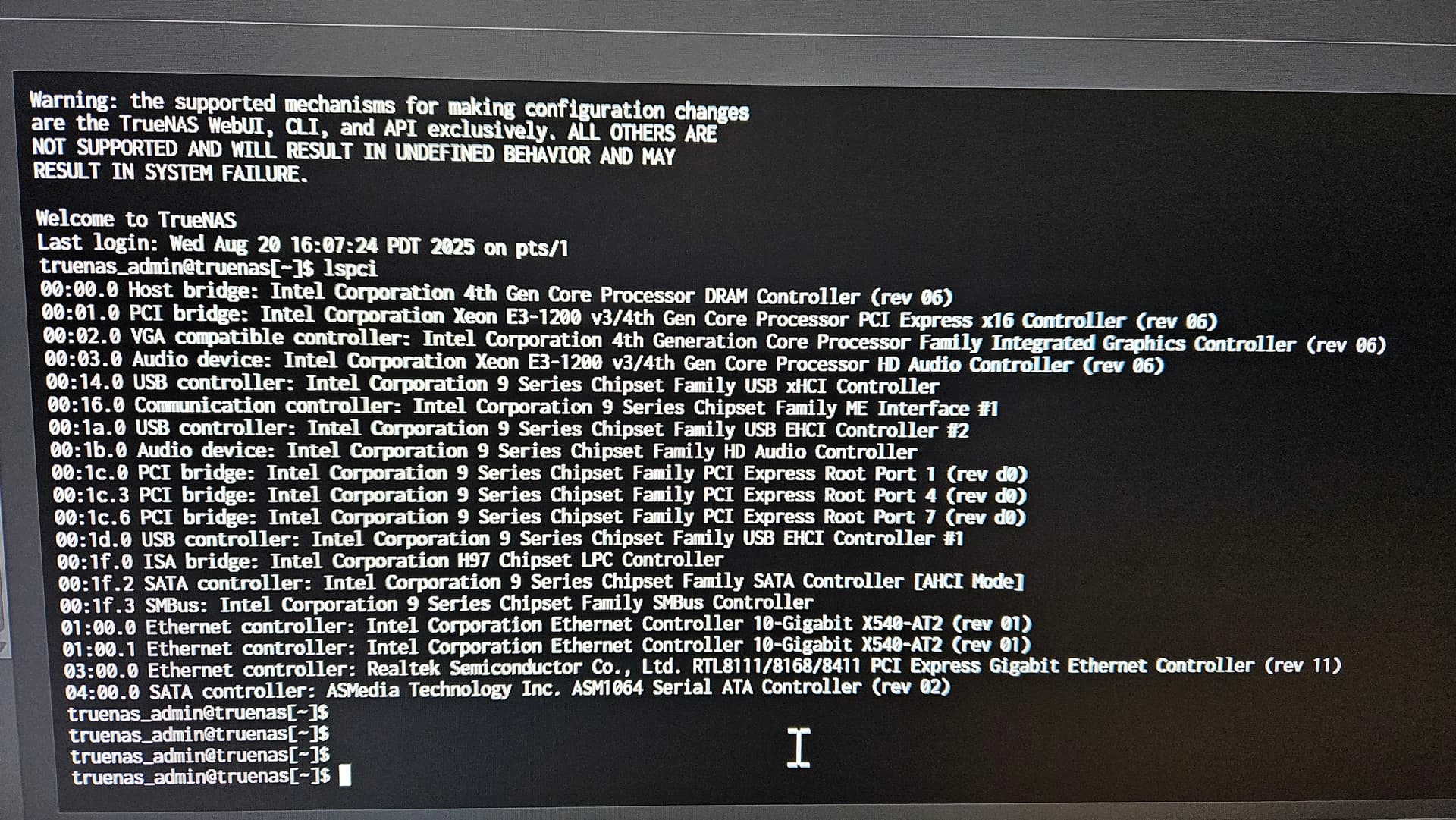
Take a look the ‘My System Specs’ under NugentS post. That is the level of detail we are looking for your current system. One issue is how these hard drives are connected to your system. Are you using a HBA?
We’ll likely need the system specs to say more - if you have access to the system, you could potentially get this from a shortlist of running lspci from System->Shell. Short term - are these used or brand-new drives?
I’ll also put on the moderator hat and point out that someone being new to TrueNAS should be expected to need some help pointing out what information is needed for us to assist them. Be nice.
The error message in your original post does not match the one you posted here.
It’s likely related to a different issue.
Knowing what the actual error message is would be helpful.
At this stage I would say maybe one of your new drives is broken, a cable is in bad shape or it’s formatted in a way that is blocking TrueNAS from dealing with it.
Yes this message I got when I was trying to update the system. After I install true Nas I always check for updates first. I was greeted with no updates and got this message. Sorry for any confusion
Trying to get a little more time to troubleshoot it
Have you “burned in” these new drives before putting them in your TrueNAS box? New drives may be DOA or fail very soon after first power-up so many of us here will test our new drives with a full set of SMART tests followed by Badblocks and then final long SMART test to ensure nothing has shown up. The disk-burnin-dak180.sh script by @dak180 (GitHub - dak180/disk-burnin-and-testing: Shell script for burn-in and testing of new or re-purposed drives) is one way to get this done.