Hi everyone i am completely new to TrueNas OS and previously from ASUSTOR NAS.
I have been using ASUSTOR NAS for my WEBDAV access for many years until i given up on their system update crash entire of my data missing…
I would like to seek help from the expert member here.
Below is the step that i have done, but the webdav folder and smb access seem not right and webdav folder cannot copy or delete file.
- Create Pool RaidZ1
- Create a dataset name “Server”
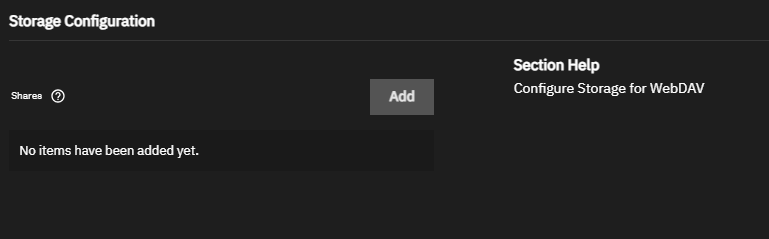
- App install WebDav
- Inside the apps created a new dataset “Account”
- Enable SMB shares “Account”
- Router open port for WebDav
- Access Webdav using Raidrive software
I have been stuck here for a week and factory reset truenas and try again still stuck at this part.
By right webdav should be same folder as SMB account and able to copy or delete file.