As I’m finishing my first TrueNAS build, and preparing to move my actual data onto it, I have a couple of questions.
One of my use cases is to use the server as primary storage for my photo collection. I’ve 80k photos taken over the last 20 years, some of the most valuable files I have on my computers.
Dataset settings
Since my files are compressed raws and jpegs, I guess I won’t see any benefits from compression? Would it be better to disable it?
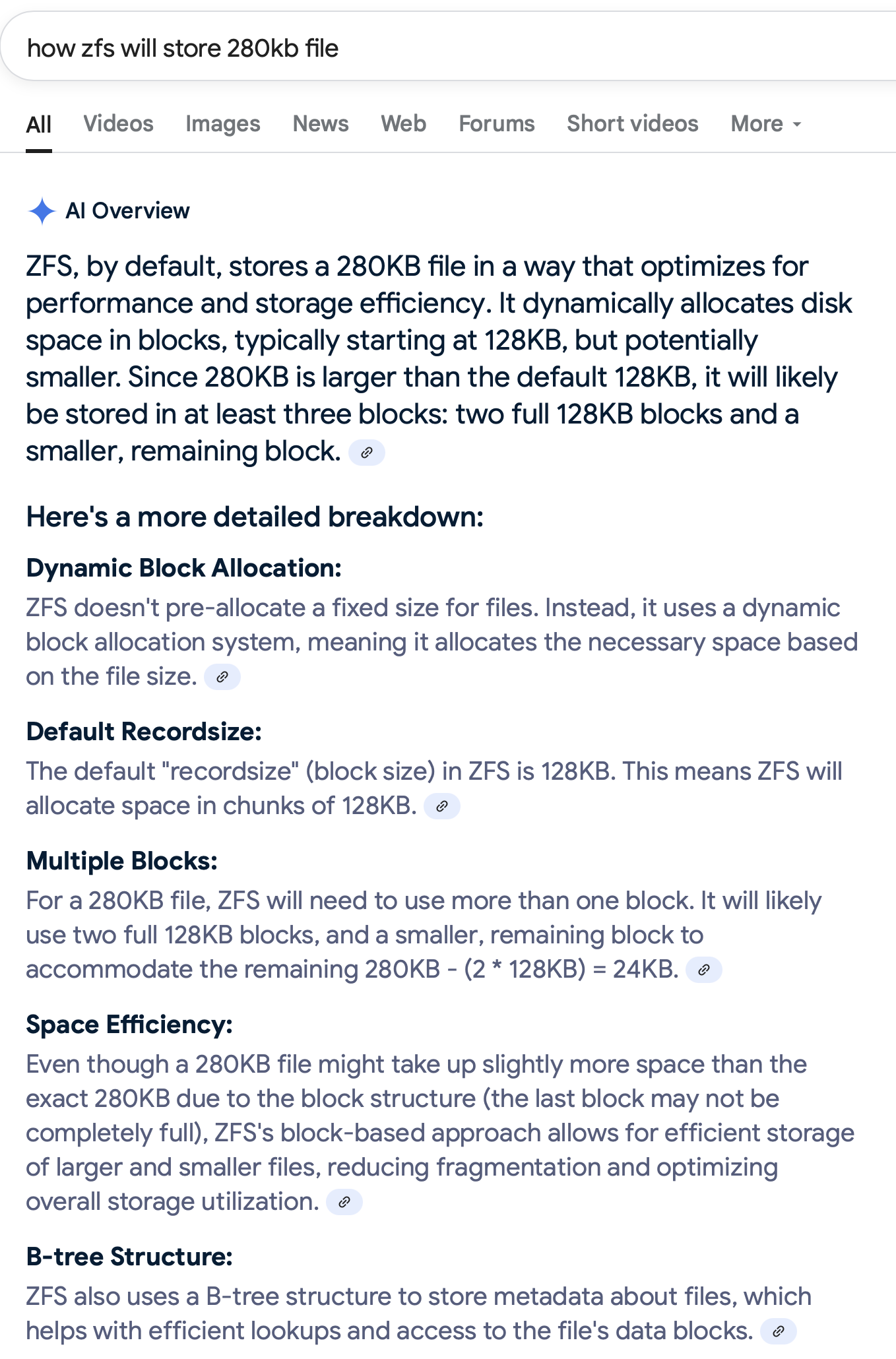
The majority of the files are over two megabytes, possibly even bigger than 4 or 8. How to think about record size?
Data protection
I’ve 2x8 TB plus 2x4 TB in my server. Since I see some threads about problems caused by config mistakes or other humans errors made by new TrueNAS users like myself, my plan right now is to create two pools with one mirrored vdev in each. Put my photo library on the smaller one, and use the bigger for backups of my family’s computers. That way I can also replicate my photo dataset to a separate pool, and should I make a user mistake with either of my pools, the other would still be around. Does that sound like a good idea?
For backups to an external usb drive, would it be best to use zfs replication or something else?
I will also make off site backups using TrueCloud. Scrubs and smart tests will run on schedule. Anything else I’m missing for protecting my photos?
Probably not, but there’s really no gain in disabling it.
Leave it at the default.
I’d stick with a single pool. Replication is on a per-dataset basis anyway, and this way your storage is pooled (which is really the way ZFS and TrueNAS are designed to be used).
Yep.
Make sure alerts are working, so you actually find out about problems. And use Joe’s multi-report script (in the Resources section here).
A feature of ZFS inline compression is that it removes the extraneous “padding” of null bytes at the end of the last block of a file. LZ4 and LZE will do this, which is why it’s recommended to leave compression enabled with the default LZ4, even if the files are “incompressible”.
If the last block of a file has some data, followed by 100KB of null bytes (to fill the recordsize), having compression enabled will save you 100KB of space. This can add up if you’re saving many small files. This is more relevant for larger recordsizes, since it’s possible to have nearly 1MB worth of extraneous padding at the end of a file’s last block.
We have about 30TB of photos stored on a Truenas system. Leave everything at the defaults. It will work fine. Mirrors are okay but I would use a single pool in a raidz2 configuration and multiple vdevs. You want secure safe storage for the files so go into the storage system as that - Storage.
Something to seriously consider.
It is also highly recommended to have at least a second compete copy that is stored on a different system and ideally also off site. Your two mirror pool idea results in the files being stored on the same system and is a single point failure and it can happen a lot easier than you might think. Never put everything solely on one machine or allow the files to end up solely on one secondary source if the primary machine fails.
What we do with my wife’s photo business is primary system, → secondary system → off sight backup of any critical (customer and personal (encrypted) files, about 4Tb worth. We also have jpg copies of most of the files on amazon s3 as that is what our photo website system works with and serves from which kind of serves as another .
If I were you, I would set up two test datasets (and shares). One with default compression (lz4) and one with heavier compression (zstd-3 or higher). Then copy the same photos to both datasets and see compression levels.
Recently I did this test for some videos. Lz4 saved me 200MB (according to windows file explorer’s size on disk value). Zstd-3 saved me 400MB. Twice as much; great success!! The neat part is – test data had a size of 80+GB. So, IMO, zstd-3 computation overhead wasn’t worth it.
I wonder how (lossless) compressed raws would end up. Didn’t test it yet.
It is rare, but on occasion, I will disagree with @dan.
For image files, a recordsize of 1M for a dataset will improve write speeds, reduce metadata requirements, etc. With no downside that I am aware of.
The default recordsize is a good compromise for anything that needs to straddle the needs of databases vs. larger files. But ultimately, smaller recordsizes are better for databases and larger recordsizes are better for images and video files.
This is particularly true for pools with HDDs. SSD-based pools don’t suffer as much from recordsizes that diverge from ideal.
@winnielinnie explained it to me, which is why I adopted larger recordsizes for my NAS once I also implemented the sVDEV. It was space efficient and dramatically reduced metadata as well.
It was never really clearly communicated to the end-users, and there’s a confusion between “recordsize” (a dataset property), “block”, and what I like to call “block-on-disk”, which also applies to the ARC.
Then there’s also the performance gains of parallelization, where if you go too large with a recordsize (above 4MB), you might actually lose some of the performance benefits that were gained from fewer metadata operations. The sweet spot might be around 1 - 4MB recordsize.
Dats a lot of reading! I found some interesting things while quick-scrolling. zfs_special_class_metadata_reserve_pct for one. I thought that sVDEV would just store everything it could (while possible). Should I tweak it?
Single pool - data will be striped and you will get better IOPS and throughput than writing to only one of two separate pools - and you wan’t have to manage the free space.
I would tend to agree with @Constantin and have a larger than default record size.
Regarding compression, it sounds like these photos are going to be mainly inactive long-term storage - in which case access performance may not be that important and compression more important.
Once set up you are unlikely to need to do anything on the server that would result in user error, so I am not sure why separate pools would help. It is much more likely IMO that you will delete files over the network when you don’t mean to - and snapshots are the protection mechanism for that.
Also, implement @joeschmuck’s multi-report script to get early warning of disk issues and get an email backup of your system configuration file.
Sudden mention of a special vDev raises some concerns. I am unclear why you have a performance requirement for such a thing, and it adds complexity and increases the risk of an admin mistake. And since you haven’t said what this will consist of we cannot verify that your design is a good one.
However, I do think it likely that you might want to implement some containerised application which will help to index and catalogue your photos, and that would definitely benefit from an SSD pool to hold the index, metadata and thumbnails. So you might be better off using whatever you were planning to use for a sVdev to create such an SSD pool.
Your English is way way better than either of my 2nd/3rd languages!!
It was a PBS requirement. (I think that) I am aware of the risks.
Yeah, almost. PBS data chunks. Here is the topic. I use a pair of intel D5-5530 960GB.
IMO, if you plan to have 2 pools (flash and rust) on the same system, then it could be beneficial to have a single pool with sVDEV instead. Because with special_small_blocks set bigger than recordsize, you can make the entire dataset be stored on flash. And you are boosting the rust pool (metadata) performance at the same time. Thus, obtaining some kind of tiered storage.
I saw many locals use separate (mirrored) pools for apps – this approach could be beneficial for them. I can be wrong.
Welp, maybe, just maybe, it is B2. Nevertheless, 95% of my posts (including this one) are ChatGPT-generated verified by a spell checker tool. And some are translated afterwards to make sure the key points are preserved.
Exactly right, though with the usual caveat that the sVDEV has to be as reliable as the VDEVs in the pool. If the sVDVEV is lost, the pool goes too. I suggest a three-way mirror as a usual starting point.
Additionally, a sVDEV benefits from some planning / analysis up front - see the sVDEV planning resource. Ie how big should it be to hold all the metadata / small files / SSD-dedicated data? Etc.
I also minimized my metadata / small files needs somewhat by taking system OS backups I had and dumping them into sparsebundle archives. That dramatically lowered the number of small files and metadata needs.
Yes, I know that a single pool is the recommended way to go. But if we leave space management and other aspects aside, and only focus on data integrity: My thought was that putting my drives in two different pools would give me if not physical separation between the original data and the replicated copy at least a logical separation. It won’t protect me from hardware failures, but from user mistakes.
On the other hand, I’m so new to both TrueNAS and zfs that I have no idea on what kind of mistakes that could be. So perhaps @Protopia is right:
Then again, there are many threads here about situations that take serious involvement from more seasoned TN users to solve with advanced CLI command, and that at least to me seems to be caused by the user.
If we still leave the issue of less than optimal space management out of the discussion, are there any other obvious downsides to go with to separate pools for now? With one of them only being a 2x4 TB mirror, I can easily move that data to a temporary drive and incorporate the drives in my main pool further down my TN / zfs journey.
SVDEVs have their place. They definitely speed up small file and metadata operations a good deal. But, for WORM-like work flows (ie archiving a lot of images), you can get most of the benefit of a sVDEV simply by instituting a persistent, metadata-only L2ARC.
Unlike sVDEV, the loss of a L2ARC has no ill effects on the pool, you can use any SSD that is reasonably quick. A metadata-only L2ARC really speeds up directory traversals / listings, for example.
The only downside to a L2ARC is that it will require some RAM which in turn will reduce the amount of ARC RAM available. The old rule of thumb was no machine under 32GB of RAM should use L2ARC but more recent research suggests that’s not true anymore.
So experiment with the L2ARC and see if it improves your workflow. Arc stats can tell you how much is being fetched from the L2ARC, and tests like I did for rsync can also objectively tell you whether there is a benefit or not.
If the downsides outweigh the upsides, L2ARC can safely be removed from any pool.
Lastly, I see zero benefit running multiple HDD-based pools per server. Segregate your data on a dataset basis instead. Carefully review your data type and then set recordsize by dataset accordingly. For example, I got a big write boost through increasing the recordsize for large file datasets to 1M.
The pool went from about 250MB/s max to 400MB/s+ for large files like images and videos. But it was in conjunction with sVDEV implementation (though I doubt it had a lot to with that since metadata is not a huge driver when large files are being transferred).
SMB with MacOs over 10GbE optical to local switch and from there to NAS. Rest of Hardware is in signature.
@winnielinnie IIRC did some testing that could be pointed to / searched for.



 Will not go down that road for now.