
Hi, I’m new here.
I converted my old PC into a NAS and only had one free drive to add to the pool. Now I’ve bought two new ones and am trying to add them so that one is an extension of the pool and the other is a backup. I just don’t know how to do it so that the second one works redundantly.
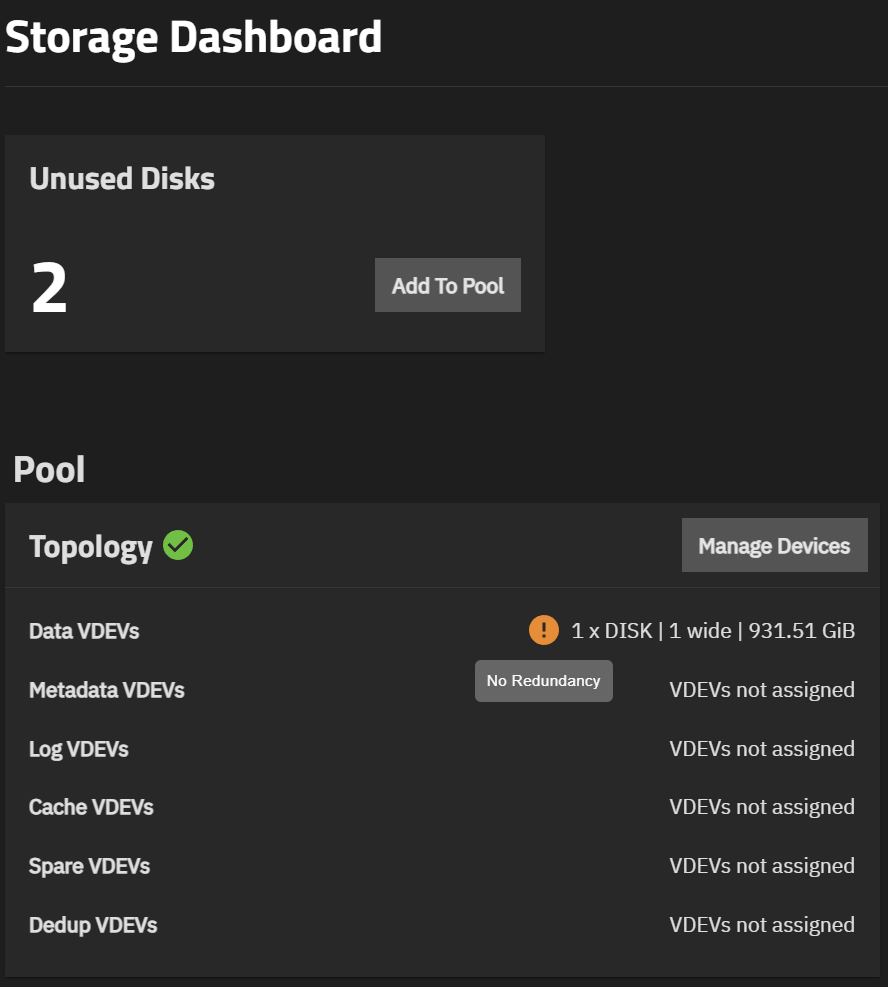
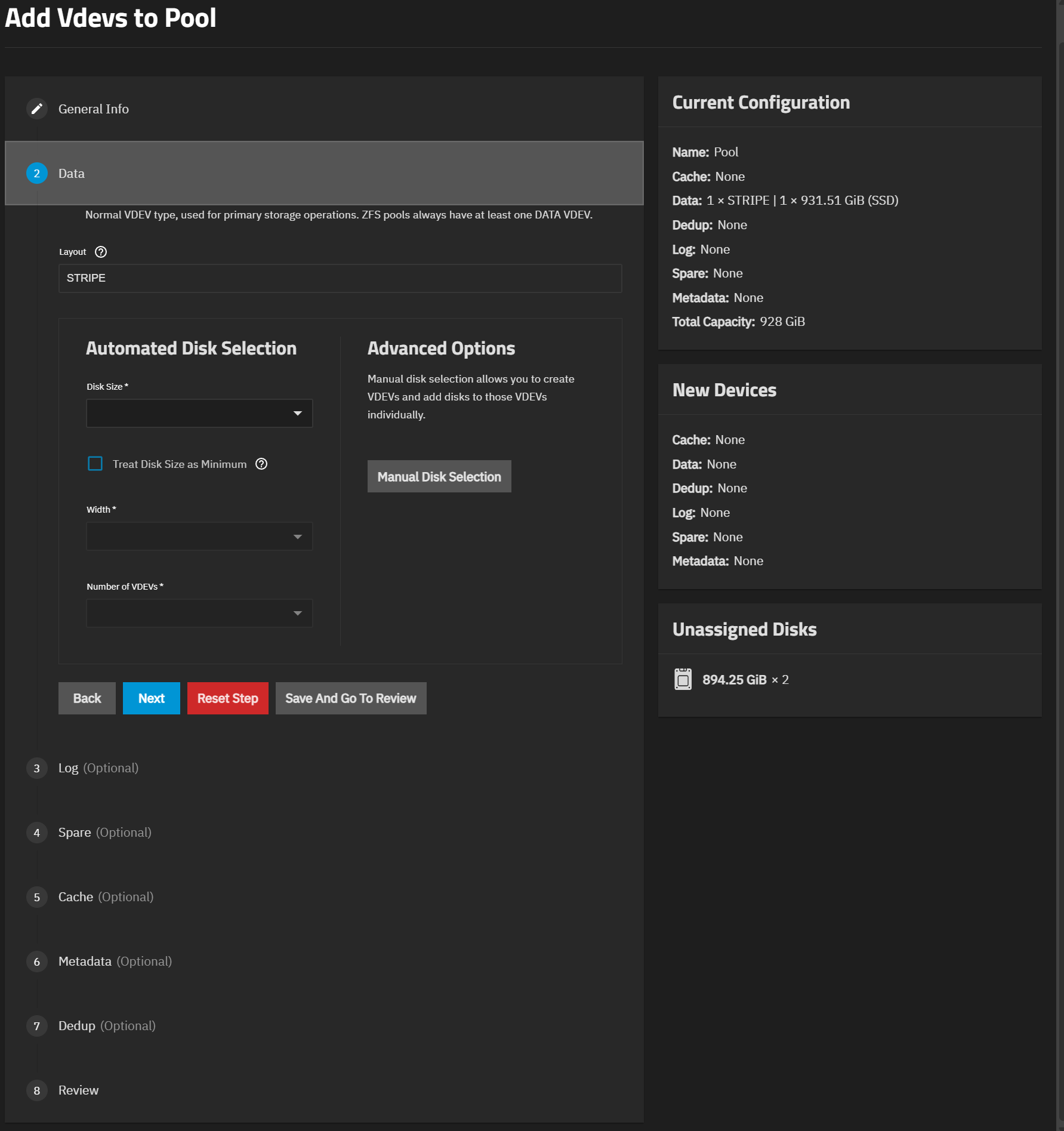
You shouldn’t add a vdev. You need to “extend” the single drive so that it becomes a mirror vdev.
Before you continue, I would advise you to make a checkpoint for the pool using the Shell or SSH:
zpool checkpoint Pool
1 Like
OK, thanks.
I have two questions:
- If I create a “mirror vdev,” will it be for just this one vdev or for two, because I have three disks (two new ones) and I want one as a spare?
- I have a problem now when I do “extend,” I get an error.

If it’s a cold spare, you can just keep it somewhere nearby and run occasional SMART tests to make sure it’s ready to be swapped in when one of the drives starts failing.
If it’s for a hot spare, I honestly think you’ll be better off having a 3-way mirror. The pool only has a single vdev (mirror) and a 3-way mirror provides immediate protection against a failure of 2 drives, while a hot spare only activates and resilvers when an existing drive already failed.
The new drive cannot be smaller than existing drives in the vdev.