How to install JDownloader2

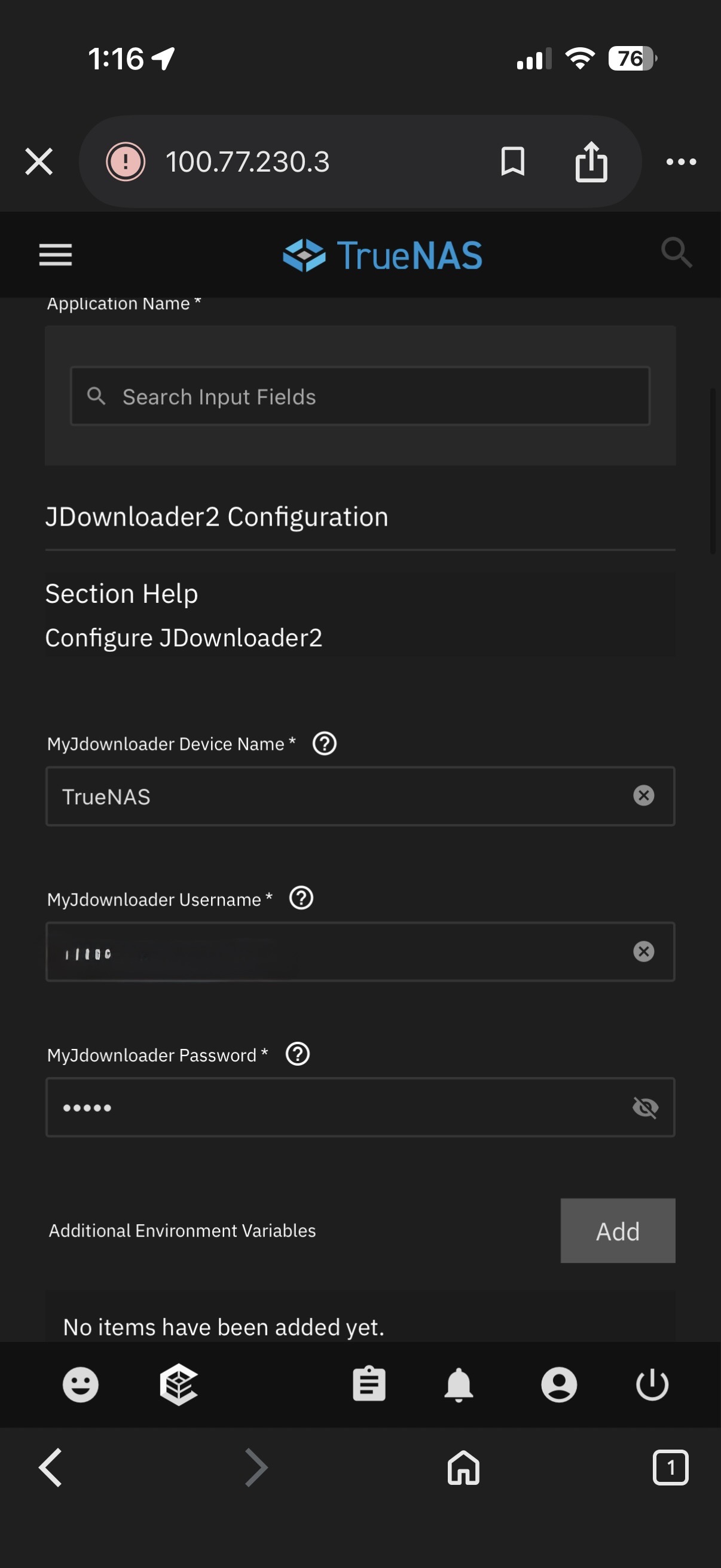
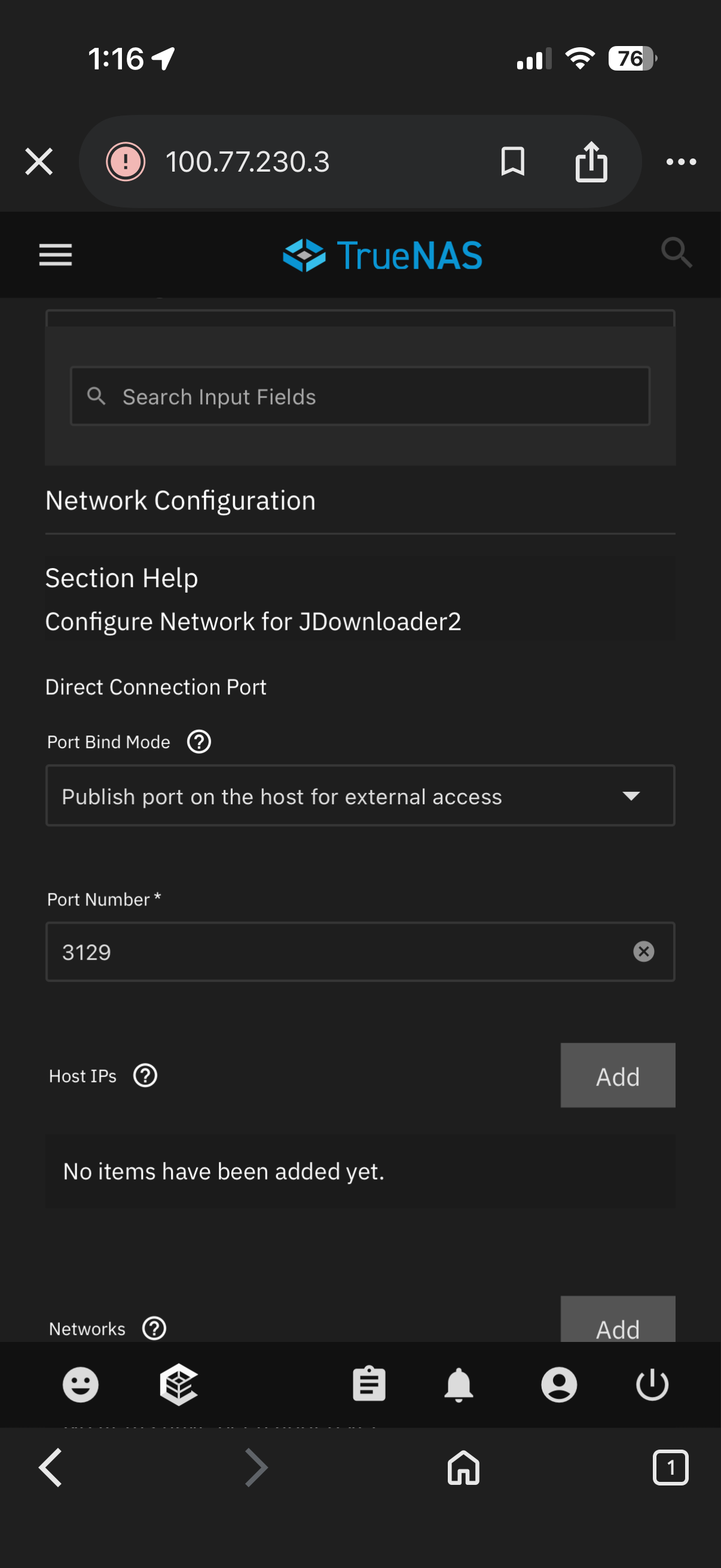
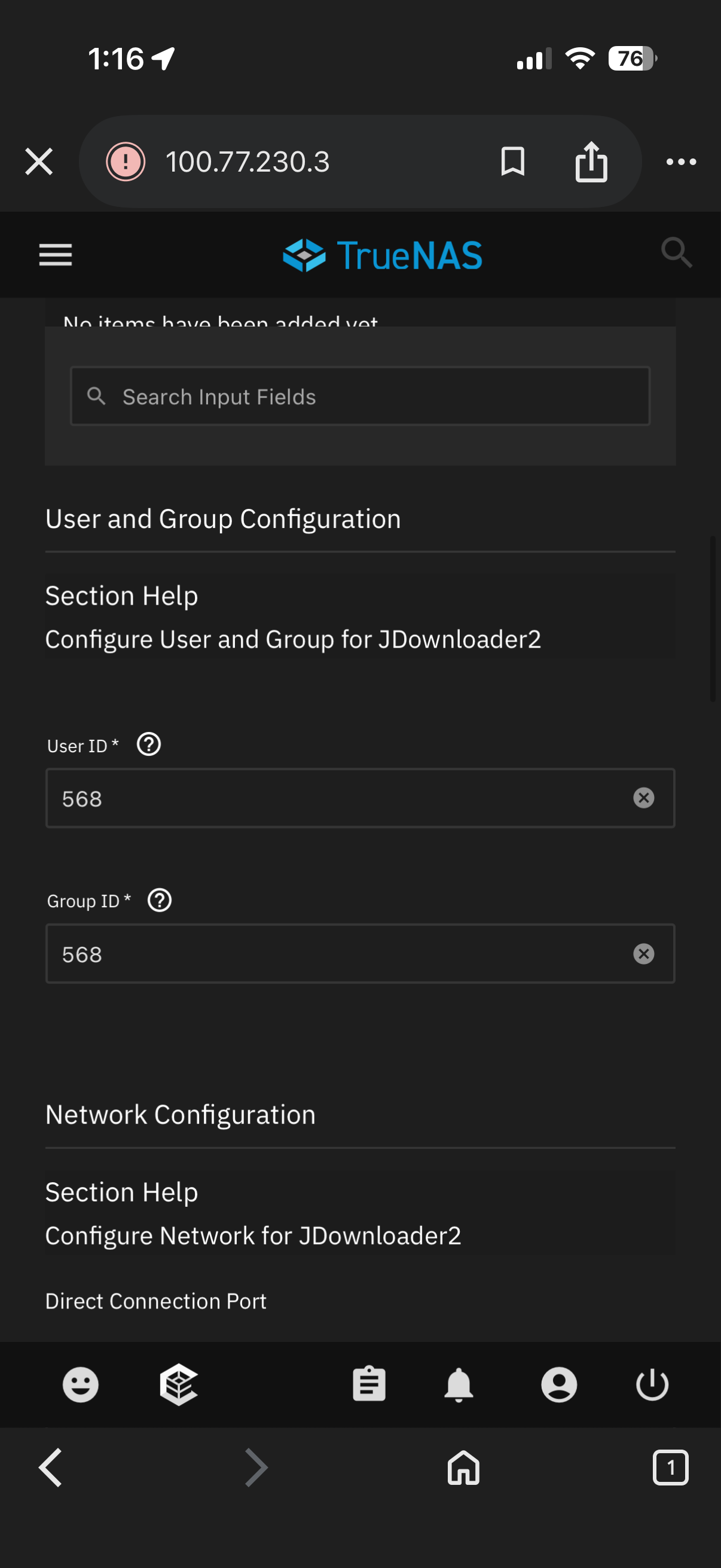
I’m on TrueNAS 25.04.2. And I’m trying to install JDownloader2 from the catalog. I did use a simple MyJdownlaoder password (no special characters, only english letters and numbers, less than 6 characters long), username is my email that I used to register on my dot jdownloader dot org. User and group id to 568 and port bind mode to “Publish port on the host for external access“ and on port 3129. And when I start the app, it errors out (It never fails, just never shows up in my dot jdownloader dot org). By reading the logs, the last few lines are about java.lang.IllegalStateException: No Console Available!

details here:

2026-03-24 16:05:27.204979+00:00java.lang.ExceptionInInitializerError
2026-03-24 16:05:27.205002+00:00at jd.SecondLevelLaunch$9$1.run(SecondLevelLaunch.java:758)
2026-03-24 16:05:27.205012+00:00Caused by: java.lang.IllegalStateException: No Console Available!
2026-03-24 16:05:27.205032+00:00at org.appwork.console.ConsoleDialog.<init>(ConsoleDialog.java:53)
2026-03-24 16:05:27.205041+00:00at org.appwork.console.ConsoleDialog.<init>(ConsoleDialog.java:60)
2026-03-24 16:05:27.205049+00:00at org.jdownloader.api.myjdownloader.MyJDownloaderController.askLoginsOnConsole(MyJDownloaderController.java:275)
2026-03-24 16:05:27.205057+00:00at org.jdownloader.api.myjdownloader.MyJDownloaderController.start(MyJDownloaderController.java:127)
2026-03-24 16:05:27.205066+00:00at org.jdownloader.api.myjdownloader.MyJDownloaderController.<init>(MyJDownloaderController.java:114)
2026-03-24 16:05:27.205075+00:00at org.jdownloader.api.myjdownloader.MyJDownloaderController.<clinit>(MyJDownloaderController.java:38)
2026-03-24 16:05:27.205083+00:00... 1 more
2026-03-24 16:05:27.205091+00:002026-03-24T16:05:27.205091656Z
2026-03-24 16:05:29.161096+00:002026-03-24T16:05:29.161096092Z
2026-03-24 16:05:29.161134+00:00THREAD: 33
2026-03-24 16:05:29.161143+00:0033|Log.L.log 2026-03-24 16:05:29 - FINER [ org.appwork.utils.logging2.extmanager.ExtLogManager(getLogger) ] -> Ignored: org.bouncycastle.util.io.pem.PemReader

Any ideas folks? Thanks!

check the lifecycle log from shell with

sudo cat /var/log/app_lifecycle.log

And screenshots from your app config may help

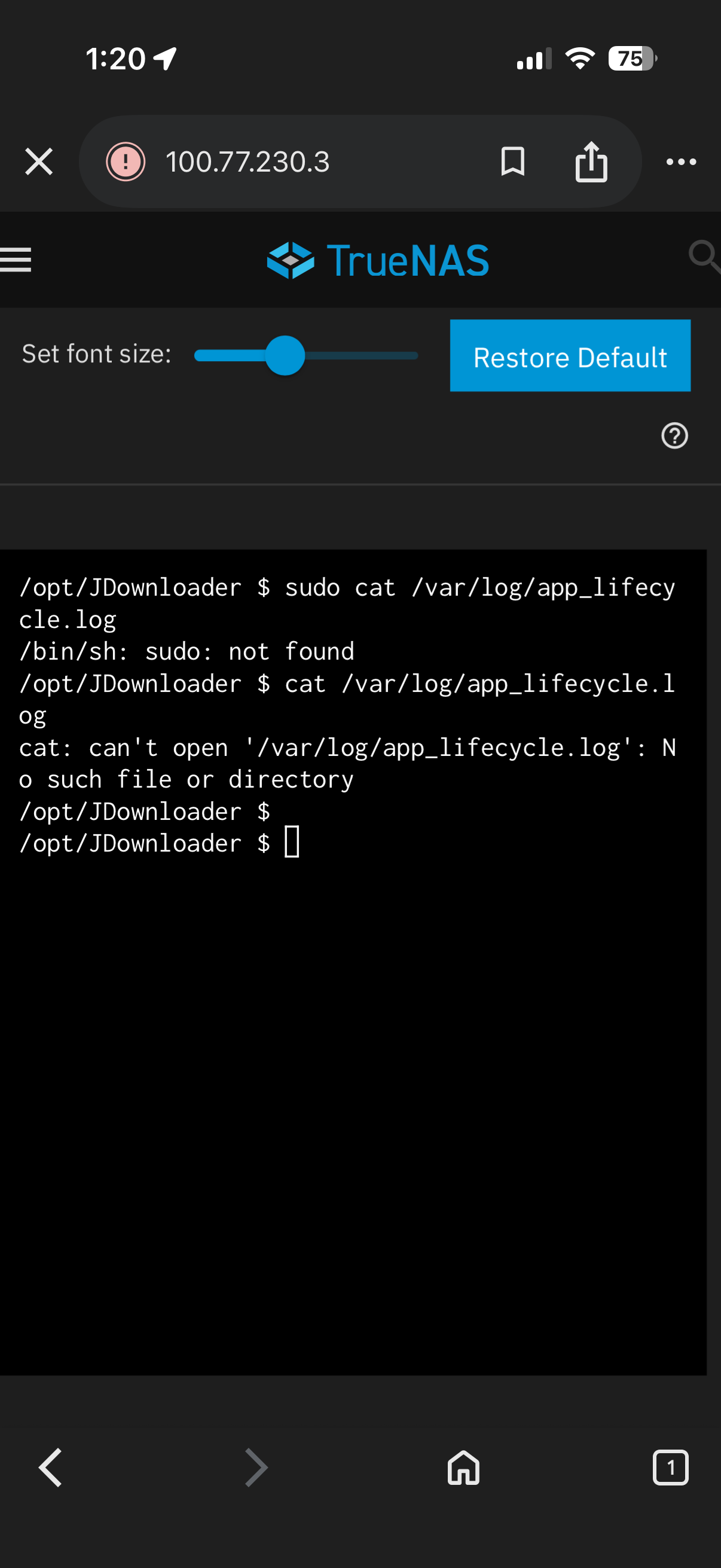
sudo cat /var/log/app_lifecycle.log\ didn’t work….

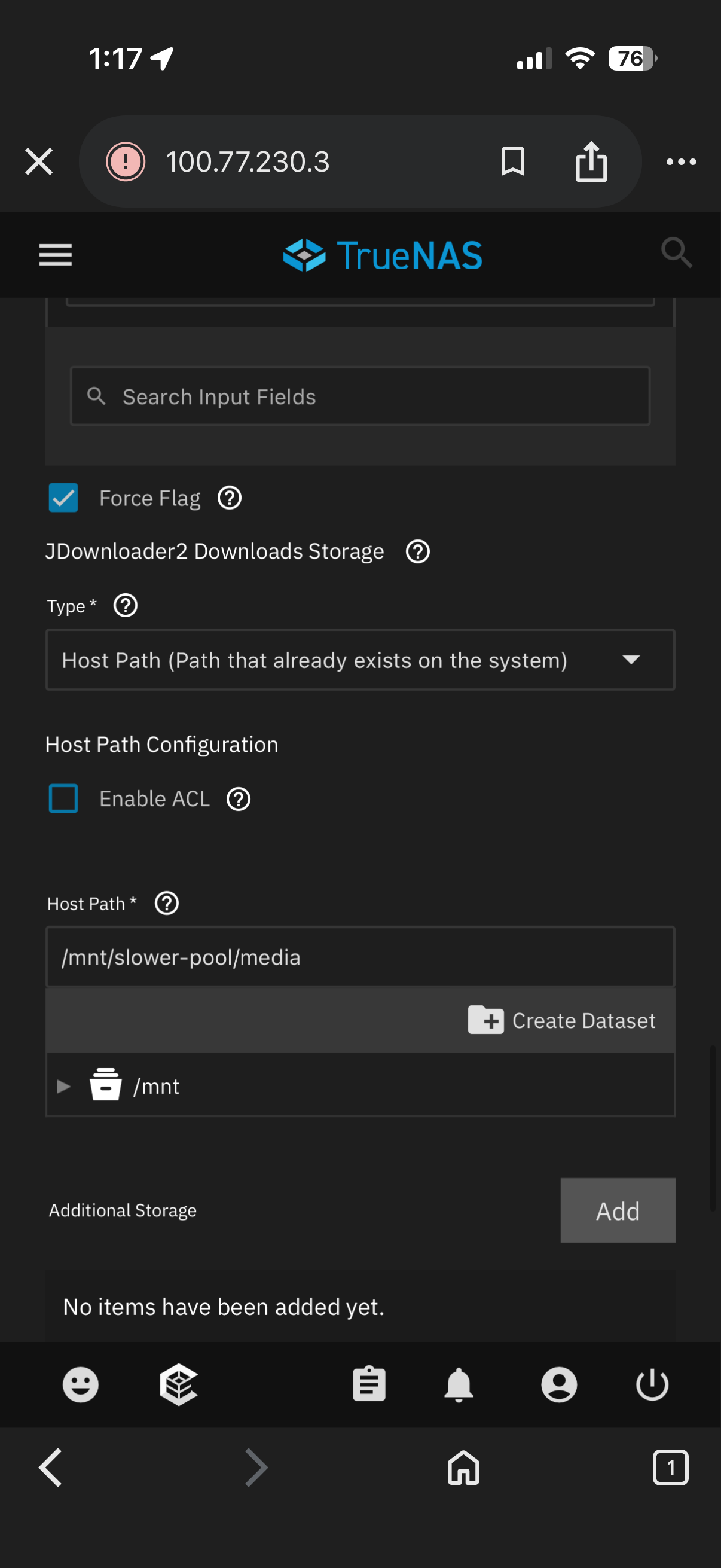
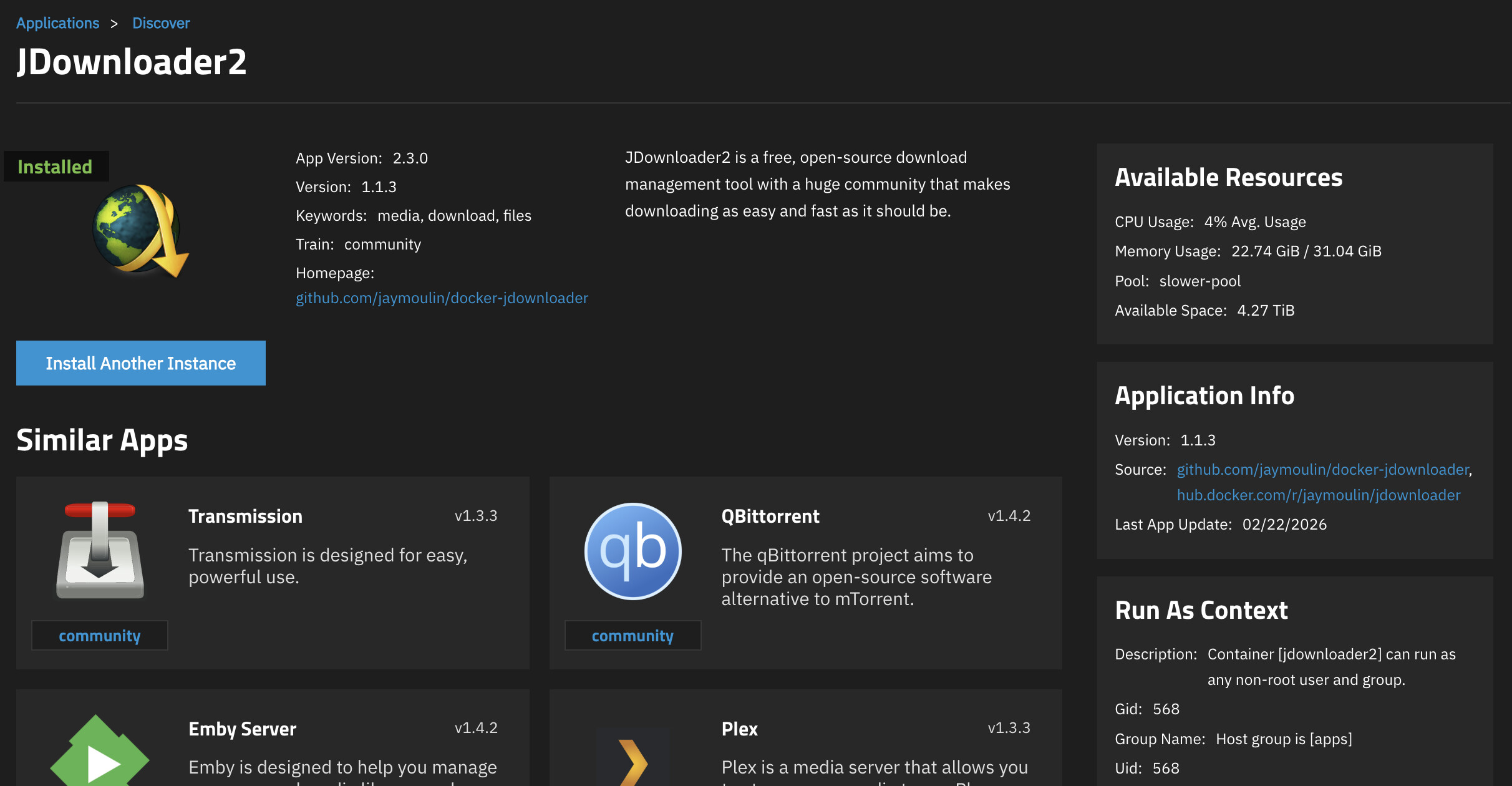
app configs are here. all other settings are unset or default.

The lifecycle log command should be from the truenas shell, not the container shell…

ah my bad.

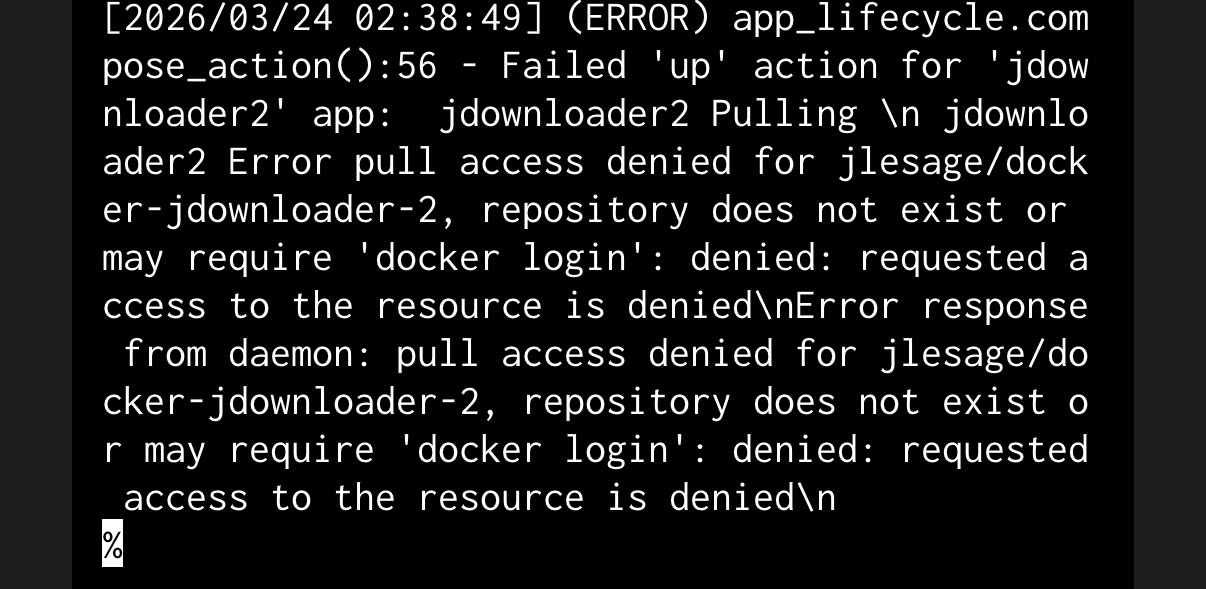
It’s trying to pull the wrong image. Should be jlesage/jdownloader-2:latest. See here.
Maybe install using docker compose (custom app).

version: '3.9'
services:
    jdownloader-2:
        image: jlesage/jdownloader-2
        volumes:
            - '/home/user/Downloads:/output:rw'
            - '/docker/appdata/jdownloader-2:/config:rw'
        ports:
            - '5800:5800'
        container_name: jdownloader-2

but I’m pulling directly from the App Market… should i file a bug somewhere?

Yep, cause according to this it’s maintained by:

"maintainers": [
                {
                    "email": "dev@truenas.com",
                    "name": "truenas",
                    "url": "https://www.truenas.com/"
                }
            ]

But actually i am a bit confused - because according to the store this app is using jaymoulin/jdownloader while you tried pulling jlesage/jdownloader-2. Those are different projects and i can’t seem to find any reference to the 2nd image in the app definition from the store…

posted on their git repo unable to use JDownloader2 · Issue #4688 · truenas/apps · GitHub

This is wrong. TrueNAS catalog apps always use immutable image tags so that upgrades can be validated before shipping to users.

Not sure what is going on with it attempting to pull from a different project repository though. I just installed it using all defaults and iXvolumes for testing. It went through with no problem and is pulling from the project I’d expect.

CONTAINER ID   IMAGE                                        COMMAND                  CREATED         STATUS                   PORTS                 NAMES
3f477a08ec01   jaymoulin/jdownloader:2.3.0                  "/opt/JDownloader/da…"   4 minutes ago   Up 3 minutes (healthy)   3129/tcp              ix-jdownloader2-jdownloader2-1

I think I resolved it by using a 6 character password… my previous password might be too short…

I also leave the “Port binding mode” to the default and it works from https://my.jdownloader.org/