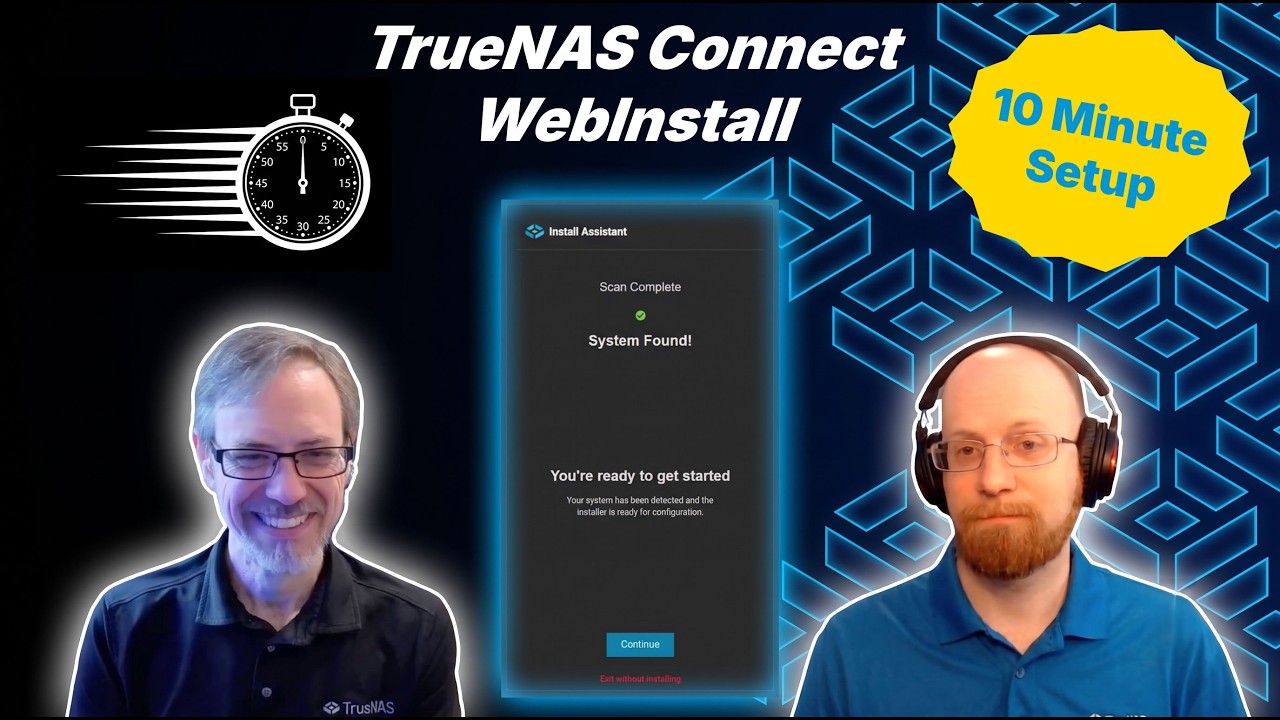
Today, Kris and Chris put a live walkthrough of installing TrueNAS using TrueNAS Connect WebInstall to the test - can they get a system running and ready in under ten minutes? While it’s installing, they’ll talk about the technology behind the new method - why “the cloud” isn’t in the data path, how secure WebSockets keep prying eyes out of the system even before the install, and confirm that no, the classic console-based setup isn’t going anywhere!
Interesting video and the WebInstall demo. I might have to test this out, but I am actually very comfortable downloading the entire ISO and performing installs the old fashion way.
Hearing about the keyring was definitely interesting. I don’t know if I would use it, but I will not count it out.
And I’m not quite sure I understand, so TrueNAS (the company) has a cloud which all of our data runs through? You can see and know all. LOL, I think you addressed the security aspect very well, many times. No cloud, all local to the user, TrueNAS (the company) cannot recover your key if you lose it. I think that is a good plan to limit hack attacks.
Thanks for posting this. As Always, I look forward to your next T3 video.
So the problem WebInstall solves you completely skipped in this video.You went through the initial steps to quickly, you did not cover what you did on the machine in the background and just assumed we all know what you did which defeats the object. You should of described as follows
download ISO from TrueNAS
burn image on to usb drive
boot from the usb drive on the PC you want to install truenas on
show this process on screen
load truenas connect
At this point you should be telling me why this is better than just continuing the Truenas install from the USB because I am not sure what issue gets solved.
now show both the web-browser and target PC on screen.
…
the screen in the middle has no context. It is too cropped so I am not sure which PC or website we are on.
You should of shown both the web-browser and the target truneas PC screen.
Maybe do a proper tutorial as this one did not work. This was done from the point of view we all have done this process many times.
On non BMC/IPMI enabled systems you dont need a monitor/ keyboard attached (assuming it boots automatically).
But IMO this feature is purely for systems running on consumer hardware. With BMC you dont even need physical access to the system since you can upload the ISO to a virtual CD-ROM and boot it remotely