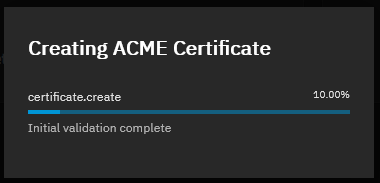
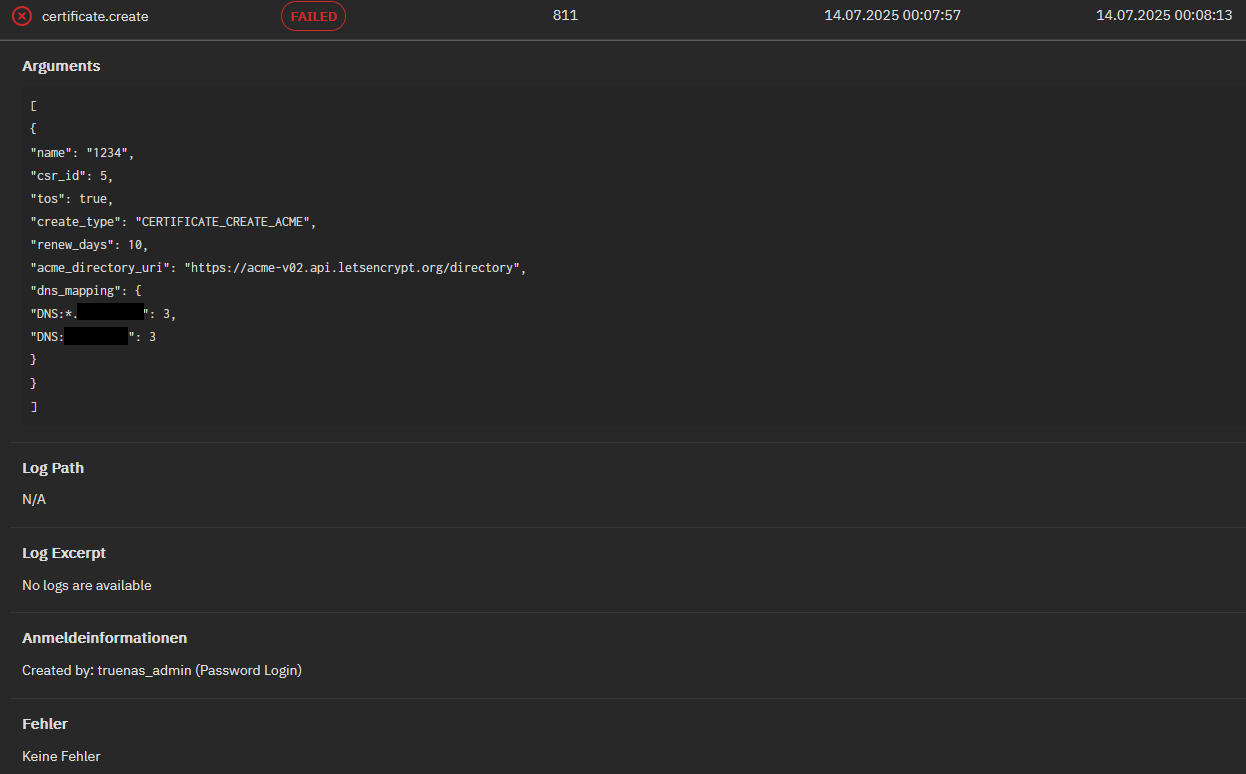
I am able to manually request certificates via acme.sh - that thing seems to be working. Might be something with GUI or this acmeShellAuth.sh script from the guide. Maybe something very basic might fail. Like permissions etc… - but for testing / debugging I’ve set everything involved to 777 which lets permissions not look like the culprit this time…
Can you give me a hint where to start searching for whats failing? Why does that progress notification gets closed without any error message?!
Thanks for your replies, so GUI is indeed bugged currently, not my fault?
I’ve read somewhere, that API is deprecated and likely to be removed in future version. Which is rendering the acme.sh deployment script solution as a bit short living, since it is relying onto that WS-API.
So if that’s fixed, what’s the state of “Adding an Authenticator with a Shell Script”?
The docs are extremely sparse. They don’t really say what the script should do. Presumably it should invoke acme.sh, but with what options? Where/how should it install the certs? Should it use the --deploy-hook truenas_ws parameter?
As much as Dan’s scripts are great, if possible I’d like to stick with built-in functionality (it’s just one less piece of software to keep updated).
So I’ve been making some good progress, but one issue I’m hitting is that TrueNAS (or acme.sh or curl or something), is not sending a user-agent in some HTTP API request to my DNS provider. They consider this bot-like behaviour and blacklist my IP (even after just once! Grrr.).
What software is doing the actual communication to the DNS provider’s API? Am I correct that it’s a curl invocation from acme.sh?
I added to my .acme.sh/account.conf the entry USER_AGENT=‘acme.sh-truenas’ but that seems to not have helped.
If you’re running acme.sh, TrueNAS is not involved. And if it’s causing your DNS host to act this way, that sounds like a bug–try searching the open issues for acme.sh and see if there’s one addressing it, or filing one yourself if you don’t find one.
Or you could consider using a different client like lego.
I should have added: if I invoke acme.sh myself manually from the shell, all is well.
It’s only when acme.sh is invoked by TrueNAS (clicking ‘create ACME certificate’ from ui/credentials/certificates) that I have this issue. Perhaps TrueNAS is invoking acme.sh in some kind of sandbox or something where environment variables are stripped, or `.acme.sh/account.conf` is not read?
What makes you think TrueNAS is invoking acme.sh at all? I don’t know what ACME client TrueNAS uses, but find / -name acme.sh on a TN 25.10.0.1 system doesn’t return anything.
Dan, I should have been clearer that this is all wrt my previous post on Oct 30.
I’m roughly following’s klaboor’s old how-to. I’m using TrueNAS’s “Authenticator with a Shell Script”. Like klaboor, my script invokes acme.sh. Or more precisely, it sources acme.sh and invokes acme.sh functions.
My DNS provider has agreed to whitelist me, so now I can do more than 1 test a day, so hopefully will figure this out…
OK, I found my main problem. Instead of adding to my .acme.sh/account.conf the entry USER_AGENT='acme.sh-truenas' I put directly in the script that TrueNAS invokes export USER_AGENT='acme.sh-truenas'.