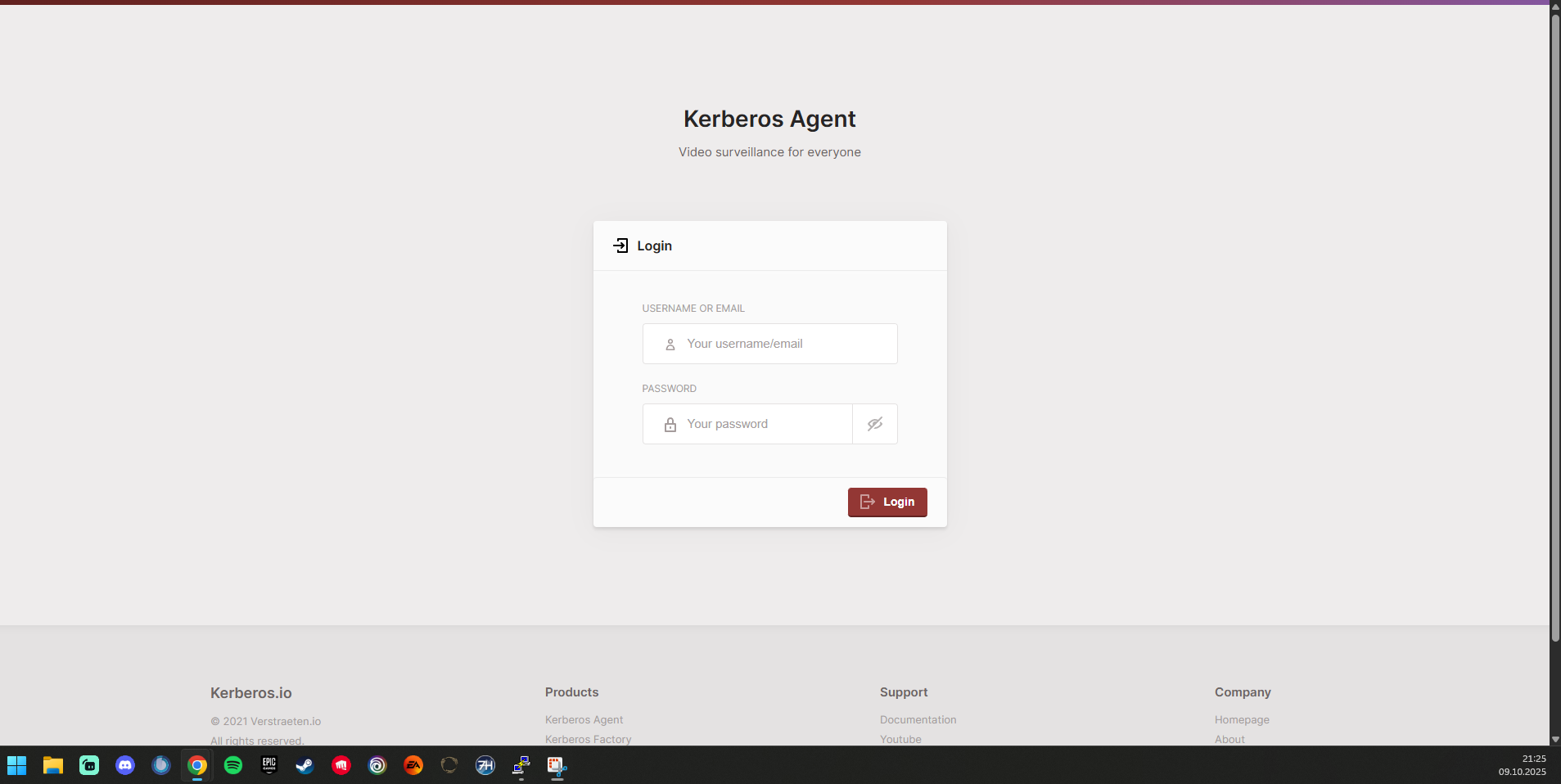
Has anyone succesfully set up kerebos.io agent on TrueNAS Scale. I ask because I cannot find any information on how to set it up on Scale. Ideally I am looking for detailed instructions
If someone could point me in the right direction.
Has anyone succesfully set up kerebos.io agent on TrueNAS Scale. I ask because I cannot find any information on how to set it up on Scale. Ideally I am looking for detailed instructions
If someone could point me in the right direction.
Who ever put the link up, it doesn’t work. Server not found
you could try it with the official docker-compose file they provide and the custom app yaml function
services:
  kerberos-agent1:
    image: "kerberos/agent:latest"
    ports:
      - "8082:80"
    environment:
      - AGENT_NAME=agent1
      - AGENT_CAPTURE_IPCAMERA_RTSP=rtsp://x.x.x.x:554/Streaming/Channels/101
      - AGENT_HUB_KEY=yyy
      - AGENT_HUB_PRIVATE_KEY=yyy
    volumes:
      - /mnt/poolname/datasetname/agent1/config:/data/config  # replace /mnt/poolname/datasetname with the path on your nas
      - /mnt/poolname/datasetname/agent1/recordings:/data/recordings  # replace /mnt/poolname/datasetname with the path on your nas
x-portals:
  - host: 0.0.0.0  # replace 0.0.0.0 with your truenas's ip
    name: "Web UI"
    path: /
    port: 8082
    scheme: http
Thanks, but my knowledge of docker-compose files are next to nil.
Do get that and the yaml file from their website
When i’m home from work i can write up a guide in a bit more detail, but it’ll be around 2-3 hours until i can get to it.
Ok i tried and got it working with the following steps:
sudo touch config.json
and then edit the config file with
sudo nano config.json
copy the content of this link
https://raw.githubusercontent.com/kerberos-io/agent/master/machinery/data/config/config.json
into the config.json and save it.
services:
  kerberos-agent1:
    image: kerberos/agent:latest
    ports:
      - '8082:80'
    environment:
      - AGENT_NAME=agent1
      - AGENT_CAPTURE_IPCAMERA_RTSP=rtsp://x.x.x.x:554/Streaming/Channels/101
      - AGENT_HUB_KEY=yyy
      - AGENT_HUB_PRIVATE_KEY=yyy
    volumes:
      - /mnt/Plugins/test/agent1/config:/data/config  #change /mnt/Plugins/test to the path on your pool!!!!!
      - /mnt/Plugins/test/agent1/recordings:/data/recordings
x-portals:
  - host: 0.0.0.0 #change 0.0.0.0 to your truenas's ip
    name: Web UI
    path: /
    port: 8082
    scheme: http
I don’t have cameras to test so i don’t know what have to be set for the env variables…
With the steps above i was able to launch it successfully
If you need more agents create separate apps for each one and change the port from 8082 to 8083 and so on (don’t forget the webportal port)
Each agent needs a unique port number.