
I want to configure headscale on my NAS which is running on TrueNAS Scale, do anyone have any idea??
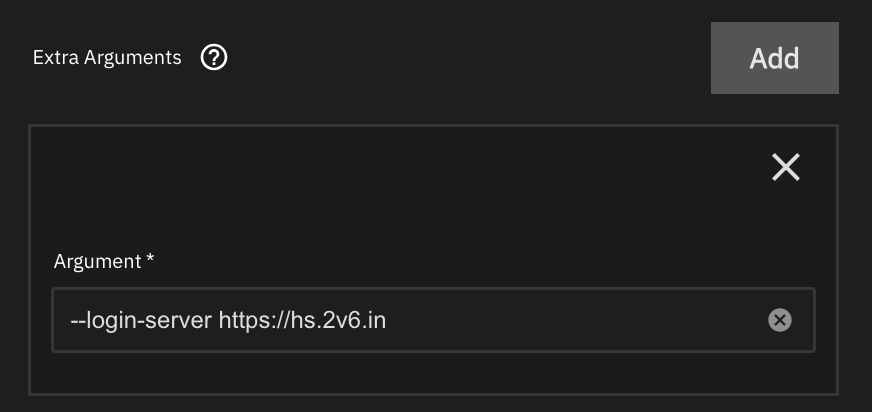
I’ tring to get Headscale-Server running under TrueNAS.
I set it up under dockge with admin-ui.
Headscale-server is already running, but I can’t bash into the container.
I get the following error:
OCI runtime exec failed: exec failed: unable to start container process: exec: "bash": executable file not found in $PATH: unknown
Same happen when I ssh into the TrueNAS and run this command:
docker exec -ti headscale bash
Also I can’t access the UI under https://my_headscale_domain.com/web
This is my docker compose-file:
compose.yaml
services:
headscale:
image: docker.io/headscale/headscale:latest
container_name: headscale
restart: unless-stopped
ports:
- 8880:8880
- 9990:9990
volumes:
- /mnt/diskpool-1/Apps_Data/headscale/config:/etc/headscale/
- /mnt/diskpool-1/Apps_Data/headscale/lib:/var/lib/headscale/
- /mnt/diskpool-1/Apps_Data/headscale/run:/var/run/headscale/
command: serve
headscale-admin:
image: goodieshq/headscale-admin:latest
container_name: headscale-admin
restart: unless-stopped
headscale-ui:
image: Package headscale-ui · GitHub
container_name: headscale-ui
restart: unless-stopped
ports:
- 5443:443
networks: {}
Under ngnix I set up a host hs.home.mydomain.com for
the IP of the TrueNAS-Server and Port 8880 and under
custom location for /web IP of the TrueNAS and Port 5443
and under advanced setting here:
location /web/ {
  proxy_pass https://<TrueNAS-IP>:5443/web/;
}
In the browser I can access hs.mydomain.com/windows
but hs.mydomain.com/web give me a 502 Bad Gateway - openresty
Has anybody got the Headscale-Server running under TrueNAS,
with working bash and admin-ui?
Some containers don’t include bash and have sh instead–you can try that.
sh is also not working.
@Nordlicht-13 it wont be give you bash or sh if running in container envoirment in TrueNas-scale.
easy access:
You need to make sure your container is up. do truenas ssh and follow the headsacle commands.
docker exec -it (usually headscale) headscale node list
you have to enter the commands after container name
follow the headscale command guide
Needs host network or it’s own IP address.
Now I have Headscale running on a vServer and Tailscale-client under dockge on my TrueNAS. Here is a great guide for setting up Headscale with Headplane UI:
