4 of these: Western Digital Green 4TB 5400RPM SATA 6Gbps 64MB Cache 3.5" HD (WD40EZRX)
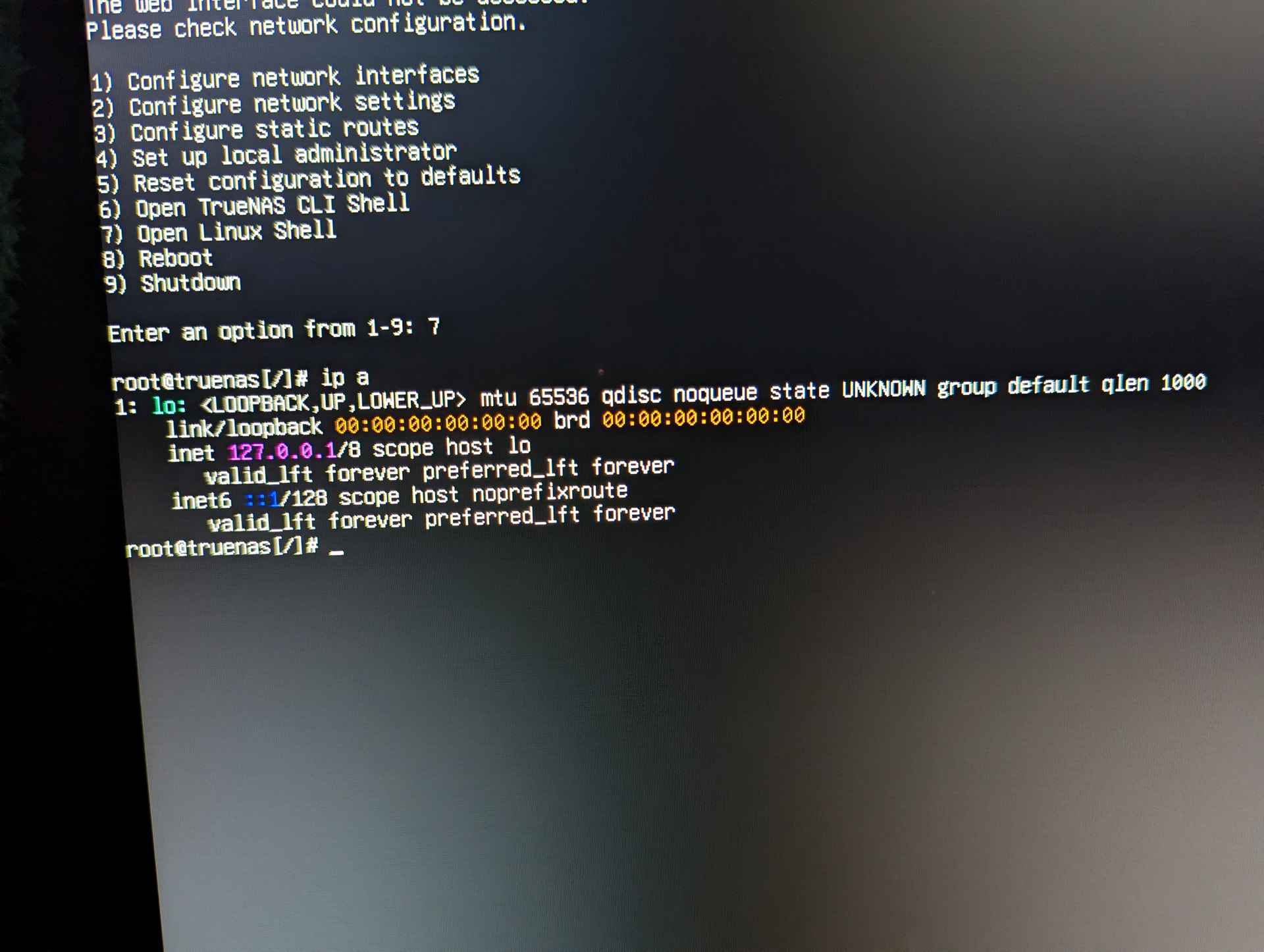
“Web interface cannot be accessed”
I have an ethernet cord plugged in but nothing shows up in “configure network settings” or “configure network interfaces”. I just built this PC and I have the wifi antenna connected aswell. I don’t understand networks or any of the acronyms in any of the forum topics I’ve read. I originally installed 25.10.2.1 but then I installed 25.10.1 because from what I understood, it was more stable.
Your network hardware is not supported by TrueNAS it seems.
I suggest you find or borrow an USB adapter - not for production (!) - to get to a point where you can access the UI and SSH. Then we can help you check what kind of device you have and why it is not detected.
If it turns out to unsupported, you will need to buy an Ethernet card.
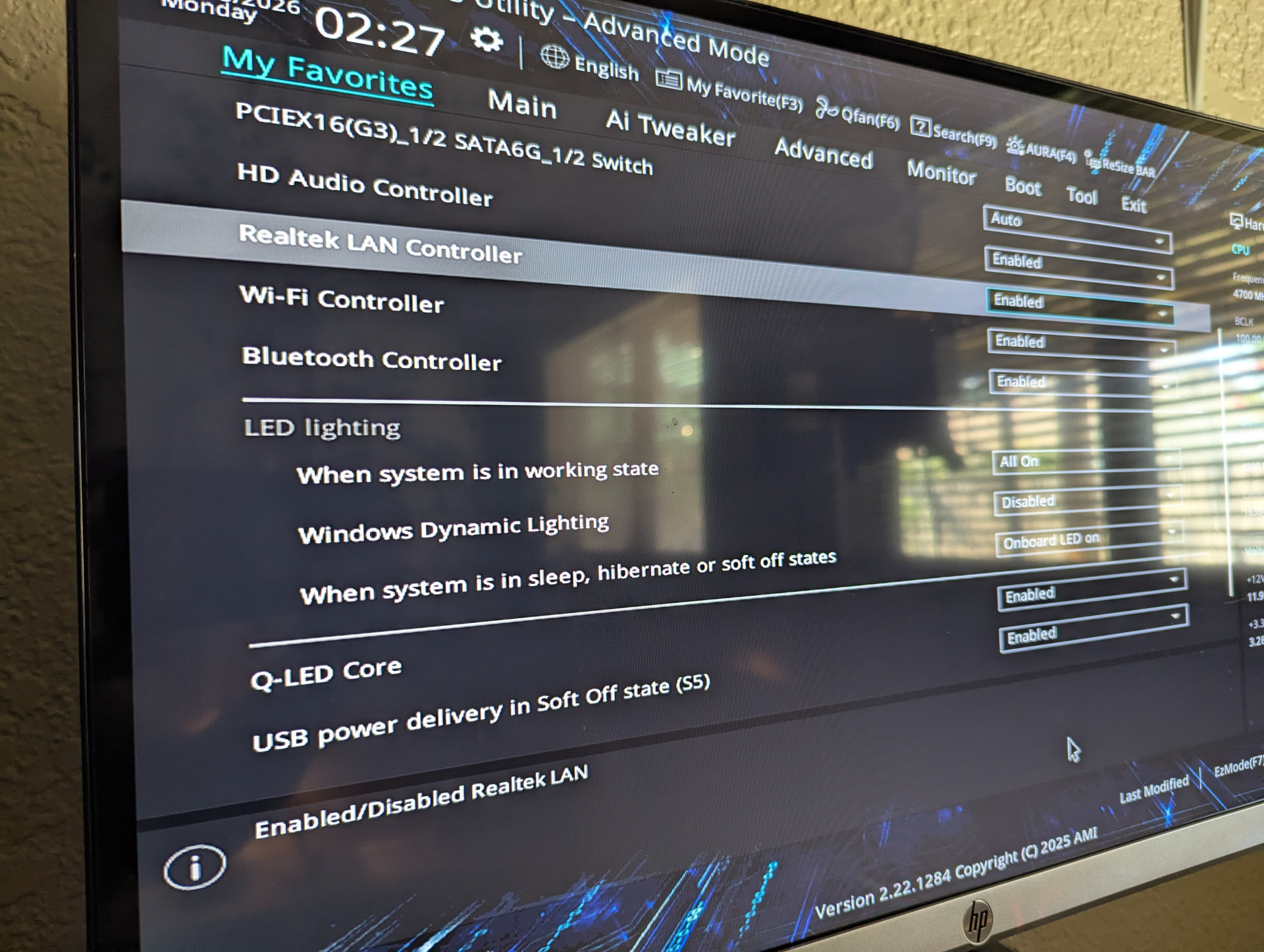
But first better double check BIOS settings to rule out you simply disabled it
Wireless is unsupported as far as I am aware. You might want to disable that to save some energy.
Both wirered and wireless controller are enabled. Ir may be that your motherboard uses a version of the realtek chip that is not yet supported by truenas
You’d probably need a newer Linux kernel version for the driver to work… And the next kernel update will be with trurnas 26 somewhere later this year, no other option. If you have a free pcie slot just get a cheap 1G Intel nic and move on
NIC stands for Network Interface Card, also known as network card, ethernet card, eth and even other names.
What you are looking for is a (at least but most likely exactly) 1Gb (Giga Bit) RJ45 (this is the network cable connector) card preferably by Intel and not the newest of the new. This might help you with specific suggestions:
@llovviznar No worries! If you think your specific question has been solved, please mark the comment that solved your issue (first or best) as the solution. This makes it easier for others to see at a glance that there might be a solution for their problem as well in this thread. I suggest this as the solution but it’s your choice.