Hello, I’m a newbie with two (2) converted desktop computers for SMB share. Both systems have or been successfully operating with WD Red Plus HHDs and TrueNAS Version 25.04.2.6 installed.
System A: Asus H57-Plus Motherboard, 32GB non-ECC RAM, Intel CPU with integrated graphics. Raid Mirror. No issues until I changed HHDs.
System B: Dell Precision 3620, Xeon CPU, 16GB ECC RAM, Quadro K420 graphics. Raid Mirror. No issues.
System A launched May, 2025 with two (2) 8TB drives. No issues with setup. No issues with TrueNAS upgrades. No operational issues for 7+ months. I successfully moved these drives to System B by Export/Disconnect the drives from System A, install them in System B and import a configuration file from System A. It works. No issues with System B for the past month.
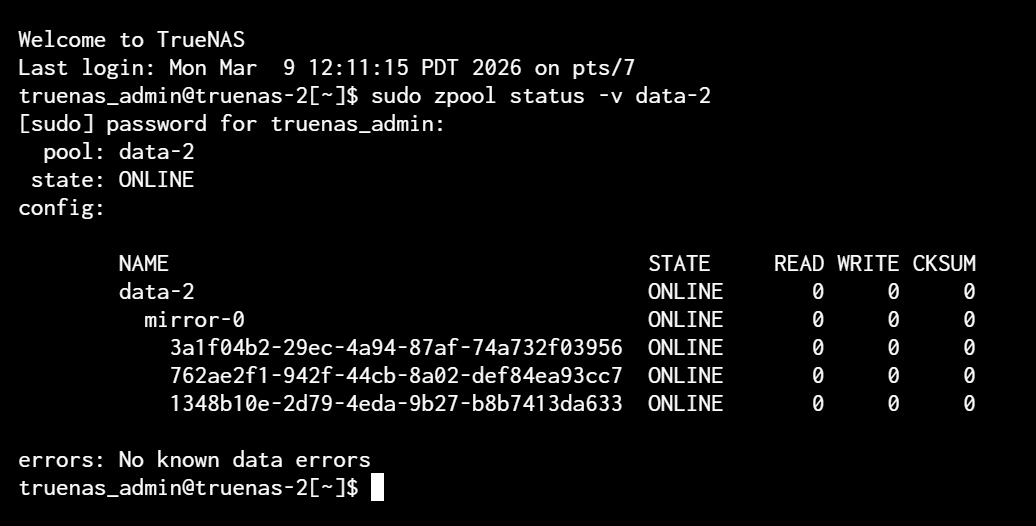
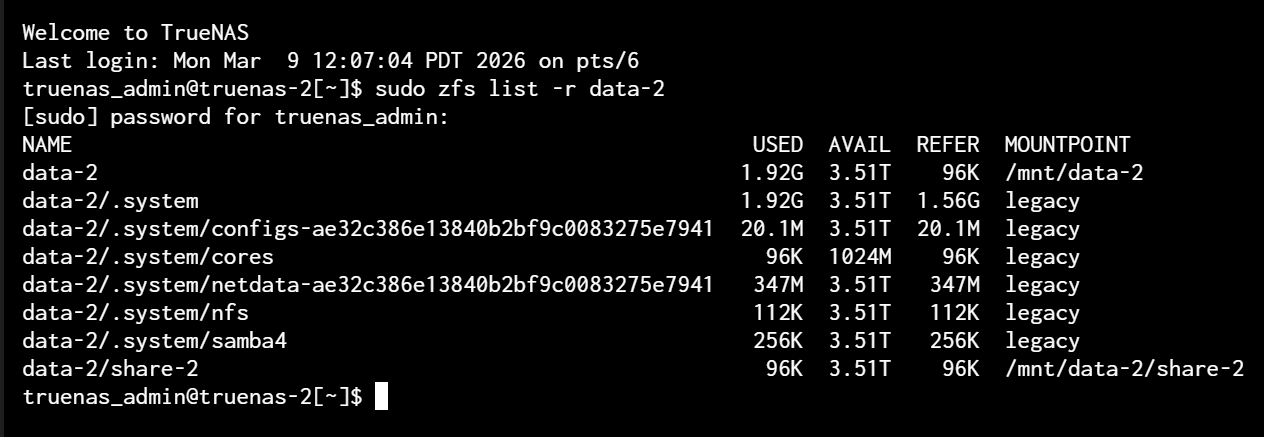
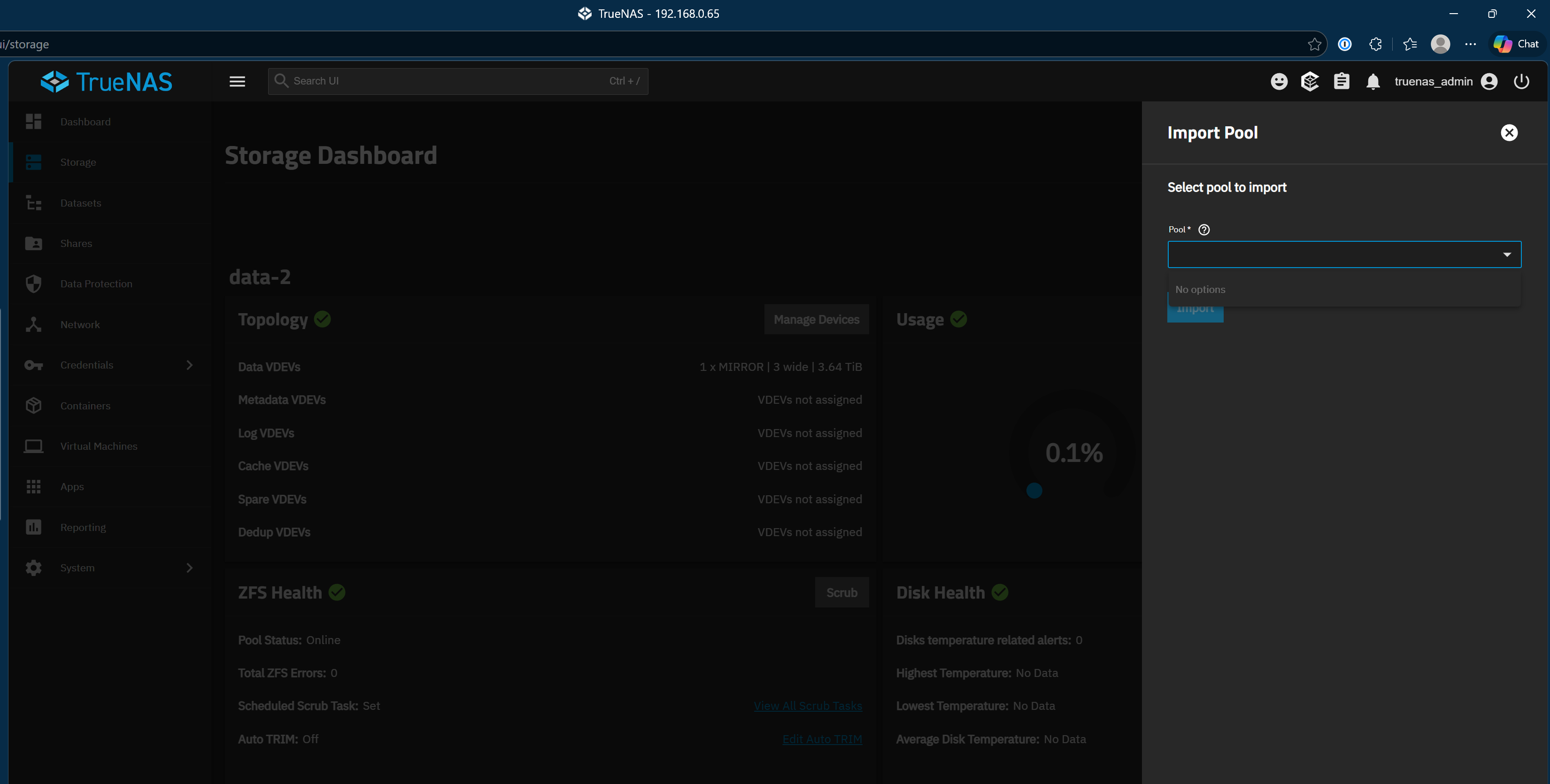
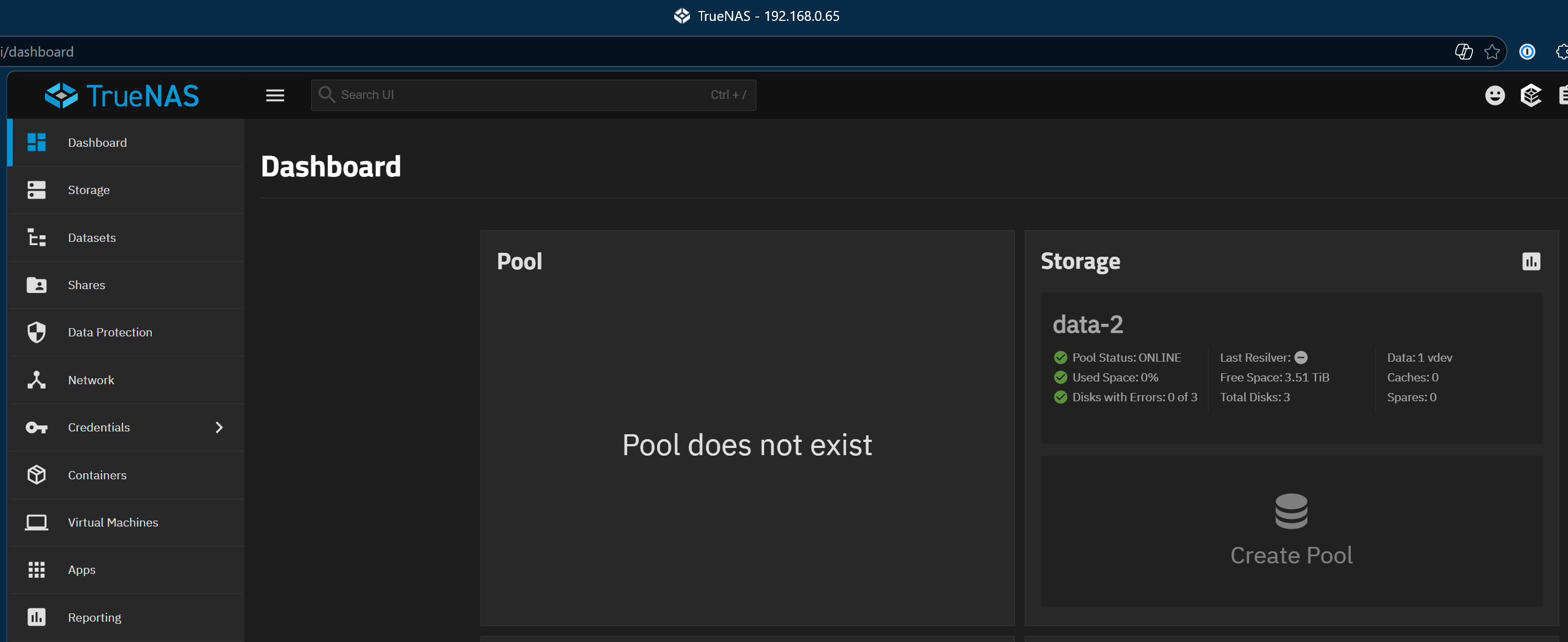
I want to continue using System A with more drives. I installed a Silverstone Technology SST-FS304B-V cage which converts three (3) 5.25" bays to a four (4) 3.5" SATA 6G hot-swap. I install three (3) 4TB drives in System A that previously held two (2) 8TB drives. Create Pool data-2 and SMB share-2. Dashboard Pool widget states, “Pool Does Not Exist”. A Google search offers 4 links where others have encountered this condition. I glean 4 shell commands from those posts to run on both systems to compare and hopefully understand why System B works and System A doesn’t.
I ran the same shell commands on System B which has no issues. Both appear OK to this newbie and yet System A Pool Does Not Exist. Thanks in advance for suggestions on how I may resolve this issue, Doug
Did you create the pool using the GUI? Are you reusing pool names?
Your description is a bit odd on how you moved the drives doing an Export/Diconnect but then say you imported a config file. A system configuration file loads all the info from the first server onto the second.
Yes, I created a pool using the GUI. I did not reuse former pool names. What was formerly “share” was named “share-2” and “data” was named “data-2” etc.
It was my intent to load all the info and drives from the first server onto the second which would include the configuration names data and share, serial numbers of the drives and so forth. The second is working as intended and I’m using unique names for the first.
That could just as well just be an old reference to the now unused pool name.
As could the SMB being down. Removing the dashboard entry would handle the informational message.
Can you also include a screenshot of the SMB-share screen? SMB shares use the name of the pool as part of the path defining what to share. So if it’s pointing to an old pool that doesn’t go by that name anymore, the share is invalid.
Click Configure in the top right corner of the Dashboard. Then click the edit icon on that Pool card. It’s probably still configured for a pool that no longer exists.
Thank you very much. The pool now exists. I had to also rename NetBIOS. The default set by TrueNAS is “truenas”. I changed it to “truenas-2” in Shares > Windows (SMB) Shares > Config Service. Now I have two file servers, \\TRUENAS\share and \\TRUENAS-2\share-2.