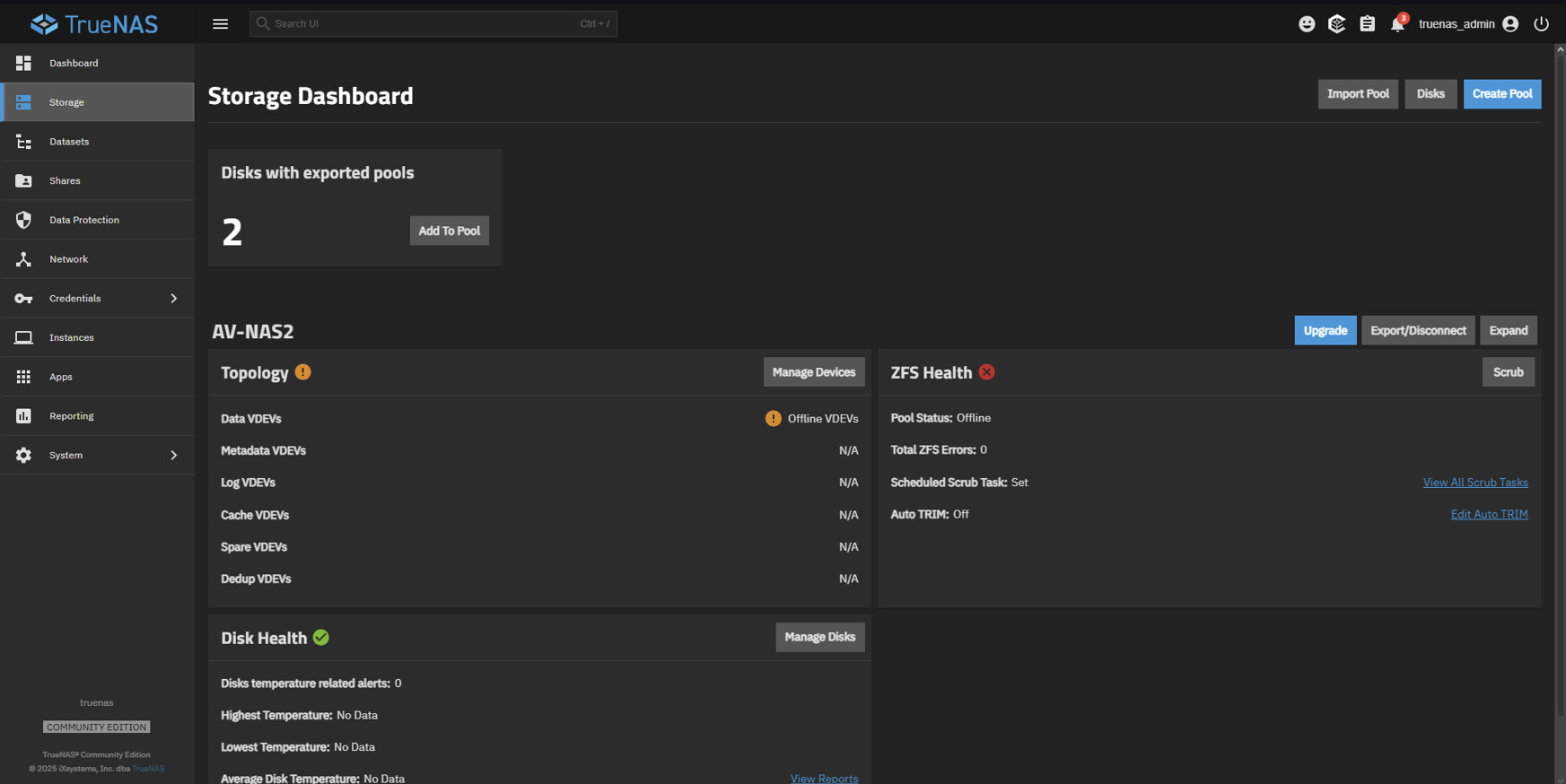
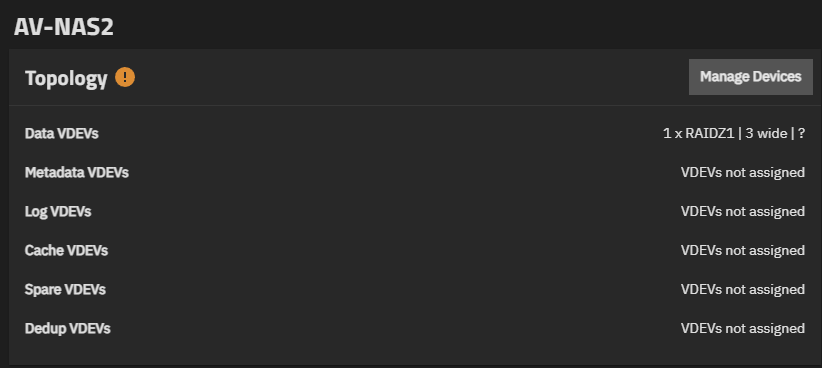
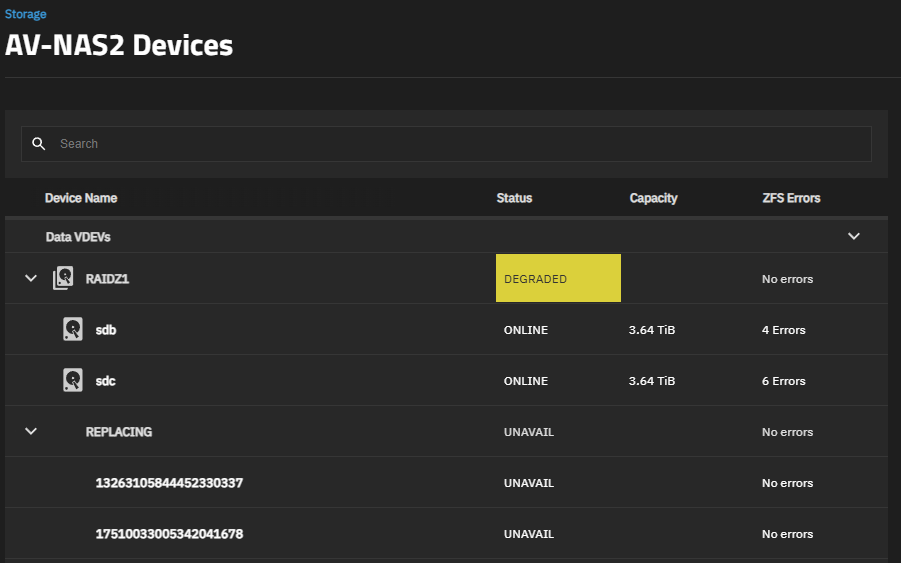
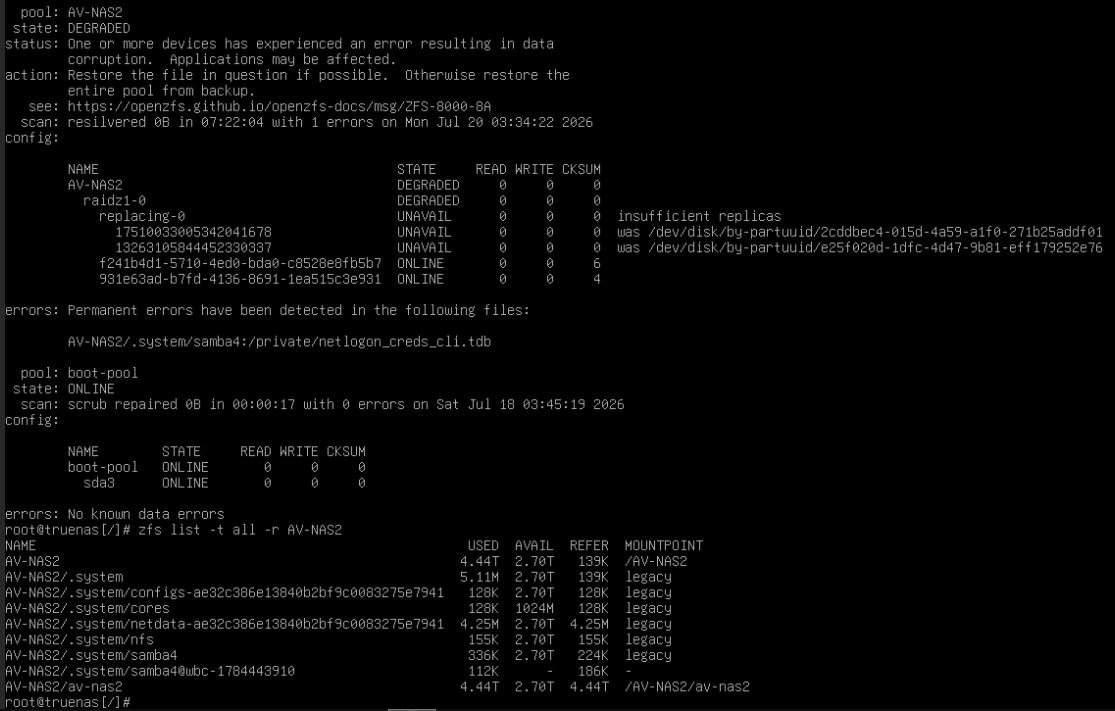
I have a pool of RAIDZ1 with 3x drives. one of the drives failed and i want to replace said drive. After restarting the system and plugging in the replacement drive and started the disk replacement, the disk within the pool got exported unexpectedly and couldn’t be imported back to the pool.
I’ve tried zfs import -fF but it wouldn’t budge. so then I tried zfs import -fFX to rollback and the disks started resilvering until the vdev with 2x disks is recognized again.
At this point, i’m just trying to access and recover the data off the pool to another drive in my main PC. Any help or ideas to get around this? much appreciated.
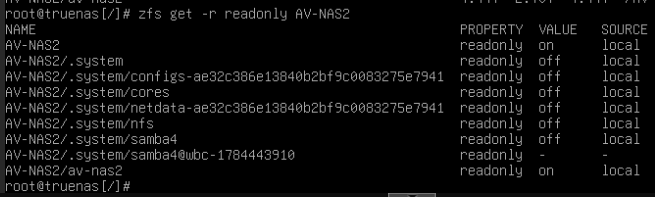
EDIT: I’ve already tried to set readonly=off for the 2 mountpoint and then zfs mount -a but it still output the same error above.
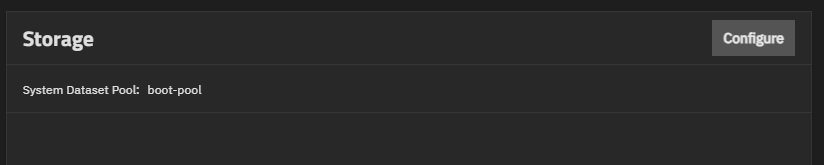
Change your system dataset to your boot-pool. This will remount the .system datasets off your degraded pool and give you a read-write file system to update the mounts DB again.
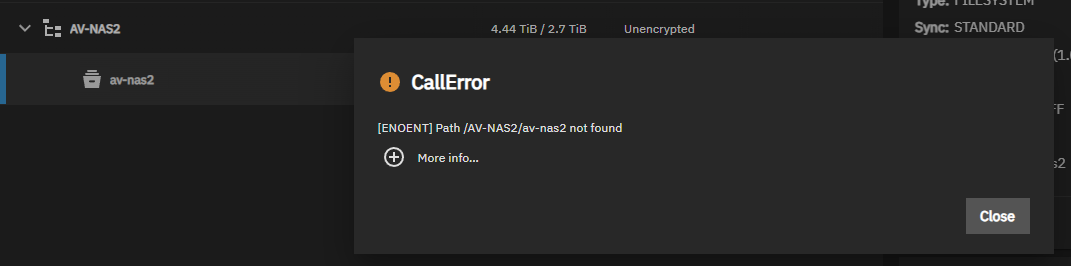
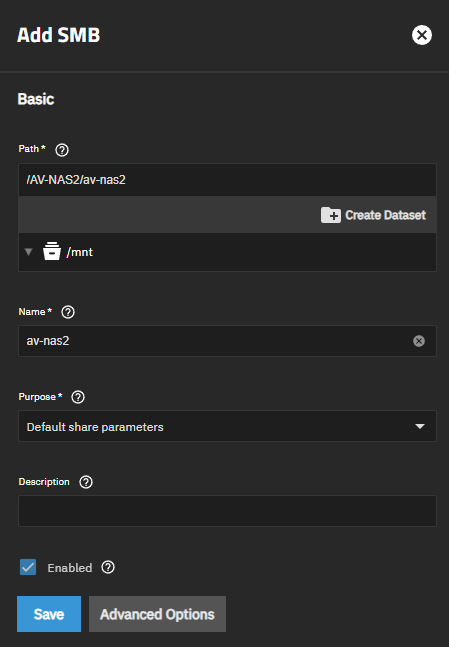
I guess the error that I have is more related to storage mount itself, as the call error shows below and that there’s no path any whatsoever in the /mnt dropdown.
If I understand your description of your hardware and setup, I think there are a few problems. Advice for ‘production’ (highly recommended) use of virtualizing TrueNAS is in the following article along with blacklisting the ‘controller’ from Proxmox. The other issue may be your M.2 to sata. If I have the correct HD, they are SMR and not CMR types. That is also a problem.
VIRTUAL
Multiply your problems with SATA Port Multipliers and cheap SATA controllers