Recreating a vdev with an existing drive and a new drive without destroying pool

Hello,

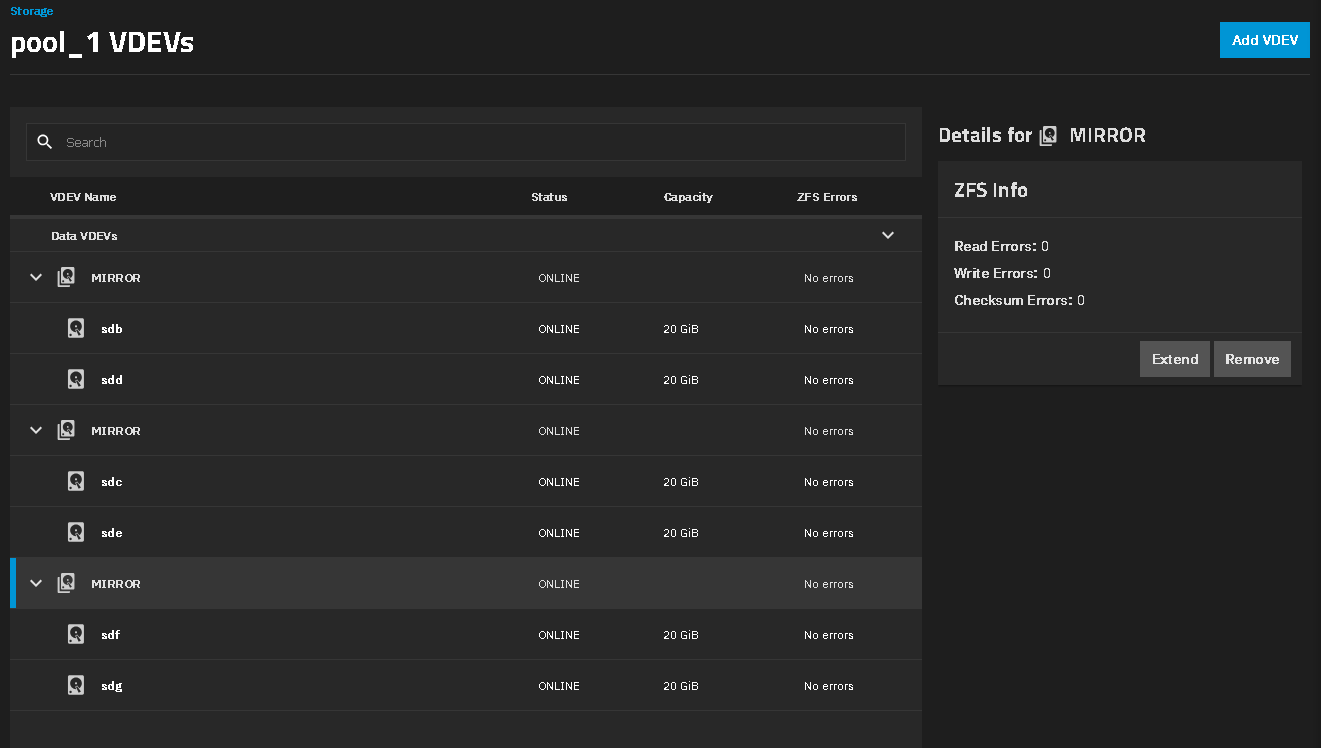
I’m looking for confirmation from my research and I think I may be hosed. I have 1 pool consisting of 4 mirrored vdevs. I had 2 drives go bad, both from different vdevs and I had 1 spare. I replaced one bad drive with the existing spare which leaves 1 vdev with no mirror.

I ordered another drive of the same series DC HC520, the only difference is the last number in the part number: 0F29560 vs 0F29561. My current drives end in the 1 which are self-encrypting drives and the one I ordered ends in the 0 which lacks that feature, otherwise they are the same. Needless to say, the drive I ordered is 10.83 TB instead of 10.91 TB so I can’t add the new drive to the existing vdev.

My next thought was to remove the vdev that has the 1 drive, add the new drive then re-add the old drive (which I think would shrink to match the new drive). However, in the TrueNAS documentation I read the following:

The corollary matters more than the rule: if a top-level vdev is lost, the pool is lost. Because data is striped across all top-level vdevs, there is no copy of its contents anywhere else. A single non-redundant disk added to an otherwise mirrored pool therefore puts the entire pool at the mercy of that one disk.

This leads me to believe that doing what I was planning to do would destroy the pool and I would lose the data (I have back-ups and can get back what really matters) but it would still mean getting 30 TB of data back on the server which doesn’t sound fun.

My question is: Am I understanding that correctly? Would removing the drive (and consequently the vdev) that has no mirror, adding the new drive and re-adding the old one to create a new vdev mirror, destroy the pool?

If so, I see 4 options:
A) Do it, get back to a mirrored setup (maybe do more than 1 pool this time around) but have to get all my data back on the server.
B) Return the new drive, order another drive that has the exact same model number and hope it matches the 10.91 TB of my existing drives if it does then I’m golden. Though I know it could still be a different size.
C) Order 2 new, matching, drives and create a new pool. I could then do the multi-pool option, continue to expand with new drives as others fail and pray that the 1 drive vdev holds out long enough.
D) Order a larger drive (14TB instead of 12TB) and have it shrink to match the existing 10.91 TB drive. I’ve always ordered 2 of the same drive so I’m not 100% this is how that works.

Am I missing anything? Or does all that sound correct and I just need to pick what I deem as the least worse of the situation?

Thanks for the input and advice!
I don’t think you have enough free space for a VDEV removal with the Mirrors. How full is the current pool and are all drives made up of the same size? You would want your pool to be at 80% or lower capacity with three VDEVs. I am guessing you have too much data as you stated 30TB of data.

I would go with getting another, matching drive or a slightly larger model and replacing the missing drive.

Risky but possible approach:

  • add the new drive as a single drive vdev
  • remove the old single drive vdev
  • attach the removed drive to the new vdev to build a mirror

I don’t think you can do that through the GUI. I just checked on 26 Beta 3.

It only wants to add a Mirror VDEV to already existing Mirror VDEVs

I was able to remove a VDEV going from 3x 2 wide VDEVs down to 2x in a VM but the data was empty so I didn’t have to wait for the system to reshuffle data.


Hello and thanks for the replies!

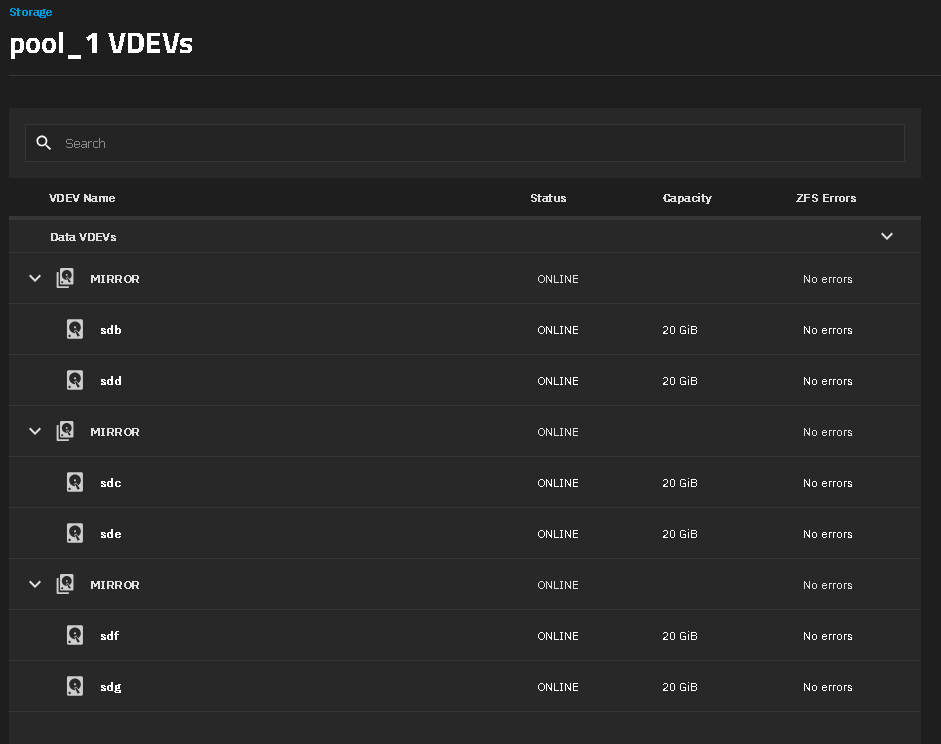
Current used space is 47% or 20.36 TiB used and 23.14 TiB free. All 7 drives are 12 TB (10.91 TB usable) with 3 mirrored vdev’s and the single drive vdev under a single pool.

@pmh - That’s what I was thinking of doing originally but the warning in the TrueNAS docs gave me cold feet and if @SmallBarky is right, I couldn’t, another risk that made me nervous.

@SmallBarky - I could do what you did in the VM and just remove the rogue single disc vdev, I don’t need the space in that pool and can remain under the 80%. I could then make it a separate pool with the new drive as the “primary” so the old drive shrinks to fit it. Would the system handle reshuffling the data to the updated 3 vdev pool? Again, that warning in the docs makes me think I’d lose the whole pool if I were to remove the 4th vdev since the pool was made with 4 vdevs.

That warning in the docs is my biggest hesitation of doing some of this. It makes it sound like removing that 4th vdev will destroy the pool.

Losing that vdev will destroy the pool. Removing won’t. If that current single disk fails, the pool is toast. Removing is safe for appropriate values of safe. If the disk fails during the removal process due to the additional stress … well.

Then you’re reading it wrong. You’re also missing the distinction between physically removing a vdev (in effect “losing” it) and logically removing a vdev (from GUI or CLI); the latter is only possible for an all-mirror pool (no raidz#) but is safe: ZFS will move the data to other vdevs.

Your safer options:

  • Get a drive that is 10.91 TiB or larger (this just works…) and attach to your single drive to restore the 2-way mirror.
  • Remove (logically, from GUI) the single drive vdev, as you have enough space. When it’s done, you may create a vdev with the 10.83 and 10.91 TiB drives and add it back to the pool; ZFS will not redistribute data, you’d have to use zfs rewrite or the the zfs-inplace-rebalancing script (each has its own caveats).

Thank you both for that clarification, I see the distinction now and feel a little silly for not seeing it earlier :man_facepalming:

Once the resilvering of the vdev I had a good spare for is done I’ll get a bigger drive in to restore that mirror.

Thanks for the help!