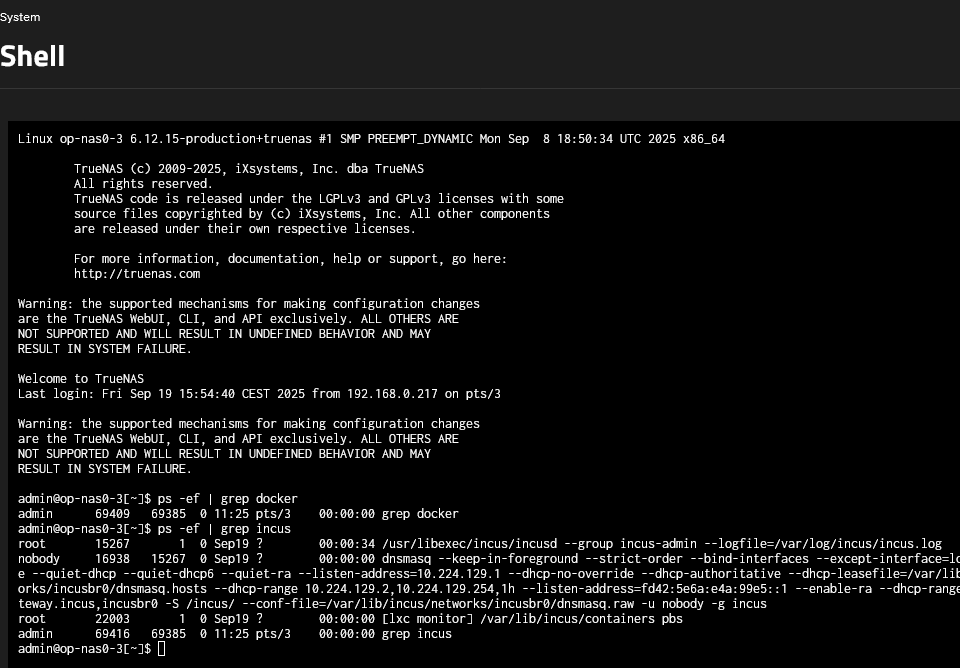
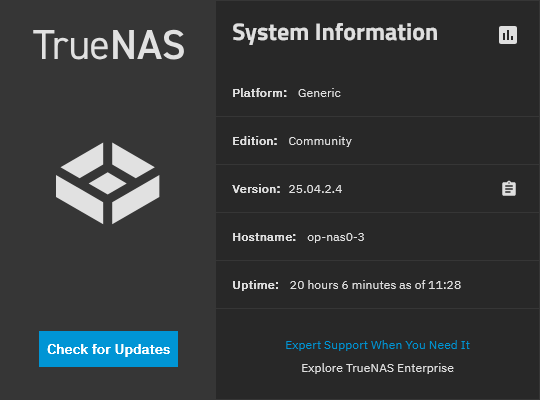
I just tried to create a container on an Scale 25.04.2.4 system. However, I’m unable to select an image. The system contains very sensitive data and is not connected to the internet. For this reason I can’t browse the list of available images, and I can’t upload a custom image.
I forgot that the incus part was renamed to container… But same principle as for docker container, without an internet connection you can’t download an image for incus. And honestly i’d wait because incus will be removed again next update, so why bother with it now?
It is possible to work with Docker offline. One can import docker images from file using the cli. You need a machine where you prepare your images, just export them to tar files. Transfer those to the offline machine and import them. Make sure you use the same tag as you have on the offline images when creating your containers either via Portainer or cli. I highly recommend Portainer though, especially for this scenario.
Caveat: I’m still on core, have not used scale, but use various container technologies elsewhere.
I’m also assuming that since we’re talking TrueNAS, that your “air gapped” machine has at least local network access, and is not completely standalone.
A pattern that is common in industry is to use a private container registry for all images. This can be done by deploying a proxy such as Nexus or Artifactory where it can be reached from your “air gapped” machine. Depending on your security model, images are then populated to those proxies either by having the proxies pull images from public registries on demand, or by an administrator loading those images manually (eg: via sneakernet when the sensitive network is actually air gapped). Those tools also have modes where, even when the proxies can reach the Internet, an administrator may optionally lock down the proxy to serve only pre-authorized images.
Telling the rest of your stack to use the proxy will vary depending on the protocol of the registry/repository. For docker images you typically have to change the prefix on the image name.
You probably also want to require authn/authz to access the proxy; this is best tested in the setup/trial phase. You certainly want authn/authz in the case where proxy itself is reachable from the Internet (which is a common configuration if you have both proprietary images and remote workers).