
To anyone successfully using slskd I have a couple of questions.
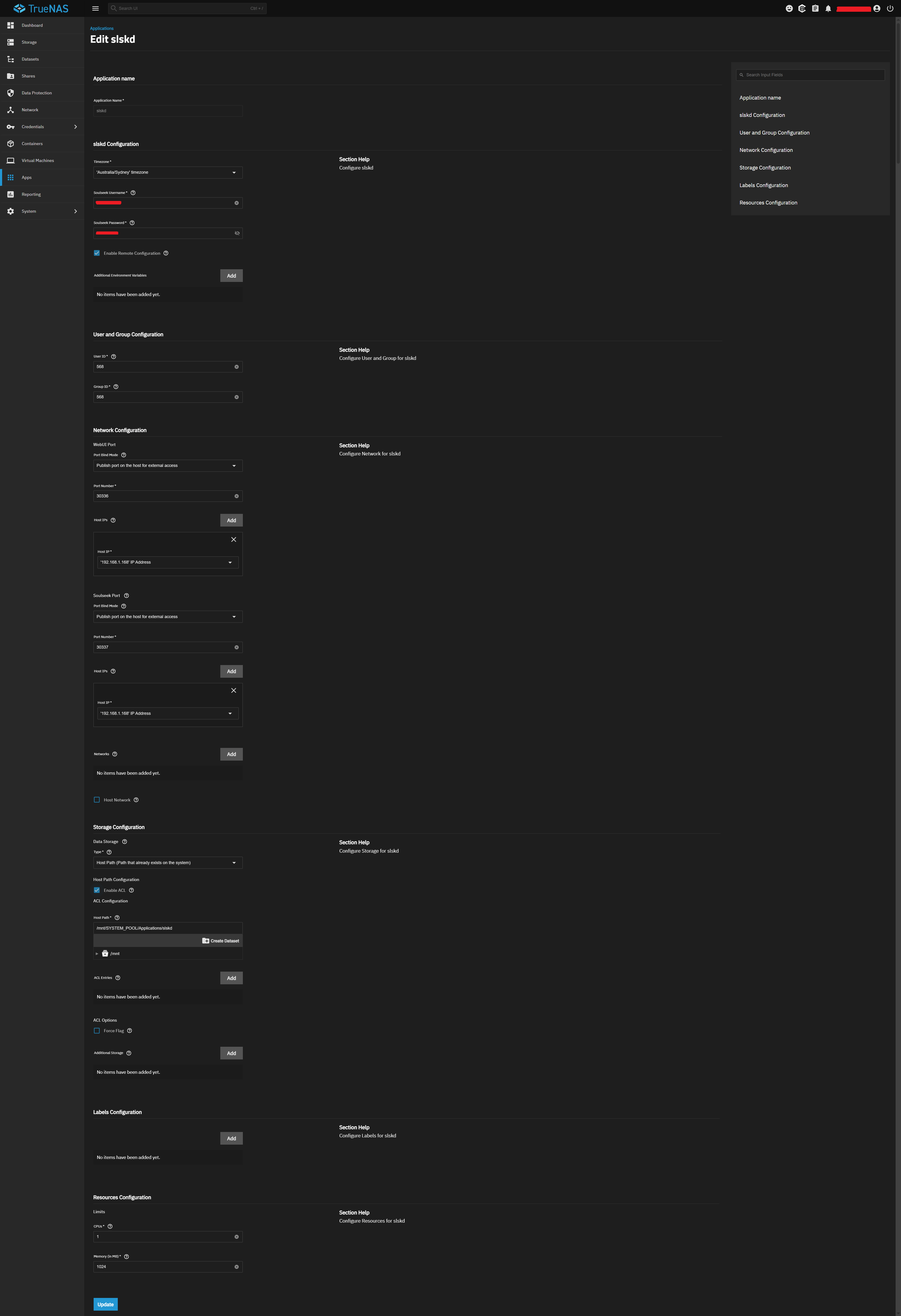
So I’ve successfully installed and run slskd (App Version: v0.24.5 / Version: v1.1.8) from the TrueNAS Apps Market (config below).
However I can’t figure out…
#1: I’ve installed the app to path: /mnt/SYSTEM_POOL/Applications/slskd however when I open this folder it’s empty. Even after downloading a file using slskd it still remains empty.
#2: After downloading a file using the Web UI, how do I copy the file to another folder or download it from there to my PC? There’s seems to be no option to do this in the Web UI or define the upload folder location?