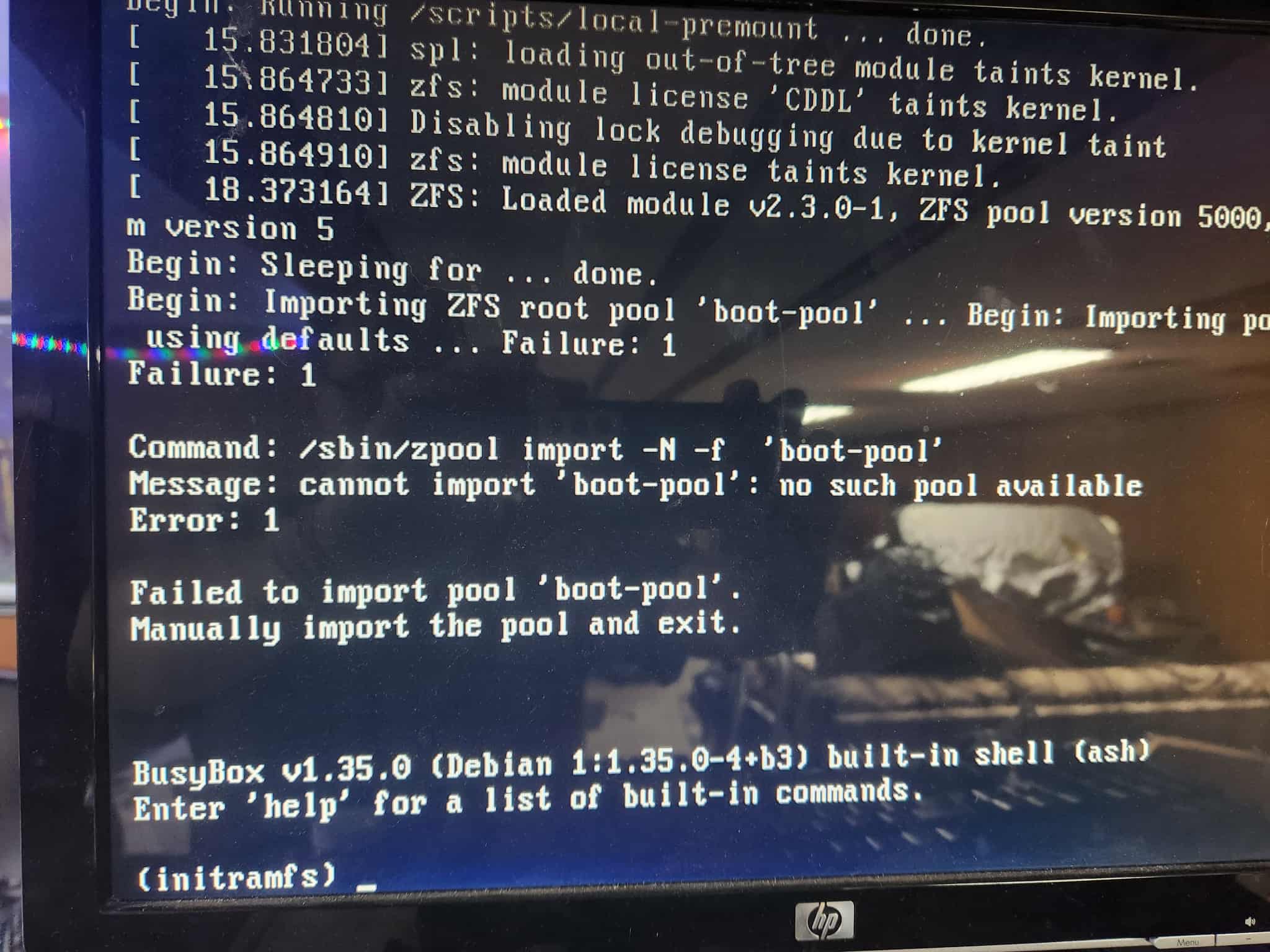
first i had an ERROR Compression algorithm inherit not supported so i was told to reinstall…
so i put 2 good SSD’s in and reinstalled TrueNAS upon boot up i get
“Failed to import pool ‘boot-pool’”
i then put 1 SSD in and reinstalled and got the same ERROR!
i have gotten this before and it seems people have had problems with it…
going to try to wipe them with diskpart in windows
if that wont work ill have to open the wife’s PC running Linux and run “blkdiscard /dev/” and hope that helps
Boot from a Linux rescue disk and wipe the drives, I tend to prefer PartedMagic for zeroing out the drives. I should probably buy the newest version, I think mine is 3 or 4 years old. Pretty sure you can download and run it for free, but the cost to help support a tool I use is cheap enough that I buy it every few years to update things.
That said, I do also have some HBCD for when I need to do things in Windows like BIOS updates or simple diskpart clean disk erase. If you run diskpart clean all that should be as good as the disk wiping from PartedMagic, but I think it is slower by a long shot to some of the alternate methods offered in PartedMagic.
Oh, that makes sense. Normally my boot drives are so small that it’s easier to tell boot from data, but I’ve also gone through multiple checks over a longer than I care to admit period of time before wiping a disk, just to make certain I’m wiping the correct one.