
It will be… the bug report is only 2 days old. Jira is the real-time info.
Thank you! It’s well understood that RC1 can still have some sharp edges.
Just playing captain obvious here: Multiprocol SMB shares and choosing Time machine basic/ multi-user are now mutually exclusive. Ideally the UI grays out one or the other depending on the setting. It’s more than a one-liner in the next readme.
That’s a whole new feature. Release notes 1st, then docs. We can do those in Fangtooth.
I have a secondary/testing system which was running 25.04-BETA.1 just fine.
It is an unsupported configuration, as the boot-pool and an “ssd” pool are on the same physical SSD, but it has worked just fine since TN Scale 22.xx.
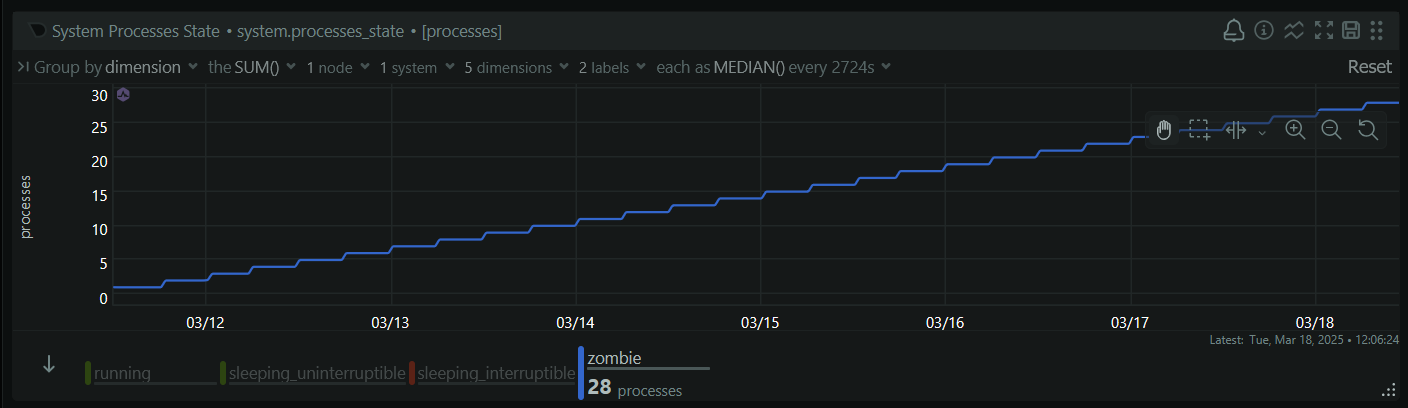
But with RC.1, it froze up multiple times now. The first time, the web UI eventually became responsive again and this was logged before/during/after:
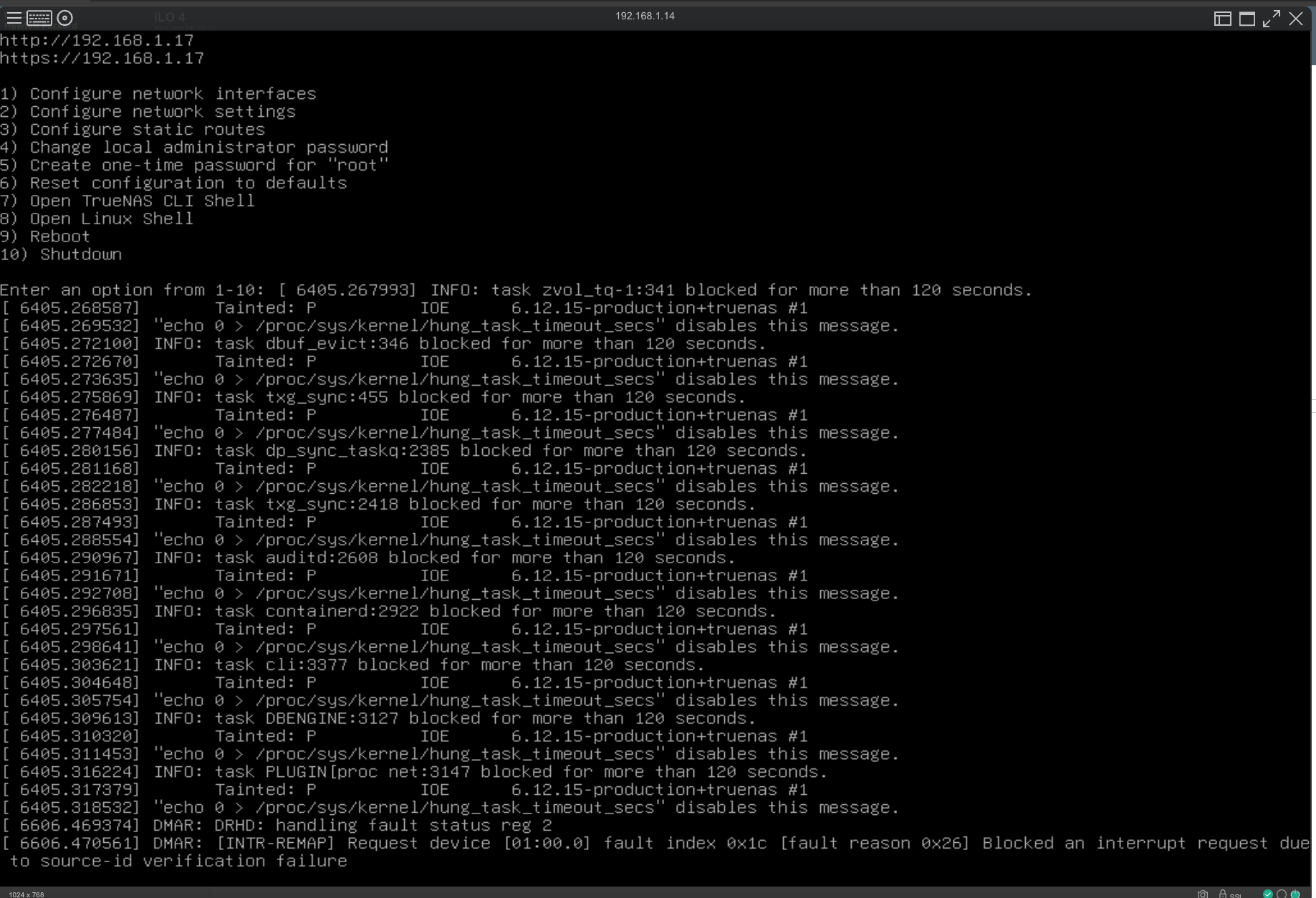
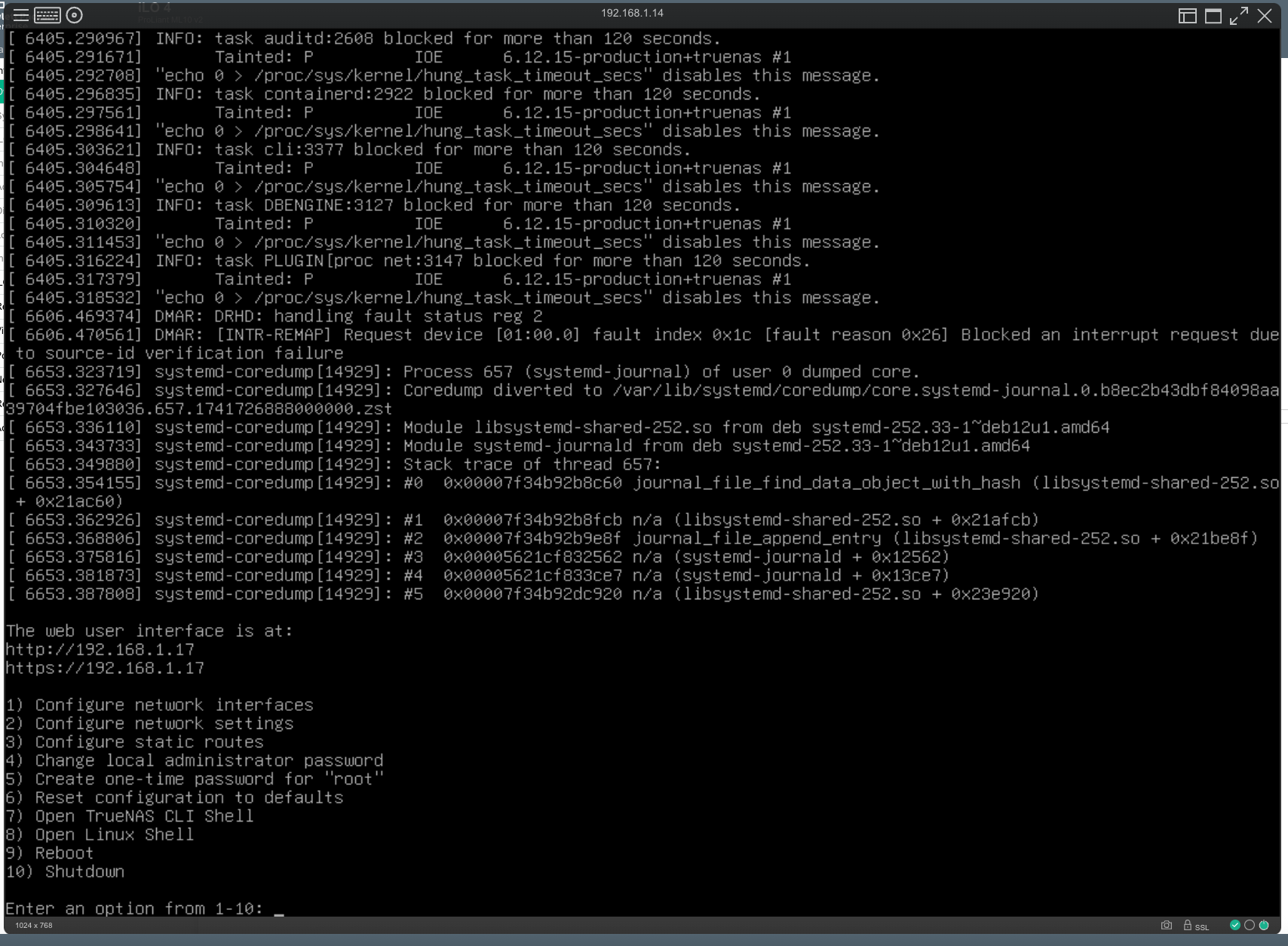
Notice the “task zvol_tq-1:341 blocked for more than 120 seconds()”. I wonder if that caused the “freezing up” issue? The “ssd” pool is running a Windows Server VM (idle), so I guess that’s the referenced zvol task.
Then again, today, I noticed that the power consumption was high (no scrub) and upon checking, the web UI and a remote desktop connection to the Windows VM were both unresponsive.
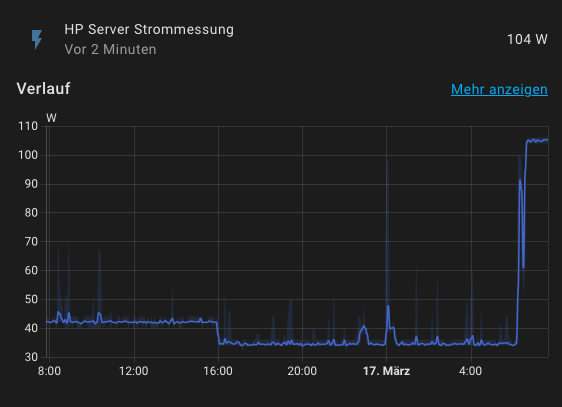
This was in the logs (probably more above that I missed to record, hopefully in the debug file though):
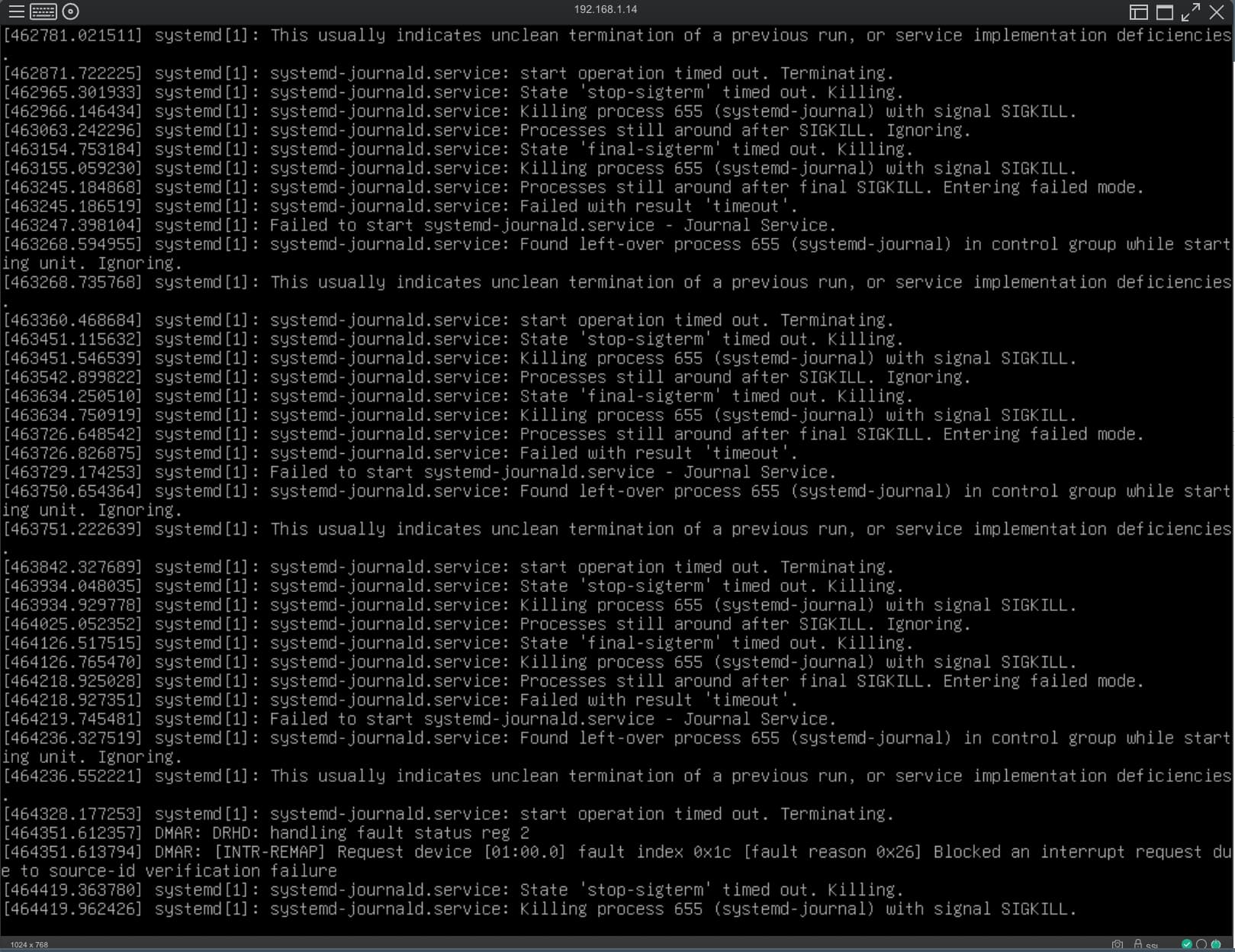
The machine runs an Intel E3-1231 v3 @ 3.40GHz, with 16 GB of ECC RAM and just the one Windows Server VM with 4 GiB reserved.
The ssd and boot-pool are on a Samsung SSD 860 EVO 500 GB SSD that’s still working correctly as far as I can see. Force-restarted the server now and it’s up again.
Is it worth to create an issue for this, even if the configuration with ssd/boot-pool on the same SSD is unsupported?
Again, it’s just a testing system—my main system is obviously not set up like that—but it’s still weird that it froze up multiple times with RC.1 now, when it never did before…
EDIT: The ssd pool had autotrim on. I don’t think this has been an issue in the past, but I’ve disabled it for now to test if that’s somehow related, as I think I read some OpenZFS issue at one point where issues with autotrim causing lockups were mentioned. A scheduled trim task was recommended instead there.
Please let me mention that I could do more testing over the weekend. Using a Windows machine I had tried to access the TrueNAS share that was configured for multiprotocol access SMB/NFS4. It did happen that this Windows computer experienced locks for several seconds until the file copy operation proceeded.
This issue disappeared, once I turned multiprotocol off (for all shares, actually). => The multiprotocol NFS4/SMB issue seem to impact more than just Time Machine shares.
I am really excited for this release just like I was with removing K3s and going with Docker. After moving to Docker my app updates have been more boring than they ever have been and I have been running my server since FreeNAS 9.2! The K3s apps were really REALLY annoying. If iX didn’t go this route I was seriously about to just run a separate system with Docker Compose. Never seen so many breaking changes in my entire life using any software ever.
Sad to see SPICE being removed instead of improved though. Only issue I have is I loose mouse control after installing GPU drivers on both Nvidia and AMD GPU Passthrough in a Windows VM. Also the web app had several user annoyances. But at least I can use the built in solution again with the move to VNC.
Its worth starting a new thread, but unless its easy to replicate we may assume there’s a conflict going on. Writes to the SSD pool may be impacting reads from the boot pool or similar. We can’t tell if its related to the software update or the SSD getting closer to full.
Please write it up in a new thread and we can see if its a bug. Please copy link to it here.
Good to hear that you have general success.
Its a complicated question to answer without testing. I’d suggest you start a thread with the details. Perhaps wait for FT Release and be prepared to rollback.
You may want to have a look at this post


If this is functionality you need presently, I’d suggest a bridge with no physical members.
A neat solution.
Still surfaces a redundant virtual interface into the VM.
(Which in one of my vms, already has physical PCIe NICs passed through)
I instead removed the default profile from the instance which specifies the default eth0 interface.
I am still clueless on Scale. Still didn’t figure out if it is possible to assign a dedicated IP to my Nextcloud app nor have i got any clue how to do a “manual” install of Nextcloud on Scale. I do realize how simple things were on Core though…a jail being nothing less than an isolated FreeBSD instance within FreeBSD. Somehow, that made sense to me. I guess this is going to be one hell of a steep learning curve once again 
It’s not as steep as you think, at least it wasn’t for me. Took me 2 weeks to learn and understand docker from scratch with absolutely 0 prior knowledge.
Do you know any good YouTube videos to learn the new scale app installation with built in docker you can recommend?
I believe there are no videos for the build in apps, and for the custom apps it’s just docker compose. So any guide that uses a compose file can be applied to custom apps
Maybe
Updated for beta to RC with no issues.