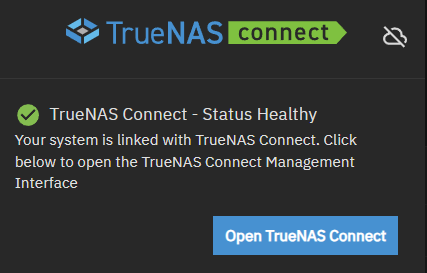
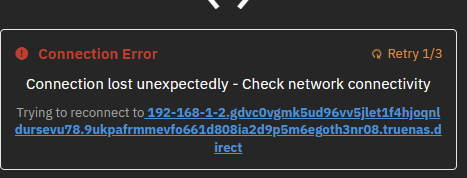
Just trying TrueNAS Connect for the first time. Registration all OK and status is heathy from the TrueNAS console but it’s presenting a connection error. I’ve noticed that the URL it’s using contains my local LAN IP address which I’ve no idea is correct or not.
In short, I’m getting
Connection Error
Max retries exceeded
Connection lost unexpectedly - Check network connectivity
TrueNAS is using 443 with HTTPS redirect. I’m using my own cert.
I do know the IP address of my TrueNAS. I noticed that the URL that fails to connect to the TrueNAS contains the loca\l\LAN IP address of the TrueNAS and not the external IP address.
I wondered if TrueNAS Connect is mistaklingly registering the LAN address in its central database\registration rather than the WAN address?
Hhhmm, I think I may have misunderstood how this works. I thought that it allowed me to manage my NAS externally but it appears that this isn’t the case.
The documentation isn’t overly clear. From what I can gather it makes managing multiple TrueNAS systems easier from the single interface but provides no real advantage for managing a single NAS.
That is correct. TN Connect was designed with security first, the TN Connect server has no knowledge of your authentication tokens nor does it have direct access to your TN systems.
The browser connects directly to your TN systems, so it needs to be able to do such. TN authentication is stored in a local to the browser encrypted Keyring. TN Connect is not a remote management tool, but a tool for monitoring multiple TrueNAS systems (and via API calls, can do some management such as restarting or updating Apps).
You still need to provide your own security for remote management.