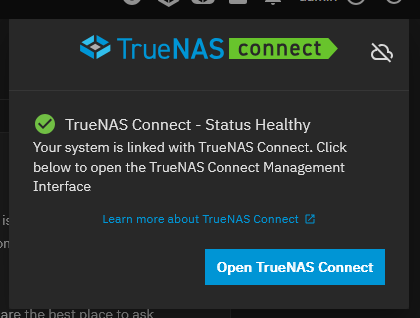
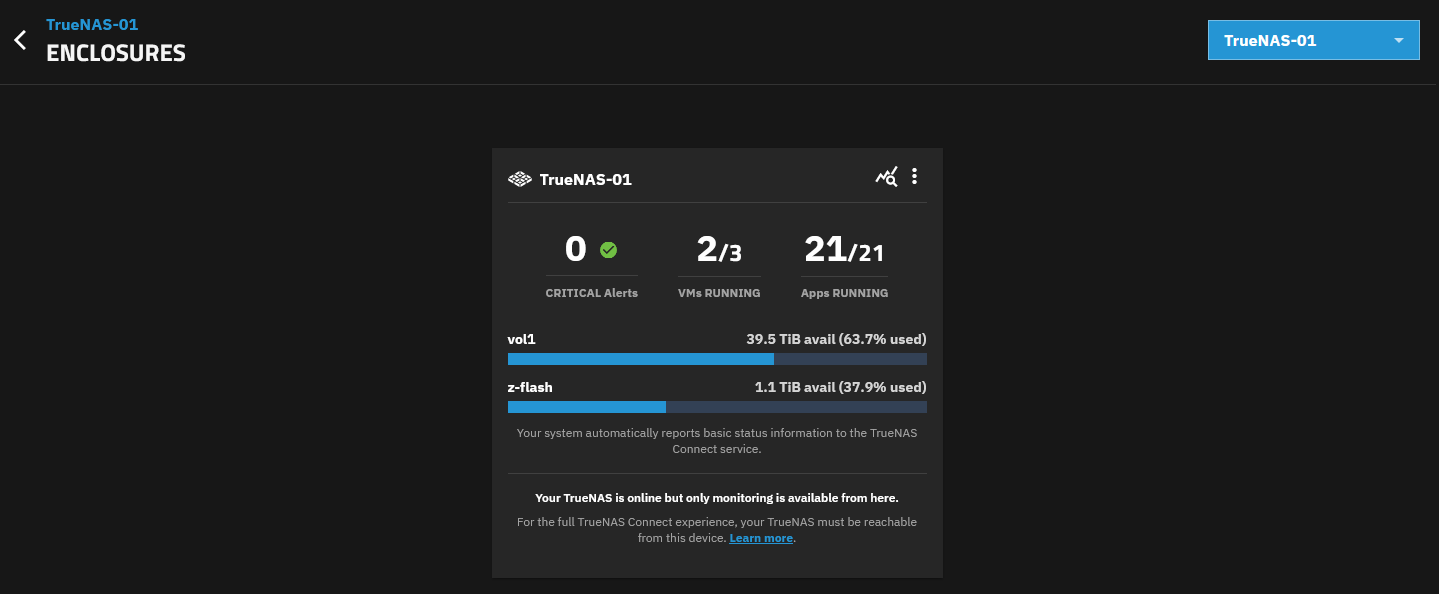
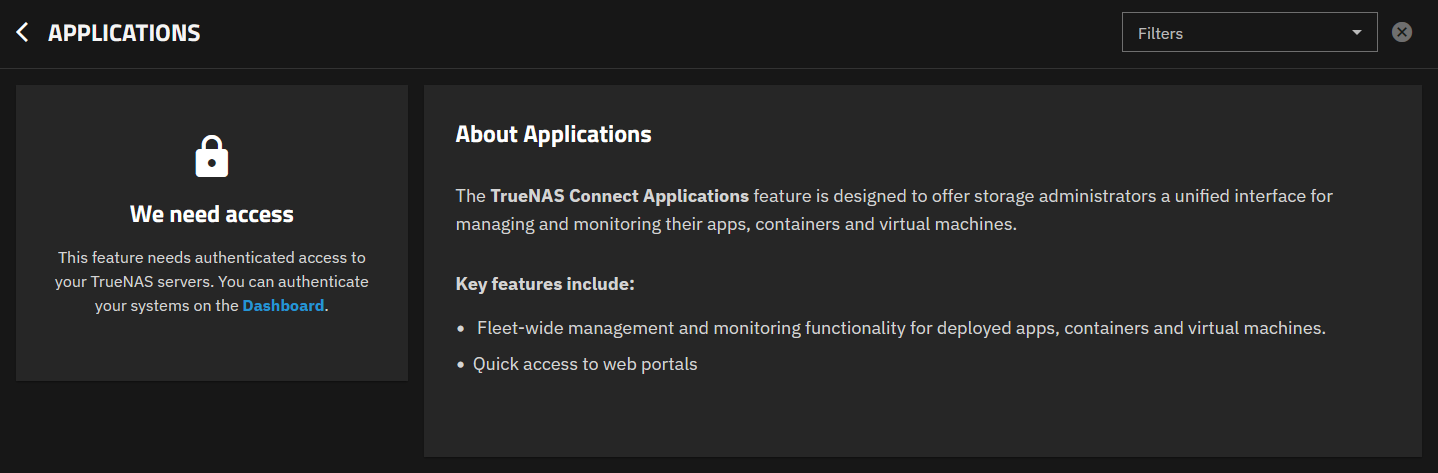
TN Connect worked for several weeks without issue for me and for the last two weeks I have experienced this same issue. I may have moved to 25.10.1 at the same time, I do not recall. @HoneyBadger there is not a lot of debug information to gather, but this was working for me and now it is experiencing the issues above. ^
I am experiencing exactly the same issue. Reported it in jira on 21 dec (TNCS-56). Got a reply today that they’re looking at it. Helpdesk refer to “get access to server in your browser”, but it already has (in another tab)
Same here. The Jira I’ve been to doesn’t have A TrueNAS Connect section. Not sure if it’s separate or private for some reason.
EDIT: OK so in my case it likely actually works. I just wasn’t initially aware that Connect does not use a tunnel or anything and relies on local access. I was trying to access a machine over tailscale and I imagine that the registration process captures the IP assigned on the interface of its default gateway. Even if it tries to connect using all IPs the system had at time of registration, I use one-to-one NAT on OPNsense at the site as part of subnet routing so the NAS itself has no tailnet IP.
So for me the Connect dash likely was just trying to use the local IP (which funny enough is a different NAS at this site) and failing.
Would be cool if eventually we could manually specify IPs/addresses to try and hit the system on, where if one fails it tries the next.
I’m aware of this, but this is in regards to TrueNAS Connect, which based on what Gamy4 said has an issue prefix of TNCS, whereas the TrueNAS project is NAS and TrueCommand is TC, so even if we ignore the obvious name differences, it’s neither of those because of the differing prefix.
Yes, there is no public Jira for TrueNAS Connect, requests and bug reports can be made from within the UI.
Manual IP/address management is planned for the future, right now we default to pulling all IPs on all interfaces, but this can be disabled manually from the shell (midclt call tn_connect.update ‘{“use_all_interfaces”: false, “ips”: [“IP”], “interfaces”: [“eno1”]}’, where “ips” or “interfaces” could be manually supplied (choose one or the other). Note that the Tailscale interface is not selected by default, but its IP can be provided manually. We do consider Tailscale usage (or another VPN) as an important part of usability for TrueNAS Connect and want to make configuration as smooth as possible. Thank you for your patience!
Initially I was NOT even getting that far, rather I would sit indefinitely at “Hang Tight”, therefore I filed a Bug Report: Although that “Malformed” URL which was affecting Connect’s Heartbeat has since been “Fixed”, what got me past my “Hang Tight” Block was to resolve a DNS reBinding Issue and for that my Solution was “White Listing” truenas.direct
Although TP-Link’s OEM Firmware was NOT affected, here are the Settings I used for pfSense, OPNsense (ZimaBoard) and OpenWRT (TP-Link Archer C7 V2):
pfSense CE 2.8.1
Services → DNS Resolver → General DNS Resolver Options → Custom options
server:
private-domain: “truenas.direct”
OPNsense 26.1.2_5
Service → Unbound DNS → Advanced → Private Domains
truenas.direct
OpenWrt 24.10.5
Network → DHCP and DNS → Filter → Domain whitelist
truenas.direct
OpenWrt 25.12.0-rc5
Network → DNS → Filter → Domain whitelist
truenas.direct
More recently Dashlane’s AI has begun flagging those “Long” Distinguished Names generated within that same truenas.direct domain as “Possible” Phishing Attempts and for that I have to have Dashlane “Trust” That Website!
Firstly, I’m no expert on any of this so hopefully I have not misspoken. After seeing the info above about updating pfSense I was curious as to how this is done, as I have pfSense. I decided to investigate a bit, even though I have not migrated from Core, yet, So I opened pfSense v 2.8.1 and was surprised to find I could not get it to accept the private-domain: “truenas.direct” command in the DNS Resolver’s Custom Options field. It would give the error:
The following input errors were detected:
• The generated config file cannot be parsed by unbound. Please correct the following errors:
• /var/unbound/test/unbound.conf:111: error: syntax error
• read /var/unbound/test/unbound.conf failed: 1 errors in configuration file
From an AI session with Haiku 4.5 on DuckDuckGo I/We determined the documented directive private-domain: “truenas.direct” is not valid in Unbound and causes parse errors.
The correct approach is to use domain-insecure: "truenas.direct" (which is the actual unbound directive for DNS rebinding exemptions).
The server: block must be explicitly included — pfSense doesn’t auto-add it for Custom Options entries.
The correct entry is:
server:
    domain-insecure: "truenas.direct"
I was able to enter the command above and pfSense accepted. However, I’m not able to test at this time. It would be great if someone who does have TrueNAS Connect installed would try this to confirm. As I said I’m not on TNCE yet so I can not verify. If it checks out then someone needs to update the documentation page.