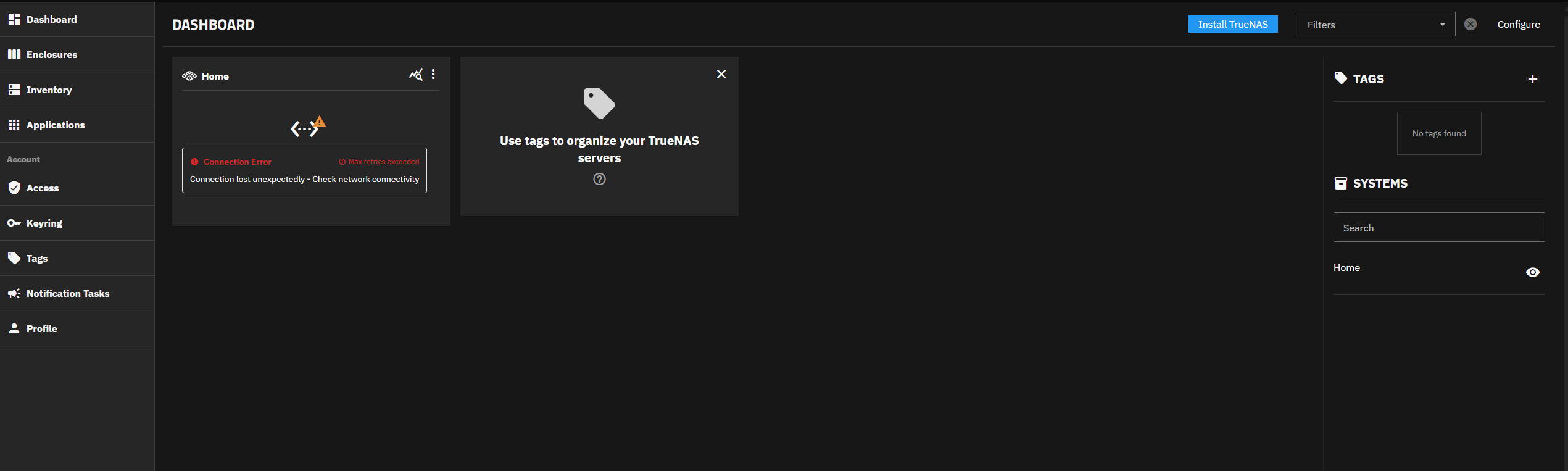
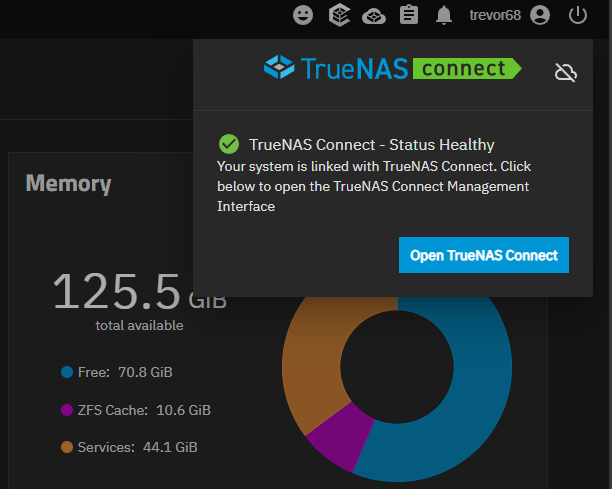
Registration seemed to go ok, then there was a lot of “hang tight” were getting ready stuff, then network connection was lost. I have not been able to re-establish it since?
This is all just on my local LAN.
Registration seemed to go ok, then there was a lot of “hang tight” were getting ready stuff, then network connection was lost. I have not been able to re-establish it since?
This is all just on my local LAN.
What OS version are you connecting to? Just verifying RC1. Have you tried rebooting your server?
Sorry yes RC1, registration seemed to go fine, and I can log in to it, but it is not connecting to my Truenas Server it seems. I wonder what port it uses?
I have not restarted, did not realise that was a requirement, but worth a try I guess.
Check HTTPS port connection Truenas, only works on 443.
Can you elaborate on what needs to connect to what on port 443?
Can you verify that TrueNAS CE is connecting to the TrueNAS Connect account you expect it to connect to, somehow?
Truenas settings: Web Interface HTTPS Port: 443
TrueNAS Connect does not allow to control NAS if the port HTTPS is different from 443.
That’s an odd limitation, there’s no reason why TrueNAS Connect would be connecting to that port, in fact, most firewalls would block its attempts.
If it’s to pass along how to connect to the local admin client, then why couldn’t it just pass along a non-standard port along with the domain/IP?
port 443 will be because it’s a https connection. Clearly this needs to be made a setting, like how I connect to the truenas web interface by https using 444.
443 will not ever work for me, as I have it directed to my caddy server for my docker stack.
Also anybody who ever used truecharts is not using 443 on the web interface
How would I do that? registration worked, I can log in to Connect, and I only have one truenas scale running, so what else would it be connecting to?
It was intended as a sanity check to make sure there aren’t two different TrueNAS Connect accounts in play, one connected and one not connected.
As I am not sure you can even verify what Connect-account you’re logged into from the TrueNAS CE side I don’t know if you have the tools available to do said verification, hence the “somehow”.
how could I possibly have more than one account? is that a bug? I have only registered once.
It was just a theory.
Thank you for the feedback, can you submit a request for this feature? We will investigate and determine how we can support your needs.
https://ixsystems.atlassian.net/servicedesk/customer/portal/60
Um what feature would that be? Are you confirming that this only works if the Web GUI is running on port 443?
Does the feature then become allowing a port to be set?
ok I had a crack.
Truenas Connect = No Connection - TrueNAS Connect Service Desk - Jira Service Management
Currently only 443, but we are always looking at ways to improve, so feature requests like this are great.
Shame I cant use this either for now, oh well, TrueCommand works well enough for now
So we are allowed to alter the web gui port, but not if we want to use True Connect. Seems nonsensical to me, but oh well, good luck with it.
It’s an initial release, and they appear interested in developing it further.
If they had said that they had no plans to add support for non-standard ports things would have been different I think.
Either way, you didn’t use TrueNAS Connect before it existed so you can just continue to not use it for some time and revisit it if TrueNAS Connect V2 is released.