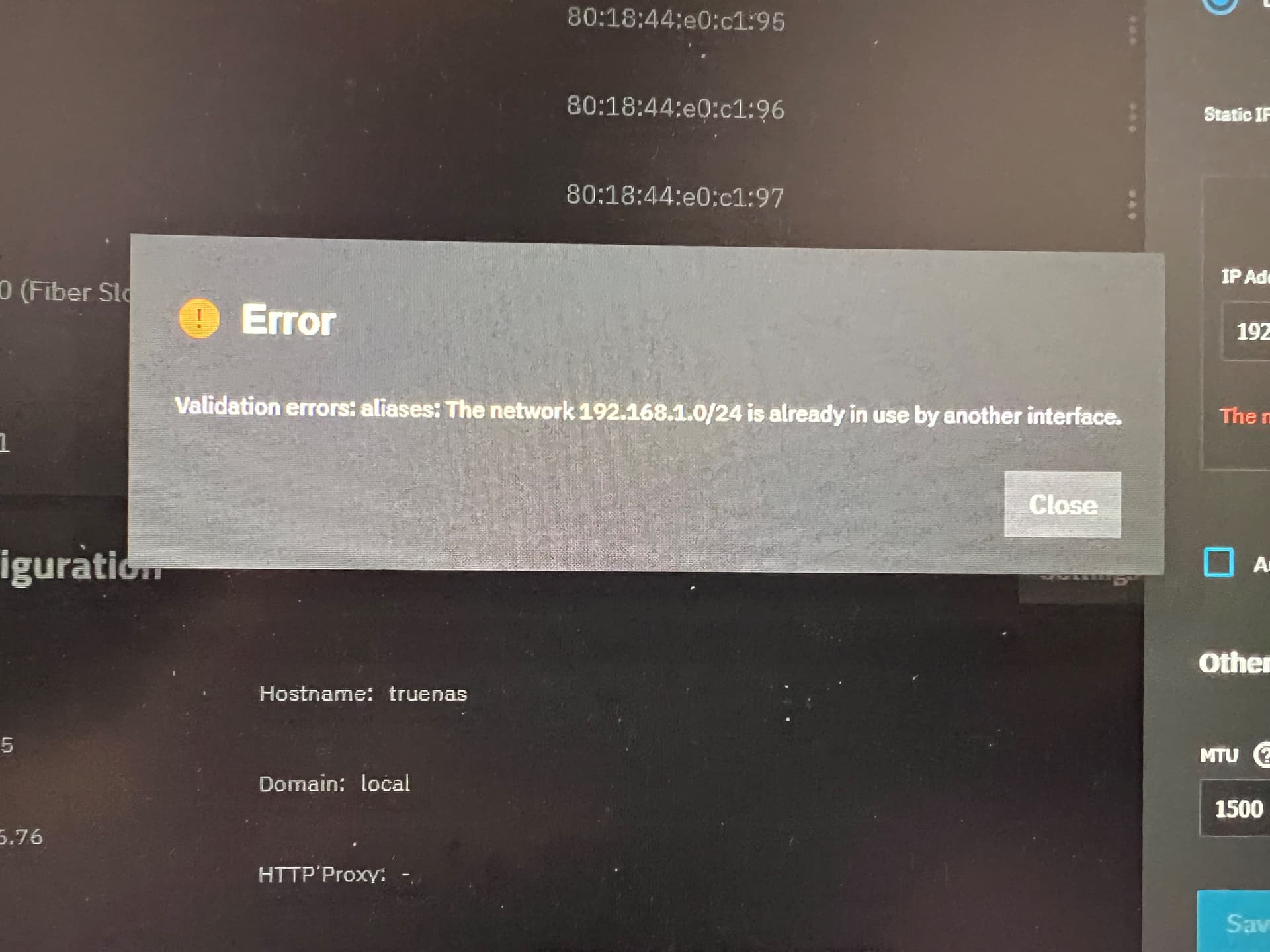
Hi, I have two fiber interfaces to the Dell R740 server on which TrueNAS is running. The currently assigned IP addresses are a static of xxx.xxx.x..6/24, which is how I access TrueNAS and the share, and also a DHCP asssigned IP of xxx.xxx.x.153/24. I am trying to move the DHCP to a static IP of xxx.xxx.x.8/24 which is available through my ASUS router.
When I attempt to save the changes, I get the authentication error message that I have attached. I am not sure what it means, but the authentication error describes an IP of xxx.xxx.x.0/24 as the issue. The same error message pops up regardless of the static IP that I try to assign both inside and outside the DHCP ranges in the router.
Can someone try and help me solve this issue? Thanks in advance!
LarsR, many thanks for the clarification! I may play around with the ASUS router and see if I can get the router to assign the IP that I want but I suspect that TrueNAS may even balk at that.
You cannot have two interfaces with different IP addresses in the same network. Fundamentally so. If you have only one network why would you want two links? Maybe we can suggest something …
@pmh, thanks for responding and honestly I am just playing around. But, unless I misunderstood what you meant, my current TrueNAS setup using an ASUS GT-AXE16000 router is allowing a static 192.168.1.8 and a DHCP assigned 192.168.1.153 to coexist peacefully with both of the interfaces working to access the server and shares.
Ultimately, I’d like to put the TrueNAS server on two separate IPs to allow two QNAP NAS boxes access to individual 10GbE interfaces via static IPs.
This is in violation of how IP routing and neighbour discovery is supposed to work and while the Asus device might allow it TrueNAS does not.
You need to put your two interfaces in two separate IP networks, e.g. 192.168.1.0/24 and 192.168.2.0/24, and connect the two QNAP boxes accordingly, also each in one of the networks.
Or place them into an LACP based bundle assuming your switch supports LACP.
Patrick, thank you. I’ll take one of the interfaces down and pursue one of the two solutions you recommend. I believe my QNAP managed switch allows for LACP.