The agent itself will be temporary while we do our internal pen testing, then it can come off.
I just tried to reconfigure the network interface and it appears to have gone through OK and picked up the fact its been set with a static IP, you have to set an alias(IPaddress/24) for a static IP, that’s correct isn’t?
I came across this but it doesn’t appear to have helped and still doesn’t want to load the Web Gui
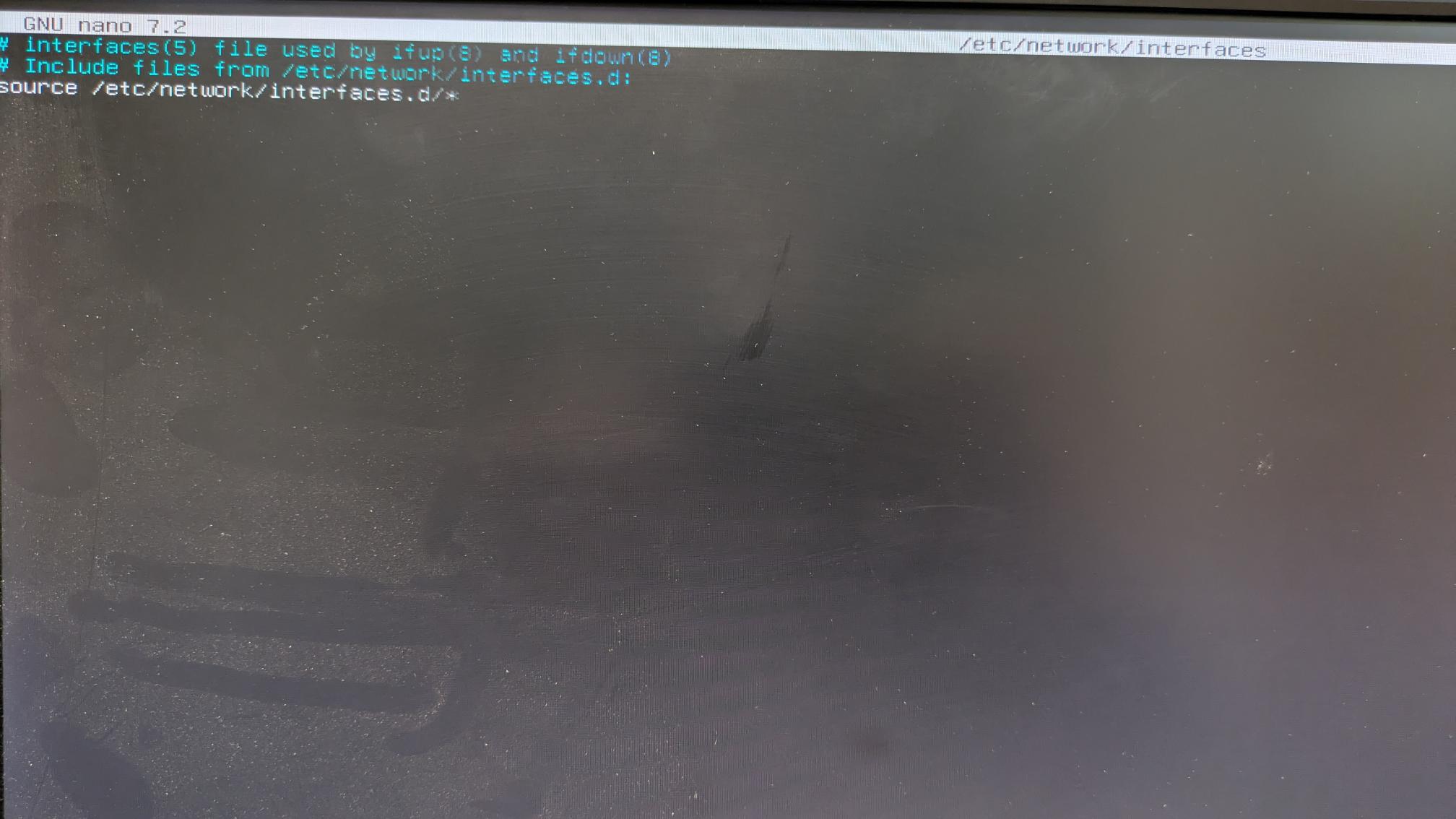
I’ve took some screenshots from the command “ip a” I ran from the post above and got the following, I’ve tried to re-configure / remove & re-add the network card but I’m still not seeing anything with command “nano /etc/network/interfaces”
As i under stand it all network configs are stored in the /data/freenas-b1.db database and not in the interfaces.d directory thats why you cant set it.
Have you checked so your default route is set correctly?
After setting the static IP did you try setting the web interface IP manually?
Are you using tagged any vlans in your setup? If so make a vlan interface instead with the correct tag and a IP instead of using the normal interface.
Thank you for that, I had a quick look through and I’m not sure it will help, I removed the Link aggregation setup previously and left it on a single NIC before I saved the configure and upgraded again.
I’ve also just tried to remove the networks configured and recreate them and its giving the same IP automatically before I’ve set to static, nothing is setup in the DHCP as a reservation though.
Just out of curiosity, if I use the option reset Truenas configuration to default, will I be able to recreate the share to the windows path without losing data.
I have noticed because I’m only reinstalling and/or upgrading the boot devices and this doesn’t affect the main data drives, just wondered if it was the same for a TrueNAS factory reset?
My mistake you cant set the web interface yourself from the shell i thought i remembered seeing that as an option.
If you reset the config it will still keep all the data on your disks its just the config you are resetting. That means you will need to import all the data pools again and enable SMB on that dataset to se it again. you will also need to re-add all of the user and groups for TrueNAS replication task etc… and setup the network again. Just make sure you have copy of your old original config and encryption password if something would go wrong.
No worries, I just making sure I wasn’t being daft lol.
There shouldn’t be too much to reconfigure really, its being used as more of a storage server mostly, just didn’t want to have to pay for a Windows licence when that’s all it was doing.
Instead of the reset option I was going to just completely flatten and rebuild the boot device on Scale instead and then see if I could re-create the share, is that a similar way to what I just mentioned resetting to default?
Yeah that will be the exact same as resetting just that everything if freshly installed. Just make sure you choose the right disk so you dont destroy one you store data on.
So I’ve come to the conclusion that there is definitely something on network configuration or possible something else in the configuration that’s causing an issue but I can’t seemed to find out what it is.
I did a fresh install of Core 13 U 6.7, didn’t upload my config file and just upgraded to Scale 24.04 via the Gui, went through great.
So I did a fresh install of Core again, uploaded the config this, then changed the network card to be on DHCP rather than static because that was how the defaults we’re set after a fresh install, removed the device from our domain as well.
Tried an upgrade again via the Gui and Web Gui isn’t accessible again afterwards.
I was thinking that but I don’t quite understand how to export properly then import the pool again, I tried exported but it didn’t give me a configuration file or anything then just disappeared!
I assume if I upload the previous configure it will all come back?
go to the storage dashboard and on the top right corner should be a big blue button labeled “import”. If you klick it, it should show you a list of all pools that are available for import.
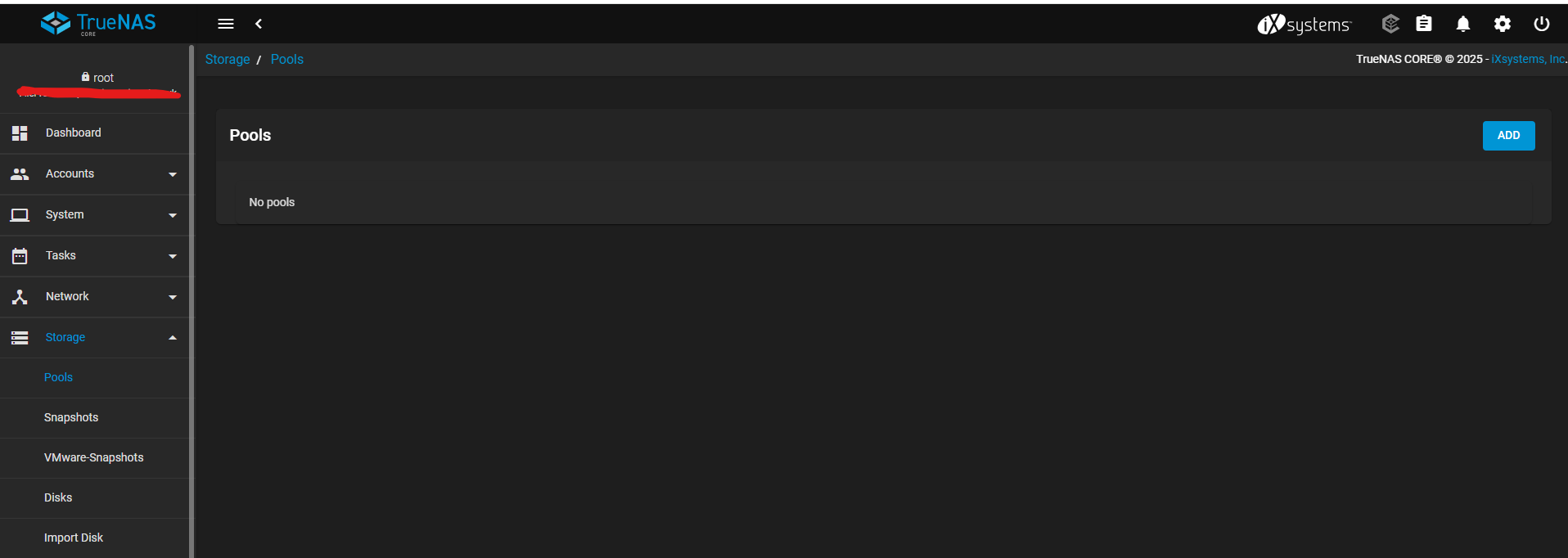
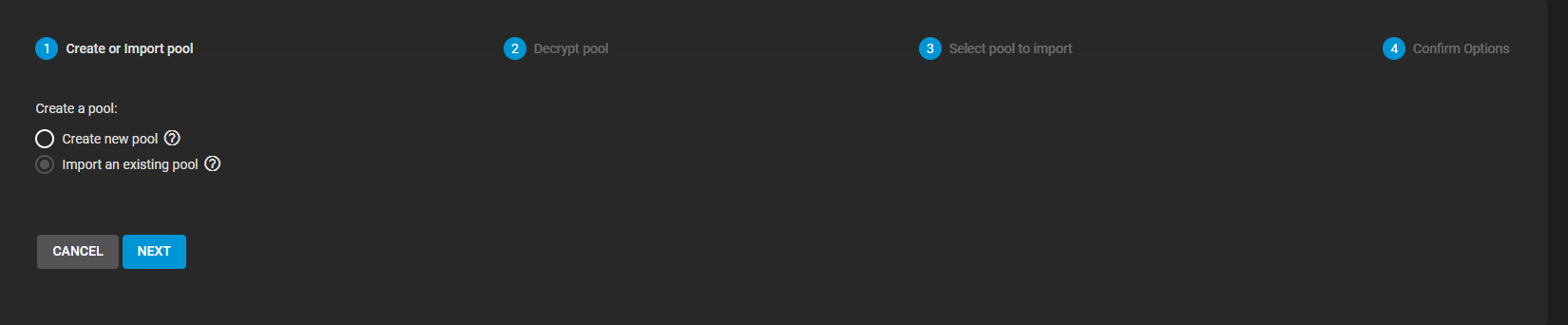
I’m not seeing that option, I see “Add” which goes through the process to “Import existing”, so how do I access this disconnected pool if I just reinstall with Scale?
Surely that won’t be an option once I have flattened and rebuilt the boot devices?
Well since the core and scale gui are somewhat different, it’s no wonder you don’t see the import button under core. I’m still at work but when i’m home in 90 minutes i can post a screenshot from the scale webui page.
Surely it will. As long as you don’t do anything to the data pools, you can destroy and replace your boot drive with a fresh install, connect the drives with exported pools on them, and import them back into the new install.
You can see what the button looks like in 25.04 here:
Sorry LarsR lol, I’m just trying to understand the exporting and importing on Core before I moved onto Scale.
As Djp-iX mentioned if the data hasn’t been destroyed and just exported/disconnected then I only destroy the boot devices and install Scale then all should be good
Thanks guys, let me try this and I will come back with my results