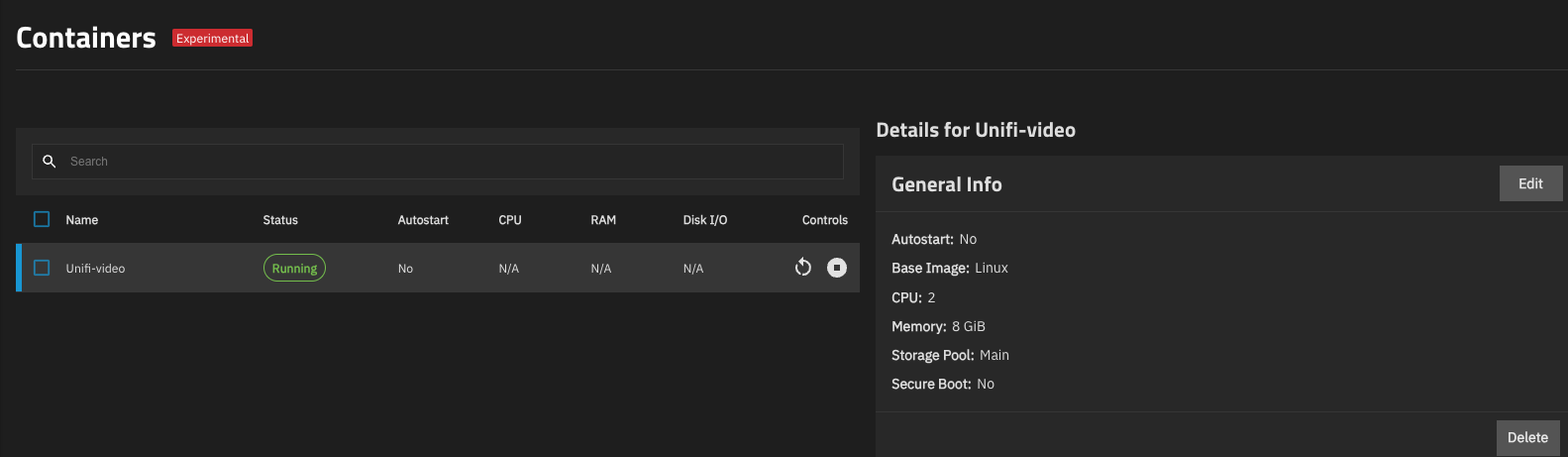
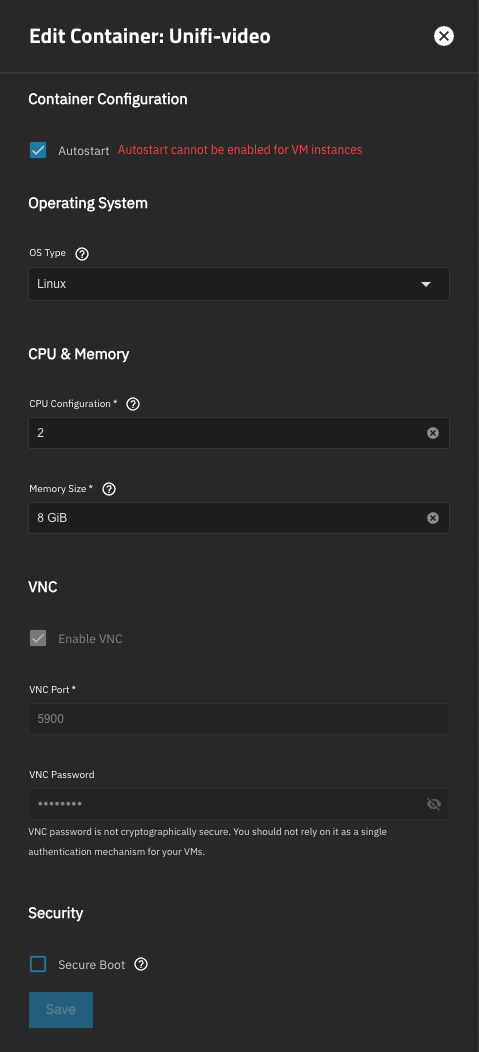
I am not sure why this is and what I need to do to fix that so please advise.
I have that “VM” which is a Unifi Video recorder VM that, I believe, I’ve used since TrueNAS core and after it was migrated to TrueNAS Scale (or so I believe), the autostart’ button wouldn’t let me save the settings saying “Autostart cannot be enabled for VM instances”
I am currently running “25.10.1 - Goldeye” and this is the only container that I have.
If it’s a VM that was created with the incus backend or was migrated to the incus backend that would be normal since incus is scheduled for removal and Autostart for lxc and incus vms has been disabled. It was also stated in the release notes, but I can’t remember which version of true as it was
Virtual machines created in 25.04 (pre-25.04.2) and displayed on the Containers screen do not automatically start on system boot to prevent conflicts with VMs on the Virtual Machines screen that might use the same zvols (NAS-136946).