
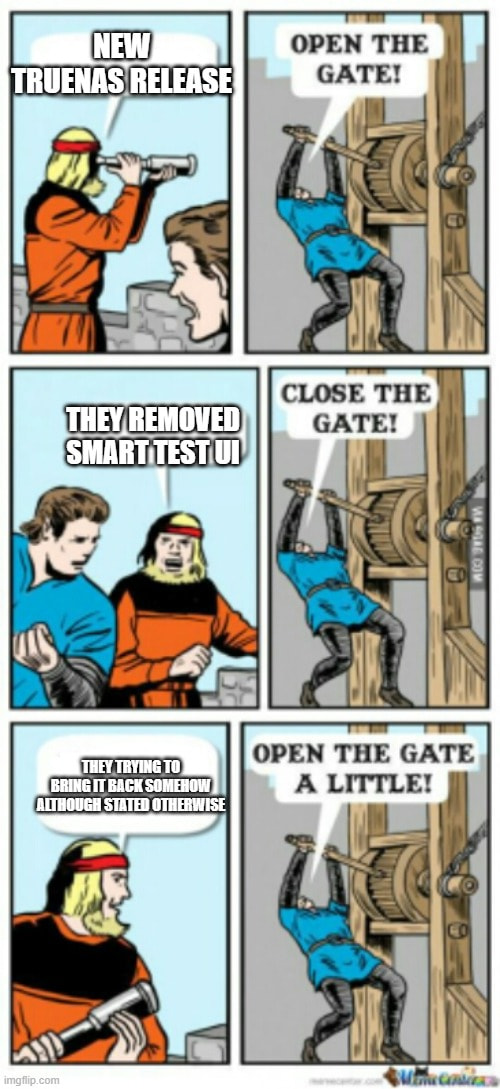
It comes as a surprise to absolutely no one that the changes to SMART monitoring in TrueNAS 25.10 have been … controversial to say the least.
TrueNAS 25.10 removed the UI option to manually schedule SMART short and long testing. Notably, it didn’t “remove SMART” or prevent access to any of the more detailed metrics that were being polled by community scripts or solutions in the background. SMART has been, and will continue to be, actively used to monitor all connected disks. It will still react to critical alerts that require your attention, in conjunction with the much more reliable ZFS drive health monitoring and alerting.
These changes were made to streamline SMART monitoring and have greatly reduced the incidence of false-positive alerts. However, we understand that these changes didn’t perfectly align with the desires of the TrueNAS Home Lab Community for greater control and self-governance of their home built platforms.
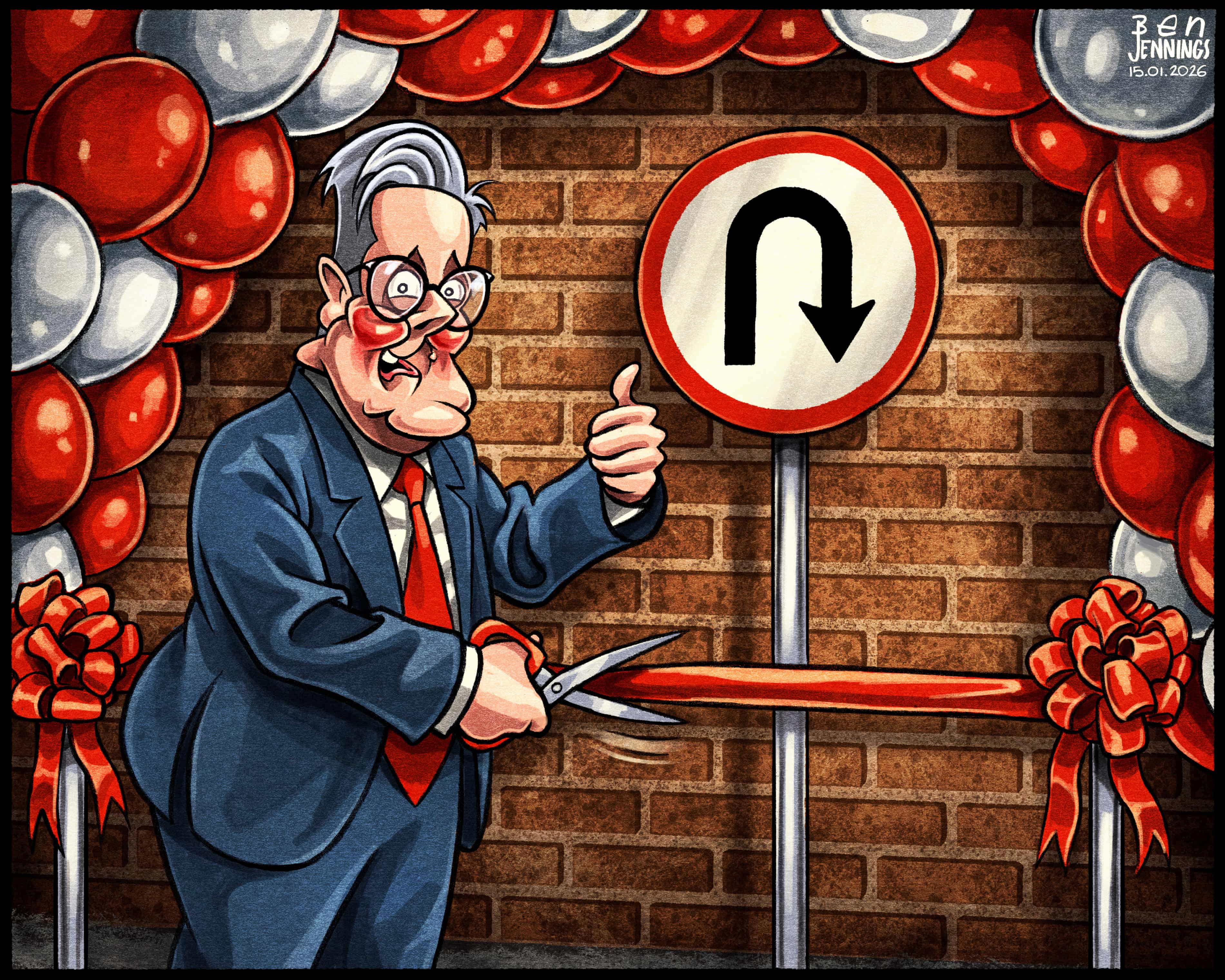
So, the team is currently working on making some changes to TrueNAS to re-introduce some options to give you more advanced visibility and control mechanisms for manual scheduling of your SMART long and short testing tasks.
When will this happen?
We’re firming up the details. We’ll announce the official plans in March.
Are we just going to get the old cron-style scheduler back?
No. We want to make this something that’s able to be used by the community in their scripts and custom solutions - so think “API endpoints” and UI trigger buttons to start/view and not “manual CLI editing.”
I’m on TrueNAS 25.04, I don’t want to upgrade and “lose” SMART.
If you’re running 25.04 and have scheduled tests, you can upgrade to 25.10 and those tests will migrate and continue to run. TrueNAS will raise alerts on drives that fail a scheduled SMART short or long test, or trigger its threshold on a watched value. Again - TrueNAS 25.10 never “removed” SMART functionality.
I want to see every individual SMART statistic and graph it and trendline it over time and-
This was always possible, and still is - but it always required manual (or scripted) collection and parsing and will vary greatly depending on your drive models, firmware revisions, HBA/storage controller, device protocol, and an assortment of other factors.
Thank you for your attention.
- Chris “HoneyBadger”




 I was wondering if there was any new information regarding disks spinning down.
