Hiya,
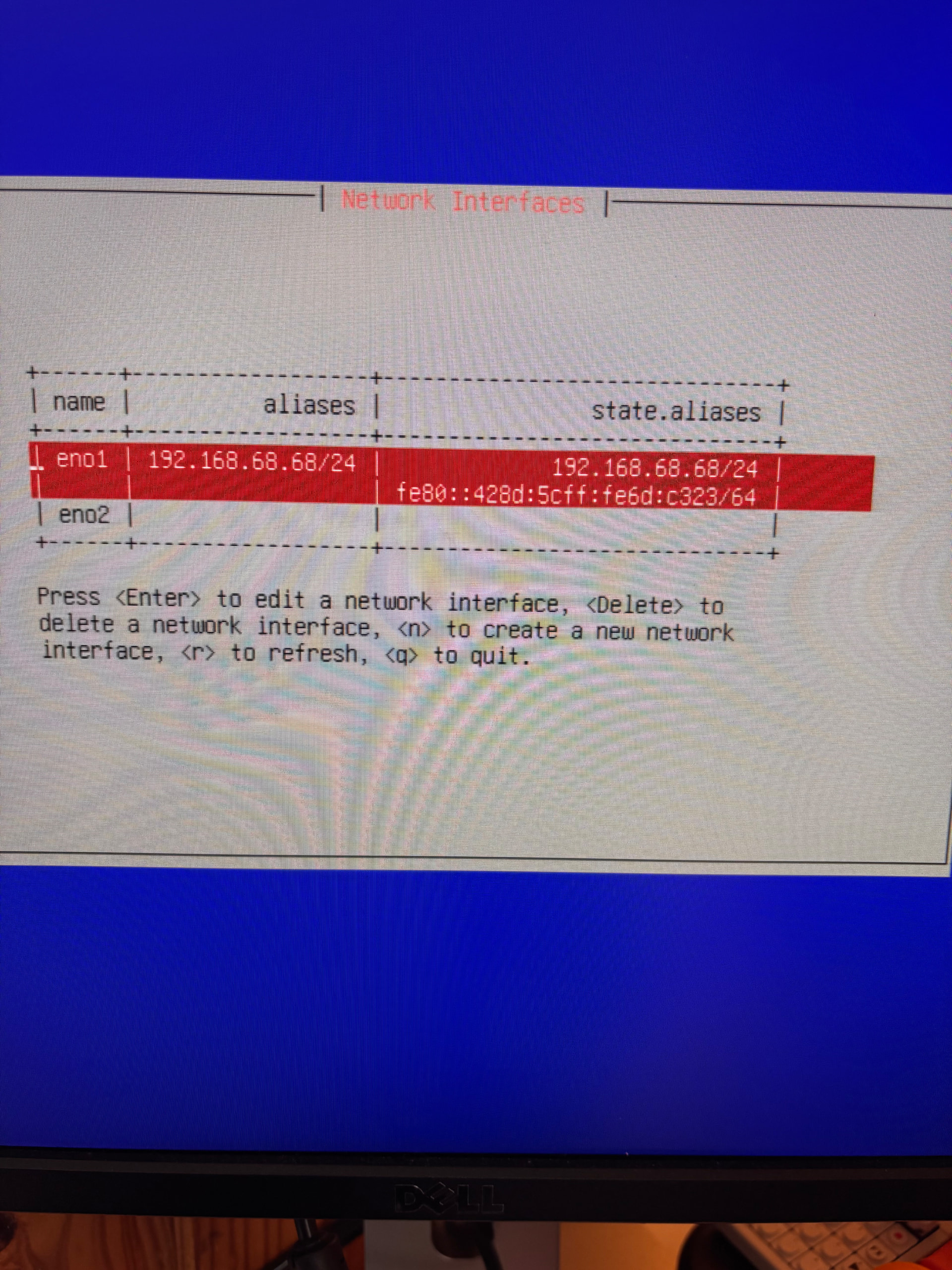
Struggling to get Web interface working:
TrueNAS Scale 25.10.01
Network Interfaces: eno1
Network settings: default, empty string for ipv4, ipv6, all DNS’s
Where to from here?
Thanks
Hiya,
Struggling to get Web interface working:
TrueNAS Scale 25.10.01
Network Interfaces: eno1
Network settings: default, empty string for ipv4, ipv6, all DNS’s
Where to from here?
Thanks
Configure a static IPv4 that’s outside your DHCP range, with your actual gateway and cidr mask. Use 1.1.1.1 and 8.8.8.8 for DNS.
Then choose Linux shell and see whether you can ping your gateway. If not you have a basic networking problem - bad cable, wrong switch port, etc etc
Only tackle v6 after you have v4 working.
Thanks @yorick
It’s looking much better, but I still can’t access the web interface.
ping says destination host unreachable.
I hadn’t setup the static IPv4, so did that first, then setup the DNS and Gateway.
I found this guide helpful too:
TrueNAS SCALE Network Configuration Tips for Home Server - Virtualization Howto
Stay well, cheers
If you cannot ping the gateway from TrueNAS, you have a basic networking issue. Defective cable, wrong switch port, wrong VLAN, what have you. Solve that, and your web access will work. Use the Linux command line option from the TrueNAS CLI, and troubleshoot some.
Thanks, one of the WiFi mesh’s needed an update, I can see the web interface.
ha ha, onto next steps 
Cheers