“
The widely circulated
guideline for TrueNAS is to use 1 GB of RAM for every 1 TB of storage capacity (raw or usable) to ensure optimal performance. However, TrueNAS requires a minimum of 8 GB of RAM to run reliably, regardless of storage size, and the amount of RAM needed is highly dependent on your specific use case. “
For a TrueNAS system with 4 x 14TB Toshiba N300 pro hard drives (56 TB raw storage), you should aim for 16 GB to 32 GB of ECC RAM for optimal performance in a typical home or small office environment. The specific
Toshiba N300 Pro drives do not change the core RAM requirements, which are driven by the ZFS file system and your usage.
RAM Recommendations by Use Case
The amount of RAM you need depends heavily on how you plan to use your TrueNAS server:
|
Recommended ECC RAM |
Rationale |
| Basic File Sharing |
16 GB (Minimum 8 GB) |
Sufficient for simple SMB shares and occasional data access. Performance is better with 16 GB. |
undefined|----|----|----|
| File Sharing & Media Server | 32 GB | Running additional services like Plex or Jellyfin (via apps/jails/VMs) requires extra RAM on top of the base system requirements for smooth operation. |
undefined|----|----|----|
| High Performance/Many Clients | 32 GB+ | For high I/O workloads, such as iSCSI to back up Virtual Machines or many simultaneous users, more RAM (32 GB or 64 GB) is beneficial for the ZFS Adaptive Replacement Cache (ARC). |
undefined|----|----|----|
| Deduplication | Avoid this feature | Deduplication requires a massive amount of RAM (around 5 GB per TB of stored data) and is generally not recommended for home users. |
undefined|----|----|----|
Key Considerations
-
ECC Memory is Strongly Recommended: TrueNAS and the ZFS file system are designed to protect data integrity, and using Error-Correcting Code (ECC) memory is a crucial part of this protection.
-
ZFS Uses All Available RAM: ZFS will use as much RAM as you can provide for its cache (ARC), which drastically improves performance by reducing the need to access the slower spinning hard drives. Unused RAM is essentially wasted RAM in a TrueNAS system.
-
The 1 GB per TB Rule: This is an old general guideline and a good starting point, but it’s not a hard-and-fast rule, especially at higher storage capacities. For your 56 TB raw capacity, you would technically be at 56 GB based on that rule, but 32 GB is often adequate for home use and offers significant performance benefits over the minimum.
Based on the AI result, seems like you are under estimating how much ram you need. You need more. 32gb seems to be the safe bet, which is what i use for myself.
However, it’s the worst time to be buying ram right now, but if you then what to do
If you want to go noctua fans for case fans, they are indeed good performers and can also do well even at low rpm. However, expect to pay their premium price for a premium product.
If however you want bang for buck, i suggest you look artic fans that are quite good for the price. This is what i bought for my own truenas rack case. The one you want is dual ball bearing rated for 24/7 for specs. Make sure the size matches what fits in your case.
another thing to consider, for the motherboard, do you need ipmi? or not? ipmi is mostly for the remote access management.
or an alternative is something like jetkvm
for myself, i got neither of these things. Instead i used a LONG hdmi cable that just barely reaches my truenas server (yes my server is next to my desktop. it’s my bling  ), toggle display so it shows the truenas server. I did this for when initially setting up truenas by flashing the truenas OS from usb stick to install onto the ssd. And also when i am diagnosing truenas to confirm the current ip if am not sure. But other than those scenarios, i don’t typically need to do that, so the cable is left unplugged unless needed.
So just imagine if your situation where your truenas is not close to a monitor, then your choices are, IPMI, jetkvm (or similar), or drag a monitor closest to the truenas and hook the hdmi cable. So which suits you? you best plan for this.
if IPMI is a must, then that narrows your motherboard choices to something that has ipmi. but even without ipmi, you can go with jetkvm which gives you the same functionality more or less, so you can check truenas backend screen from your LAN or even remotely.
as for PSU dust filters that i don’t know. But be careful when cleaning because even when powered off, there may be electricity in there. The most i did was use a dust blower. i also use gloves so i don’t get shocked. so careful
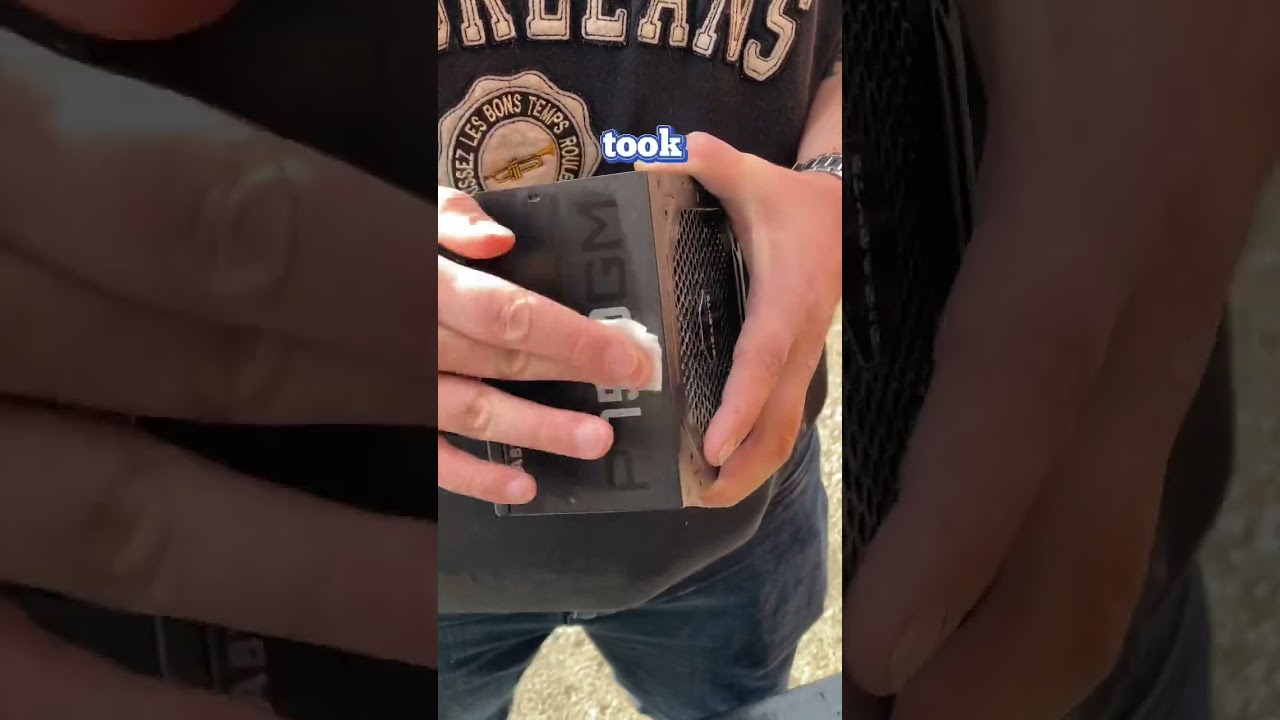
For a TrueNAS system with 4 x 14TB Toshiba N300 Pro hard drives, you need a high-quality Power Supply Unit (PSU) with a capacity between 300W and 450W from a reputable brand, with an 80 Plus Gold or Platinum efficiency rating.
Power Calculation & Requirements
The primary consideration is not the total wattage, but the PSU’s efficiency at low loads and its ability to handle the startup current of multiple hard drives.
-
Hard Drive Power Consumption (Typical Operating): Each 14TB Toshiba N300 Pro consumes around 6.77 W during typical read/write operations and about 4.54 W at active idle. For four drives, this is roughly 27 W (operating) to 18 W (idle).
-
System Components: A low-power CPU, motherboard, and RAM typically consume around 40-60 W in total under load.
-
Peak Startup Power: The critical factor is the power surge when all drives spin up simultaneously. Each drive can peak at around 12W-20W during startup, meaning a potential combined startup load of 48W-80W just for the drives, in addition to the rest of the system.
A quality 300W-450W PSU from a reputable brand will easily handle this while remaining in a highly efficient operating range for a 24/7 NAS.
Recommended PSUs
Focus on reliability, efficiency, and stable power delivery over high wattage. Look for models from established brands that offer a good warranty (7+ years is a good indicator of quality).
-
Seasonic Focus GX-650
: While a slightly higher wattage than strictly necessary, this fully modular unit is known for exceptional reliability, an 80 Plus Gold rating, and a long warranty, making it a solid, long-term investment for a 24/7 server.
-
Corsair RM Series (e.g.,
RM450
or
RM550
if available, or step up to RM650x): These are highly recommended for home servers due to their efficiency, low-load performance, and quiet operation (zero RPM fan mode at low loads).
-
Cooler Master MasterWatt Series
: A good balance of price and performance, often cited as a reliable option for low-wattage systems.
Why Efficiency and Quality Matter
-
24/7 Operation: A NAS runs continuously, so a power-efficient (Gold or Platinum rated) PSU will save you money on electricity over time.
-
Reliability: A quality PSU provides clean, stable power, which is vital for protecting your valuable data on the hard drives.
-
Low-load efficiency: Many PSUs are designed for peak PC loads (e.g., gaming PCs with powerful GPUs), but a NAS often idles at a very low wattage. Ensure you get a model that maintains good efficiency even at loads under 100W.
my vote goes for the Seasonic Focus GX-650. Found a review for their GX-750  mostly because it has a 10 year warranty
https://seasonic.com/focus-gx/
the Corsair RM650x looks good as well.
There is no RM650x (ATX v3.1), providing a tremendous edge to the RM650e (ATX v3.1). There are not many 650W PSUs compatible with Intel’s newest ATX spec (and the PCIe CEM 5.1), so the competition is not fierce in this category. With its 12V-2×6 socket set at 300W max output, the RM650e can support the upcoming NVIDIA RTX 5070 and 5070 Ti models, which have 250W and 300W TDP, respectively.








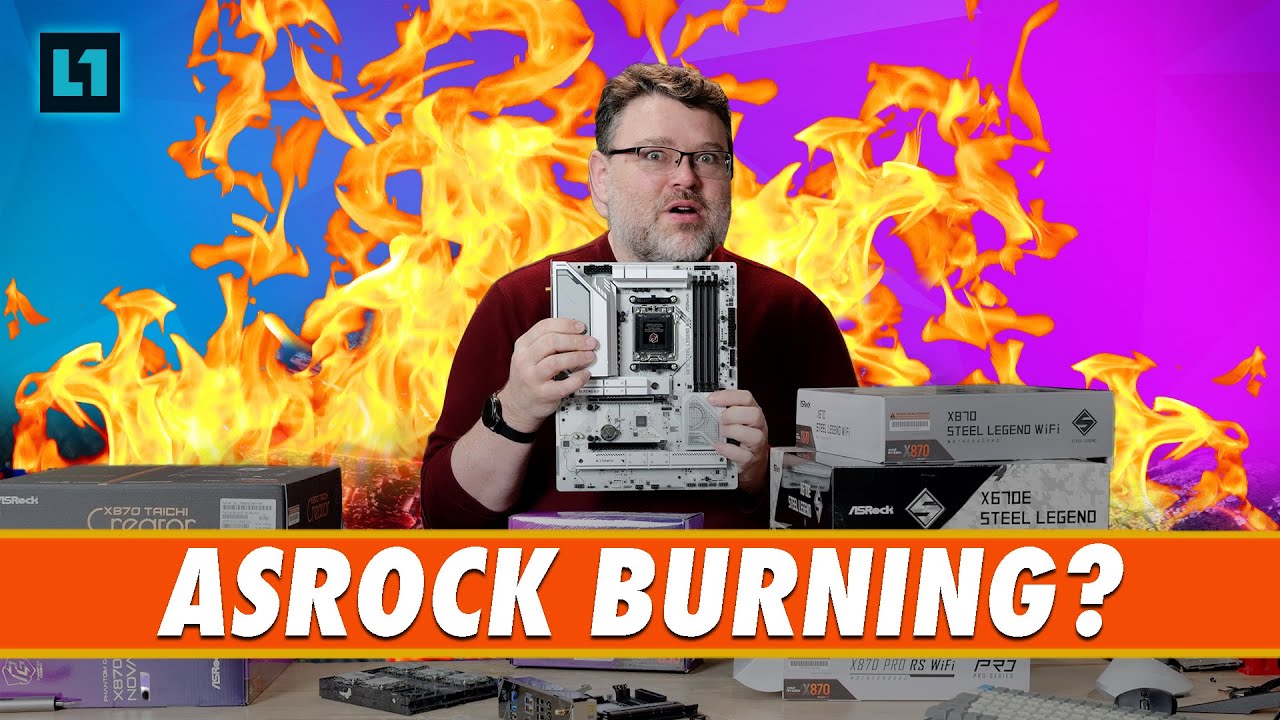
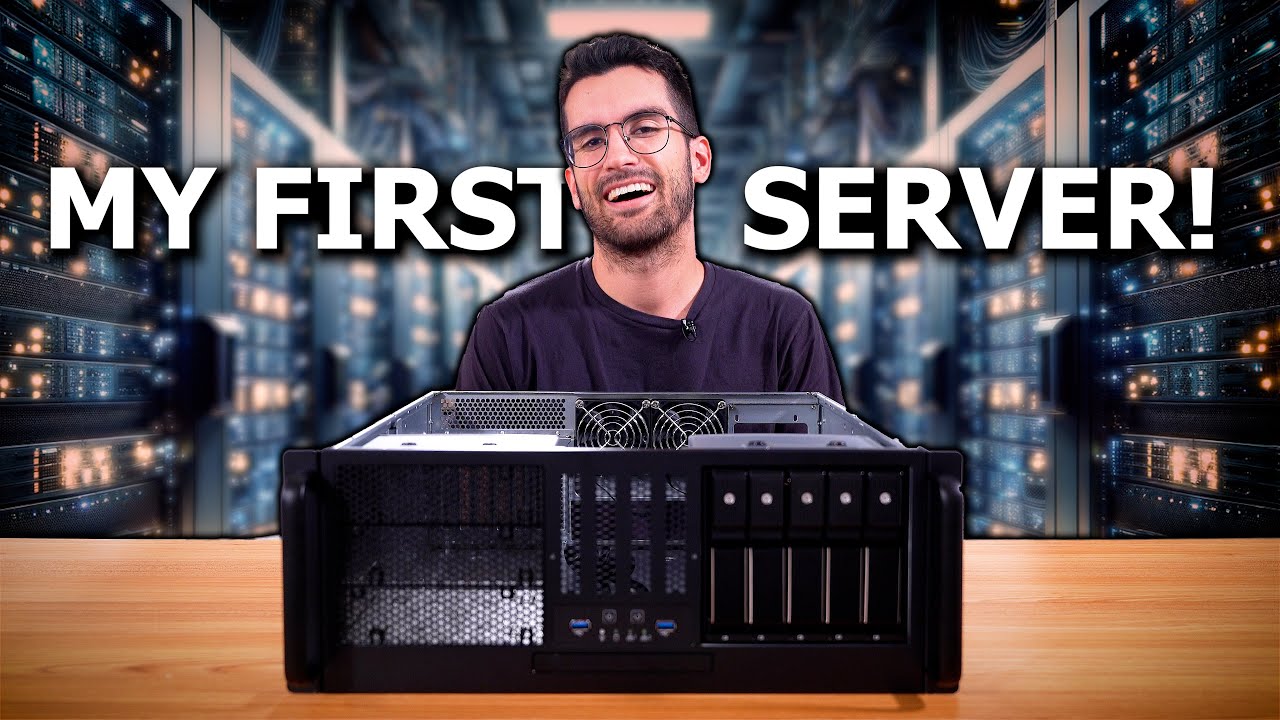
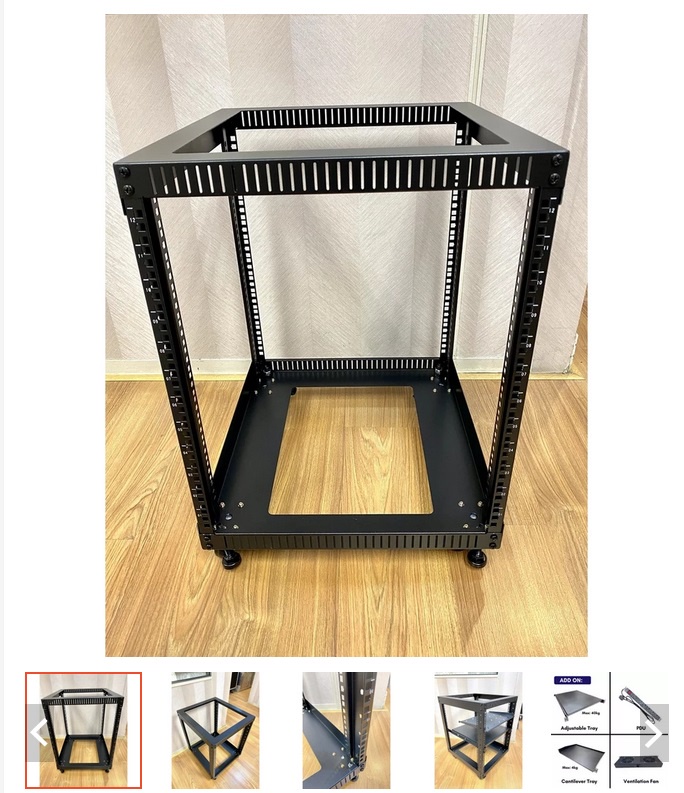



 . Thanks for the links and all the information. Regarding other people’s builds, i struggle a little because my processing and bandwidth needs are far lower than other setups that I see, but I just want so much more storage capacity. Also, wanting a near silent NAS build with no HDDs is also slightly oddball build. Again, i have seen some, but they are on bigger cpu, nice NIC cards either 10GB or link aggregation, etc which isn’t something I need.