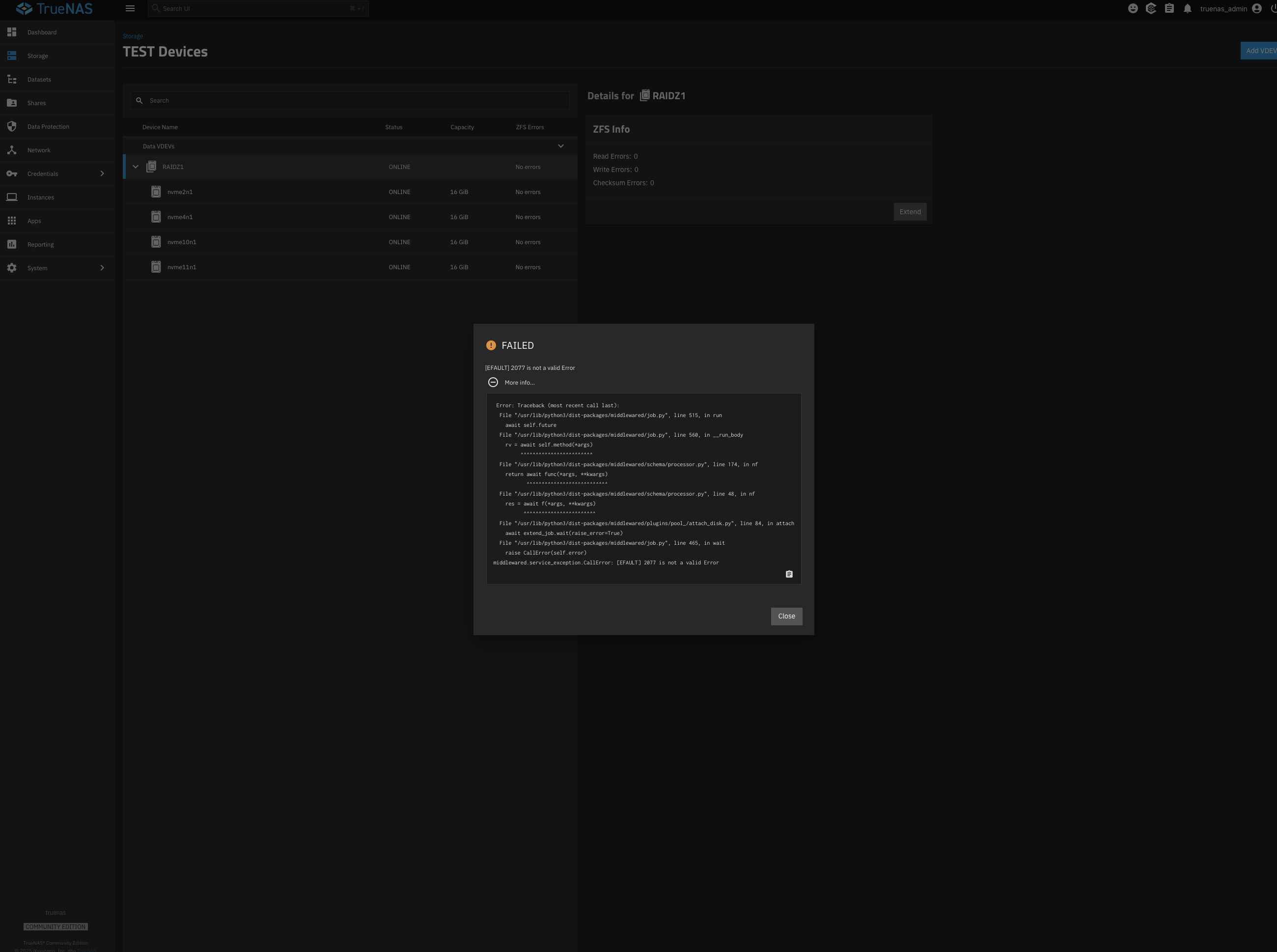
I have a zfs pool with 4 disks, one of them was faulty.
I’ve replaced it physically.
It seems that, instead of replacing the faulty one by the new one,I’ve extended the pool…
pool: Data
id: 14766178653660046557
state: UNAVAIL
status: One or more devices contains corrupted data.
action: The pool cannot be imported due to damaged devices or data.
see:
config:
That’s it, and you’re in serious trouble… Do you have a backup?
Plug back the drive you’ve added. The pool absolutely requires it now. Do not reformat it, or attempt to use it for replacement again: That would destroy your pool for good.
What’s the condition of the drive you removed? Does it still spin when powered? Can it be plugged back?
What’s your hardware?
If you’re short of SATA ports, you need a HBA to be able to add more drives.
And you’ll need more drives: At least one more to actually replace the failing drive. And then even more drives to backup your pool completely, destroy it and recreate it with a sane geometry.
(Not to mention that if you cannot get the pool back, your last hope to recover something will be Klennet ZFS Recovery, and this will require disk space to recover data to.)
The faulty disk is having very very strange spinning noise, and this one is not correctly detected now…
I will try to plug it back at the end of my holidays but…
I’ve read the documentation, asked ChatGPT and as I see it’s not possible for me to recover my data
So ‘Faulty’ is likely dead. The new drive HAS to come online for you to do anything with ZFS.
Failing that, your last line of hope is Klennet ZFS Recovery, running from Windows. Good points: Scanning is free, and it possibly does not need the new drive to recover what was in the raidz1 vdev before the new drive was added. Bad points: If Klennet can recover something, you’ll need sufficient free space (new drives) and pay the $399 license.
I really want to write up a good feature request for integrating pool checkpoints into the GUI, and triggered automatically before certain operations.
Need to find the motivation to do it. I just don’t feel like putting so much effort into creating a feature request, justifying it, and giving examples on how to implement it, only for it to die on the vine.
Problem is you can’t currently replace a drive in TrueNAS when a checkpoint exists so dude would have still have had to discard the checkpoint before the disk replacement went bad and would still be in trouble. Caveat you may be able to do an in place replacement but I’d imagine it’s more common that users have a faulted/offline/remove first.
That’s not what happened. @lepinaydavid accidentally extended the pool. In this situation, a checkpoint would automatically be made before the operation. They would then rewind to the checkpoint, back to a time before the new vdev or extension happened.
If they actually (correctly) did replace a faulty drive, then no automatic checkpoint would be made.
The safety trigger would happen only for adding new vdevs. Then it could be automatically discarded the next day, maybe.
Yeah no joys. I think this happens for the same reason hot-spares don’t work and you can’t replace a drive that has gone offline when a checkpoint exists.
Adding a new vdev to a pool is not the same as replacing a drive in an existing vdev.
@lepinaydavidintended to replace a failing drive, but they accidentally added a new vdev. This is where an automatic checkpoint trigger could have been a safety net.
Your example made it seem like you tried to replace a drive, not add a new vdev? Unless I read it wrong?
The GUI is ambiguous. The correct term is “add”, as in zpool add, even if the GUI might label it as “extend”. You’re not actually extending an existing vdev. You’re adding a new vdev entirely. (Which is what the OP did.) A checkpoint would reverse this, beginning the pool back to the state before a new vdev was added.
Ah I get you. I heard extend and assumed extend. Silly me
Adding a new stripe vdev to an existing RAIDZ1 pool via the UI is impressive. I can’t even figure out how to do that yet as it really doesn’t want me to shoot myself.