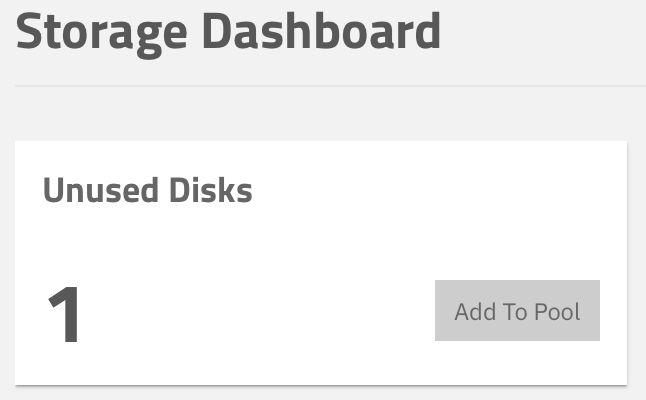
I have a pool that currently consists of two 14 TB disks in a mirror configuration. I have a third 14 TB disk that I’d like to add in order to increase redundancy.
On the command line, I’d just do:
zpool attach tank current_disk-1 new_disk
…but what’s the right way to do this through the GUI? I see two paths and it’s not clear to me from the TrueNAS docs what the difference between them is:
From the Storage Dashboard under Unused Disks, click Add to Pool
Re: command line equivalent, I’ve been messing with zfs in Proxmox recently and forgot that TrueNAS uses partitions instead of whole disks. I’d do something like this, although sgdisk would recreate the 2 GB (swap?) partition that’s on my two existing disks. “Extend” did not – the third disk only has a single partition.
# copy partition table from existing disk to new disk
sgdisk /dev/[current_disk-1] -R /dev/[new_disk]

# randomize GUIDs on new disk
sgdisk -G /dev/[new_disk]

# get partition UUIDs
blkid

# attach new disk
zpool attach tank [current_PARTUUID] [new_PARTUUID]
This is 2 GB padding as free space, put back when iX found that, to the surprise of absolutely no-one, removing the 2 GB partition led to major pain when replacing drives, but if I’m not mistaken it is no longer a partition so it is less obvious to see.