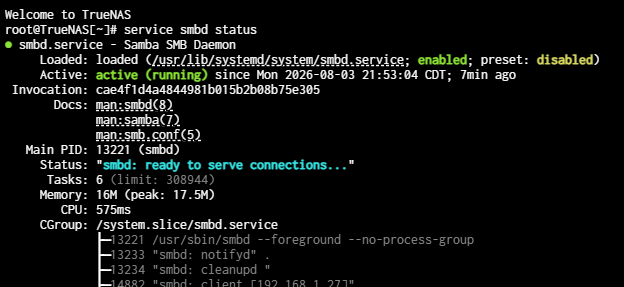
Just curious if anyone on Nightlies lost SMB shares updating to August editions. The SMB service is running but rejects my authentication from Windows. Updating from 26.0.0-MASTER+20260725-020146.
If you think you’ve hit a bug, please submit a bug report. The forums aren’t set up to support nightlies.
1 Like
The ticket doesn’t contain minimal amount of information to be actionable (system debug).
Submitted a ticket in Jira, so we’ll see.
https://ixsystems.atlassian.net/browse/NAS-142046
Is that the ticket?
As mentioned. No debug, not actionable. We’re obviously not seeing this in internal CI so might be something in your particular config that’s broken.
Supplying the debug report is a low bar.
If there is something in your particular config that’s behind this issue, the debug may well be able to point that out. Actions can then be taken to either make the implementation more robust, or help end users adapt their config as to make it more suitable.
Anything else is basically asking them to find a needle in a haystack. You already know they can’t repro it.
Right. The debug is minimum bar that a ticket must pass before it gets past triage. We can’t triage it if we only have an anecdote without configuration details and logs. Eventually automated processes will time out the ticket and close it.
1 Like
Been busy. I’ll upgrade to Aug 3 nightly and attach the debug file. I’ve set the permission via Filesystem ACL for SMB. I don’t think NFS or raw blocks will be affected. Could be security stringency that I’ll need to work around, but my current SMB config has been used for version 24 till now, hence I was checking to see if this was a known issue or a configuration issue on my end.
Yes, that is the ticket.
NFS, iSCSI, and NVMe-oF are unaffected. Issue seems to be with credentials from Windows or Linux clients to SMB shares. User name or password not accepted. Appreciate the input.
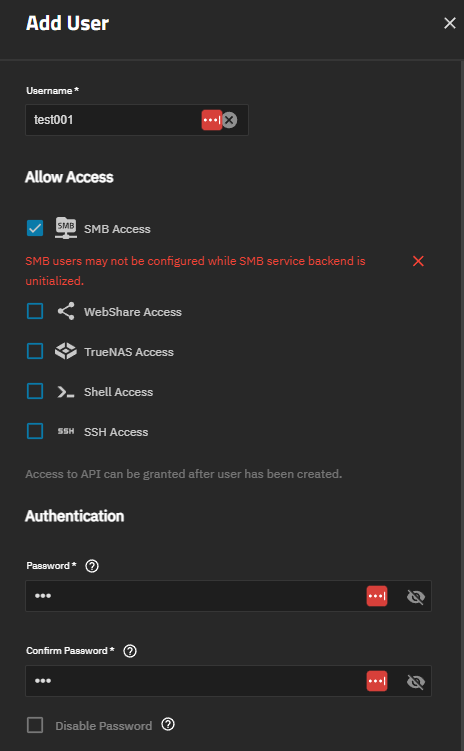
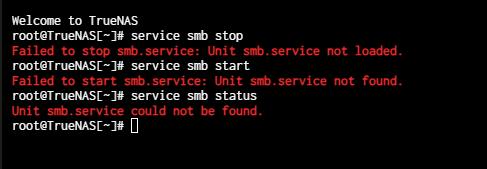
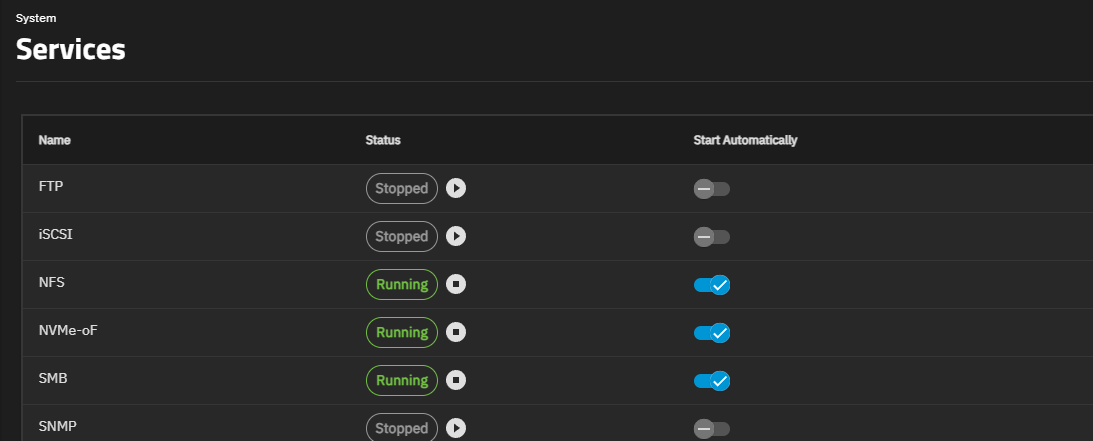
Correct syntax was “service smbd”* but switching the Boot Environment from old, reboot, and switching back to the latest, reboot, seems to have fixed the issue with SMB service not fully initializing from the update.
For anyone else having the issue try from shell:
service smbd stop
service smbd start
service smbd status