I have a few questions within this post so please bear with me.
I built my server in 2015 and has faithful served me for ten years using Freenas 9.3. Just this past week, I couldn’t connect.
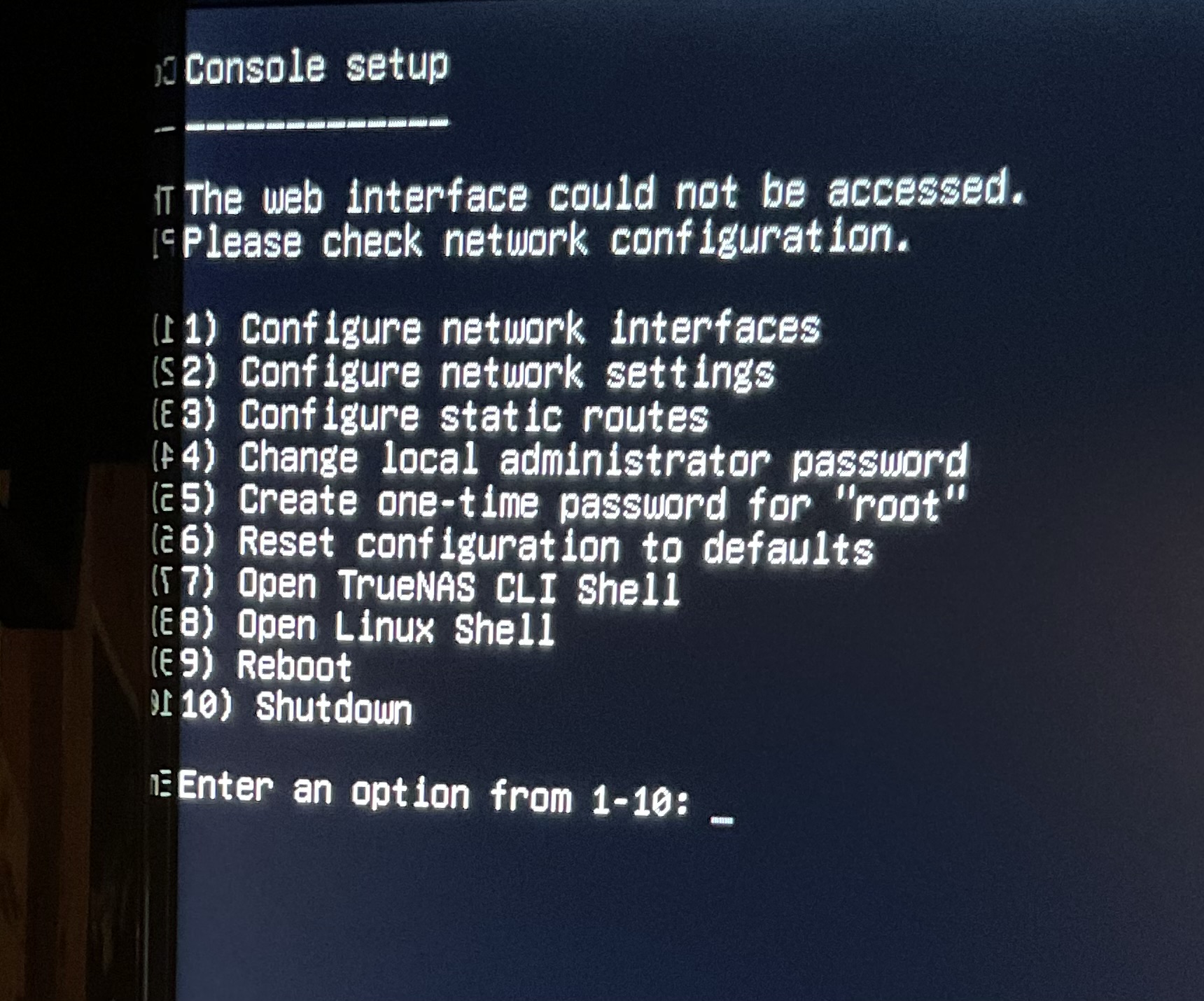
Adding a keyboard and monitor and booting from the two original USB drives, I can see it does boot, but with considerable errors such as “WARNING: failed to start dhclient” and network address listed as :0.0.0.0.
I bought two new 16GB thumb drives suspecting the originals were corrupted, to use a boot drives, at least to recover my data. It took me awhile to find a copy of FreeNas 9.3 file (not sure it’s correct) , used Rufas to copy it to a thumb drive and tried to boot it, but it didn’t work. I got a message saying “This is a NAS data disk. You can not boot from this drive.” I think the process I used, did not create a boot drive. My concern is saving my data.
Where do I go from here?
My second question: I know that my setup is ten years old, and I do plan on upgrading to TrueNas, with a SSD as a boot drive. Is it possible to install the latest version of TrueNas and still save my data?
My final question: I use my server for backing up my documents, pictures, music and I don’t stream movies. I know that my MB is capable of a significant CPU upgrade and I can add another 8GB’s of memory. Would it be worth it to do so, or is my system so outdated, I should be looking for a new MB too?
Here is my current setup:
Case
Lian Li case PC-
Motherboard
Tyan S5533 mini ITX Motherboard
Power Supply
ANTEC PS EA-380D GREEN RT
CPU
CPU INTEL|CELERON G1840 2.8G 2M R 2cores, 2 threads
Memory
Either that, or the boot order is set incorrectly in your BIOS.
As long as your pool wasn’t encrypted, sure; any newer version of FreeNAS, or any version of TrueNAS, should be able to import the pool and access your data.
Correct, this creates an install usb drive. Insert the second USB drive and use the first to install FreeNAS to the second. I’d disconnect your hard drives first just to be safe.
First, thank you all for your advice. Unfortunately, my Dell laptop doesn’t make it east to boot from a USB. I’ve tried several times and are uncomfortable making all these changes to the BIOS to allow it to boot. This and your warning about disconnecting my hard drives got me worried about bricking the only computer I own.
On to plan B! I ordered two (used) Intel DC S3500 120GB SSD hard drives, to install the latest version on TrueNas. A search on this forum highly recommended these and are scheduled to arrive early next week. I may need a bit more advice getting them imported into the new system.
OK, making progress. I made a bootable USB drive, installed TrueNAS SCALE Fangtooth 25.04 [release] on an Intel SSD(boot drive) and it loaded up to the menu and gave me an address.
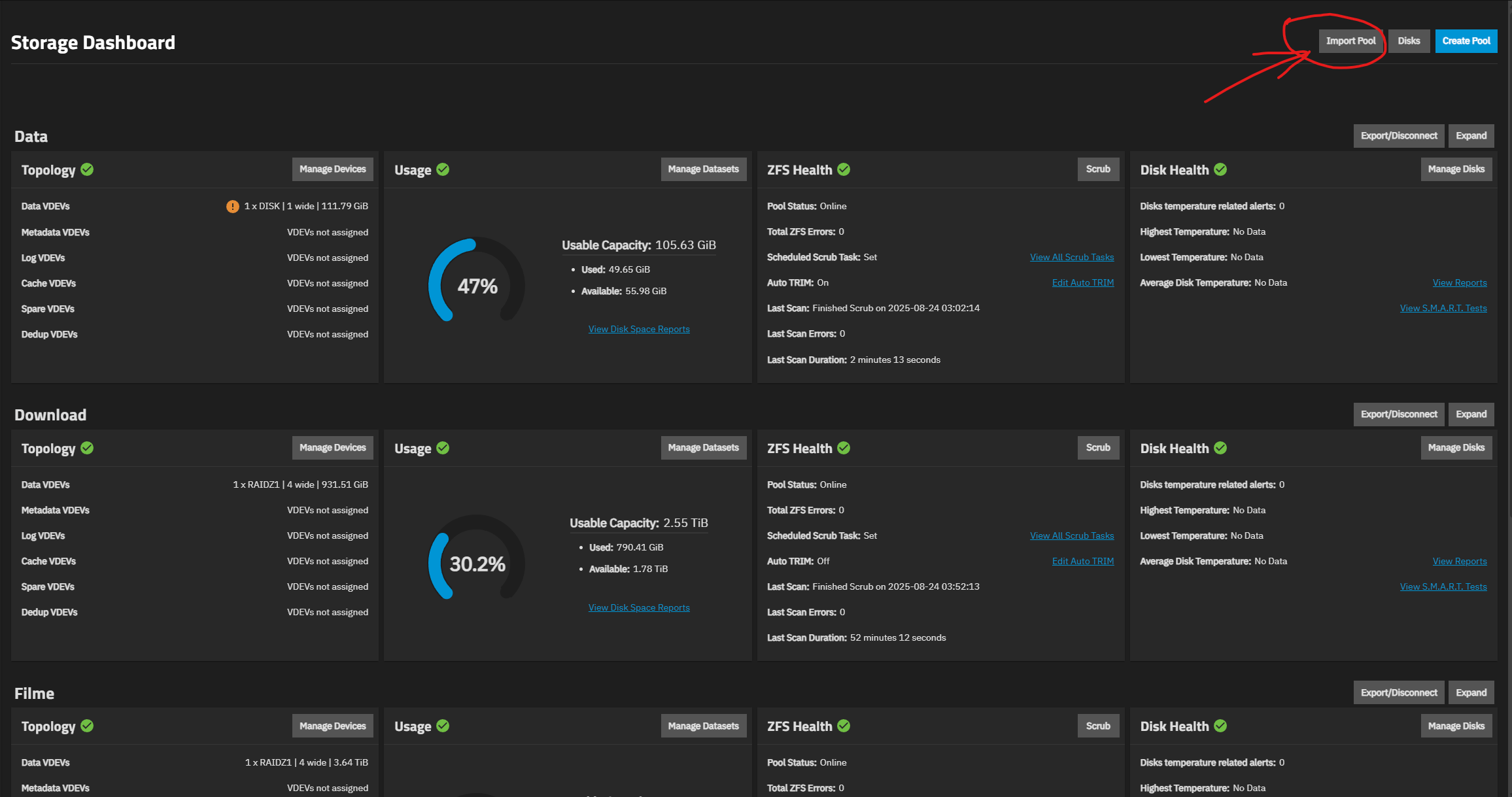
I logged in to the GUI and can’t see how to import the pool(s). I did not export the pool(s) when my server was running FreeNas 9.3, because I was not able to access it.
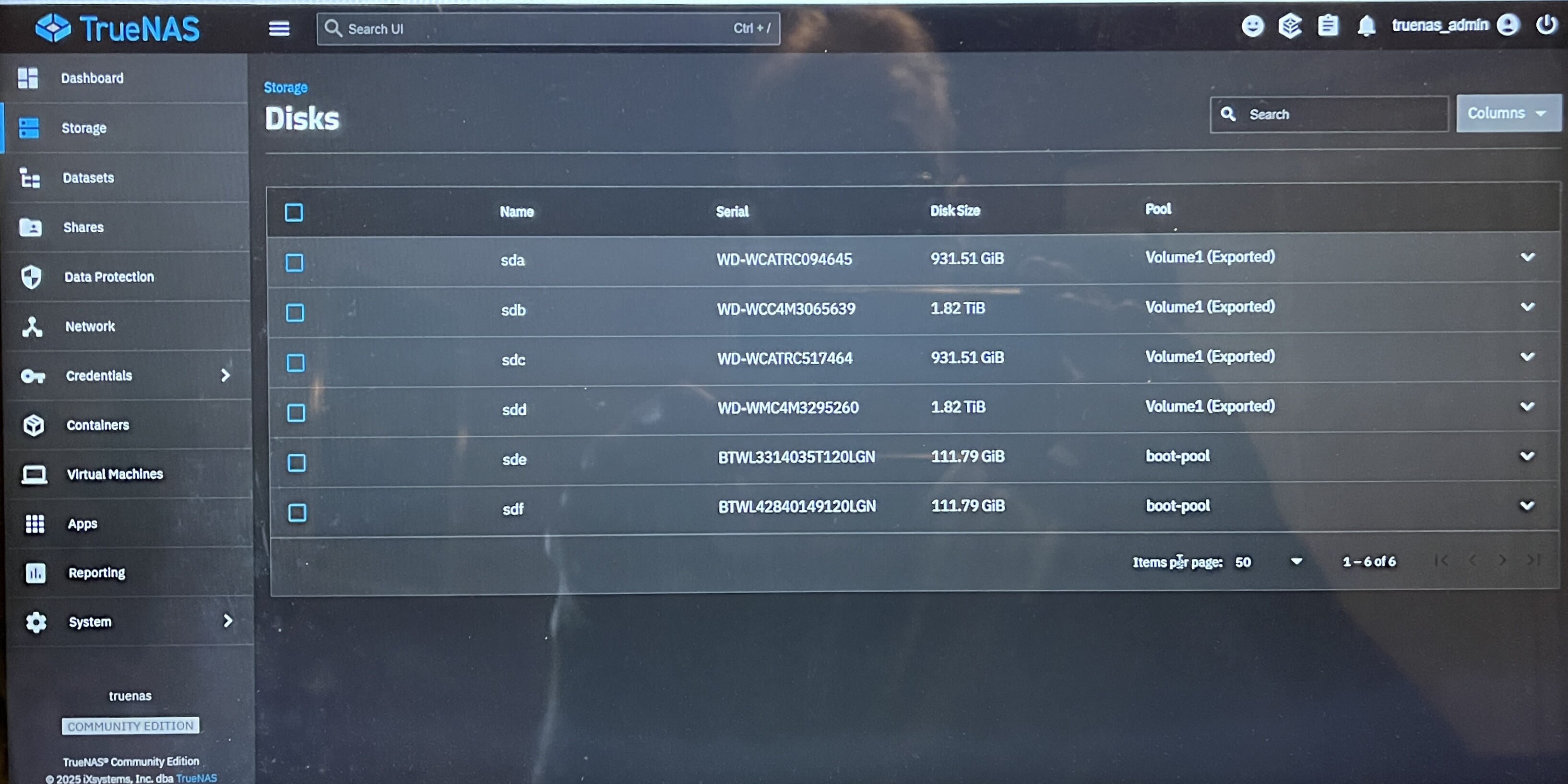
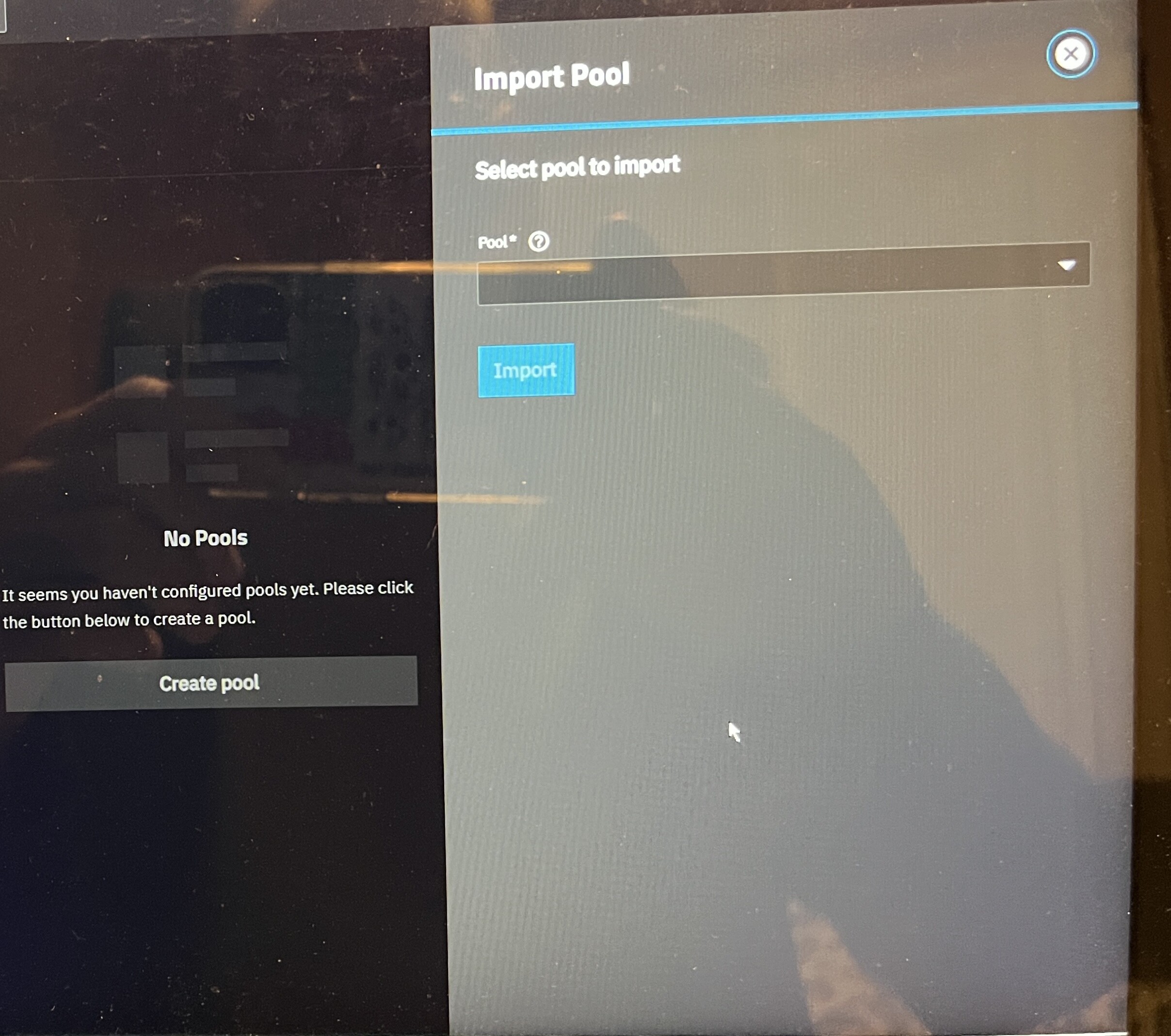
I can see all of my drives, under Storage/Disks, but can’t see any pool(s) under Storage/Import Pool.
you should be able to, if your forum trust lvl is high enough. You may have to start the tutorial from the forum bot. When you joined the forum you should have recieved a private message from the bot to start the tutorial. Complete it and you should be able to post pictures
I’m patiently waiting for some expert advice on how I can import my pool from previous installed Freenas 9.3. that stopped working.
TrueNas scale is installed on a intel SSD boot drive. I am able to remote into the GUI and TrueNas sees the pools as you can see in the photos, but not when I try to import them.